React-to-print: With out using class
i am unable to use the react to print using export default and i am using this export default in another js file and calling that file in my print.js file where i have a button to print
 hamzakhan747
All 13 comments
Hello. Can you please show some code and show where the problem is?
 MatthewHerbst
on 18 Dec 2019
MatthewHerbst
on 18 Dec 2019
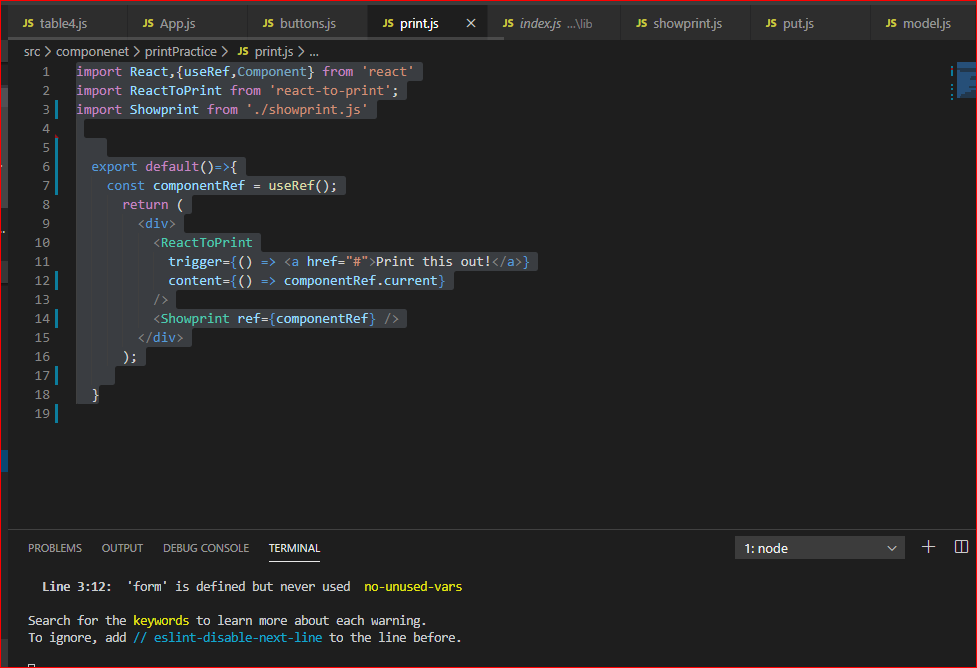
Code in Print.js file:
import React, { useRef, Component } from 'react'
import ReactToPrint from 'react-to-print';
import Showprint from './showprint.js'
export default()=>{
const componentRef = useRef();
return (
<div>
<ReactToPrint
trigger={() => <a href="#">Print this out!</a>}
content={() => componentRef.current}
/>
<Showprint ref={componentRef} />
</div>
);
}
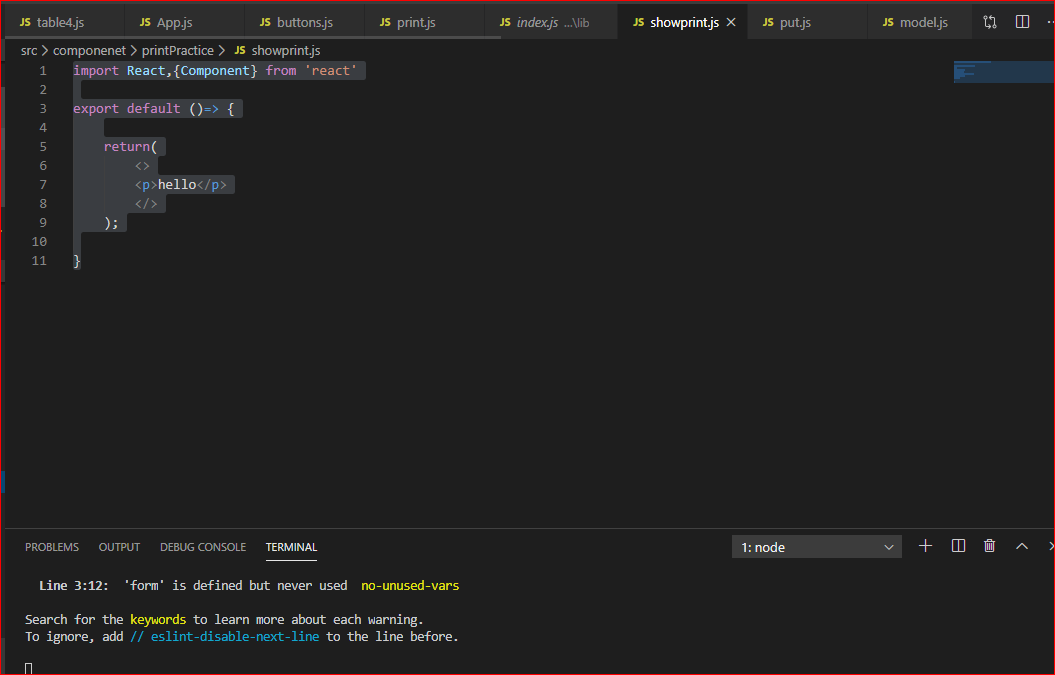
Code in show print.js file:
import React,{Component} from 'react'
export default ()=> {
return(
<>
<p>hello</p>
</>
);
}
Error:
index.js:1375 Refs are not available for stateless components. For "react-to-print" to work only Class based components can be printed
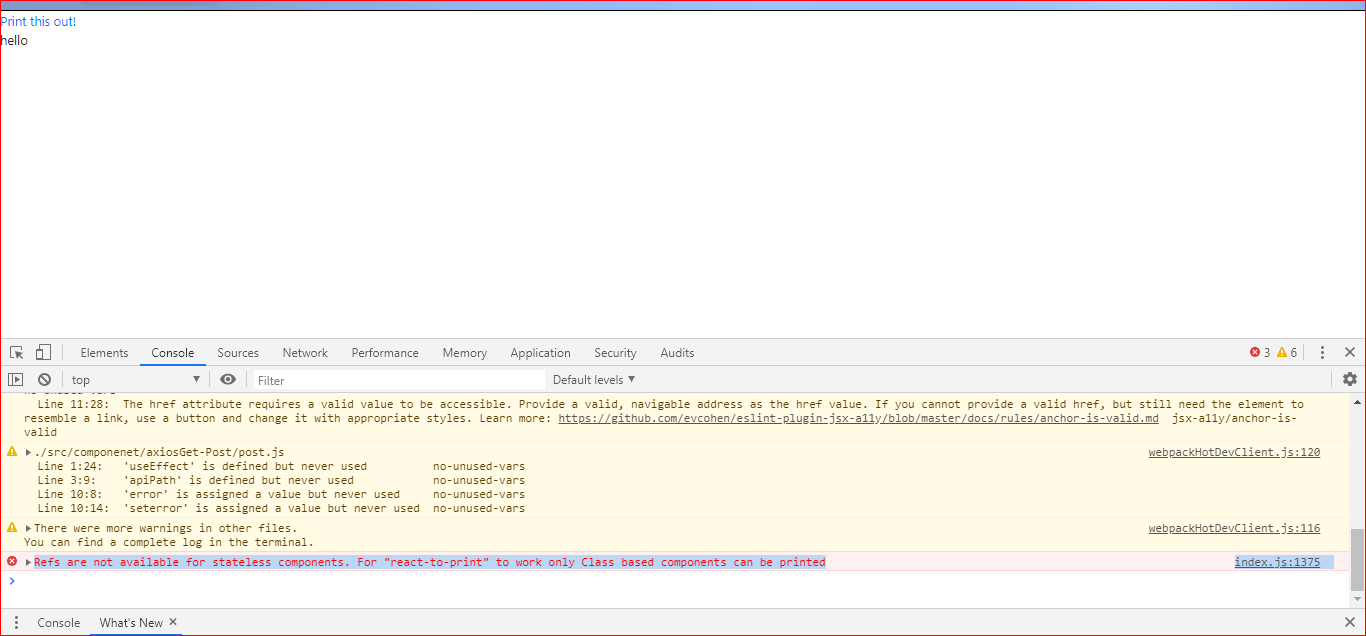
The error message says exactly what is wrong... you cannot use a functional component for the content. It must be a class based component.
MatthewHerbst
on 18 Dec 2019
@MatthewHerbst do you plan adding support for functional components anytime soon ?
 ErnestBrandi
on 25 Sep 2020
ErnestBrandi
on 25 Sep 2020
@ErnestBrandi My plan was to add such support once React 17 is stable, and then this library will support React 16 and React 17. Currently we still support React 15, and React 15 cannot handle functional components here, so to support functional components will be a major (breaking for React 15 users) change of this library.
Is the inability to use a functional component preventing you from using this in some way?
MatthewHerbst
on 25 Sep 2020
Yes, I started using React recently and I only use functional components; so unfortunately this plugin does not fill my needs.
ErnestBrandi
on 25 Sep 2020
Yes, I started using React recently and I only use functional components; so unfortunately this plugin does not fill my needs.
But you know that you can use a class component with functional components right? There is no difference between the two other than code style and minor differences in lifecycle methods
MatthewHerbst
on 27 Sep 2020
Not sure what you mean here. My website is built with functional components, I don't want to transform them in class components in order to use this plugin. Also I think I tried wrapping the components I wanted to print into a class component and I got the same error message.
ErnestBrandi
on 27 Sep 2020
My website is built with functional components, I don't want to transform them in class components in order to use this plugin
You can freely mix class and functional components in React. There is no requirement to only use one or the other. For example:
const FunctionalComponent1 = () => <div>Some content</div>;
const FunctionalComponent2 = () => <div>Some content</div>;
class ClassComponent1 extends React.PureComponent {
render() { return <div>Some content</div>; }
}
// Note: it's good practice to never default export a function without a name, since then the component in your tree will be unnamed and it can make debugging harder
export default MyApp = () => {
const componentRef = useRef();
return (
<div>
<ReactToPrint
trigger={() => <a href="#">Print this out!</a>}
content={() => componentRef.current}
/>
<ClassComponent1 ref={componentRef}>
<FunctionalComponent1 />
<FunctionalComponent2 />
</ClassComponent1>
</div>
);
};
I relate with the pain of @hamzakhan747, I have recently started using react so all tutorials i used to learn react all used function components. Came across this thread as I was looking to find a way how to pass props to the print component. Managed to find how they are done in class based components.
Anyway, maybe it would help to add some basic examples in the read me? How to pass props to the print component? How to use the onbefore* methods and most importantly what the componentRef part is used for
 il-frans
on 25 Nov 2020
il-frans
on 25 Nov 2020
@il-frans there is an example folder that shows lots of different use cases. And you pass props to a class component the exact same way you pass props to a functional component.
MatthewHerbst
on 26 Nov 2020
@MatthewHerbst I must have missed that as I only look to the read me.
Fantastic work Matthew
il-frans
on 26 Nov 2020
@hamzakhan747 @il-frans @ErnestBrandi @MatthewHerbst
Some kind of trick: To use an external functional component, add a ref prop with another name to the component.
Code in Print.js file:
import React, { useRef, Component } from 'react'
import ReactToPrint from 'react-to-print';
import Showprint from './showprint.js'

  export default()=>{
    const componentRef = useRef();
      return (
        <div>
          <ReactToPrint
            trigger={() => <a href="#">Print this out!</a>}
            content={() => componentRef.current}
          />
          <Showprint refPropWithAnotherName={componentRef} />
        </div>
      );
  }
Code in showprint.js file:
import React,{Component} from 'react'

export default Showprint ({refPropWithAnotherName})=> {
    return(
        <div ref={refPropWithAnotherName}>
        <p>hello</p>
        </div>
    );
}
WORKS LIKE MAGIC
 BossBele
on 26 Mar 2021
BossBele
on 26 Mar 2021
Related issues
 quadh
·
5Comments
quadh
·
5Comments
 abdurrehman1998
·
8Comments
abdurrehman1998
·
8Comments
 avniraiyani
·
3Comments
avniraiyani
·
3Comments
 AJTJ
·
4Comments
AJTJ
·
4Comments
 invious
·
4Comments
invious
·
4Comments
Most helpful comment
@hamzakhan747 @il-frans @ErnestBrandi @MatthewHerbst
Some kind of trick: To use an external functional component, add a ref prop with another name to the component.
Code in Print.js file:
Code in showprint.js file:
WORKS LIKE MAGIC