React-spring: Suggestion: Documentation needs work
Suggestions - -
Your project is great, but you need more simple examples as your risking overwhelming users with too much information. I'm glad react-spring is so flexible but the documentation needs to start minimal. A simple spring or slide in effect would be a much better example. Start users small and gradually build them up to more complex components. I think making these change would make your framework ease adoption.
 thebetterjort
All 16 comments
@thebetterjort great idea! Documentation has always been a sore spot for me. Do you have any concrete ideas how to pull it off? I actually thought that hey maybe i've been going a bit overboard with the interpolation stuff but then again, i was hoping that being able to simply glance over everything would help ...
 drcmda
on 22 Mar 2018
drcmda
on 22 Mar 2018
Tried to give it a go, would you say it's gotten better or worse?
drcmda
on 22 Mar 2018
I'd also like to chime in that the provided examples are a little complex.
For example, I've been having some trouble just animating a div to slide in from the left of the screen. It think it'd be great to have some extremely basic examples.
- Fade in / out a div
- Move a div left and right on click of a button.
And by div I mean something as simple as:
<div style={{ height: '100px', width: '300px', background: 'blue' }} />
 dan-kez
on 19 Apr 2018
dan-kez
on 19 Apr 2018
@dmk255 could you solve your sliding div?
The problem seems to be that if they're too simple, then a little more daring use-cases will be out of reach. The simplest possible examples are on the frontpage, a fade-in for instance.
drcmda
on 19 Apr 2018
I would be willing to push some work on a better documentation.
:+1: this if you would like to see this happening
Why?
I want to make libraries like this more popular and easier to use.
I think we could make demos easier to understand and create simple step-by-step-guides for newcomers (to this lib) and designers.
How
I have been testing several libraries to generate meaningful documentations and guides.
I will implement a demo here: https://github.com/pixelass/react-spring (using patternplate)
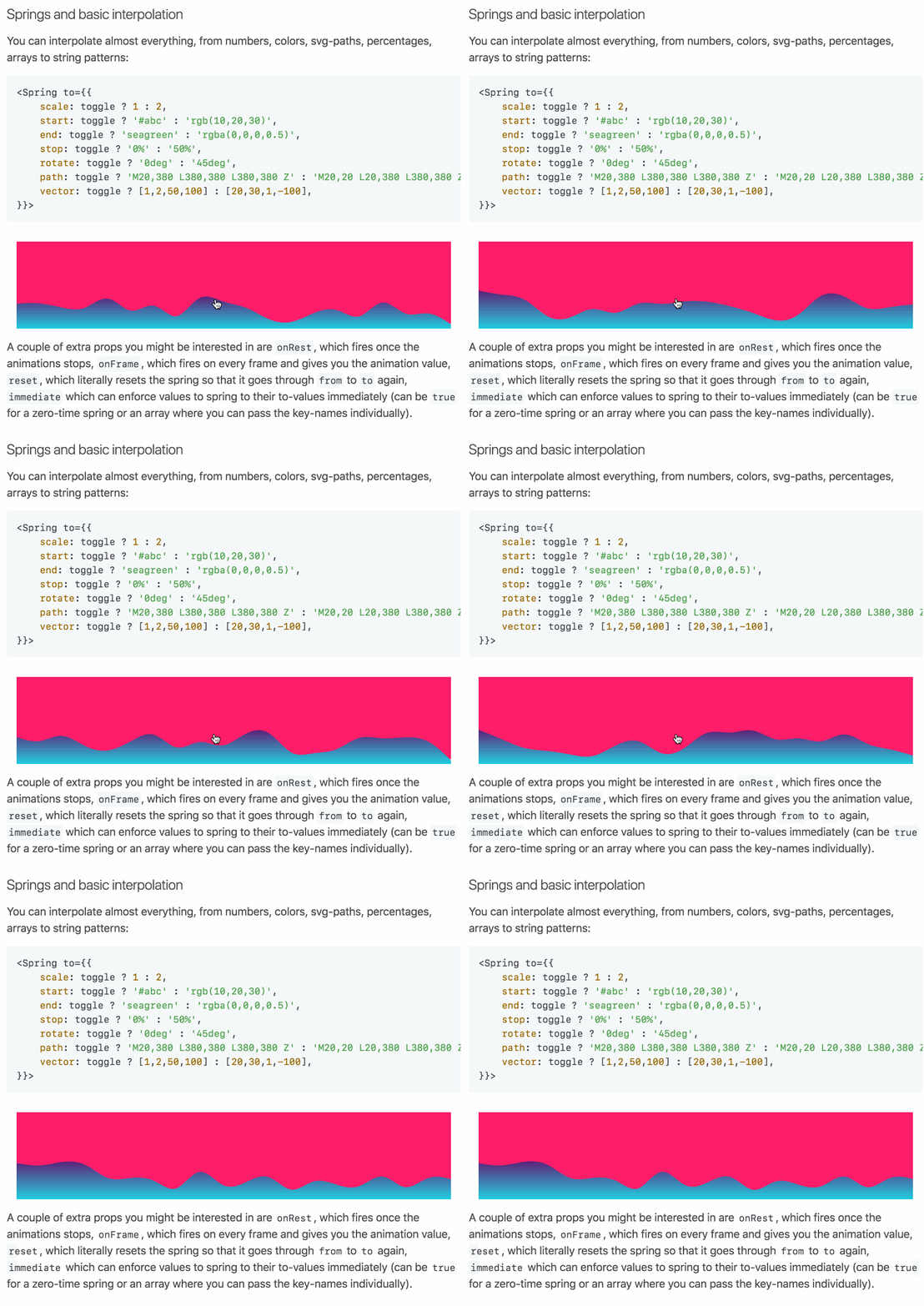
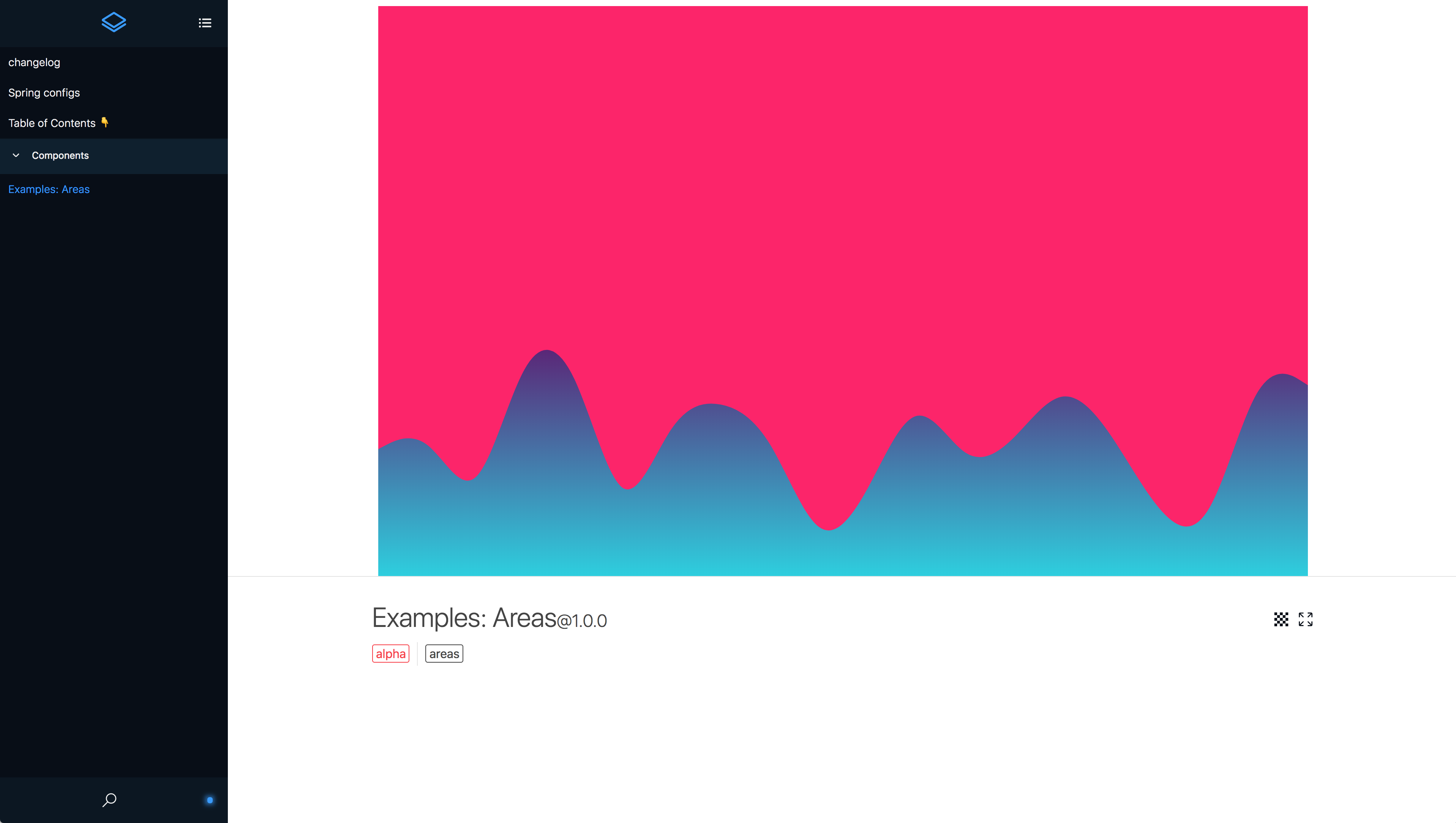
Patternplate works with the existing demos and documentation. It is pretty easy to add this layer on top of the existing repo without causing any restructuring (see provided screen- cast/shot).
We can easily inline demos in markdown files.
Example Inline
the example just shows a random demo in a MD file. (not the correct demo for the section)
Example scoped demo
 pixelass
on 25 Apr 2018
pixelass
on 25 Apr 2018
@pixelass sounds great, you want to give it a shot and then we review?
drcmda
on 25 Apr 2018
@drcmda your ping was what I was waiting for. I can prepare a proposal within the next few days.
pixelass
on 25 Apr 2018
@drcmda I have a working example but had to make minor changes to the examples folder
Imports
All imports need to be relative to allow transpiled packages
to work as standalone demos without extra webpack steps
// import { Spring } from 'react-spring'
import { Spring } from '../../../dist/react-spring.cjs.js'
This issue* occurs due to the hard-coded dependency of regeneratorRuntime in some examples (e.g. timing)
Styles
All styles.css files were renamed to index.css
This is something patternplate expects (js, html, css should have the same name for demo templates)
I added an index.css file for every demo to ensure covering the page and providing a stable viewport
Result
Everything works as expected.
- No changes in main repo
- Examples work as intended (as before)
- examples can now be included in guides etc.
I will push the example within the next few hours and open a new issue (linking here)
pixelass
on 30 Apr 2018
@pixelass cool, curious how it'll look. We can use this issue or the pr to work on it.
drcmda
on 30 Apr 2018
@drcmda I'll just keep commenting here then since it's in context of the original issue.
I was able to refactor my example so the styles.css remains untouched.
Here's the demo:
https://pixelass.github.io/react-spring/manual/
Inline demos can be seen here:
https://pixelass.github.io/react-spring/manual/doc/API-OVERVIEW

pixelass
on 30 Apr 2018
Hi, first of all thanks for the library, it's awesome!
I'm not sure if this is the right place to comment, but I didn't want to open a new issue just to share an example I made.
My use case was animating a form and I had to make a few workarounds to make a heterogeneous array of components to work with Trail. I hope this helps somebody in the future: https://codesandbox.io/s/04l80xr09p
Btw, if you have any suggestions of improvement on the code, I'd be glad to hear!
thanks
 thiagomurakami
on 11 May 2018
thiagomurakami
on 11 May 2018
@thiagomurakami this is pretty awesome, really nice way to use trail. If you like, polish it a little (centric, maybe inside a material-card, some styles, etc.) and i'd love to refer to it in the demos page.
The cloning part can be shortened a little btw, you can spread undefined objects, only undefined arrays don't work.
{LoginFormContent({ onSubmit: this.toggle }).map(component => style =>
    React.cloneElement(component, { style: { ...component.props.style, ...style } })
)}
@drcmda did you get a chance to look into my demo?
pixelass
on 11 May 2018
@pixelass I did look into it all but had a super busy run at work that took time away. The idea is to host it on gh pages and it will basically reflect the boring readme.md in a more appealing way with live demos, correct? Is this ready to go into a pr?
drcmda
on 11 May 2018
@drcmda the documentation/demo could be hosted anywhere. I just added the gh-pages to show a live version so it is easier for you to decide.
The changes would be reflected as follows:
- current demo remains landingpage with a link to the docs (not implemented in my demo, example: https://patternplate.github.io/)
- every example would be rendered as a separate demo
- each demo can be embedded into markdown files (within the docs)
- the "boring readme" has been updated to show how it works
After this has been implemented it is easier to provide more info for each demo since every demo folder can have a Readme.md which will be shown in the docs.
Eventually demos will get updated and new demos will be more informative.
It will be easy to add simple guides with live examples.
I can create a PR for this but I would exclude the gh-pages part.
pixelass
on 11 May 2018
you can spread undefined objects
Didn't know that!
Added some styles on the codesandbox (same link)
thiagomurakami
on 14 May 2018
Related issues
 flsilva
·
3Comments
flsilva
·
3Comments
 Daniel15
·
3Comments
Daniel15
·
3Comments
 sakhisheikh
·
3Comments
sakhisheikh
·
3Comments
 fortezhuo
·
3Comments
fortezhuo
·
3Comments
 Oba-One
·
3Comments
Oba-One
·
3Comments
Most helpful comment
I'd also like to chime in that the provided examples are a little complex.
For example, I've been having some trouble just animating a div to slide in from the left of the screen. It think it'd be great to have some extremely basic examples.
And by div I mean something as simple as: