React-slick: Blur effect in Chrome 88
As you may have noticed from your own examples page, after updating Chrome browser to version 88, your carousel began to disintegrate into pixels after swiping the slides.
I checked through browserstack, everything works correctly on version 87 and in beta version 89. The bug is only 88. What should we do? Our sites are broken.
 G0TT0N
All 9 comments
I got the same issue in v88.
 tgldr
on 28 Jan 2021
tgldr
on 28 Jan 2021
I get serious distortions during slide transitions in Chrome with any version after 87. Chrome Beta 89.0.4389.23 does NOT fix the issue for me. It reminds me of some issues about 5-6 years ago related to translate3d but obviously those particular issues were resolved. This is disturbing since it has made in all the way to a production Chrome release. Edge 88.0.705.56 also exhibits this problem.
I even removed any text and I can still see serious distortion/blurriness even with just an image sliding. There is a noticeable jarring crisp to blurry shift when the slide animation starts, and then a similar blurry to crisp shift when the animation stops.
As of right now I can't even seem to get the Chromium Bugs page (https://bugs.chromium.org/p/chromium/issues/list) to load (there seems to be a known issue with Monorail), and I'm also having difficulty finding any helpful info in general web searches.
Here is a codepen of a basic test (this is just a simple JPEG): https://codepen.io/dlong500/pen/dyOydZE
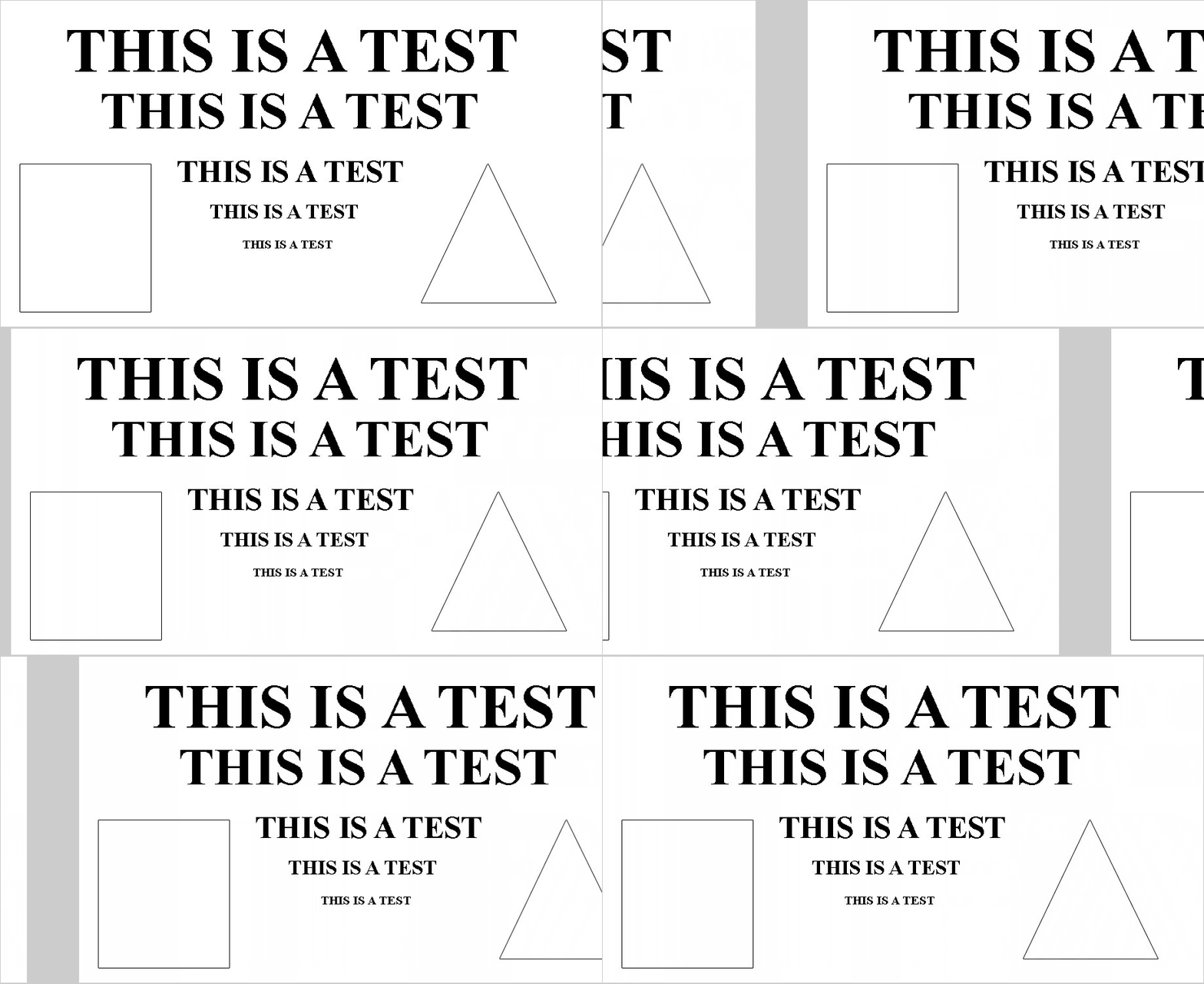
Here is an animated gif of the test running under Chrome 87 with proper transitioning (Click to expand):
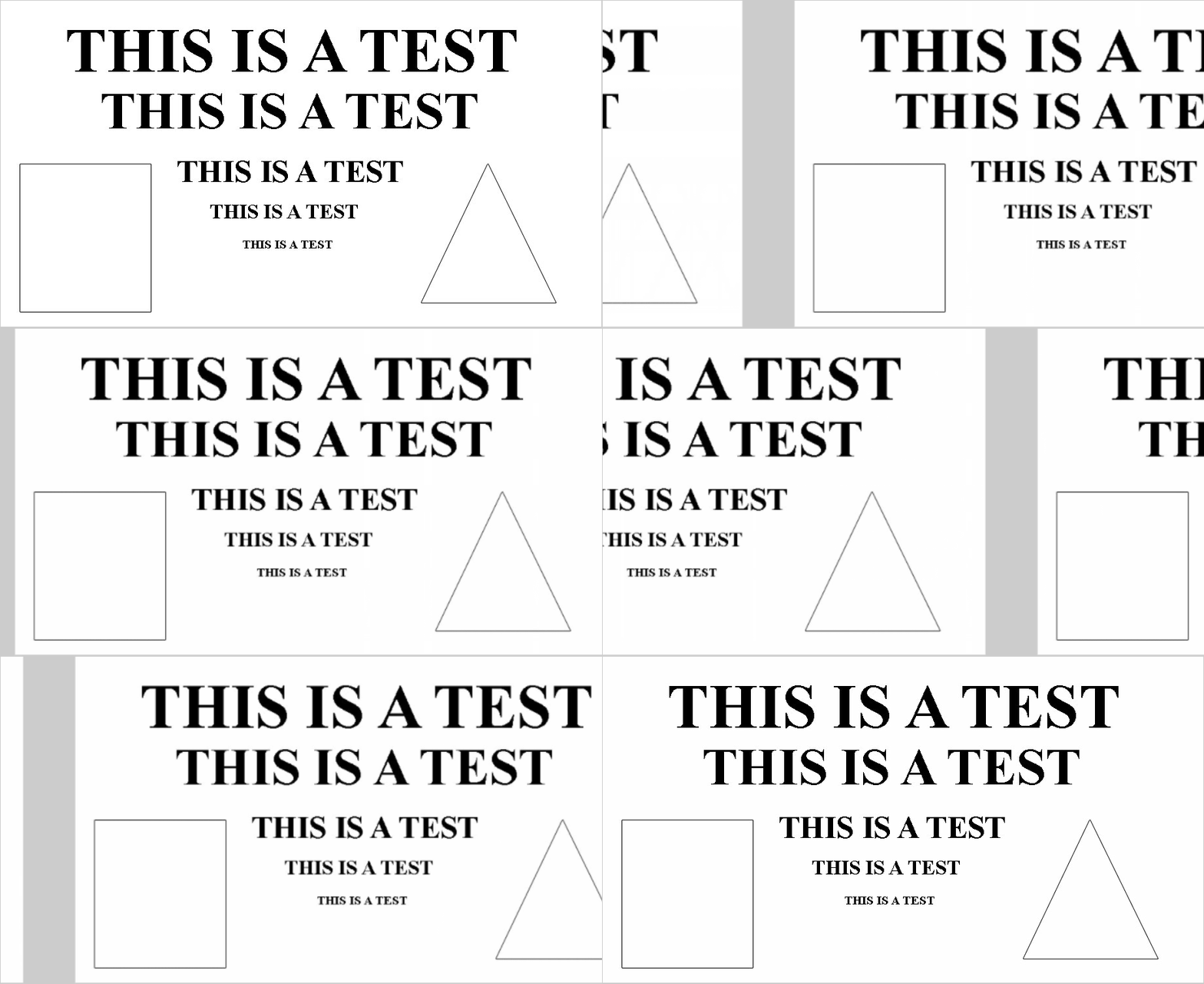
Here is an animated gif of the test running under Chrome 88/89 with blurry transitioning (Click to expand):
 dlong500
on 29 Jan 2021
dlong500
on 29 Jan 2021
@dlong500, I tested version 89 via BrowserStack. Perhaps the bug has not been fixed in a real browser. Bad.. I don't even know what to do. I don't want to rewrite the project at all.
P.S. Was closed by mistake. I missed the button.
G0TT0N
on 1 Feb 2021
Also getting this with my image slider on Chrome Version 88.0.4324.150 (Official Build) (64-bit). Bug not showing up on Firefox or iOS Chrome.

Update 1: Looks like one of my projects using react-slick does not have the blurriness affecting the images in the slider. Tried updating packages of my broken project to match the working slider project, and still not working. Not sure what the difference b/w the two projects is just yet...
Update 2: Found the difference between the usage of each project: it's the # of elements in each list. The slider that is blurry has 73 elements and the slider that is not blurry has 16 elements, so a relatively big difference. Looks like the amount of blur is proportional to the # of elements, the slider is getting stretched by the # of elements in it based on the screen size (using the responsive Chrome dev tool). Smaller the screen size, the more blurry the elements.
Also, no bug on mobile iOS Chrome
 douglasrcjames
on 5 Feb 2021
douglasrcjames
on 5 Feb 2021
It seems like this Chromium bug is probably related to this.
For my use case applying in css will-change: transform to the class slick-track seems to have fixed it. I'm leaving this here in case it might help anyone else facing the same problem.
 bunea
on 8 Feb 2021
bunea
on 8 Feb 2021
@bunea thanks mate! That worked for me.
douglasrcjames
on 8 Feb 2021
It seems like this Chromium bug is probably related to this.
For my use case applying in css
will-change: transformto the classslick-trackseems to have fixed it. I'm leaving this here in case it might help anyone else facing the same problem.
Yes, it works. Thank you!
G0TT0N
on 9 Feb 2021
For what it's worth it looks like the Chrome developers resolved this issue (I just tested Chrome v89.0.4389.82). The issue linked to by @bunea was resolved around the second week of February. This is great because the will-change: transform workaround has a lot of other bad side-effects (such as causing elements to disappear during animations).
dlong500
on 9 Mar 2021
Looks like they did fix it with the recent Chrome update, but I think I am going to wait a few weeks before removing will-change: transform until a larger chunk of my visitor base has updated their Chrome browser version.
douglasrcjames
on 9 Mar 2021
Related issues
 amishPro
·
3Comments
amishPro
·
3Comments
 enriquelopez-atlas
·
3Comments
enriquelopez-atlas
·
3Comments
 rohitgoyal7
·
3Comments
rohitgoyal7
·
3Comments
 ramyatrouny
·
3Comments
ramyatrouny
·
3Comments
 adamthewan
·
4Comments
adamthewan
·
4Comments
Most helpful comment
It seems like this Chromium bug is probably related to this.
For my use case applying in css
will-change: transformto the classslick-trackseems to have fixed it. I'm leaving this here in case it might help anyone else facing the same problem.