React-slick: Handling with CSS Modules - react-slick in gatsby project
Hey guys!
I'm using react-slick in gatsby project. I'm trying to customize the "slick-current" but I couldn't because Gatsby use a CSS Module approach.
Do we have some work around to do it? Any suggestion?
Thanks!
 flavioalves
All 4 comments
What is it that you're doing to customize?
 laveesingh
on 19 Feb 2018
laveesingh
on 19 Feb 2018
Hey @laveesingh!
I would like to customize a couple of things.
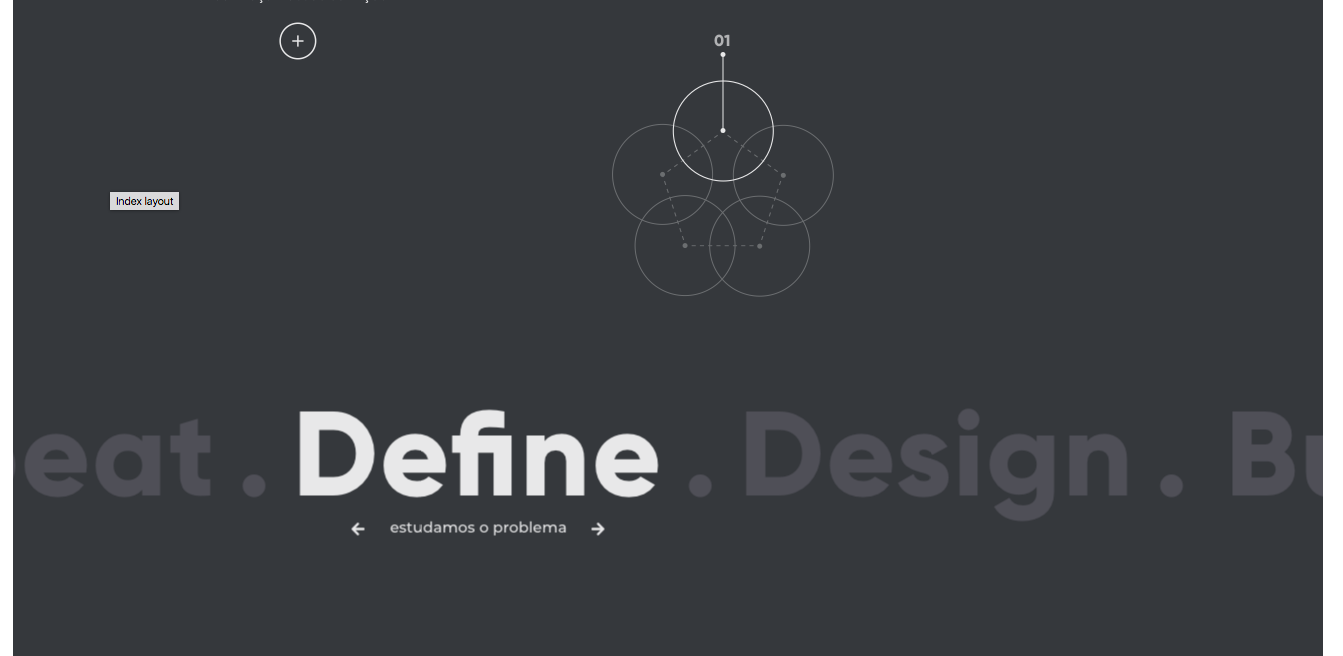
The position of some slide item (I need it centered in the screen but as the style is not applied the property is not working very well) ;
I need identity the current centered item to change its style;
After some next/back event I need animate the image above the text;
Here a frame with my slider:
flavioalves
on 20 Feb 2018
@flavioalves
- Create a container for your slider, and position it appropriately.
You may want to take a look atcenterModeandcenterPaddingfor some alignments. - You can identify the current item with several methods. the clearest one is to bind a callback on
afterChangeand update your state from there:
configuration
afterChange: (index) => {
  this.setState({currentSlide: index});
}
slider
<Slider>
  {yourItems.map((item, index) => {
    return <item className={`${index === this.currentSlide ? "activeClass": ""}`}
  })}
</Slider>
afterChangecan take care of your animations as well - just create your images with the corresponding indices and animate it by either adding a class or calling an animation function on it:
render
render() {

return (<div>
    <div className="image-container">
       {yourImages.map((img, index) => {
          return <div className={this.state.currentSlide === index ? "animate": ""}>...</div>
        })}
    </div>
    <Slider>...</Slider>
  </div>)
}
 silicakes
on 20 Feb 2018
silicakes
on 20 Feb 2018
👍3
❤1
I presume the problem is solved, so I'm closing the issue.
laveesingh
on 21 Feb 2018
Was this page helpful?
0 / 5 - 0 ratings
Related issues
 slashwhatever
·
3Comments
slashwhatever
·
3Comments
 nicreichert
·
3Comments
nicreichert
·
3Comments
 PolGuixe
·
3Comments
PolGuixe
·
3Comments
 adamthewan
·
4Comments
laveesingh
·
3Comments
adamthewan
·
4Comments
laveesingh
·
3Comments
Most helpful comment
@flavioalves
You may want to take a look at
centerModeandcenterPaddingfor some alignments.afterChangeand update your state from there:configuration
slider
afterChangecan take care of your animations as well - just create your images with the corresponding indices and animate it by either adding a class or calling an animation function on it:render