React-select: AsyncCreatableSelect does not show values with Formik
I am using Formik, and I have checked with
Here is a Demo:
https://codesandbox.io/s/formik-codesandbox-template-forked-cte9o?file=/TestComponent.js
Any help is appreciated. Thanks!
 flora8984461
All 8 comments
I have no idea why my markdown format are missing... Sorry for the mess
flora8984461
on 8 Dec 2020
@flora8984461 Every Select component (be it normal, Creatable, Async or the combination) expects the value prop to be of same shape as the options, meaning an object in the shape of { value, label } (by default).
The label is used for displaying the selected value in the Select component.
The value is used to highlight the selected option in the available options list.
You could turn your value into an object:
const { value } = props.field;

<Select value={value ? { label: value, value } : null} />
This would both show the option in the component and highlight it in the list, but this would require the label and the value to be the same, which in most cases it is not.
 Rall3n
on 8 Dec 2020
Rall3n
on 8 Dec 2020
I have no idea why my markdown format are missing... Sorry for the mess
Sorry, I tried to fix it, but yeah, I see what you mean. The markup is completely borked for your comment for some reason.
But +1 to everything @Rall3n said. I hope this answers your question.
 ebonow
on 8 Dec 2020
ebonow
on 8 Dec 2020
@flora8984461 Every
Selectcomponent (be it normal,Creatable,Asyncor the combination) expects thevalueprop to be of same shape as the options, meaning an object in the shape of{ value, label }(by default).The label is used for displaying the selected value in the
Selectcomponent.
The value is used to highlight the selected option in the available options list.You could turn your value into an object:
const { value } = props.field;

<Select value={value ? { label: value, value } : null} />
This would both show the option in the component and highlight it in the list, but this would require the label and the value to be the same, which in most cases it is not.
@ebonow @Rall3n
Thank you so much for your help. I had another deep look into this, and I found:
I thought behaves differently is because I have checked this issue(https://stackoverflow.com/questions/58502707/react-select-with-formik-not-updating-select-field-but-does-everything-else) and the sandbox for it is https://codesandbox.io/s/react-select-formik-jet92?file=/src/Form.jsx.
In this example, they are not using setFieldValue("fieldname", opt.value) and the clear works fine. I did not notice they are not using
Then I made an updated sandbox of mine:
- Without Field: https://codesandbox.io/s/formik-asynccreatableselect-3-h3t1o?file=/TestComponent.js
- With Field: https://codesandbox.io/s/formik-asynccreatableselect-1-cte9o?file=/TestComponent.js
...................
Though I have no idea why using a Field or not makes this difference... 🤔 But it's a kinda ugly workaround for myself.
Thanks!
Sorry again my markdown is still not working... 😥
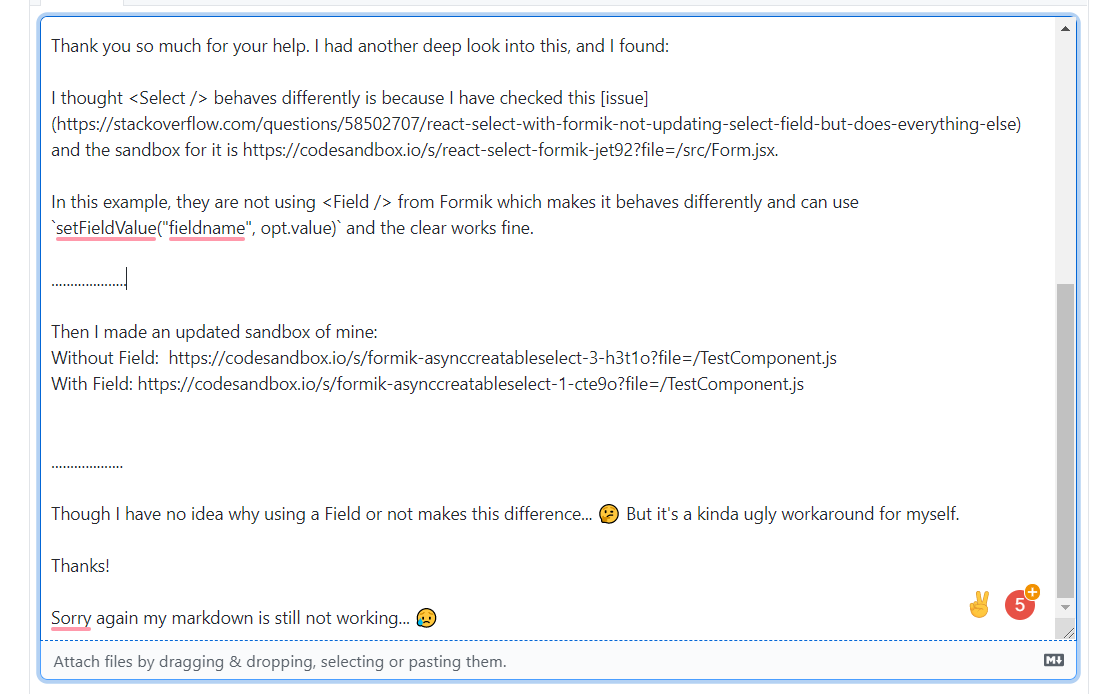
I'm trying to use a screenshot so that you can see it better.
Seems my image cannot be updated as well....
flora8984461
on 9 Dec 2020
Recopying @flora8984461 's reply to get better Markup support:
Thank you so much for your help. I had another deep look into this, and I found:
I thought behaves differently is because I have checked this issue and the sandbox for it.
In this example, they are not using from Formik which makes it behaves differently and can use
setFieldValue("fieldname", opt.value) and the clear works fine. I did not notice they are not using .
Then I made an updated sandbox of mine:
- Without Field: https://codesandbox.io/s/formik-asynccreatableselect-3-h3t1o?file=/TestComponent.js
- With Field: https://codesandbox.io/s/formik-asynccreatableselect-1-cte9o?file=/TestComponent.js
Though I have no idea why using a Field or not makes this difference... 🤔 But it's a kinda ugly workaround for myself. Thanks! Sorry again my markdown is still not working... 😥 I'm trying to use a screenshot so that you can see it better. Seems my image cannot be updated as well....
ebonow
on 9 Dec 2020
@flora8984461 Your examples seem fine from what I can tell.I do not have a lot of experience with Formik so not sure if I am missing something.
Is there something missing or wrong with either implementation that you are asking for help with?
ebonow
on 9 Dec 2020
@flora8984461 Your examples seem fine from what I can tell.I do not have a lot of experience with Formik so not sure if I am missing something.
Is there something missing or wrong with either implementation that you are asking for help with?
Thank you so much.
Yeah I think I kinda fixed it. Just put my code sandbox here in case someone else comes into the similar issue or has a better workaround on this.
flora8984461
on 9 Dec 2020
Awesome! Glad you got everything working!
ebonow
on 9 Dec 2020
Related issues
 jonorogers
·
3Comments
jonorogers
·
3Comments
 pablote
·
3Comments
pablote
·
3Comments
 mbonaci
·
3Comments
mbonaci
·
3Comments
 yrabinov
·
3Comments
yrabinov
·
3Comments
 Meesam
·
3Comments
Meesam
·
3Comments
Most helpful comment
Thank you so much.
Yeah I think I kinda fixed it. Just put my code sandbox here in case someone else comes into the similar issue or has a better workaround on this.