React-router: Proposal: Use onbeforeunload for Prompt
Version
4.3
When preventing navigation with Prompt a custom message has to be provided, and it does a great job preventing push style navigation.
<Prompt
    when={this.shouldBlockNavigation()}
    message="Changes that you made may not be saved."
/>
It looks like a normal prompt:
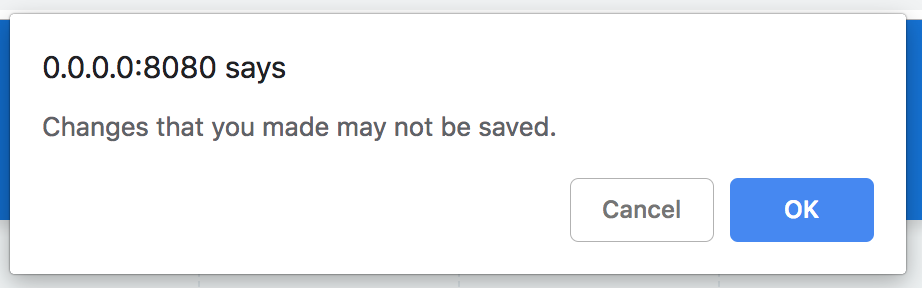
However this doesn't notify the user when refreshing the page or simply typing in a different URL. To prevent this, I have to use a window.onbeforeunload callback:
componentDidUpdate() {
  //...
  window.onbeforeunload = this.shouldBlockNavigation() ? alwaysTrue : undefined
}

Shouldn't the Prompt fall back to the default dialog, in case no message is provided? Is it even possible? The 2 different behaviour can be quite confusing for users (without why it happens).
 bali182
>All comments
4372
 timdorr
on 1 Feb 2019
timdorr
on 1 Feb 2019
🎉1
👎1
👍1
Was this page helpful?
0 / 5 - 0 ratings
Related issues
 misterwilliam
·
3Comments
misterwilliam
·
3Comments
 Radivarig
·
3Comments
Radivarig
·
3Comments
 Waquo
·
3Comments
Waquo
·
3Comments
 ryansobol
·
3Comments
ryansobol
·
3Comments
 alexyaseen
·
3Comments
alexyaseen
·
3Comments
Most helpful comment
4372