React-router: Glitch formatting code block when zoomed in on docs
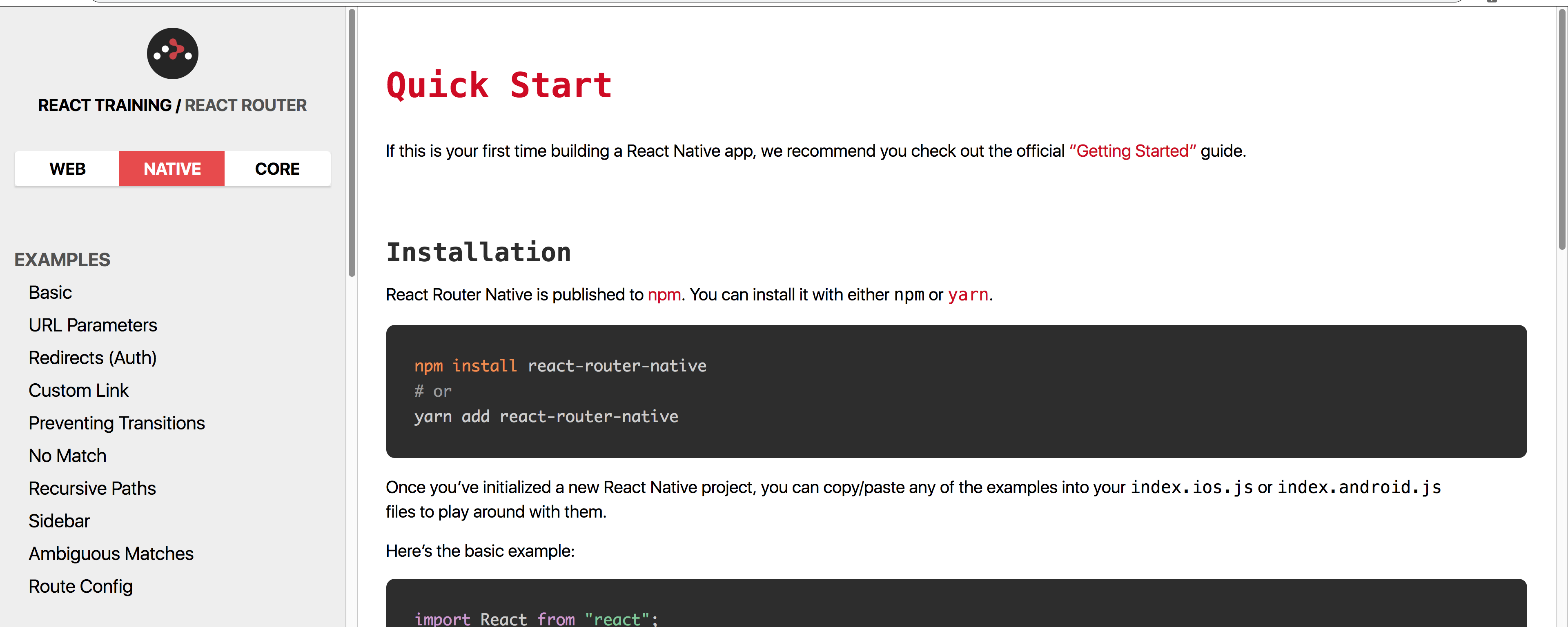
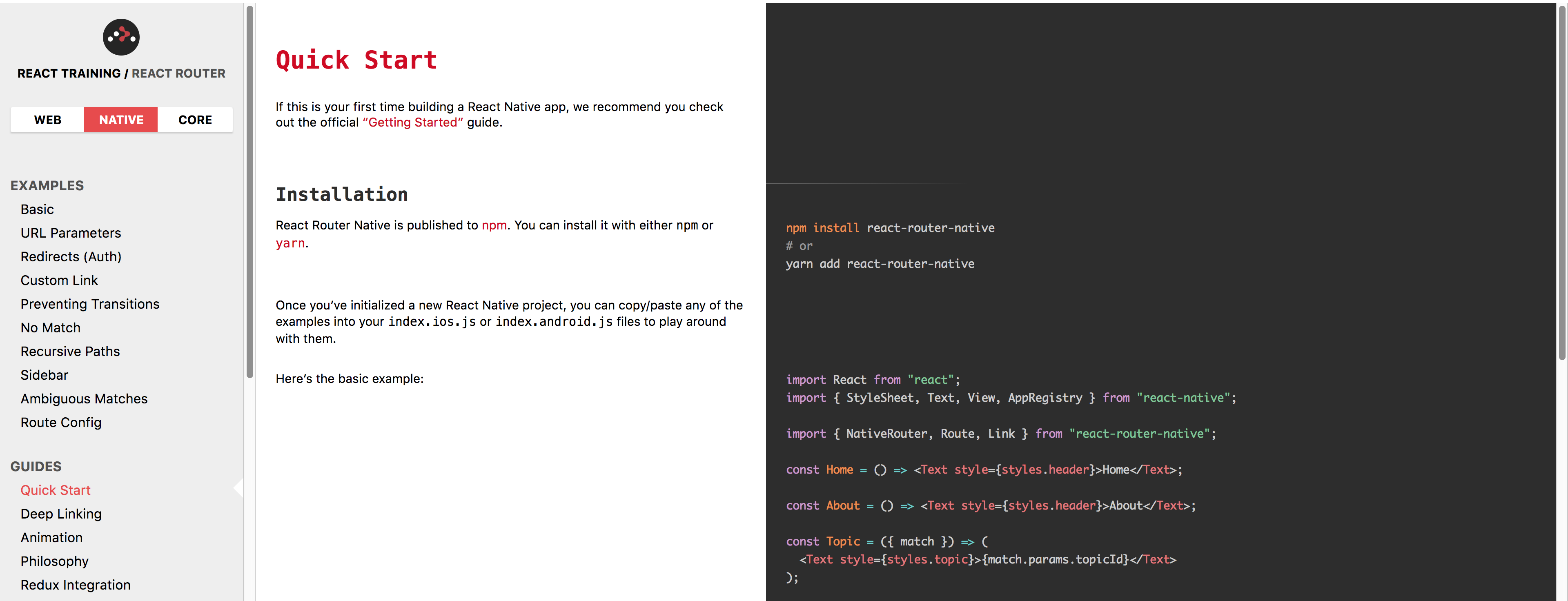
The following (screenhot) happens to me when zooming in 150% with Chrome 70 on OSX.

Steps to reproduce
Go to the native docs, zoom in until code blocks break over both columns.
Expected Behavior
Either
At 175%:
Or
At 125%:
 justsml
All 4 comments
Zoomin tends to break a lot of layouts, I've found. I'm not sure if this is something we should fix, as it's relatively uncommon.
 timdorr
on 26 Oct 2018
timdorr
on 26 Oct 2018
@timdorr
It's not a critical bug by any means. And yea, getting zoom to work across browsers and various screen sizes is tough.
I wanted to log it at least. Maybe it's something that's a candidate for good-first-issue / hacktoberfest.
It could affect people w/ impaired vision (w/ default zoom set).
I made sure to include screenshots of the different states - so, hopefully it's more digestible as a good-first-issue)
justsml
on 26 Oct 2018
@timdorr people with impaired vision (for example, me) also read documentation.
 stephenmathieson
on 4 Nov 2018
stephenmathieson
on 4 Nov 2018
thanks @peterfuwork
justsml
on 3 Jan 2019
Related issues
 tomatau
·
3Comments
tomatau
·
3Comments
 hgezim
·
3Comments
hgezim
·
3Comments
 stnwk
·
3Comments
stnwk
·
3Comments
 maier-stefan
·
3Comments
maier-stefan
·
3Comments
 misterwilliam
·
3Comments
misterwilliam
·
3Comments
Most helpful comment
@timdorr people with impaired vision (for example, me) also read documentation.