React-pdf: How to shrink the 'width' of the report view to match the container
I did get it all running in React thanks for all the help. But like so many other packages the width is way off the page on a mobile phone. I pasted some screen shots with a generic pdf
just need the pdf to be shrunk down to the container.. the user can zoom in and out and pan around .. but cant' have it hanging over the right side like that.. I tried adding width style on the page but had no effect
Any suggestions?
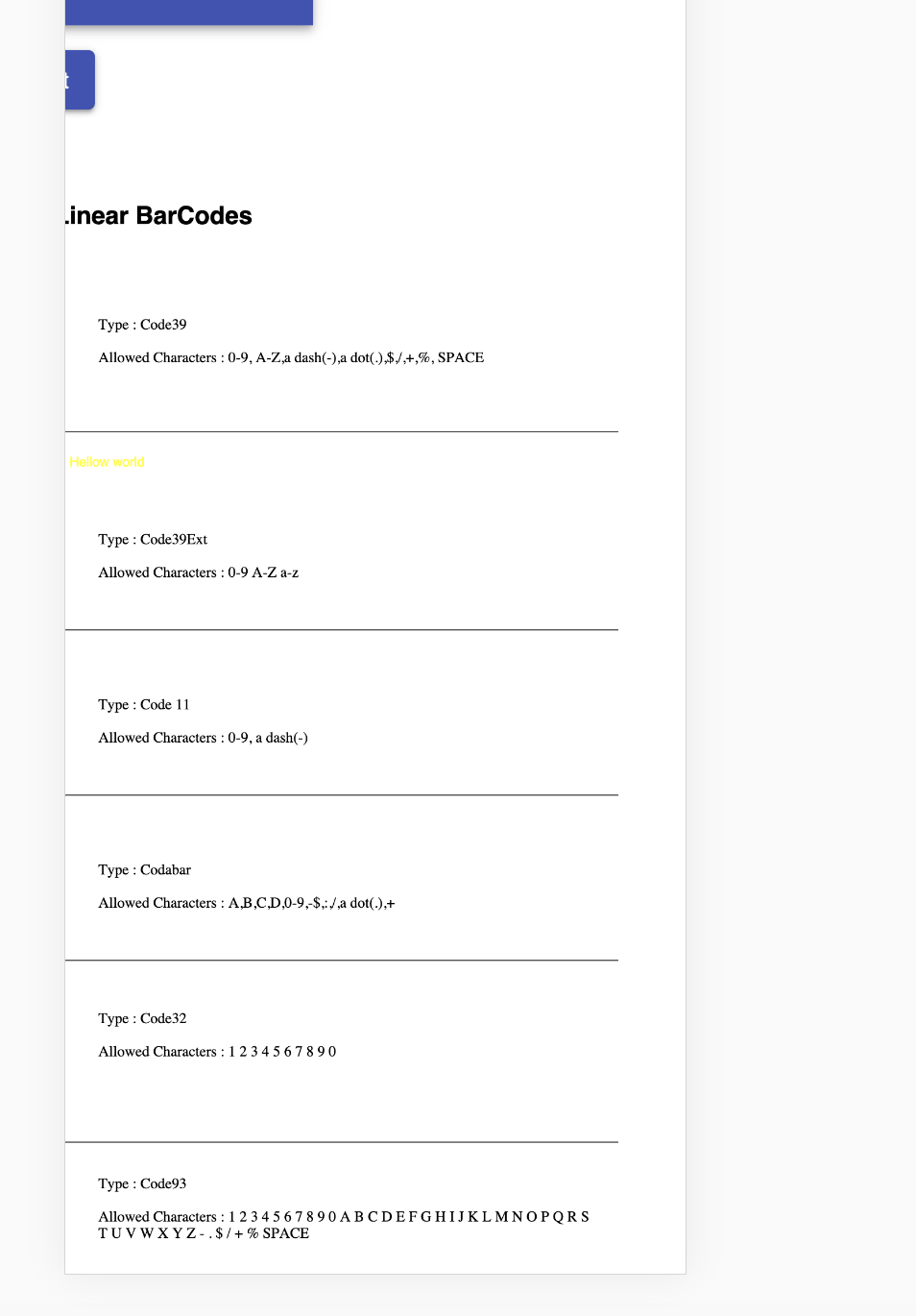
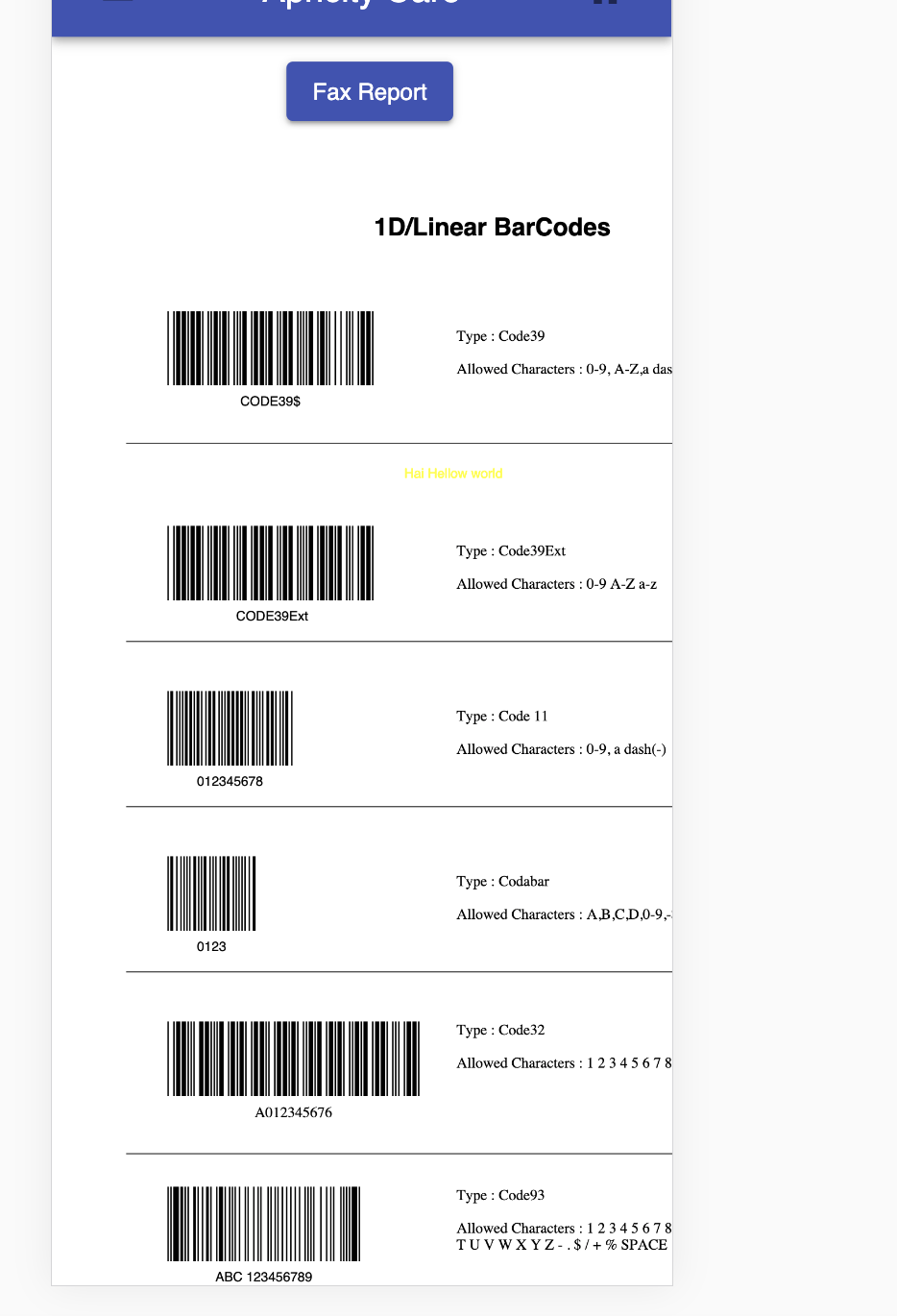
question
 rchancey
👍2
>All comments
You'd need to render PDF with window width in mind. This is what I use on the showcase page to make it work:
import React, { useState } from 'react';
import { Document, Page } from 'react-pdf';

import { useWindowWidth } from '../hooks';

export default function Component() {
  const width = useWindowWidth();
  const [pageNumber, setPageNumber] = useState(1);
  const [numPages, setNumPages] = useState();

  function onLoadSuccess(document) {
    setNumPages(document.numPages);
  }

  return (
    <Document
      file={pdf}
      onLoadSuccess={onLoadSuccess}
    >
      <Page
        pageNumber={pageNumber}
        renderMode="svg"
        width={Math.min(width * 0.9, 400)} // width: 90vw; max-width: 400px
      />
    </Document>
  );
}
where useWindowWidth hook looks like this:
export function useWindowWidth() {
  const [width, setWidth] = useState(window.innerWidth);

  useEffect(() => {
    const handleResize = () => setWidth(window.innerWidth);

    window.addEventListener('resize', handleResize);

    return () => {
      window.removeEventListener('resize', handleResize);
    };
  }, []);

  return width;
}
Hope this helps you building your solution :)
 wojtekmaj
on 23 Apr 2020
wojtekmaj
on 23 Apr 2020
👍2
Was this page helpful?
0 / 5 - 0 ratings
Related issues
 Crackiii
·
3Comments
Crackiii
·
3Comments
 Vanals
·
4Comments
Vanals
·
4Comments
 wangzhidavid
·
4Comments
wangzhidavid
·
4Comments
 mapoulos
·
4Comments
mapoulos
·
4Comments
 zambony
·
3Comments
zambony
·
3Comments
Most helpful comment
You'd need to render PDF with window width in mind. This is what I use on the showcase page to make it work:
where
useWindowWidthhook looks like this:Hope this helps you building your solution :)