React-native: Object.getOwnPropertyDescriptor(arguments[i])
- [x] Review the documentation: https://facebook.github.io/react-native
- [x] Search for existing issues: https://github.com/facebook/react-native/issues
- [x] Use the latest React Native release: https://github.com/facebook/react-native/releases
Environment
React Native Environment Info:
System:
OS: macOS 10.14.2
CPU: (4) x64 Intel(R) Core(TM) i5-7500 CPU @ 3.40GHz
Memory: 52.85 MB / 8.00 GB
Shell: 3.2.57 - /bin/bash
Binaries:
Node: 11.7.0 - /usr/local/bin/node
Yarn: 1.13.0 - /usr/local/bin/yarn
npm: 6.5.0 - /usr/local/bin/npm
Watchman: 4.9.0 - /usr/local/bin/watchman
SDKs:
Android SDK:
API Levels: 22, 23, 24, 25, 26, 27, 28
Build Tools: 27.0.3, 28.0.2, 28.0.3
System Images: android-22 | Intel x86 Atom, android-22 | Google APIs Intel x86 Atom, android-23 | Intel x86 Atom, android-23 | Google APIs Intel x86 Atom, android-24 | Intel x86 Atom, android-24 | Google APIs Intel x86 Atom, android-24 | Google Play Intel x86 Atom, android-25 | Intel x86 Atom, android-25 | Google APIs Intel x86 Atom, android-25 | Google Play Intel x86 Atom, android-26 | Intel x86 Atom, android-26 | Google APIs Intel x86 Atom, android-26 | Google Play Intel x86 Atom, android-27 | Intel x86 Atom, android-27 | Google APIs Intel x86 Atom, android-28 | Intel x86 Atom, android-28 | Google APIs Intel x86 Atom, android-28 | Google Play Intel x86 Atom
IDEs:
Android Studio: 3.2 AI-181.5540.7.32.5014246
Xcode: /undefined - /usr/bin/xcodebuild
npmPackages:
react: 16.7.0 => 16.7.0
react-native: 0.57.8 => 0.57.8
npmGlobalPackages:
react-native-cli: 2.0.1
Description
previously there was no problem when I made new native react and run it
but now when I make new native react and run it, an error occurs
as follows

even though I didn't add any script at all,
after I created "react-native init nameAplication" I immediately ran the application I created earlier, "react-native run-android",
before it went smoothly
I run the application on my device directly
please instructions
 azcodia
All 26 comments
Thank god you recreated the issue, the same thing is happening to me
 matheusmoreira-hotmart
on 22 Jan 2019
matheusmoreira-hotmart
on 22 Jan 2019
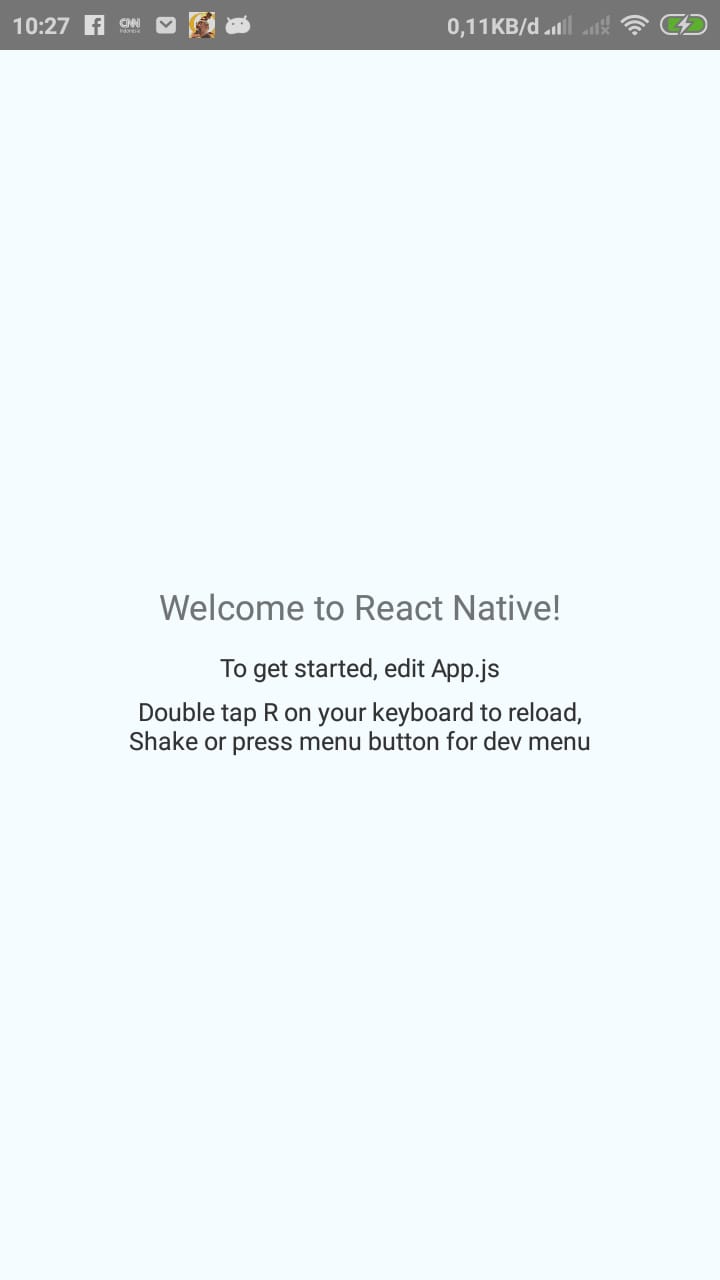
but if I enable "debug JS Remotely", the application runs smoothly
azcodia
on 22 Jan 2019
Indeed, just confirmed this info in my app
matheusmoreira-hotmart
on 22 Jan 2019
Maybe if you disable delta it'll work
EDIT: Nop, it doesn't
matheusmoreira-hotmart
on 22 Jan 2019
I don't turn off delta, but it's still the same error
azcodia
on 22 Jan 2019
are there any other instructions?
azcodia
on 22 Jan 2019
please give me a clue, how is the solution to this problem
azcodia
on 22 Jan 2019
Im having the same problem
 minhanhnguyen2196
on 22 Jan 2019
minhanhnguyen2196
on 22 Jan 2019
- Ctrl + M in emulator
- Click "Debug JS Remote"
Goodluck!
 thaitrandng
on 22 Jan 2019
thaitrandng
on 22 Jan 2019
that way it works, but it results in weak automatic load if run on my device
azcodia
on 22 Jan 2019
Anyone knows how to solve without the "Debug JS Remote" option?
 eduardo-santos
on 22 Jan 2019
eduardo-santos
on 22 Jan 2019
22842
 gucx
on 22 Jan 2019
gucx
on 22 Jan 2019
Using the Debug JS Remotely option didn't work for me, nor did adding a polyfill for object.getOwnPropertyDescriptors
 declanelcocks
on 22 Jan 2019
declanelcocks
on 22 Jan 2019
Im having the same problem
 chenxiubin
on 22 Jan 2019
chenxiubin
on 22 Jan 2019
I had the same problem when I try to create a new react-native project. But this error did not happen in my previous projects.
 jayzyaj
on 22 Jan 2019
jayzyaj
on 22 Jan 2019
same on Windows 10 + NodeJs 11.7
Debug JS Remotely doesn' work too
 FluentChange
on 22 Jan 2019
FluentChange
on 22 Jan 2019
If you are working with real device, maybe adb reverse works https://facebook.github.io/react-native/docs/running-on-device
 estebansolisd
on 22 Jan 2019
estebansolisd
on 22 Jan 2019
If you are working with real device, maybe adb reverse works https://facebook.github.io/react-native/docs/running-on-device
I'm working with a real device (totally new project) but still get this problem.
 ken-talkingsource
on 22 Jan 2019
ken-talkingsource
on 22 Jan 2019
Im having the same problem
 yll2wcf
on 22 Jan 2019
yll2wcf
on 22 Jan 2019
Im having the same problem on debug and release
 mxc7609
on 22 Jan 2019
mxc7609
on 22 Jan 2019
If you are working with real device, maybe adb reverse works https://facebook.github.io/react-native/docs/running-on-device
still not working on actual device
 carlmagumpara
on 22 Jan 2019
carlmagumpara
on 22 Jan 2019
I've this problem after running yarn install.
 omid-ebrahimi
on 22 Jan 2019
omid-ebrahimi
on 22 Jan 2019
babel/babel#9341
 yoyo837
on 22 Jan 2019
yoyo837
on 22 Jan 2019
same on Windows 10 + NodeJs 11.7
Debug JS Remotely doesn' work too
After uninstalling Android Studio 3.3 and installing 3.1 it's working again on my machine :)
(tooling details https://github.com/react-native-community/react-native-releases/blob/master/CHANGELOG.md#057)
FluentChange
on 22 Jan 2019
Hello everyone, I had the same problem, and I was able to solve it shortly.
1º npm install -g npm@latest
2º npm install -g react-native-git-upgrade
3º react-native-git-upgrade
4º I created a new project
 wrdos
on 22 Jan 2019
wrdos
on 22 Jan 2019
 kelset
on 23 Jan 2019
kelset
on 23 Jan 2019
Related issues
 jobsamuel
·
3Comments
jobsamuel
·
3Comments
 aniss
·
3Comments
aniss
·
3Comments
 vikeri
·
3Comments
vikeri
·
3Comments
 jlongster
·
3Comments
jlongster
·
3Comments
 ghost
·
3Comments
ghost
·
3Comments
Most helpful comment
Hello everyone, I had the same problem, and I was able to solve it shortly.
1º npm install -g npm@latest
2º npm install -g react-native-git-upgrade
3º react-native-git-upgrade
4º I created a new project