React-native: global.nativeTraceBeginSection is not a function
Once i run the project(react-native run-ios),i edit my js file,try to Reload JS ,but get error global.nativeTraceBeginSection is not a function,what is the wrong?

 songxuhua
All 10 comments
Hey, thanks for reporting this issue!
It looks like your description is missing some necessary information, or the list of reproduction steps is not complete. Can you please add all the details specified in the template? This is necessary for people to be able to understand and reproduce the issue being reported.
I am going to close this, but feel free to open a new issue with the additional information provided. Thanks!
 hramos
on 12 Jul 2017
hramos
on 12 Jul 2017
I am seeing this problem, too. This happens after the first reload in the simulator. Workaround is killing the app and relaunching it from XCode. Pretty annoying.
The problem is that some of the defaults set Start SysTrace. (I am pretty sure I didn't do that)
Another more permanent workaround is selecting Stop SysTrace.
In short, I'd summarize the problem as follows:
Start SysTraceseems to be set by defaultSysTraceseems to be buggy,nativeTraceBeginSectionis not registered.
From my package.json:
"dependencies": {
    ...
    "lodash": "4.17.4",
    "react": "16.0.0-alpha.12",
    "react-addons-shallow-compare": "15.6.0",
    "react-dom": "16.0.0-alpha.12",
    "react-native": "0.46.3",
    "react-native-code-push": "4.0.0-beta",
    "react-native-fetch-blob": "0.10.6",
    "react-redux": "5.0.5",
    "redux": "3.7.2",
    "redux-logger": "3.0.6",
    ...
  },
loadModuleImplementation calls Systrace.beginEvent('JS_require_' + (module.verboseName || moduleId)); which calls global.nativeTraceBeginSection(TRACE_TAG_REACT_APPS, profileName, args);.
global is a DedicatedWorkerGlobalScope.
 PublicParadise
on 17 Jul 2017
PublicParadise
on 17 Jul 2017
I fix it. just launching it from xcode,not from
terminal.Thanks!
songxuhua
on 17 Jul 2017
What is the fix for this? Getting this error when I updated to react v16.0.0-alpha.12 from react v16.0.0-alpha.6 and react-native: 0.44 to react-native: 0.45.1
 sportsbench
on 20 Jul 2017
sportsbench
on 20 Jul 2017
为什么还不好使
 13941089621
on 23 Aug 2017
13941089621
on 23 Aug 2017
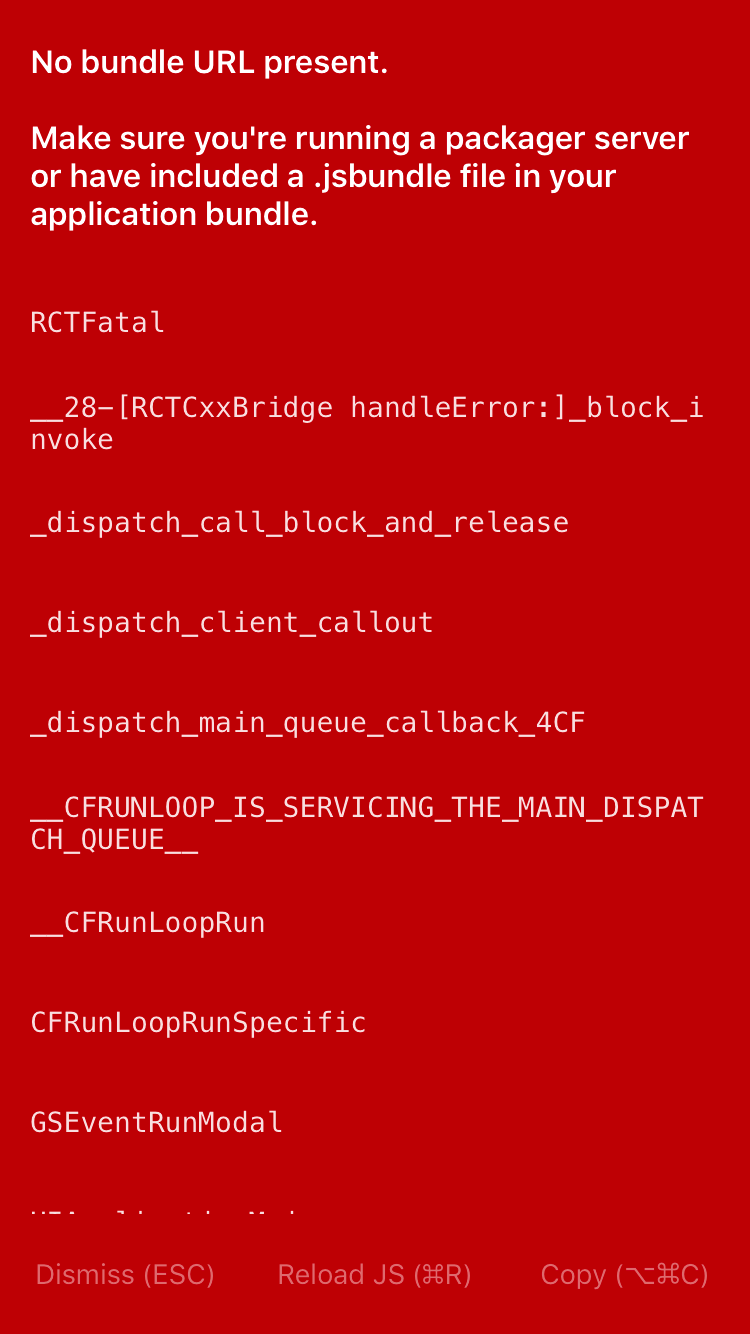
13941089621
on 23 Aug 2017
Stop SysTrace works
 AlexanderYao
on 30 Aug 2017
AlexanderYao
on 30 Aug 2017
@AlexanderYao Sorry noob question, how to Stop SysTrace?
 jack2684
on 8 Jan 2018
jack2684
on 8 Jan 2018
how to Stop SysTrace?
It's in the Developer Menu.
 AlicanC
on 9 Jan 2018
AlicanC
on 9 Jan 2018
Just started getting the sys trace error. Actually had the No Bundle URL present error prior(for no reason....), so tried building and running from Xcode etc. to solve that...
Thankfully stopping Sys Trace via the Dev Menu (cmd D) in the simulator worked. Anyone know what causes it to happen in the first place and will I have to contend with these issues randomly from now on?
 babelchips
on 10 Jan 2018
babelchips
on 10 Jan 2018
Related issues
 despairblue
·
3Comments
despairblue
·
3Comments
 jobsamuel
·
3Comments
jobsamuel
·
3Comments
 axelg12
·
3Comments
axelg12
·
3Comments
 DreySkee
·
3Comments
DreySkee
·
3Comments
 WG-Com
·
3Comments
WG-Com
·
3Comments
Most helpful comment
Stop SysTraceworks