React-native-web: [iOS Safari] Images with tintColor do not render predictably

 EvanBacon
All 4 comments
It appears that the images rendered by RNWeb in mobile safari do not show up.
I suspect I would have heard about that from Twitter :) Do you have an example of that independent from the tint color?
Additionally the tint color will sometimes not render (if you cause some re-render)
I won't have time to look into this myself but can review a PR
 necolas
on 3 Apr 2019
necolas
on 3 Apr 2019
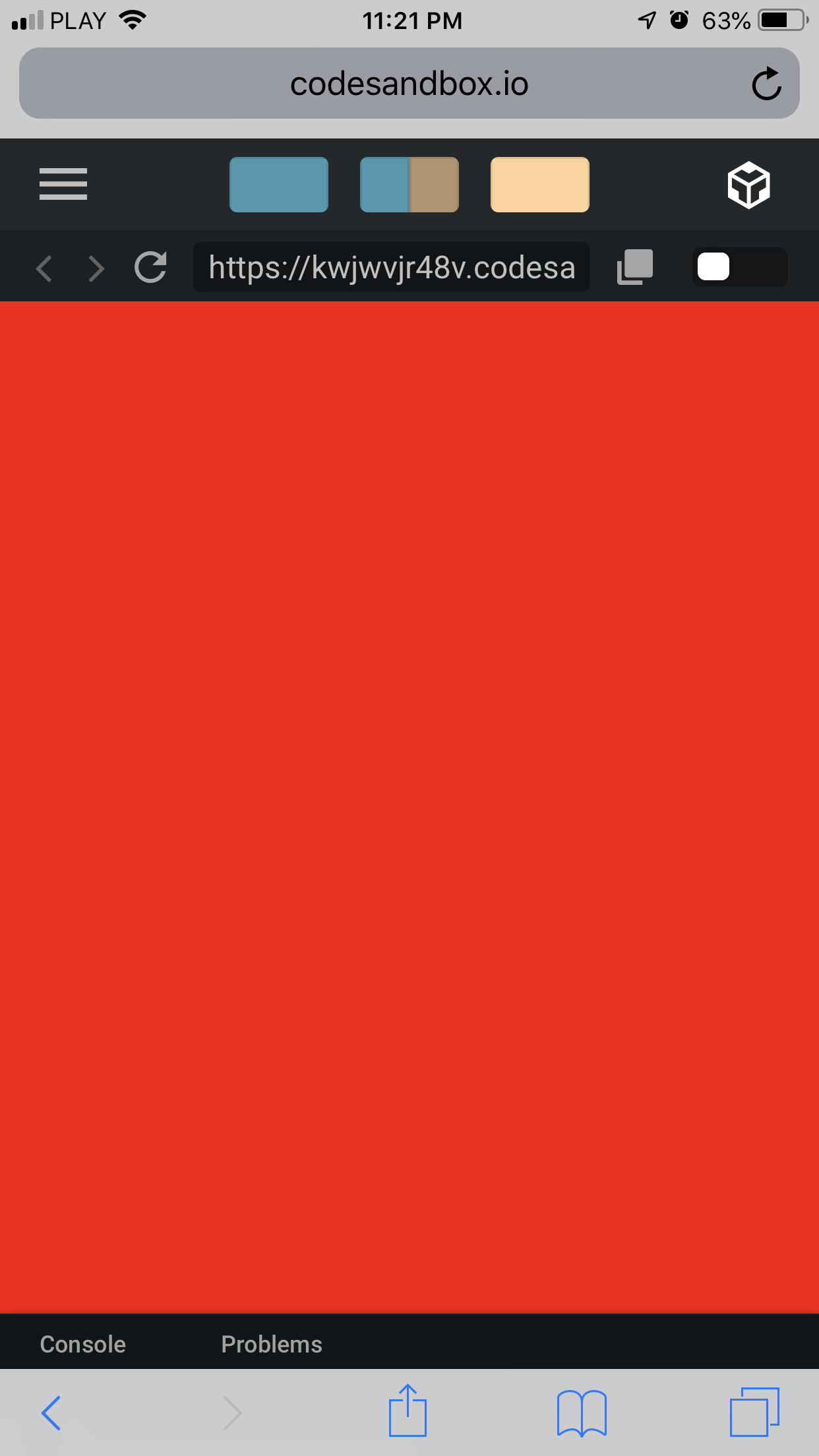
It looks like the changes of the tintColor is not reflected in Safari
I forked the above's repro and add 2 seconds interval of changing the color of the tintColor
in the firefox and chrome, they are working fine, but not Safari
Even if I inspect the feflood html attribute, its flood-color value is not changing
 williamliangwl
on 18 Nov 2019
williamliangwl
on 18 Nov 2019
Similar issue with safari. I'm getting proper tintColor on first load, but on page refresh the tintColor isn't coloring anymore
 orestis-z
on 11 Feb 2020
orestis-z
on 11 Feb 2020
I'm seeing this on React Navigation too. My back button's tint color is white, but sometimes it goes black. After some debugging it seems to be the same as this problem, somewhere around here:
I made a hacky fix by changing the colour of the PNG file and replacing it in postinstall, but of course this isn't ideal.
 markymc
on 9 Sep 2020
markymc
on 9 Sep 2020
Related issues
 MovingGifts
·
3Comments
MovingGifts
·
3Comments
 PaulBGD
·
4Comments
PaulBGD
·
4Comments
 ndbroadbent
·
3Comments
ndbroadbent
·
3Comments
 buffaloDeveloper
·
3Comments
buffaloDeveloper
·
3Comments
 tgh
·
3Comments
tgh
·
3Comments
Most helpful comment
It looks like the changes of the
tintColoris not reflected in SafariI forked the above's repro and add 2 seconds interval of changing the color of the
tintColorin the firefox and chrome, they are working fine, but not Safari
Even if I inspect the
fefloodhtml attribute, itsflood-colorvalue is not changinghttps://codesandbox.io/s/rnweb-tint-color-tdcv7