React-native-web: AppRegistry renders a View element that does not respect the react-root div's dimensions
The problem
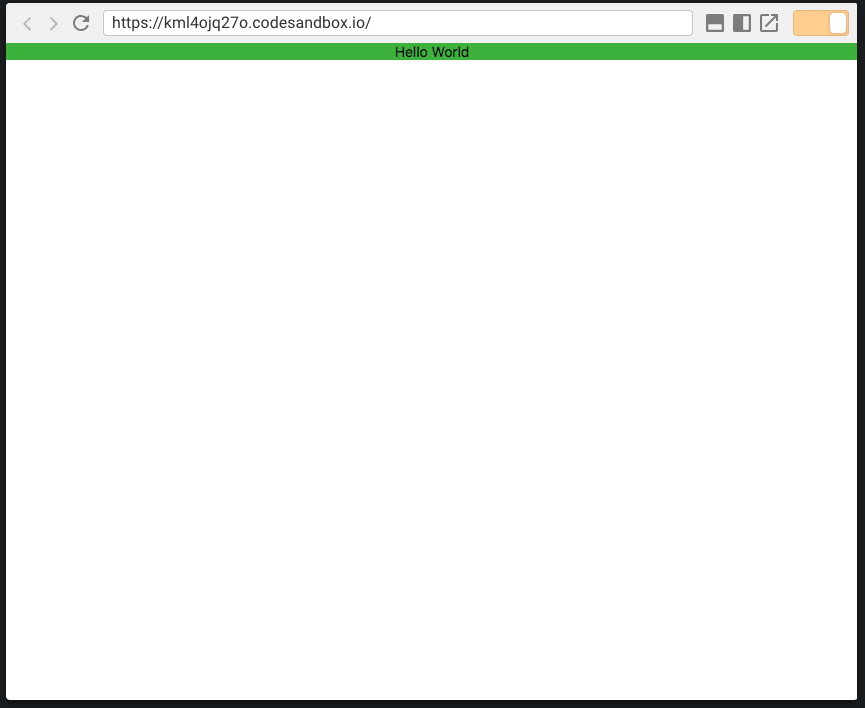
AppComponent (part of AppRegistry) wraps the app in a View. This view as a style of flex: 1. However, even if the root div in the HTML is set to height 100%, the react app does not render to the full height of the screen. If you change the AppComponent style to width: '100%', height: '100%' the react app renders as expected.
How to reproduce
Test case: https://codesandbox.io/s/kml4ojq27o
Steps to reproduce:
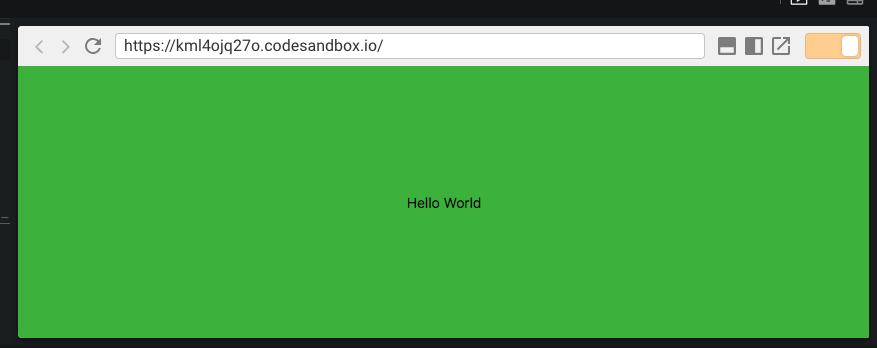
- just run the app. The entire background should be green and Hello World should be centered in the window.
Current Render:
Expected behavior
The rendered app should consume the space allotted to the root div.
Environment (include versions). Did this work in previous versions?
Yes, this did work on 0.2.2 (we just updated to 0.6.1
- OS: Ubuntu/MacOS
- Device: Laptop
- Browser: Chrome
- React Native for Web (version): 0.6.1
- React (version): 16.3.2
Additional context
N/A
 DaKaZ
DaKaZ
All 3 comments
The behavior changed due to react-native-web no longer setting StyleSheet.absoluteFill on the top level element.
I would recommend manually adding it to your rootContainer and/or wrapping your app with another view that replicates those styles.
Absolute fill solution is the least fragile as then you do not need to make sure height: 100% is properly respected all the way down from <html /> to your root component
 koulmomo
on 9 May 2018
koulmomo
on 9 May 2018
You need to add display:flex to your root element: https://codesandbox.io/s/52x1871vjl
 necolas
on 9 May 2018
necolas
on 9 May 2018
@necolas thank you! You are a wizard.... I not only greatly appreciate all you do for RNW, but for taking the time to solve this incredibly simple problem for me!!
DaKaZ
on 9 May 2018
Related issues
 Mactub07
·
3Comments
Mactub07
·
3Comments
 MovingGifts
·
3Comments
MovingGifts
·
3Comments
 blairio
·
3Comments
blairio
·
3Comments
 rohanprabhu
·
3Comments
rohanprabhu
·
3Comments
 ricklove
·
3Comments
ricklove
·
3Comments
Most helpful comment
You need to add
display:flexto your root element: https://codesandbox.io/s/52x1871vjl