React-native-video: Videos not played on the final release of iOS 14
Videos are not played anymore when running on the final release of iOS 14.
We are using the latest version of react-native-video and the just release iOS 14.
 nechmads
All 20 comments
+1 - the controls don’t even show. The video clearly has loaded in the background but it’s like it’s frozen after that.
 ciawalsh
on 17 Sep 2020
ciawalsh
on 17 Sep 2020
Same here!
 FuriioS
on 17 Sep 2020
FuriioS
on 17 Sep 2020
https://github.com/react-native-community/react-native-video/issues/2144 < This issue seems to be related.
 jamesdarabi
on 18 Sep 2020
jamesdarabi
on 18 Sep 2020
Yea. It seems that video can be played, the bug is with the play button that disappear so it gives the impression the video is not loaded.
nechmads
on 18 Sep 2020
By default our controls are disabled. And in this case, the video doesn't show at all, I get a white background:

When I turn the controls prop to true, then the video controls show, seem to be playing, but the video is completely black:
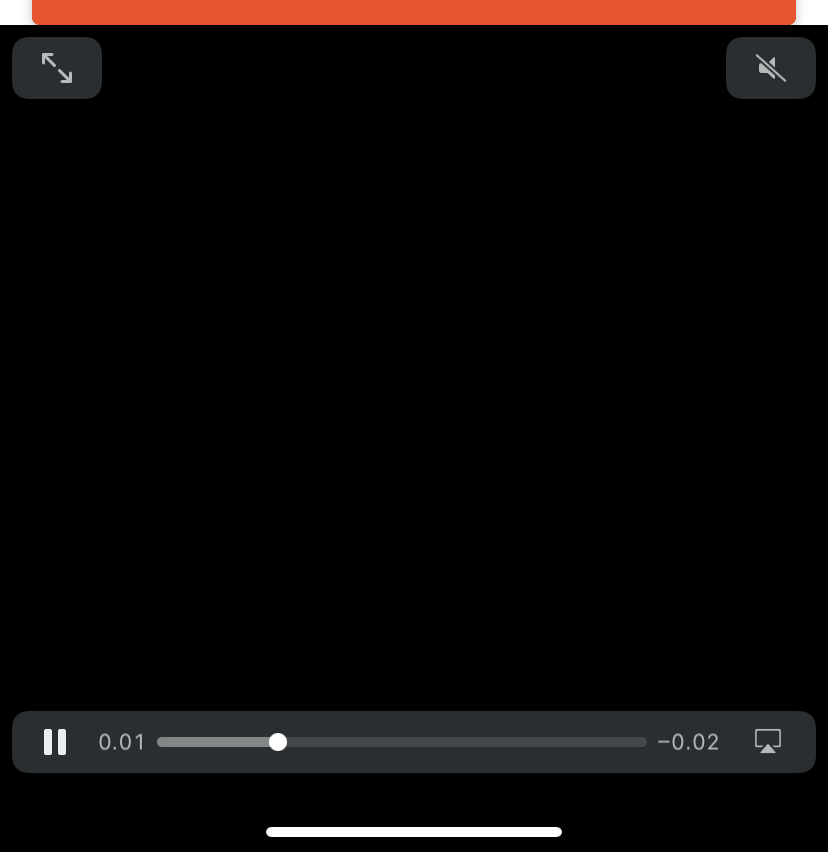
And only happens with iOS 14.
 ugrky
on 18 Sep 2020
ugrky
on 18 Sep 2020
Same Here
 349989153
on 21 Sep 2020
349989153
on 21 Sep 2020
I have this problem too, here is little hack: if is set paused={true}, controls are not visible and playback cannot be started, but when is set paused={false}, video starts playing automatically and controls are visible after tap...
 ewolfcz
on 21 Sep 2020
ewolfcz
on 21 Sep 2020
Anyone who want, here is code I used to wrap the player and add the following:
- On iOS show a play button that when clicked on starts the video. From there the native controls are working.
- On Android when clicked play it loads a full screen modal with the player that also goes to full screen landscape mode when the user turn their device.
import React, {useRef, useState, useEffect} from 'react';
import {
  View,
  StyleSheet,
  Pressable,
  Animated,
  Platform,
  StatusBar,
} from 'react-native';
import Modal from 'react-native-modal';
import Video, {OnBufferData} from 'react-native-video';
import Icon from 'react-native-vector-icons/MaterialCommunityIcons';
import {screenSize} from 'resources/metrics';
import AnalyticsService from 'helpers/Analytics';
import Orientation from 'react-native-orientation-locker';

const MIN_NUMBER_OF_SECONDS_TO_TRACK_VIDEO_WATCH = 10;

export interface VideoPlayerViewInterface {
  videoUrl: string;
  videoTitle: string;
}

const VideoPlayer: React.FC<VideoPlayerViewInterface> = ({
  videoUrl,
  videoTitle,
}) => {
  const [isPaused, setIsPaused] = useState(true);
  const [isBuffering, setIsBuffering] = useState(false);
  const [isShowModal, setIsShowModal] = useState(false);
  const bufferAnimation = useRef(new Animated.Value(0)).current;
  const [videoStyle, setVideoStyle] = useState(styles.portraitVideo);
  let loopedBufferAnimation: Animated.CompositeAnimation | null = null;
  const player = useRef(null);

  useEffect(() => {
    StatusBar.setHidden(true, 'fade');
    Orientation.addDeviceOrientationListener((newOrientation: string) => {
      if (
        newOrientation === 'PORTRAIT' ||
        newOrientation === 'PORTRAIT-UPSIDEDOWN'
      ) {
        //StatusBar.setHidden(false, 'fade');
        setVideoStyle(styles.portraitVideo);
      } else {
        StatusBar.setHidden(true, 'fade');
        setVideoStyle(StyleSheet.absoluteFill);
      }
    });
    return () => {
      Orientation.removeAllListeners();
      Orientation.lockToPortrait();
    };
  }, []);

  const onVideoProgress = (params: {currentTime: number}) => {
    const {currentTime} = params;
    // Make sure we report a video view to analytics just once.
    if (
      currentTime > MIN_NUMBER_OF_SECONDS_TO_TRACK_VIDEO_WATCH &&
      currentTime < MIN_NUMBER_OF_SECONDS_TO_TRACK_VIDEO_WATCH + 2
    ) {
      AnalyticsService.logVideoView(videoTitle, videoUrl);
    }
  };

  /* Called when the video start or finish buffering */
  const onBuffer = (meta: OnBufferData) => {
    // Are we starting to buffer?
    if (meta.isBuffering && !isBuffering) {
      animateBuffer();
    }

    // Did we just finished buffering?
    if (!meta.isBuffering && isBuffering) {
      if (loopedBufferAnimation) {
        loopedBufferAnimation.stop();
      }
    }

    setIsBuffering(meta.isBuffering);
  };

  /** Start the loop animation that shows while the video is buffering */
  const animateBuffer = () => {
    loopedBufferAnimation = Animated.loop(
      Animated.timing(bufferAnimation, {
        toValue: 1,
        duration: 350,
        useNativeDriver: true,
      }),
    ).start();
  };

  const playVideo = () => {
    if (Platform.OS === 'ios') {
      setIsPaused(false);
    } else {
      Orientation.unlockAllOrientations();
      setIsShowModal(true);
    }
  };

  const pauseVideo = () => {
    setIsPaused(true);
  };

  const getAndroidPlayer = () => {
    return (
      <View style={styles.portraitVideo}>
        <Modal
          isVisible={isShowModal}
          supportedOrientations={['portrait', 'landscape']}
          style={[StyleSheet.absoluteFill, styles.modal]}
          onBackButtonPress={() => setIsShowModal(false)}>
          <Video
            source={{uri: videoUrl}}
            ref={player}
            style={videoStyle}
            controls={true}
            ignoreSilentSwitch="ignore"
            paused={false}
            resizeMode={'contain'}
            progressUpdateInterval={
              MIN_NUMBER_OF_SECONDS_TO_TRACK_VIDEO_WATCH * 1000
            }
            onProgress={onVideoProgress}
            onBuffer={onBuffer}
          />
        </Modal>
      </View>
    );
  };

  const getIOSPlayer = () => {
    return (
      <Video
        source={{uri: videoUrl}}
        ref={player}
        style={videoStyle}
        controls={true}
        ignoreSilentSwitch="ignore"
        paused={isPaused}
        resizeMode={'contain'}
        progressUpdateInterval={
          MIN_NUMBER_OF_SECONDS_TO_TRACK_VIDEO_WATCH * 1000
        }
        onProgress={onVideoProgress}
        onBuffer={onBuffer}
      />
    );
  };

  const interpolatedAnimation = bufferAnimation.interpolate({
    inputRange: [0, 1],
    outputRange: ['0deg', '360deg'],
  });

  const rotateStyle = {
    transform: [{rotate: interpolatedAnimation}],
  };

  return (
    <View style={styles.container}>
      {Platform.OS === 'ios' ? getIOSPlayer() : getAndroidPlayer()}
      {isBuffering && (
        <View style={styles.videoOverlay}>
          <Animated.View style={rotateStyle}>
            <Pressable onPress={playVideo}>
              <Icon name="loading" size={80} color="#000" />
            </Pressable>
          </Animated.View>
        </View>
      )}
      {isPaused && !isBuffering && (
        <View style={styles.videoOverlay}>
          <Pressable onPress={playVideo}>
            <Icon name="play-circle-outline" size={80} color="#000" />
          </Pressable>
        </View>
      )}
    </View>
  );
};

const styles = StyleSheet.create({
  container: {
    flex: 1,
  },
  portraitVideo: {
    height: screenSize.height * 0.4,
    width: screenSize.width,
  },
  androidInitialVideo: {
    borderColor: '#000',
    borderWidth: 100,
    borderStyle: 'solid',
  },
  modal: {
    backgroundColor: '#000',
    margin: 0,
  },
  videoOverlay: {
    alignItems: 'center',
    justifyContent: 'center',
    position: 'absolute',
    left: 0,
    top: 0,
    right: 0,
    bottom: 0,
    backgroundColor: 'transparent',
  },
});

export default VideoPlayer;
Edit by n1ru4l: format code
nechmads
on 22 Sep 2020
Same issue
 amensum
on 29 Sep 2020
amensum
on 29 Sep 2020
Same issue, any solutions?
 ljunb
on 29 Sep 2020
ljunb
on 29 Sep 2020
Bad (but works) solution for me:
        <TouchableWithoutFeedback
          onPress={() => {
            if (!this.video.live) {
              this.video.live = true;
              this.video.ref.current.playAsync();
            }
          }}
        >
          <Video
            ref={this.video.ref}
            style={{
              width: '100%',
              height: '100%',
              ...this.props.styleVideo
            }}
            source={this.props.source}
            resizeMode={Video.RESIZE_MODE_CONTAIN}
            rate={1.0}
            volume={1.0}
            isMuted={false}
            shouldPlay={false}
            isLooping={false}
            useNativeControls={true}
          />
        </TouchableWithoutFeedback>
constructor:
    this.video = {
      ref: React.createRef(),
      live: false
    };
Hey, iOS 14.2-beta seems to fix the issue.
ugrky
on 30 Sep 2020
same problem
 ebeliejinfren
on 7 Oct 2020
ebeliejinfren
on 7 Oct 2020
Same issue here
 snamstorm
on 12 Oct 2020
snamstorm
on 12 Oct 2020
Same problem
 iqorlobanov
on 12 Oct 2020
iqorlobanov
on 12 Oct 2020
Same problem on iOS 14.0.1
 sgerendasy
on 14 Oct 2020
sgerendasy
on 14 Oct 2020
same here
 ghasemikasra39
on 22 Oct 2020
ghasemikasra39
on 22 Oct 2020
Same here on 14.1
 khuccui2002
on 30 Oct 2020
khuccui2002
on 30 Oct 2020
Same problem on iOS 14.0.1
 qilovehua
on 30 Oct 2020
qilovehua
on 30 Oct 2020
solution for me
constructor(props) {
super(props);
this.state = {
paused: true
}
}
_onLoad(data = {}) {
this.setState({paused: false});
}
resizeMode={"contain"}
fullscreen={true}
controls={true}
source={{uri}}
style={styles.videoPlayer}
onLoad={this._onLoad.bind(this)}
/>
 Sarvarr
on 31 Oct 2020
Sarvarr
on 31 Oct 2020
Related issues
 jenshandersson
·
25Comments
jenshandersson
·
25Comments
 shlokamin
·
22Comments
shlokamin
·
22Comments
 nicoara
·
24Comments
nicoara
·
24Comments
 ihilt
·
19Comments
ihilt
·
19Comments
 thetrevlore
·
21Comments
thetrevlore
·
21Comments
Most helpful comment
Same here!