React-native-snap-carousel: Invariant Violation: VirtualizedList: The windowSize prop must be present and set to a value greater than 0
I am getting error as shown in the title
react-native: 0.56.0
react-native-snap-carousel: ^3.7.2
const horizontalMargin = 20;
const slideWidth = 280;

const sliderWidth = Dimensions.get("window").width;
const itemWidth = slideWidth + horizontalMargin * 2;
const itemHeight = 100;
//

_renderItem = ({ item }) => {
    return (
      <View style={style.slide}>
        <View style={style.slideInnerContainer} />
      </View>
    );
  };
  render() {
    return (
      <View style={style.container}>
        <Carousel
          data={[{ key: "1" }, { key: "2" }, { key: "3" }]}
          renderItem={this._renderItem}
          slideWidth={sliderWidth}
          itemWidth={itemWidth}
        />
      </View>
    );
  }
 yasir-netlinks
All 13 comments
⚠️ You did not follow the contributing guidelines!
As stated in these:
You need to fill out the issue template. This step is mandatory! Not doing so will result in your issue getting closed. Don't take this personally if this happens, and feel free to open a new issue once you've gathered all the information required by the template.
Unless you provide a Snack example that reproduces the issue, we won't be able to help you and the thread will be closed.
 bd-arc
on 20 Jul 2018
bd-arc
on 20 Jul 2018
I created a fresh project, installed react-native-snap-carousel and simply ran the app with the code above, and I'm getting this error, I honestly don't know what else to tell you
yasir-netlinks
on 21 Jul 2018
Ok I added windowSize={1} and it worked
yasir-netlinks
on 21 Jul 2018
I'm facing the same issue, and windowSize={1} did not fix it
 gautham20
on 6 Dec 2018
gautham20
on 6 Dec 2018
maybe you passed the "slideWidth" property as string, that expect a integer.
 CristopherAguilarh
on 24 Jan 2019
CristopherAguilarh
on 24 Jan 2019
provide both
sliderWidth={400}
itemWidth={400}
 viv3kk
on 12 Apr 2019
viv3kk
on 12 Apr 2019
for anyone reaching here this lib warns in case you do not specify sliderWidth and itemWidth while they are required in horizontal mode
react-native-snap-carousel: You need to specify both `sliderWidth` and `itemWidth` for horizontal carousels
actually if you take a look at prop types you can simply find them out
itemWidth: PropTypes.number, // required for horizontal carousel
itemHeight: PropTypes.number, // required for vertical carousel
sliderWidth: PropTypes.number, // required for horizontal carousel
sliderHeight: PropTypes.number, // required for vertical carousel
I believe that these lines
https://github.com/archriss/react-native-snap-carousel/blob/master/src/carousel/Carousel.js#L158
https://github.com/archriss/react-native-snap-carousel/blob/master/src/carousel/Carousel.js#L161
should use console.error
because this way the user will see this error
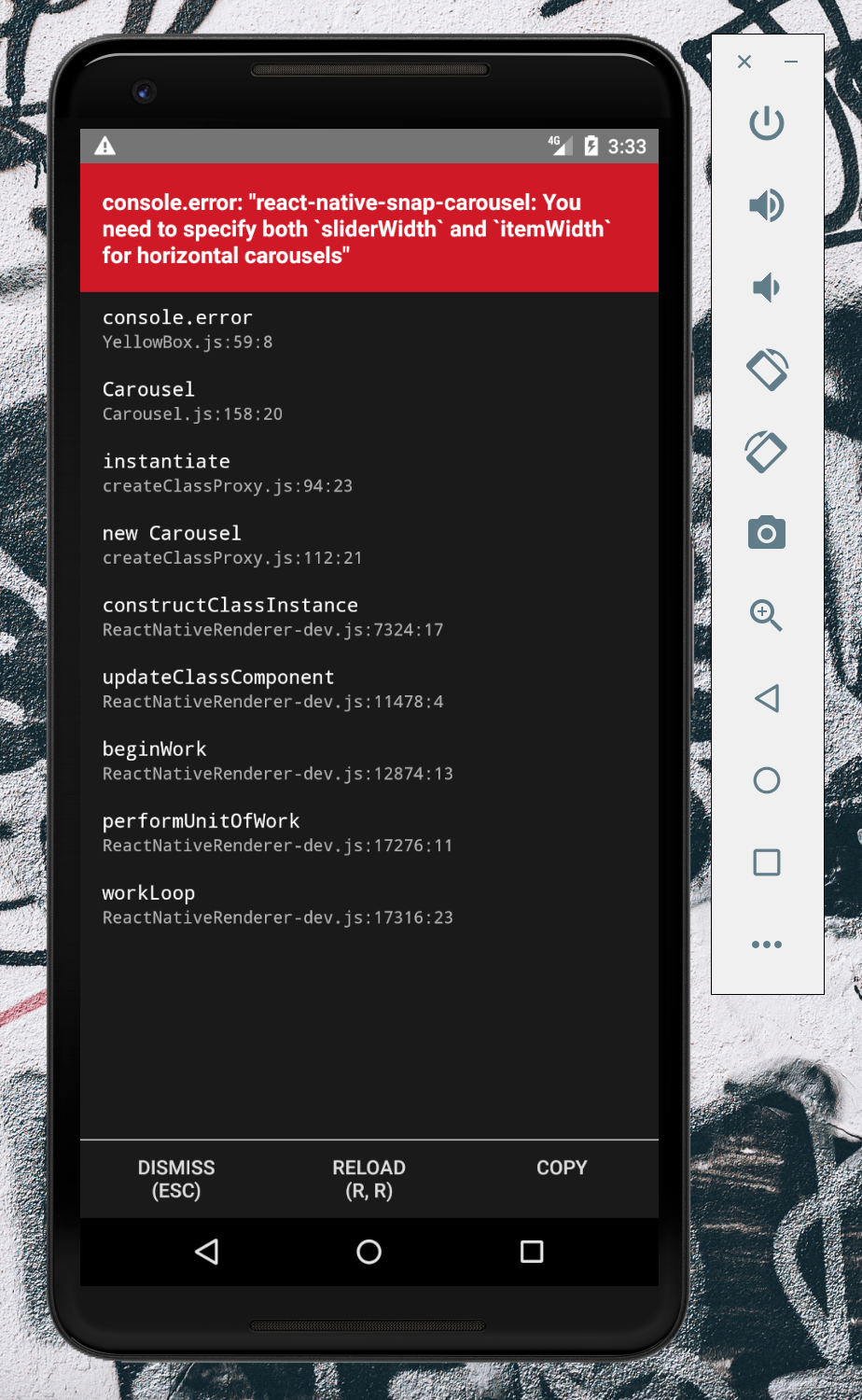
instead of this weird complicated one which is from react native's virtualized list
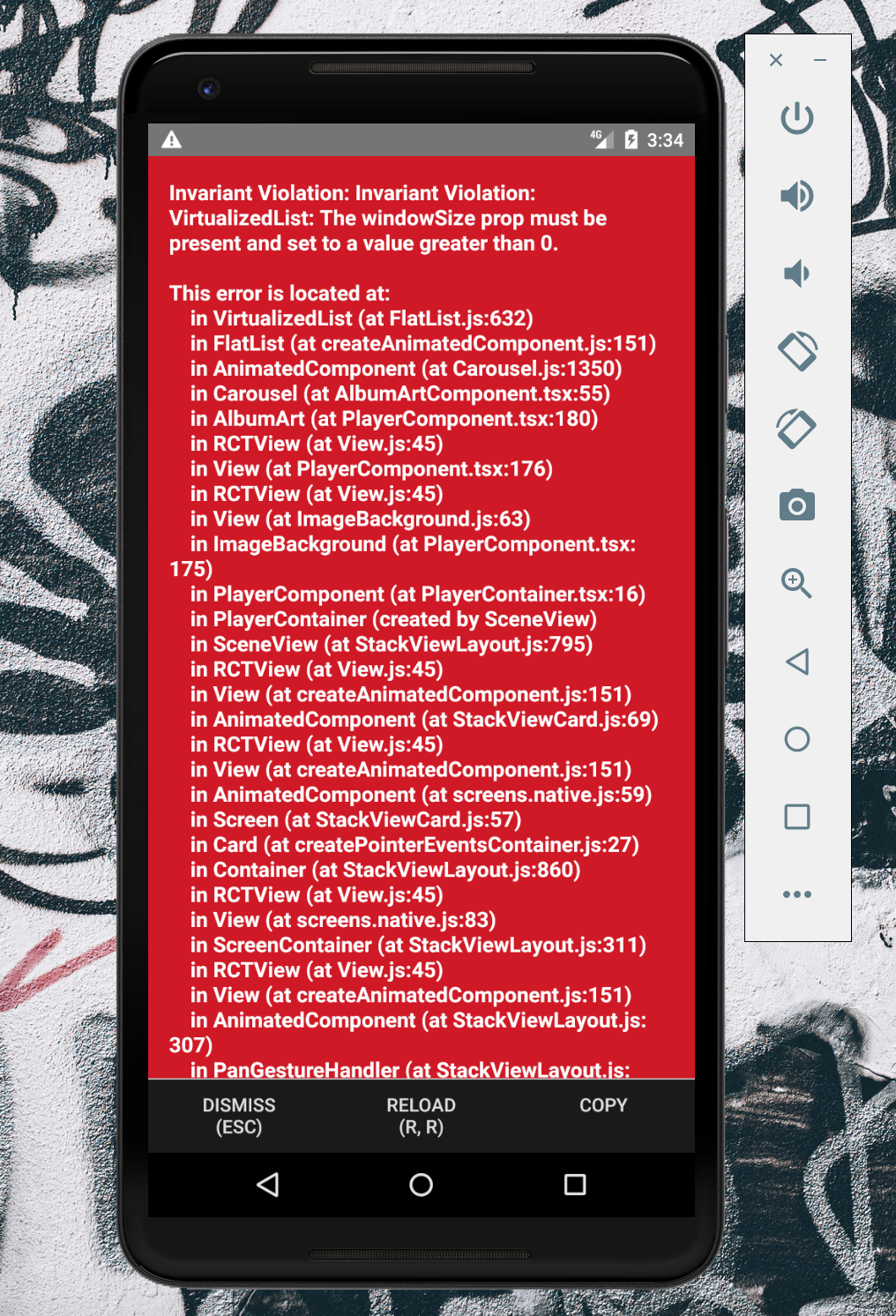
@bd-arc if this seems fine to you i'll be happy to make a PR.
 bardiarastin
on 29 May 2019
bardiarastin
on 29 May 2019
@bardiarastin You're totally right! Looking forward to seeing that PR ;-)
bd-arc
on 29 May 2019
@bd-arc there you go https://github.com/archriss/react-native-snap-carousel/pull/528 <3
bardiarastin
on 29 May 2019
I'm facing the same issue, and
windowSize={1}did not fix it
hi @gautham20 kill the app and try restarting it, it worked for me. hope this helps
 sagarrs
on 30 Dec 2019
sagarrs
on 30 Dec 2019
Any solution to this problem
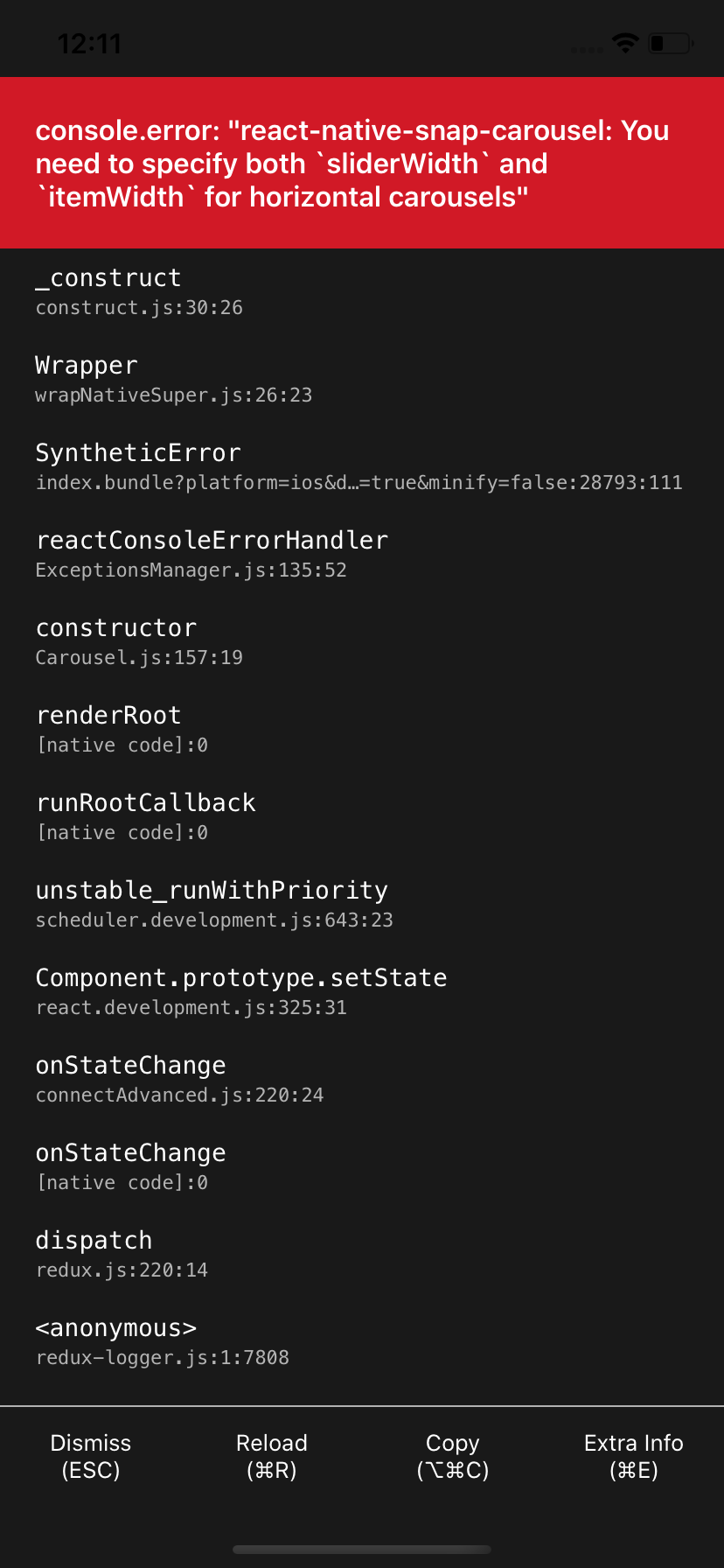
 ZeroCool00
on 6 May 2020
ZeroCool00
on 6 May 2020
I always get this error first time, when I open this page.
I have to restart application, and its working, Any solution to this problem.
Is there any problem on initialise first time.
ZeroCool00
on 6 May 2020
FWIW I had this issue when I was trying to use em for slide width. Changing to a Number fixes the issue.
 rafaeldalpra
on 31 Jul 2020
rafaeldalpra
on 31 Jul 2020
Related issues
 niloufarMakhzani
·
4Comments
niloufarMakhzani
·
4Comments
 sujitpk-perennial
·
3Comments
sujitpk-perennial
·
3Comments
 Dr1992
·
4Comments
Dr1992
·
4Comments
 AndrePech
·
4Comments
AndrePech
·
4Comments
 littlehome-eugene
·
3Comments
littlehome-eugene
·
3Comments
Most helpful comment
Ok I added
windowSize={1}and it worked