React-native-reanimated: Animation resets and stops responding after redux re render state
I'm trying to implement a custom scroll indicator for a horizontal ScrollView and everything works fine execept when I need to do something on redux that changes the state, the animation resets and stops responding like the gif bellow:
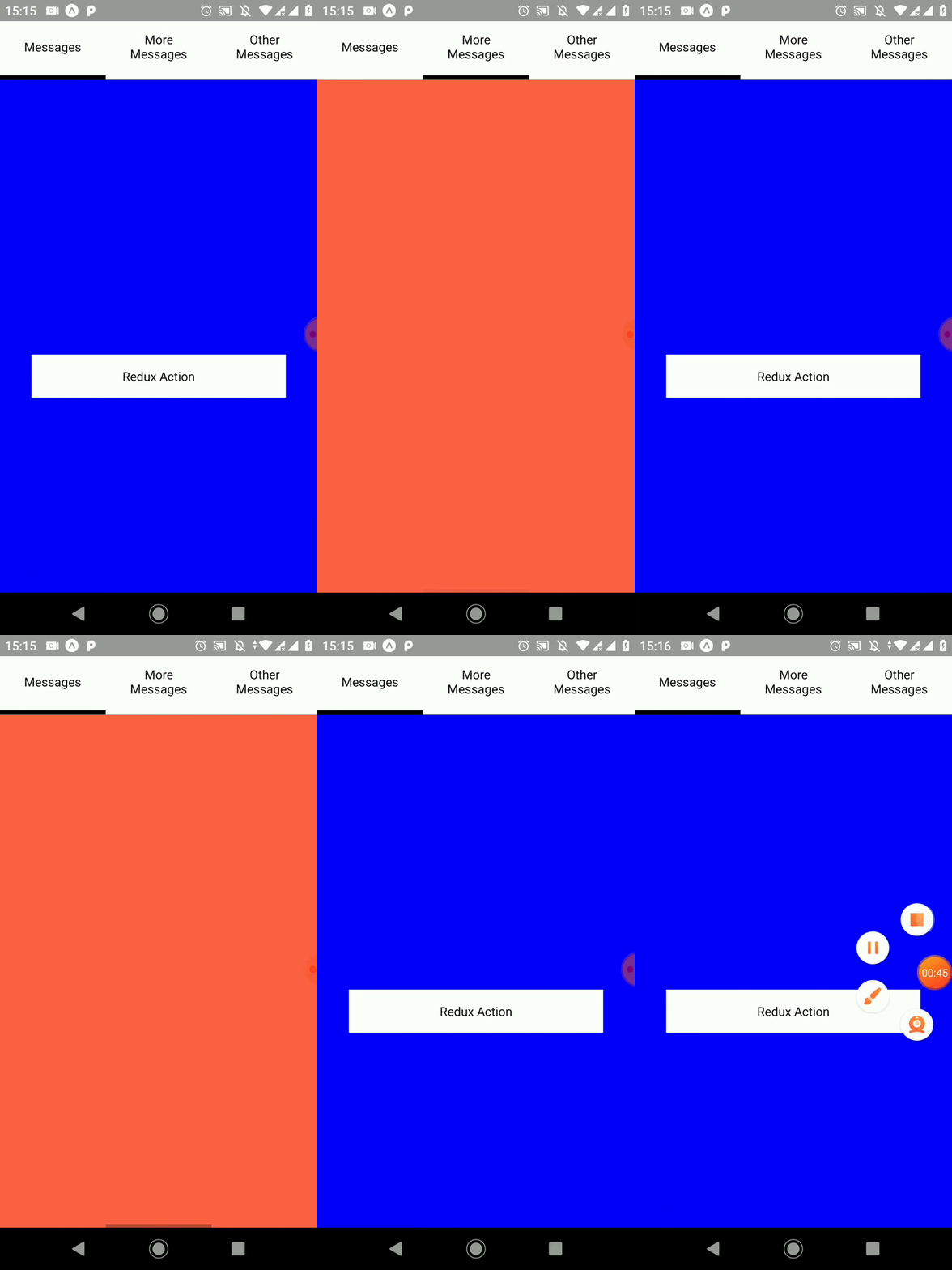
I was able to resolve this creating the animated variables outside of the function, but I don't understand why did it happen, there's other way to resolve this?
Snack Example: https://snack.expo.io/@zlg/daa4e9
 guilhermeferrer
All 2 comments
You need to wrap your Animated Value into a useMemoOne hook to not redeclare your animated value in every rerender.
Your line:
const scrollX = new Value(0);
Should become:
const { scrollX } = useMemoOne(() => ({
    scrollX: new Value(0)
}), [])
You could achieve the same with React.useMemo, but useMemoOne https://github.com/alexreardon/use-memo-one is a better alternative because it guarantees that your animated value will never be discarded whereas it can potentially happen with React.useMemo
 PierreCapo
on 15 Jan 2020
PierreCapo
on 15 Jan 2020
Thank you very much @PierreCapo, useMemoOne solved my problem.
guilhermeferrer
on 15 Jan 2020
Related issues
 mldb
·
3Comments
mldb
·
3Comments
 afctemka
·
3Comments
afctemka
·
3Comments
 bdrobinson
·
3Comments
bdrobinson
·
3Comments
 mrousavy
·
3Comments
mrousavy
·
3Comments
 alexfov
·
3Comments
alexfov
·
3Comments
Most helpful comment
You need to wrap your Animated Value into a useMemoOne hook to not redeclare your animated value in every rerender.
Your line:
Should become:
You could achieve the same with
React.useMemo, butuseMemoOnehttps://github.com/alexreardon/use-memo-one is a better alternative because it guarantees that your animated value will never be discarded whereas it can potentially happen withReact.useMemo