React-native-permissions: check(PERMISSIONS.IOS.LOCATION_ALWAYS) returns unavailable
Question
Hello,
After
npm install --save react-native-permissions
I added
 permissions_path = '../node_modules/react-native-permissions/ios'
 pod 'Permission-LocationAlways', :path => "#{permissions_path}/LocationAlways.podspec"
 pod 'Permission-LocationWhenInUse', :path => "#{permissions_path}/LocationWhenInUse.podspec"
to my Podfile.
Then updated info.plist with adding
  <key>NSLocationAlwaysAndWhenInUseUsageDescription</key>
  <string>YOUR TEXT</string>
  <key>NSLocationAlwaysUsageDescription</key>
  <string>YOUR TEXT</string>
  <key>NSLocationWhenInUseUsageDescription</key>
  <string>YOUR TEXT</string>
I want to check location permission for ios with
check(PERMISSIONS.IOS.LOCATION_ALWAYS)
        .then((permissionResult) => {
But it always returns unavailable on iOS 12.4 simulator.
I use now 2.0.2 as a version.
RN: 0.60.5
 efecantekin
All 10 comments
@efecantekin Did you check https://github.com/react-native-community/react-native-permissions/issues/357 ?
 zoontek
on 20 Oct 2019
zoontek
on 20 Oct 2019
@efecantekin Did you check #357 ?
Yes, also I see my location on simulator but check returns unavailable.
If the meaning of adding UIBackgroundModes is like
<key>UIBackgroundModes</key>
to plist, I did it.
efecantekin
on 20 Oct 2019
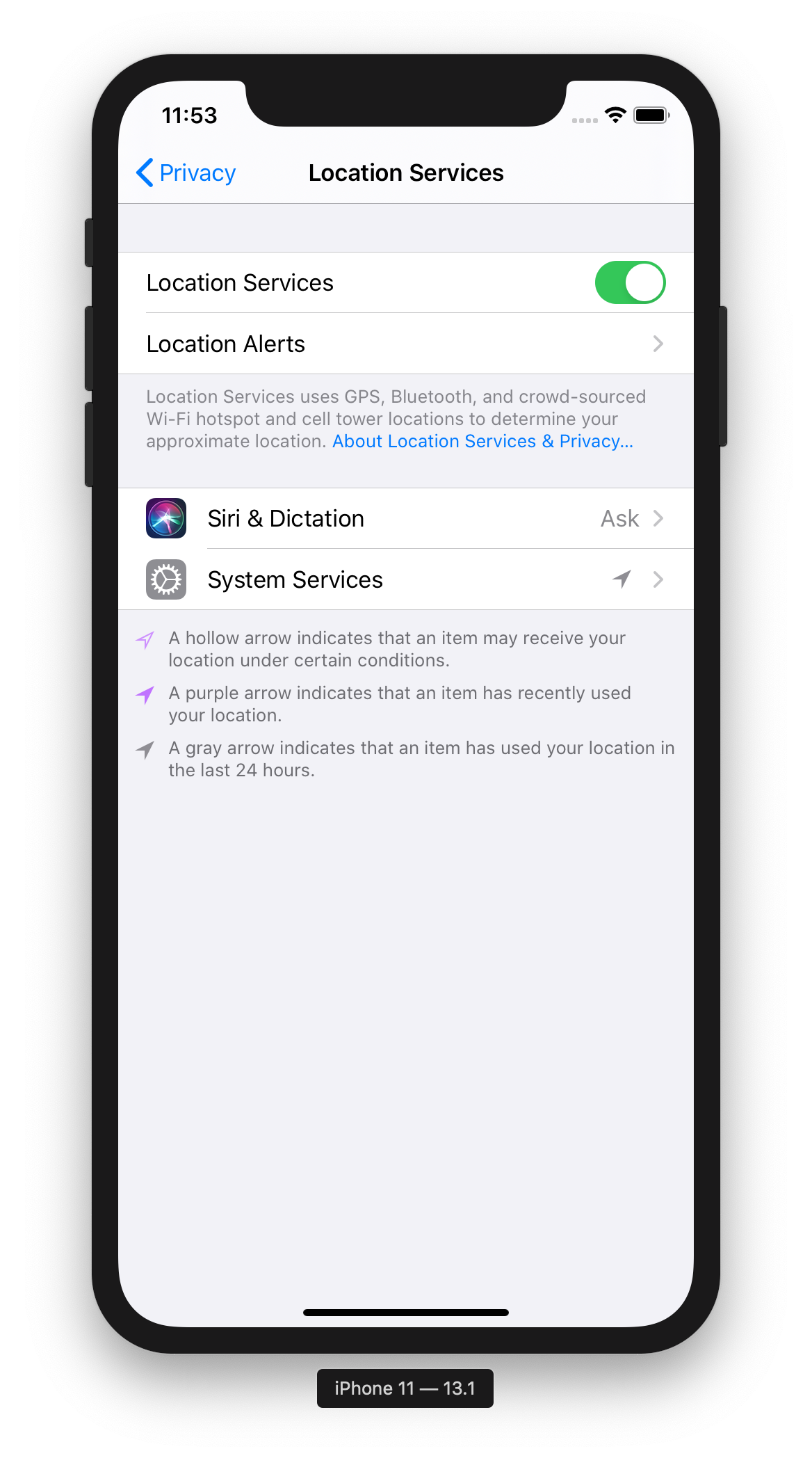
Are location services enabled on the simulator (Settings > Privacy)?
Does location update background mode is enable in Xcode?

zoontek
on 20 Oct 2019
Are location services enabled on the simulator (Settings > Privacy)?
Does location update background mode is enable in Xcode?
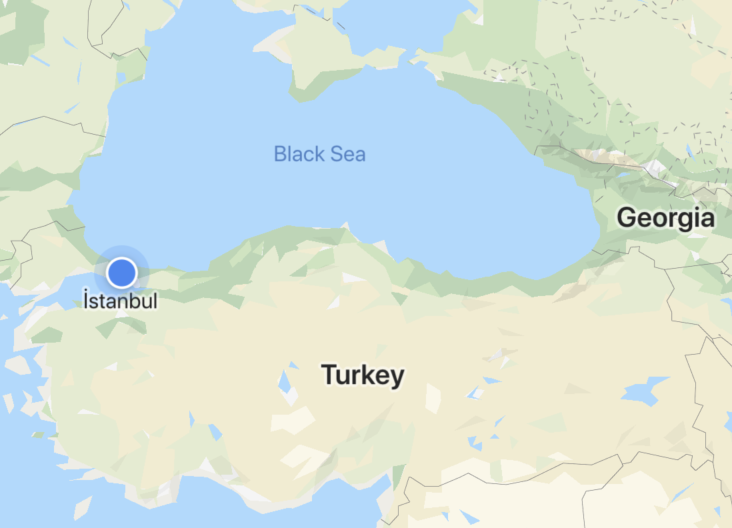
Yes, I see custom location on map.
efecantekin
on 20 Oct 2019
@efecantekin Seeing your location on the map does not mean that you have the right to use the location when the app is in background.
You need to add location in your UIBackgroundModes: https://github.com/react-native-community/react-native-permissions/blob/master/example/ios/RNPermissionsExample/Info.plist#L74
zoontek
on 21 Oct 2019
You need to add
locationin yourUIBackgroundModes: https://github.com/react-native-community/react-native-permissions/blob/master/example/ios/RNPermissionsExample/Info.plist#L74
The point was this.
Thank you,
efecantekin
on 21 Oct 2019
What if I only want to use significant location tracking feature of iOS in background and do not want to enable this UIBackgroundModes location to track locations in background? I still need the permission from user to "Always allow" but location background mode not enabled?
This used to work fine in the earlier versions of react-native-permissions.
Any Thoughts?
 apoorva-techie
on 23 Oct 2019
apoorva-techie
on 23 Oct 2019
@apoorva-techie Indeed, I will remove the check.
zoontek
on 23 Oct 2019
@apoorva-techie Done https://github.com/react-native-community/react-native-permissions/releases/tag/2.0.3
zoontek
on 23 Oct 2019
@apoorva-techie Done https://github.com/react-native-community/react-native-permissions/releases/tag/2.0.3
Thank you! Life saver this was!
apoorva-techie
on 29 Oct 2019
Related issues
 mtt87
·
28Comments
mtt87
·
28Comments
 note89
·
35Comments
note89
·
35Comments
 rohitgoyal
·
20Comments
rohitgoyal
·
20Comments
 smokinjoe
·
19Comments
smokinjoe
·
19Comments
 roaringUnicorn
·
17Comments
roaringUnicorn
·
17Comments