React-native-paper: Flex doesn't work on Button
Environment
Expo 33 & react-native-paper 2.16.0.
Description
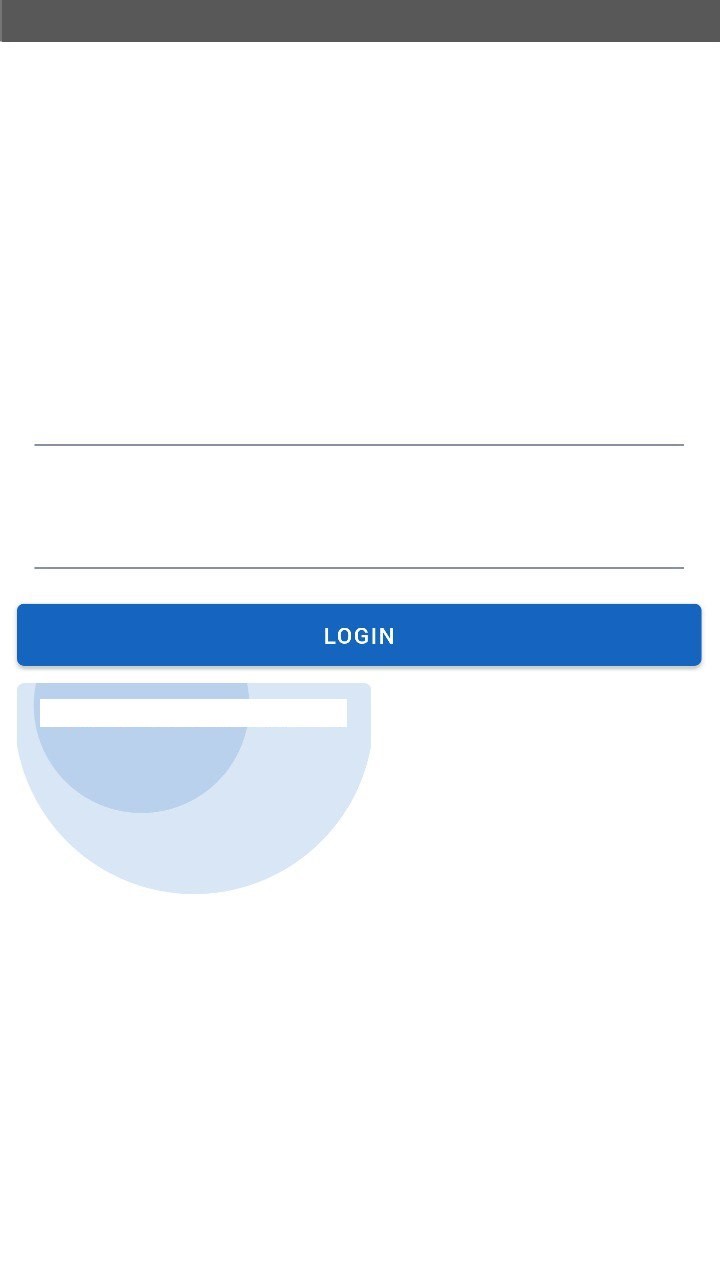
Applying {flex: 1} to the Button only applies to the Surface container, with no clear ability to properly stretch the TouchableRipple to fit.
As a result, the outline of the button fills the space, but the actual touchable portion does not.
Reproducible Demo
 cpboyd
All 4 comments
example choose Button on the list
works with API 28 not with API 26
<View style={{flex: 1, flexDirection: 'row', justifyContent: 'space-between', marginTop: 10}}>
<Button>{strings.forgottenPassword}</Button>
<Button>{strings.register}</Button>
</View>
 notjulian
on 4 Jul 2019
notjulian
on 4 Jul 2019
Hello 👋, this issue has been open for more than 2 months with no activity on it. If the issue is still present in the latest version, please leave a comment within 7 days to keep it open, otherwise it will be closed automatically. If you found a solution on workaround for the issue, please comment here for others to find. If this issue is critical for you, please consider sending a pull request to fix the issue.
![github-actions[bot] picture](https://avatars.githubusercontent.com/in/15368?v=4&s=40) github-actions[bot]
on 14 Dec 2019
github-actions[bot]
on 14 Dec 2019
same behavior with latest version
notjulian
on 17 Dec 2019
@notjulian @cpboyd There is no need to set flex: 1 in a button. Just wrap it with an View. Check this Snack .
 Trancever
on 18 Dec 2019
Trancever
on 18 Dec 2019
Related issues
 rolandjitsu
·
14Comments
rolandjitsu
·
14Comments
 rahadkc
·
22Comments
rahadkc
·
22Comments
 devsrv
·
25Comments
devsrv
·
25Comments
 Steffi3rd
·
21Comments
Steffi3rd
·
21Comments
 binyamin
·
44Comments
binyamin
·
44Comments
Most helpful comment
@notjulian @cpboyd There is no need to set
flex: 1in a button. Just wrap it with anView. Check this Snack .