React-native-navigation: SafeAreaView not working on the first tab of a bottomTabs layout.
Issue Description
SafeAreaView not working on the first tab of a bottomTabs layout (with the bottom bar not being visible), where each tab is a stack layout by itself.
Steps to Reproduce / Code Snippets / Screenshots
Create bottomTabs layout with each child as a stack layout like so:
bottomTabs: {
  options: {
    bottomTabs: {
      visible: false,
      drawBehind: true
    }
  },
  children: [
    {
      stack: {
        options: {
          bottomTabs: {
            currentTabIndex: 0
          },
        children: [
          {
            component: { name: "componentname" }
          }
        ]
      }
    }
  ]
}
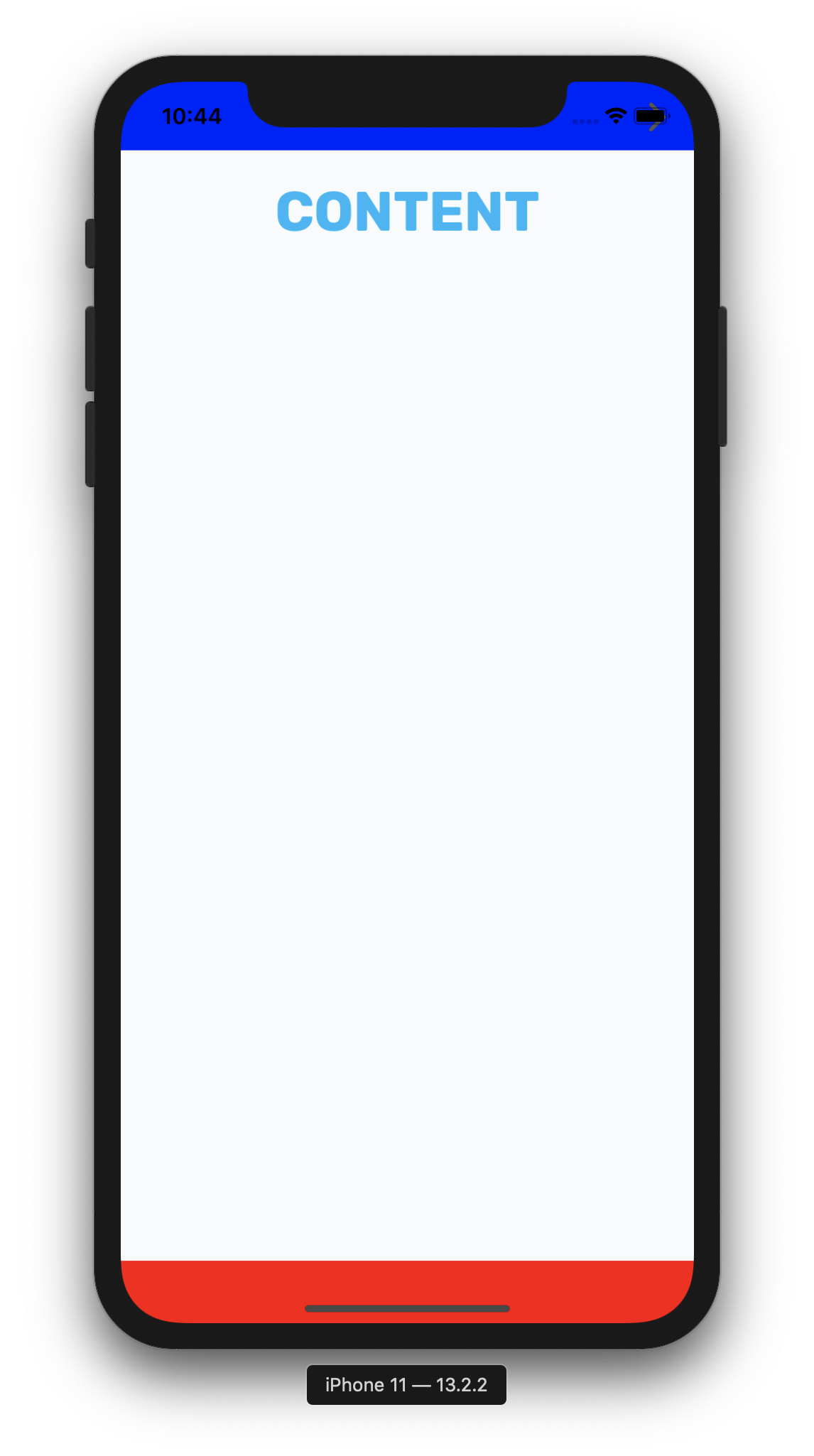
Here are screenshots of the same screen which is using a SafeAreaView, when being the first index and the second.
the screen as the first tab in the bottomTabs layout (currentTabIndex: 0):
the same screen as the second tab in the bottomTabs layout (currentTabIndex: 1):
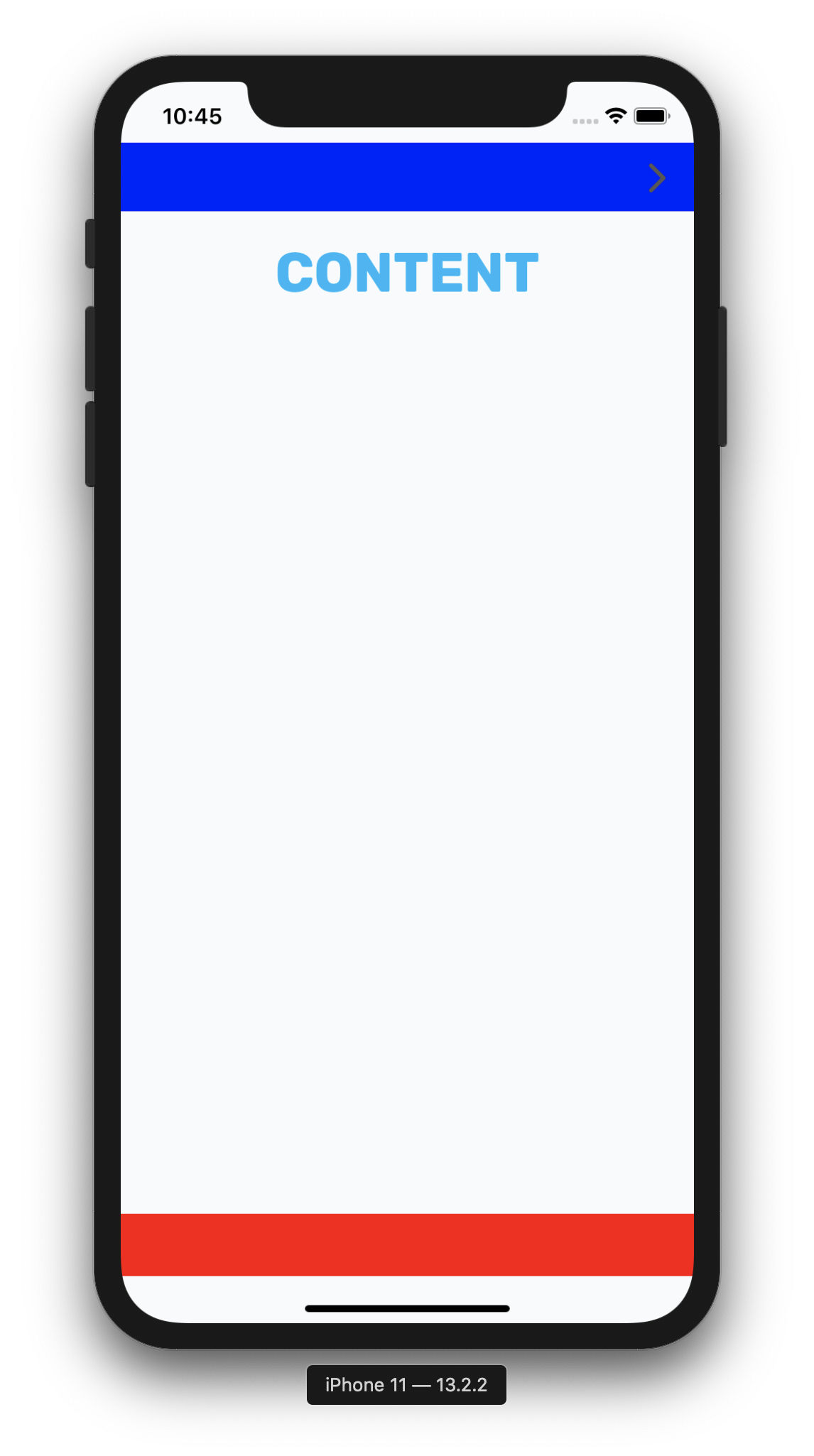
As you can see in the image, where the custom bottomTab (red) and the custom header (blue) which are wrapped with a SafeAreaView, when the screen is the first index in the bottomTabs layout - the SafeAreaView simply does not work.
Environment
- React Native Navigation version: 3.7.0
- React Native version: 0.61.4
- Platform(s) (iOS, Android, or both?): iOS
- Device info (Simulator/Device? OS version? Debug/Release?): iPhone X and above because this is a safe area issue
 idanlo
All 13 comments
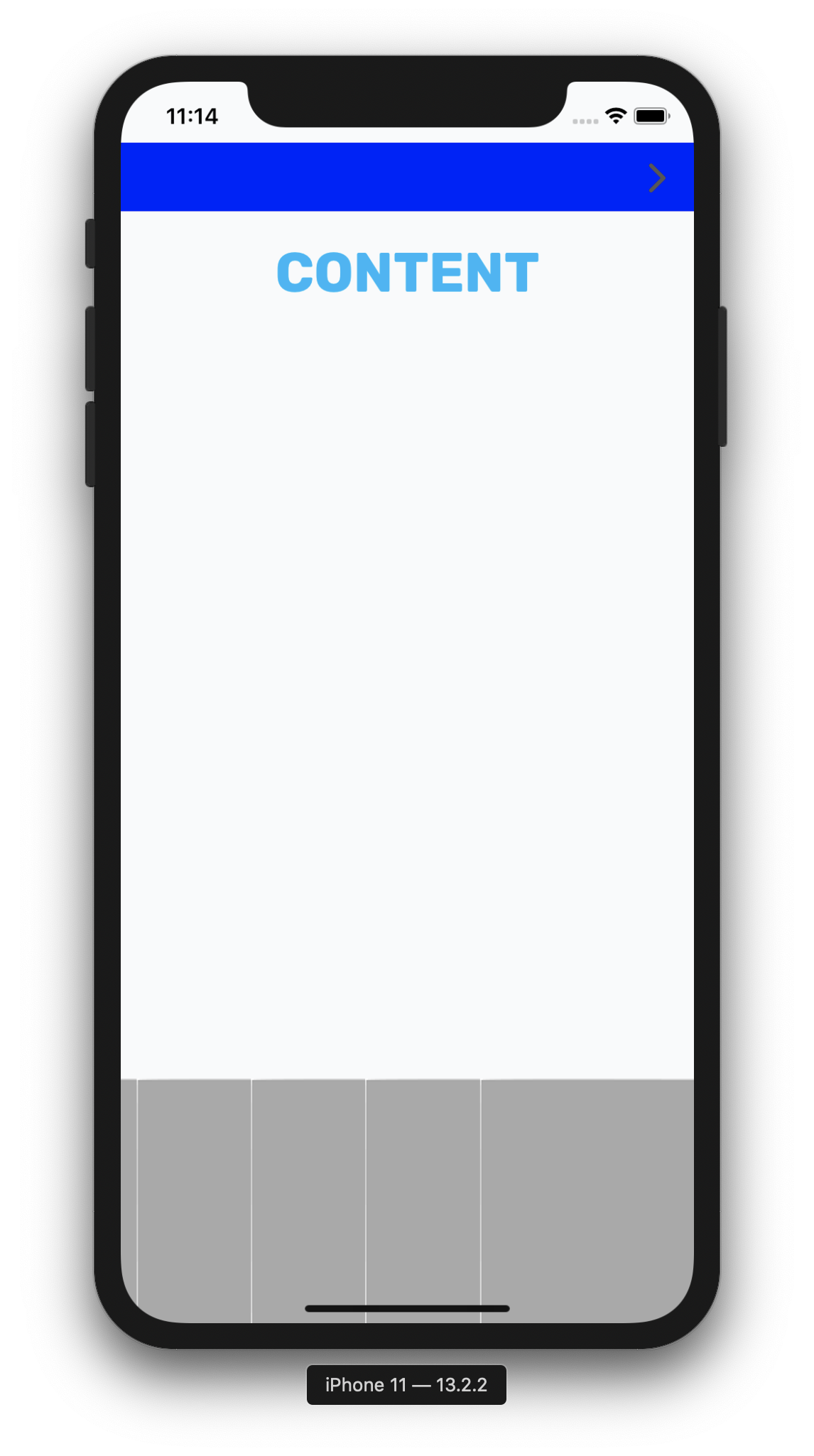
When activating RNN bottom tab this works -
bottomTabs: {
visible: true,
drawBehind: false
}
idanlo
on 20 Nov 2019
After closing and opening the app again (without removing from recent apps and with the bottomTabs options set to { visible: false, drawBehind: true } like in the first example) then the safe area on the first tab begins to operate the same as on all the tabs, maybe it can help you figure why this happens
idanlo
on 20 Nov 2019
It happen to me also. I can mention that it happen only when use with stack layout. When you switch to component layout (only for the first tab index) it work normally.
```
root: {
bottomTabs: {
children: [
{
stack: {
children: [
{
component: {
name: HOME_SCREEN,
},
},
],
options: {
bottomTab: {
text: 'HOME',
icon: homeIcon,
selectedIconColor: Colors.secondary,
selectedTextColor: Colors.secondary,
...Fonts.weight.regular,
},
topBar: {
visible: false,
background: {
color: Colors.white,
},
},
},
},
},
{
stack: {
children: [
{
component: {
name: SECOND_SCREEN,
},
},
],
options: {
bottomTab: {
text: 'SECOND',
icon: iicon,
selectedIconColor: Colors.secondary,
selectedTextColor: Colors.secondary,
...Fonts.weight.regular,
},
topBar: {
visible: false,
background: {
color: Colors.white,
},
},
},
},
},
{
stack: {
children: [
{
component: {
name: ACCOUNT_SCREEN,
},
},
],
options: {
bottomTab: {
text: 'ACCOUNT',
icon: accountIcon,
selectedIconColor: Colors.secondary,
selectedTextColor: Colors.secondary,
...Fonts.weight.regular,
},
topBar: {
visible: false,
background: {
color: Colors.white,
},
},
},
},
},
],
options: {
bottomTabs: {
backgroundColor: 'white',
currentTabIndex: 1,
},
},
},
}
 Mlobaievskyi
on 25 Dec 2019
Mlobaievskyi
on 25 Dec 2019
This issue has been automatically marked as stale because it has not had recent activity. It will be closed if no further activity occurs.
If you believe the issue is still relevant, please test on the latest Detox and report back. Thank you for your contributions.
![stale[bot] picture](https://avatars.githubusercontent.com/in/1724?v=4&s=40) stale[bot]
on 24 Jan 2020
stale[bot]
on 24 Jan 2020
Not stale. This is an issue if the RNN bottomTabs are not visible.
idanlo
on 24 Jan 2020
It is an issue if the tabs are visible also
 rezasazesh
on 28 Jan 2020
rezasazesh
on 28 Jan 2020
Same issue here.
 joaom182
on 9 Feb 2020
joaom182
on 9 Feb 2020
@rezasazesh @joaom182 Can you please try latest version, and make sure you set bottomTabs.drawBehind: true in default options.
 guyca
on 10 Feb 2020
guyca
on 10 Feb 2020
same issue is there any fix / solution for this. Tried all the solutions mentioned above nothing works
 Mubashirkhan
on 9 Mar 2020
Mubashirkhan
on 9 Mar 2020
+1
 wincjh
on 13 Mar 2020
wincjh
on 13 Mar 2020
Happens to me as well, but only when I set an initial selected tab other than 0.
A workaround is to set the currentTabIndex with mergeOptions:
  Navigation.setRoot({
    ...
  });

  Navigation.mergeOptions(TabsId, {
    bottomTabs: {
      currentTabIndex: 1,
    },
  });
 remstos
on 19 Mar 2020
remstos
on 19 Mar 2020
+1
 stockrel
on 1 Apr 2020
stockrel
on 1 Apr 2020
I cannot reproduce this one anymore on 7.4.0, was following this issue but seems fixed for me 💪
 svenlombaert
on 24 Nov 2020
svenlombaert
on 24 Nov 2020
Related issues
 bjacog
·
3Comments
bjacog
·
3Comments
 zhanguangao
·
3Comments
zhanguangao
·
3Comments
 birkir
·
3Comments
birkir
·
3Comments
 tmaly1980
·
3Comments
tmaly1980
·
3Comments
 nbolender
·
3Comments
nbolender
·
3Comments
Most helpful comment
Happens to me as well, but only when I set an initial selected tab other than 0.
A workaround is to set the currentTabIndex with mergeOptions: