React-native-navigation: Cannot scroll to the bottom of a ScrollView on Android
Issue Description
If I add a couple of Text components in a ScrollView, I am not able to scroll to the bottom on Android. The problem appears with both a tab-based app or a single-screen app. The problem can be worked around by adding drawUnderNavBar: true and drawUnderTabBar: true and adding some margins to the ScrollView.
Steps to Reproduce / Code Snippets / Screenshots
Here is a GIF of the problem:
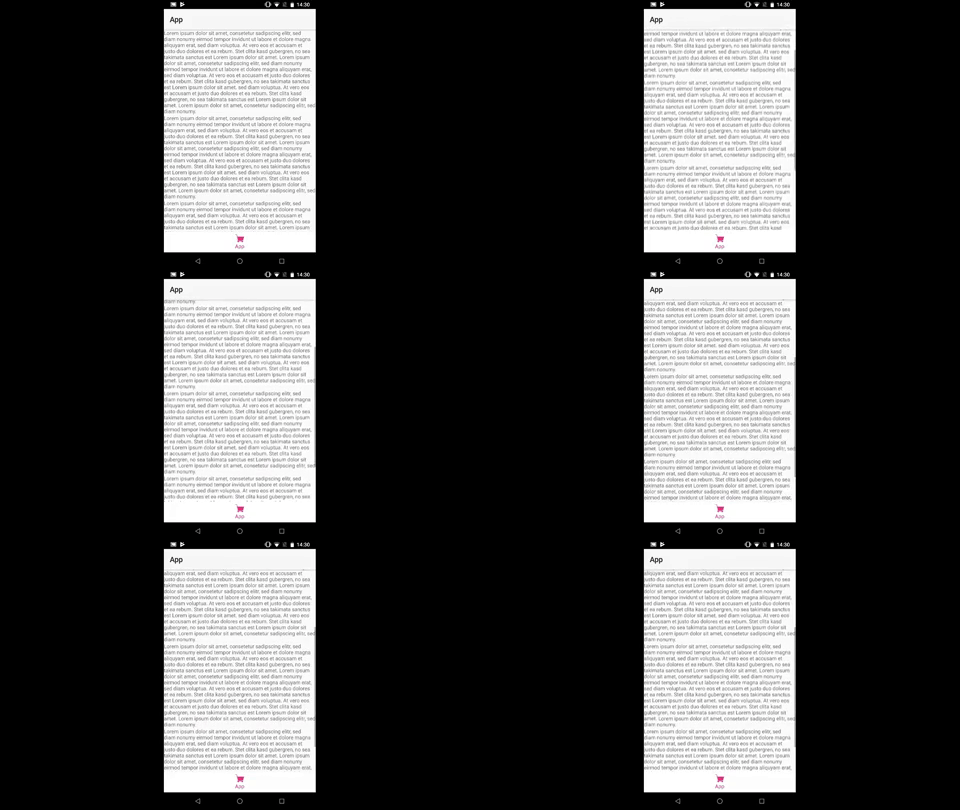
The problem can be reproduced with a very simple app. I have not tested with older versions of React Native:
class App extends Component<{}> {
  render() {
    return (
        <ScrollView >
          <Text>[LOTS OF TEXT...]</Text>
          <Text>[LOTS OF TEXT...]</Text>
          <Text>[LOTS OF TEXT...]</Text>
          <Text>[LOTS OF TEXT...]</Text>
        </ScrollView>
    );
  }
}

Navigation.registerComponent('App', () => App);

Navigation.startTabBasedApp({
  tabs: [
    {
      label: 'App',
      icon: require('./src/assets/icon/shop-icon.png'),
      screen: 'App',
      title: 'App'
    },
  ]
});
Environment
- React Native Navigation version: 1.1.300
- React Native version: 0.51.0
- Platform(s): Android
- Device info: Nexus 6P, Android 8.1.0, Debug
 davidperrenoud
All 6 comments
It's seem relate to #2138 and already pushed PR #2261.
 koansang
on 7 Dec 2017
koansang
on 7 Dec 2017
@davidperrenoud a little insight into what is happening in your app. You see the above behaviour because the app is constantly re-rendering. It appears like you are not able to scroll down because the ScrollView is alternating between two sizes on each render. When you scroll to the bottom you can see the scrollbar jumping up and down. Since this is happening many dozen times a second it feels like you cannot scroll to the bottom.
To resolve this you can
- Downgrade rn to 0.49. Or
- Apply the patch from my PR
 chaitanya-bhagavan
on 7 Dec 2017
chaitanya-bhagavan
on 7 Dec 2017
This seems fixed now since @chaitanya0bhagvan awesome patch landed in master.
 danilobuerger
on 14 Dec 2017
danilobuerger
on 14 Dec 2017
@danilobuerger I was wondering whether this issue was resolved. Thanks for the update.
chaitanya-bhagavan
on 14 Dec 2017
@chaitanya0bhagvan I tested it in a SectionList and a ScrollView. Both work now and I can scroll to the bottom. Thanks!
danilobuerger
on 14 Dec 2017
Yes, with version 1.1.307 and later it's now fixed.
https://github.com/wix/react-native-navigation/issues/2138#issuecomment-351593886
davidperrenoud
on 14 Dec 2017
Related issues
 edcs
·
3Comments
edcs
·
3Comments
 yedidyak
·
3Comments
yedidyak
·
3Comments
 yayanartha
·
3Comments
yayanartha
·
3Comments
 no23reason
·
3Comments
no23reason
·
3Comments
 zagoa
·
3Comments
zagoa
·
3Comments
Most helpful comment
Yes, with version 1.1.307 and later it's now fixed.
https://github.com/wix/react-native-navigation/issues/2138#issuecomment-351593886