React-native-mapbox-gl: MapView does not display inside of scrollview
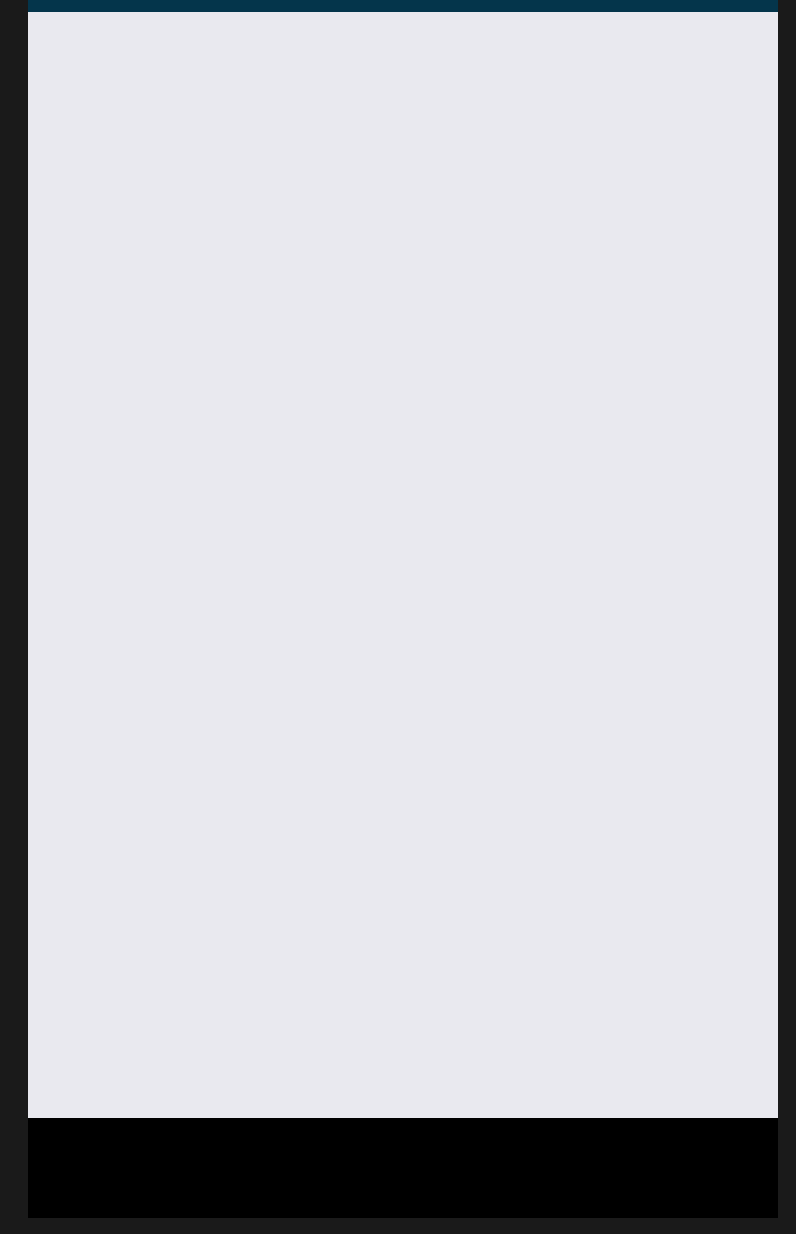
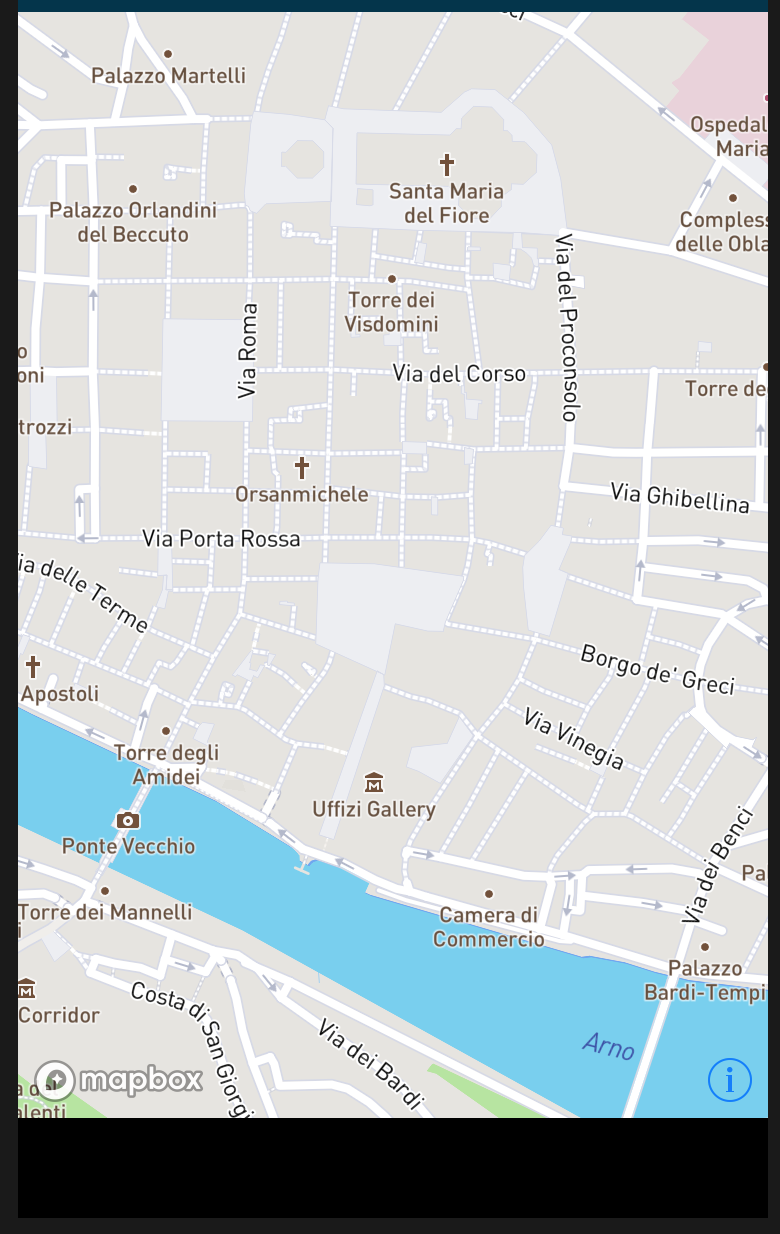
The MapView appears to not work at all currently when placed inside of a ScrollView. I was setting this up inside of a ScrollView and spent a bunch of time wondering why I was getting no errors but no map was showing up. I ended up discovering that switching its parent container from a ScrollView to a regular View made the map appear with no issues. I was using the basic example code found here for the MapView but had just modified the View to a ScrollView. I have included these examples below with my AccessToken removed as well as some screenshots.
Platform: IOS
Mapbox Version: 6.0.3-rc1
import React, { Component } from 'react';
import { Text, StyleSheet, View, ScrollView } from 'react-native';
import Mapbox from '@mapbox/react-native-mapbox-gl';

Mapbox.setAccessToken('<MyAccessToken>');

export class MyMap extends React.Component {
    render() {
        return (
          <ScrollView style={styles.container}>
            <Mapbox.MapView
                styleURL={Mapbox.StyleURL.Street}
                zoomLevel={15}
                centerCoordinate={[11.256, 43.770]}
                style={styles.container}>
            </Mapbox.MapView>
          </ScrollView>
        );
      }
}

const styles = StyleSheet.create({
    container: {
      flex: 1
    },
  });
Screenshot of what the IOS Simulator screen looks like with the above code:
import React, { Component } from 'react';
import { Text, StyleSheet, View, ScrollView } from 'react-native';
import Mapbox from '@mapbox/react-native-mapbox-gl';

Mapbox.setAccessToken('<MyAccessToken>');

export class MyMap extends React.Component {
    render() {
        return (
          <View style={styles.container}>
            <Mapbox.MapView
                styleURL={Mapbox.StyleURL.Street}
                zoomLevel={15}
                centerCoordinate={[11.256, 43.770]}
                style={styles.container}>
            </Mapbox.MapView>
          </View>
        );
      }
}

const styles = StyleSheet.create({
    container: {
      flex: 1
    },
  });
Screenshot of what the above code with just a regular View looks like:
 ClayChristmas
All 5 comments
Try contentContainerStyle={{ flex: 1 }} or contentContainerStyle={StyleSheet.absoluteFillObject} on ScrollView
 woodpav
on 29 Jan 2018
woodpav
on 29 Jan 2018
Thanks for the response! This does fix the problem, but causes other problems for me. My view has a series of components that each display some data in a different way (like charts). I need to show a smaller map (non-full screen) as one of these components. When I make the suggestion you mentioned with my other components it makes the MapView only have a height of about 10 and forces the scrollview to jam all of the components into the screen somewhere which breaks the layout.
ClayChristmas
on 29 Jan 2018
Sounds like your ScrollView container should be a { flex: 1 } and other components (like charts) should display using either height/width or flex. For the MapView, put it in a View container with style { flex: 1, position: 'relative' } and then make MapView a StyleSheet.absoluteFillObject.
If you totally remove the MapView, the map's View wrapper should display with the correct layout. When you add back in the MapView, the map should fill that View entirely (due to StyleSheet.absoluteFillObject).
Adding position: relative to the wrapping View causes the absolute children to be positioned relative to the View and not to the window. (Ex: https://www.w3schools.com/css/tryit.asp?filename=trycss_position_absolute try deleting position: relative)
woodpav
on 29 Jan 2018
Fantastic! That totally fixed the issue for me. Thanks so much for the help. I thought that I was running into an issue with the library, but this makes sense.
ClayChristmas
on 29 Jan 2018
not working for me, mine is horizontal scroll view.. help please
 bishalgnyawali
on 27 Apr 2019
bishalgnyawali
on 27 Apr 2019
Related issues
 kristfal
·
3Comments
kristfal
·
3Comments
 smoll
·
4Comments
smoll
·
4Comments
 olofd
·
3Comments
olofd
·
3Comments
 lernerbot
·
3Comments
lernerbot
·
3Comments
 Craytor
·
3Comments
Craytor
·
3Comments
Most helpful comment
Sounds like your ScrollView container should be a
{ flex: 1 }and other components (like charts) should display using either height/width or flex. For theMapView, put it in aViewcontainer with style{ flex: 1, position: 'relative' }and then makeMapViewaStyleSheet.absoluteFillObject.If you totally remove the
MapView, the map'sViewwrapper should display with the correct layout. When you add back in theMapView, the map should fill thatViewentirely (due toStyleSheet.absoluteFillObject).Adding
position: relativeto the wrappingViewcauses theabsolutechildren to be positioned relative to theViewand not to the window. (Ex: https://www.w3schools.com/css/tryit.asp?filename=trycss_position_absolute try deletingposition: relative)