React-native-i18n: ios: appstore doesn't show localizations
When I upload my localized react-native-i18n project to the appstore, it doesn't recognize the localizations. It seems I need to do some manual config in the xcode project as per the README. However, when I click to add a localization, I get a blank list of resources and the locale isn't actually added when I finish.
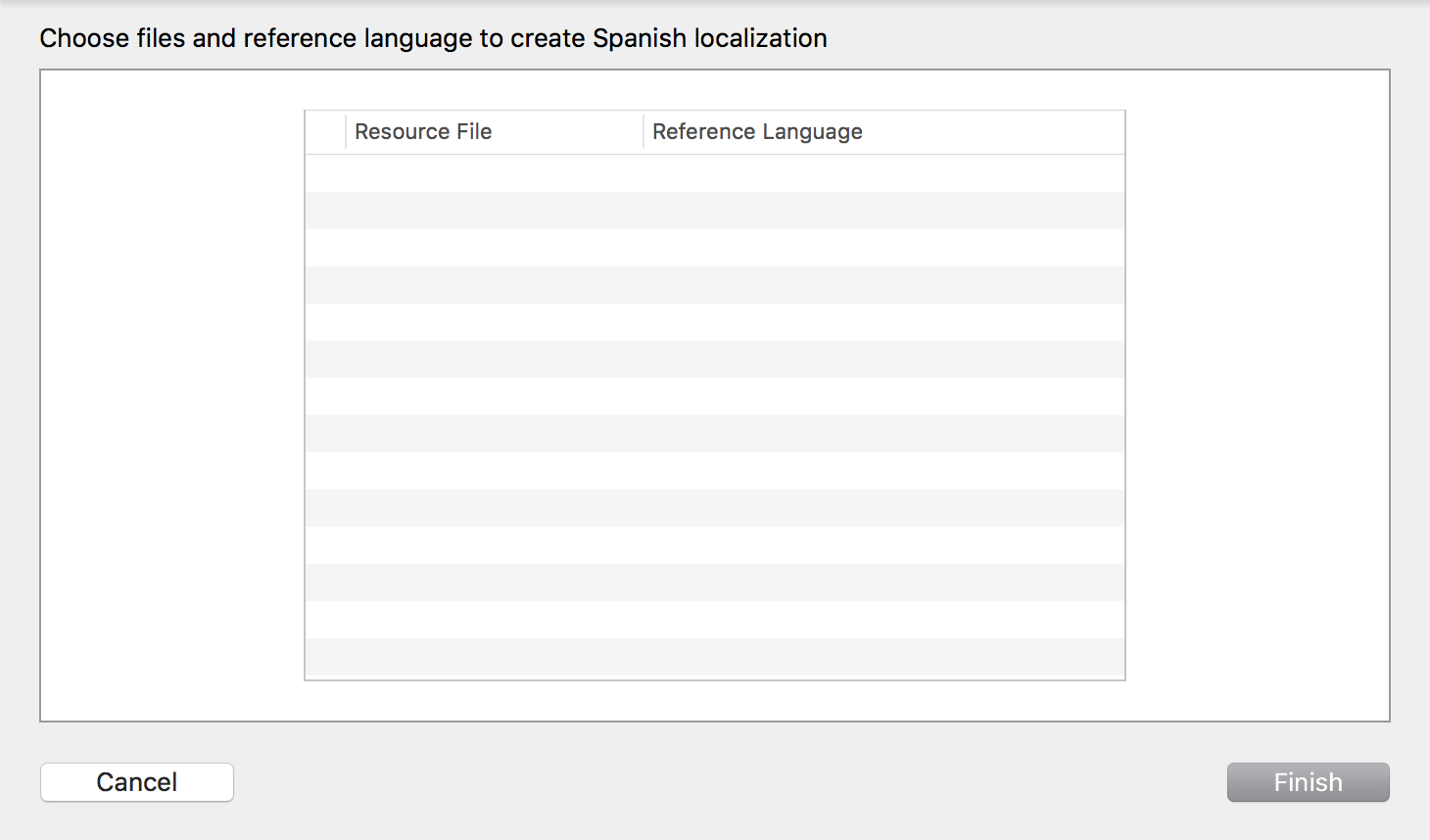
I'm sure I'm missing a step, any help would be warmly appreciated.
 tonygentilcore
All 4 comments
@tonygentilcore Hi, can you provides a screenshot of your Project Infos? (similar to the one in the README)
 zoontek
on 2 Dec 2017
zoontek
on 2 Dec 2017
@zoontek Thanks for getting back to me! Here's a screenshot. I suspect the root issue is that there are "0 Files Localized," but given everything non-trivial about this project is in RN, I'm not sure what I can/should choose to localize in Xcode (or exactly how, really).
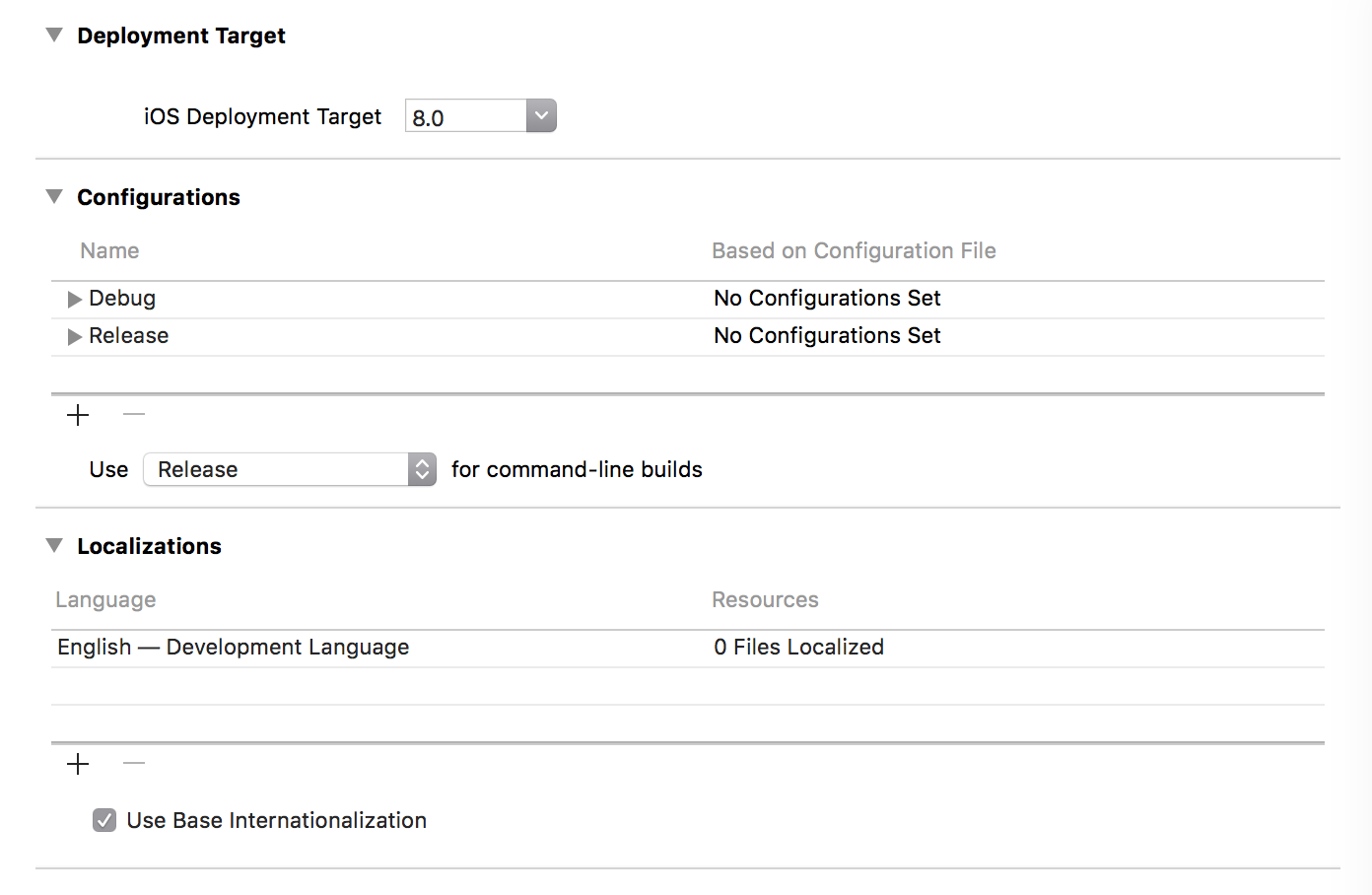
Thanks again for taking the time to help.
tonygentilcore
on 2 Dec 2017
Even if you are not using it, try adding a new locale, and translate your Info.plist: https://stackoverflow.com/a/25736915
You can keep the InfoPlist.strings blank.
zoontek
on 2 Dec 2017
That was exactly it. Thanks again.
tonygentilcore
on 2 Dec 2017
Related issues
 mekaVR
·
5Comments
mekaVR
·
5Comments
 henrikra
·
4Comments
henrikra
·
4Comments
 jiangjiatao
·
4Comments
jiangjiatao
·
4Comments
 AhsanAk
·
3Comments
AhsanAk
·
3Comments
 tigranbalayan
·
5Comments
tigranbalayan
·
5Comments
Most helpful comment
Even if you are not using it, try adding a new locale, and translate your Info.plist: https://stackoverflow.com/a/25736915
You can keep the InfoPlist.strings blank.