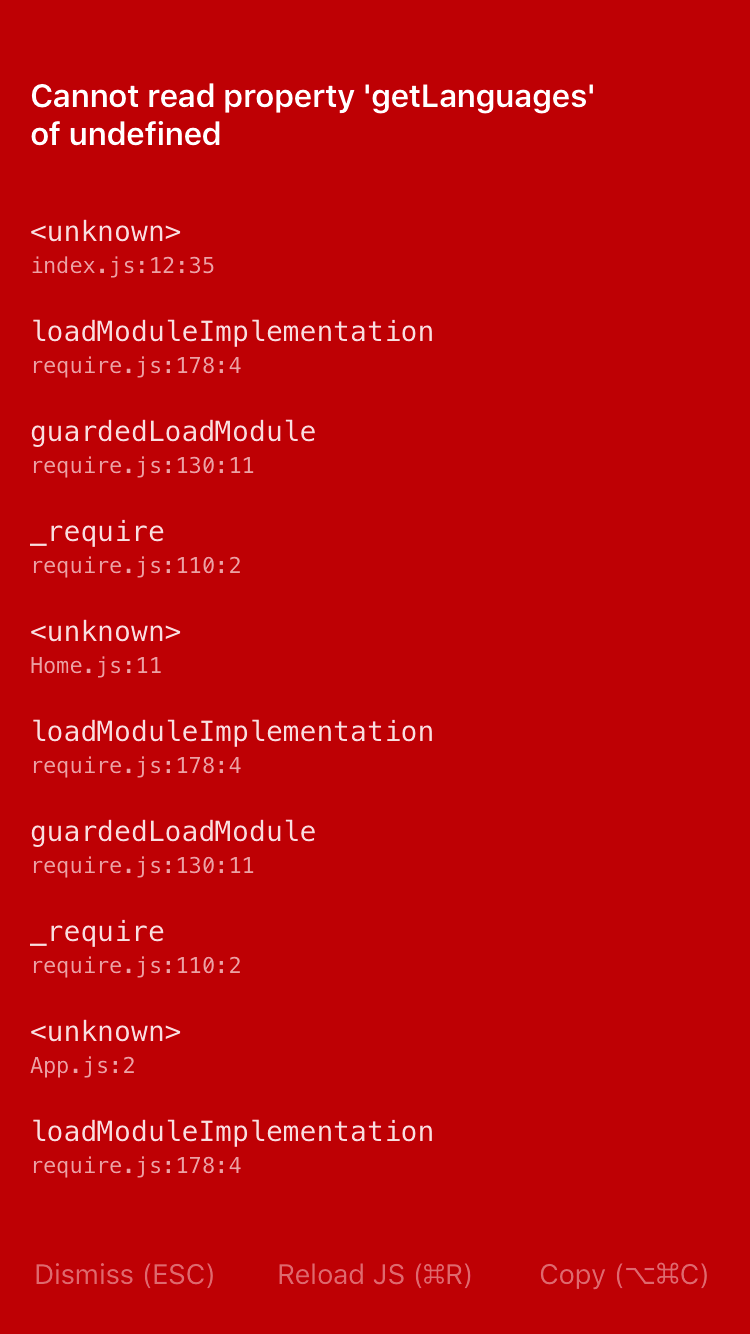
React-native-i18n: Cannot read property 'getLanguages' of undefined
My code is from the demo
import React, { Component } from 'react';
import {
    Text
} from 'react-native';
import I18n from 'react-native-i18n';

class Demo extends React.Component {
    render() {
    return (
      <Text>{I18n.t('greeting')}</Text>
    );
  }
}

// Enable fallbacks if you want `en-US` and `en-GB` to fallback to `en`
I18n.fallbacks = true;

I18n.translations = {
  en: {
    greeting: 'Hi!'
  },
  fr: {
    greeting: 'Bonjour!'
  }
};

export default Demo;
I am getting
Thank you in advance! :)
 SvetoslavSlavov
All 4 comments
I think you need to install react-native-i18n as well as ex-react-native-i18n
 andrespch
on 12 Oct 2017
andrespch
on 12 Oct 2017
@SvetoslavSlavov Is the package correctly linked?
 zoontek
on 15 Oct 2017
zoontek
on 15 Oct 2017
🎉1
😄1
I got this error when I forgot to restart the app after installing and linking the package. Solved by running again.
 stefanedberg
on 17 Oct 2017
stefanedberg
on 17 Oct 2017
👍1
It Worked perfectly for a long time.I'm experiencing g this error suddenly. How to resolve this
 kartiikeyabaleneni
on 29 Dec 2017
kartiikeyabaleneni
on 29 Dec 2017
Was this page helpful?
0 / 5 - 0 ratings
Related issues
 hannta
·
5Comments
hannta
·
5Comments
 sibelius
·
4Comments
sibelius
·
4Comments
 Mengxiaowei
·
4Comments
Mengxiaowei
·
4Comments
 mekaVR
·
5Comments
mekaVR
·
5Comments
 xilonxiao
·
5Comments
xilonxiao
·
5Comments
Most helpful comment
@SvetoslavSlavov Is the package correctly linked?