React-native-gesture-handler: How to use onGestureEvent in a functional component?
Should I be expecting this to work? How can I do this? Using useCode?
const Comp = () =>
  const clock = new Clock();
  const state = new Value(-1);
  const translationY = new Value(0);
  const translationX = new Value(0);

  const onGestureEvent = event([{
    nativeEvent: {
      translationY,
      translationX,
      state,
    },
  }], { useNativeDriver: true });

  const rotation = interpolate(translationY, {
    inputRange: [-width, width],
    outputRange: [-25, 25],
  });

  return (
    <PanGestureHandler onGestureEvent={onGestureEvent}>
      <Animated.View
        style={{
          transform: [
            { translateX },
            { translateY },
            { rotation: concat(rotation, 'deg') },
          ]
        }}
      />
    </PanGestureHandler>
  )
}
Thanks
 lovelstn
All 7 comments
In a function component using hooks, you can create refs to Animated.values and use them like instance variables in a class, something like this:
const Comp = () => {
    const translationXRef = useRef(new Animated.Value(0));
    const translationYRef = useRef(new Animated.Value(0));

    const onGestureEvent = useCallback(
        Animated.event(
            [{
                nativeEvent: {
                    translationX: translationXRef.current,
                    translationY: translationYRef.current,
                },
            }],
            { useNativeDriver: true },
        ),
        [],
    );

    const rotate = translationYRef.current.interpolate({
        inputRange: [-100, 100],
        outputRange: ['-25deg', '25deg'],
    });

    return (
        <PanGestureHandler onGestureEvent={onGestureEvent}>
            <Animated.View
                style={{
                    width: 200,
                    height: 200,
                    backgroundColor: 'blue',
                    transform: [
                        { translateX: translationXRef.current },
                        { translateY: translationYRef.current },
                        { rotate },
                    ],
                }}
            />
        </PanGestureHandler>
    );
};
Also, as you can see here, interpolate can handle adding the "deg" for you.
 lafiosca
on 4 Dec 2019
lafiosca
on 4 Dec 2019
@lafiosca That's pretty cool! Thanks!
Also I feel that this is more of a stack overflow question? Or maybe we should add more info about that in the documentation? Should I make a PR?
 thinklinux
on 4 Dec 2019
thinklinux
on 4 Dec 2019
Thanks! Yes I think more documentation would be extremely helpful.
On Wed, 4 Dec 2019, 09:30 Tihomir Valkanov, notifications@github.com
wrote:
@lafiosca https://github.com/lafiosca That's pretty cool! Thanks!
Also I feel that this is more of a stack overflow question? Or maybe we
should add more info about that in the documentation? Should I make a PR?—
You are receiving this because you authored the thread.
Reply to this email directly, view it on GitHub
https://github.com/kmagiera/react-native-gesture-handler/issues/862?email_source=notifications&email_token=ALE4EZB6W345MDNHEIHU26TQW52CHA5CNFSM4JU6FVGKYY3PNVWWK3TUL52HS4DFVREXG43VMVBW63LNMVXHJKTDN5WW2ZLOORPWSZGOEF4KDFY#issuecomment-561553815,
or unsubscribe
https://github.com/notifications/unsubscribe-auth/ALE4EZCBTIKL4ELUUMIGVGDQW52CHANCNFSM4JU6FVGA
.
lovelstn
on 4 Dec 2019
I cant get this works =(.
 co2nut
on 10 Apr 2020
co2nut
on 10 Apr 2020
How is that not mentioned in the docs anywhere ?!
 moalhaddar
on 27 Jun 2020
moalhaddar
on 27 Jun 2020
I tried the same, but my component resets from the initial position.
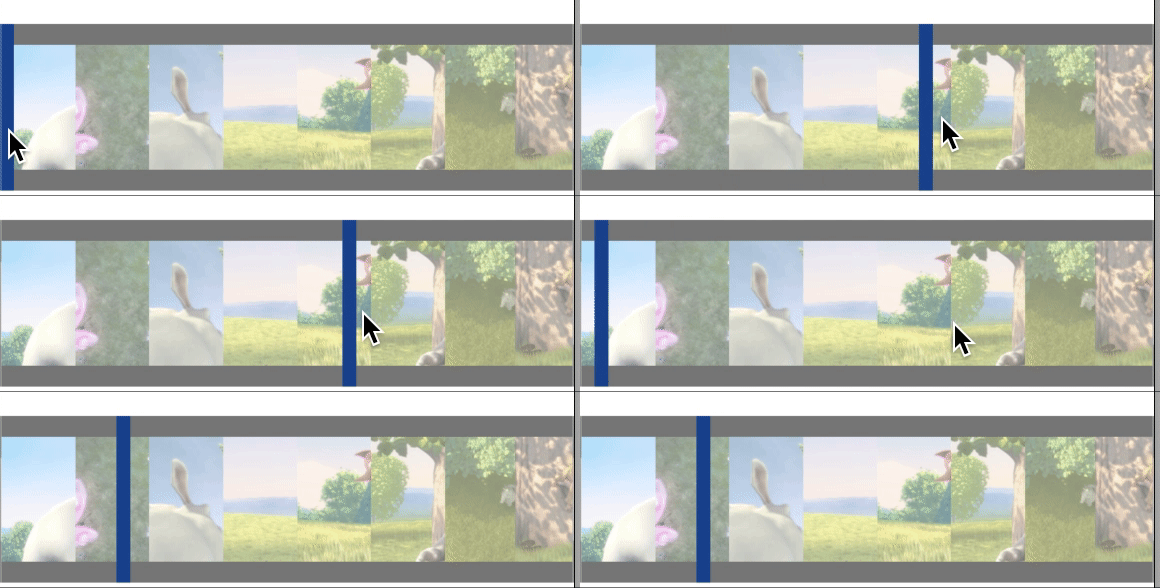
My code is more or less the same as mentioned above.
 vineethvijayan
on 30 Jul 2020
vineethvijayan
on 30 Jul 2020
This isn't directly related to RNGH but Animated/Reanimated. If you have further concerns please reply.
 jakub-gonet
on 11 Aug 2020
jakub-gonet
on 11 Aug 2020
Related issues
 wcandillon
·
4Comments
wcandillon
·
4Comments
 enahum
·
4Comments
enahum
·
4Comments
 chhornponleu
·
3Comments
chhornponleu
·
3Comments
 chrisdrackett
·
4Comments
chrisdrackett
·
4Comments
 maopixin
·
3Comments
maopixin
·
3Comments
Most helpful comment
In a function component using hooks, you can create refs to Animated.values and use them like instance variables in a class, something like this:
Also, as you can see here, interpolate can handle adding the "deg" for you.