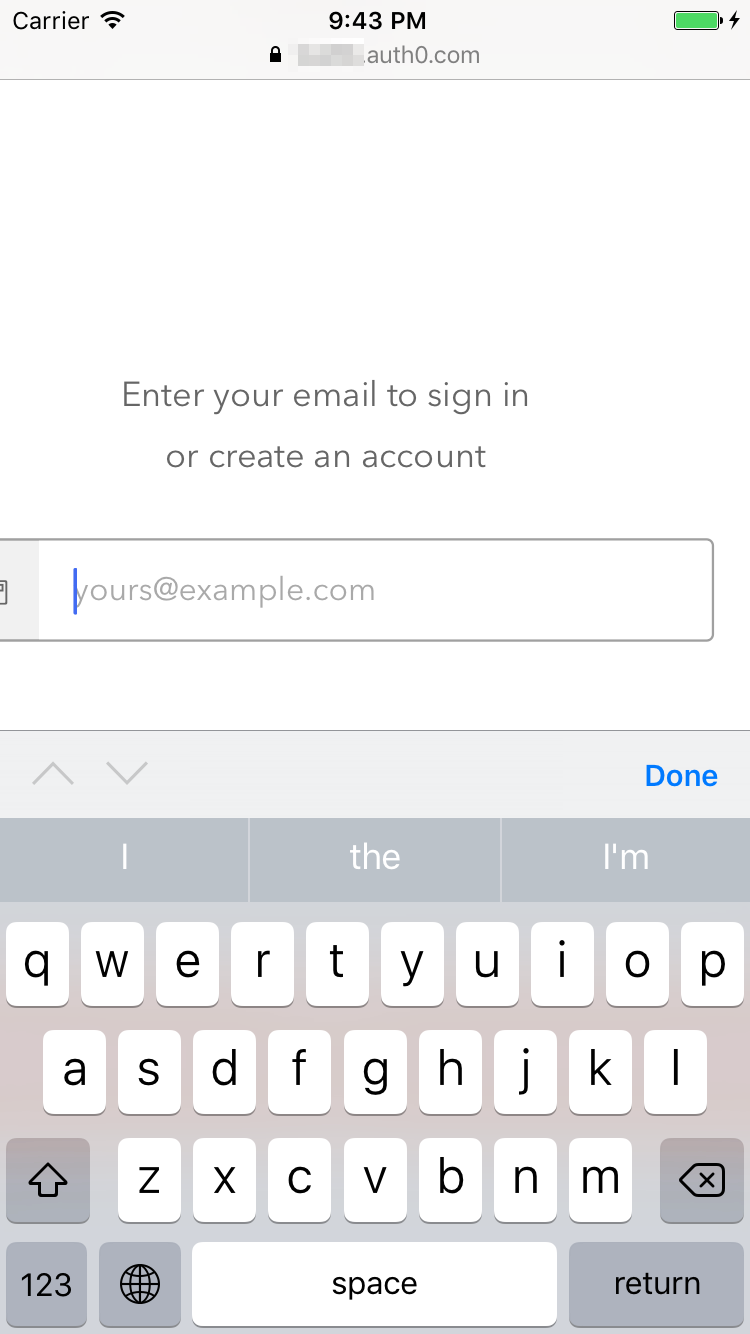
React-native-auth0: How to disable zoom-in
 yuyaohshimo
All 3 comments
Same here
 cjrorvik
on 6 Jun 2018
cjrorvik
on 6 Jun 2018
Did scalesPageToFit help?
 cocojoe
on 12 Jun 2018
cocojoe
on 12 Jun 2018
I managed to fix this by editing the HTML code of login page (https://manage.auth0.com/#/login_page). Edit the original viewport meta to this one:
<meta name="viewport" content="width=device-width, initial-scale=1.0, maximum-scale=1.0, user-scalable=no" />
 adamivancza
on 14 Nov 2018
adamivancza
on 14 Nov 2018
👍3
Was this page helpful?
0 / 5 - 0 ratings
Related issues
 lukewlms
·
3Comments
lukewlms
·
3Comments
 BrightonWeBill
·
12Comments
BrightonWeBill
·
12Comments
 jhazucha
·
9Comments
jhazucha
·
9Comments
 winseyli
·
3Comments
winseyli
·
3Comments
 ElangoPrince
·
7Comments
ElangoPrince
·
7Comments
Most helpful comment
I managed to fix this by editing the HTML code of login page (https://manage.auth0.com/#/login_page). Edit the original viewport meta to this one:
<meta name="viewport" content="width=device-width, initial-scale=1.0, maximum-scale=1.0, user-scalable=no" />