React-native-app-auth: How to do logout action in SalesForce ?
Current implementation
- Have salesforce as idp
- Do login all good
- Then i want to do logout but to do logout in salesforce i need to open browser on link https://my.salesforce.com/services/auth/idp/oidc/logout and close once its done
could you help me find proper way to do it ?
 ButuzGOL
All 10 comments
I'm not really sure. Is it necessarily a browser window? You could try Linking.openUrl() and see if that works?
 kadikraman
on 24 Oct 2018
kadikraman
on 24 Oct 2018
i have tried it but seems like it opens some other browser instance without salesforce cookies
ButuzGOL
on 24 Oct 2018
"Single sign out" is not part of the spec. When the user asks to "sign out" you can just call revoke() which revokes the passed in token. Then delete and saved tokens from your app and take the user back to the "sign in" page.
kadikraman
on 24 Oct 2018
I am doing revoke
but strange case is that when i am do login once again i dont see login form seems like its cookie
ButuzGOL
on 25 Oct 2018
If you add
additionalParameters: {
  prompt: 'login'
}
to your config, it should always prompt the user to log in.
kadikraman
on 25 Oct 2018
Thanks it works
ButuzGOL
on 26 Oct 2018
"Single sign out" is not part of the spec. When the user asks to "sign out" you can just call
revoke()which revokes the passed in token. Then delete and saved tokens from your app and take the user back to the "sign in" page.
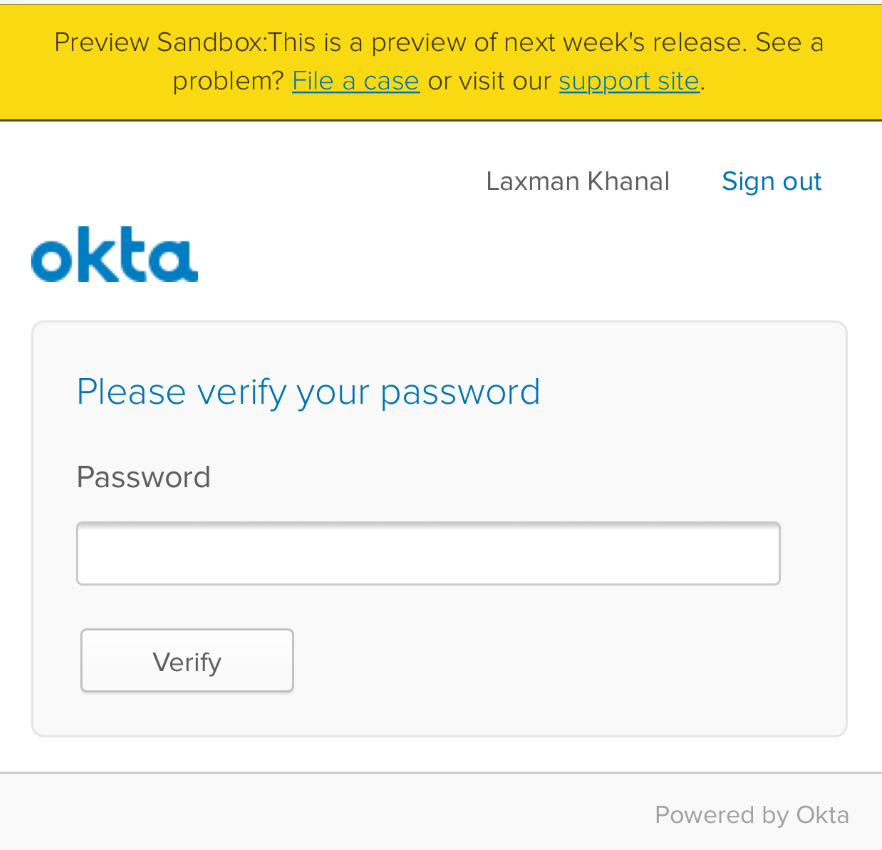
After following the steps to logout (revoke and deleted all tokens), whenever user tries to log back in he is redirected to Okta login form to verify password. What I need is the form to enter both username and password.
There is a signout button which allows to enter the username password but after login the user is redirected to okta app instead of mobile application.
 laxmankhanal
on 26 Dec 2018
laxmankhanal
on 26 Dec 2018
@laxmankhanal even using
additionalParameters: {
  prompt: 'login'
}
?
kadikraman
on 12 Jan 2019
Thanks it works
If you add
additionalParameters: { prompt: 'login' }to your config, it should always prompt the user to log in.
Doesn't work with cognito config :(
 wdevon99
on 13 Apr 2019
wdevon99
on 13 Apr 2019
I have the same issue with Amazon Cognito. Even with additionalParameters, the login page does not appear.
@wdevon99 Did you find a solution?
Solution: Actually, I found a workaround. You could replace the authorizationEndpoint in the config as follows:
- From
https://<domain_name>.auth.eu-central-1.amazoncognito.com/oauth2/login - To
https://<domain_name>.auth.eu-central-1.amazoncognito.com/login, while keeping everything constant.
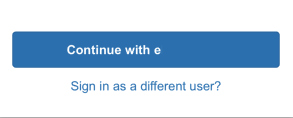
Then, the user will have the possibility to continue as... or to sign out before login.
 tomeberle
on 31 May 2019
tomeberle
on 31 May 2019
Related issues
 Jarzka
·
4Comments
Jarzka
·
4Comments
 djleonskennedy
·
3Comments
djleonskennedy
·
3Comments
 erichulser
·
5Comments
erichulser
·
5Comments
 jevakallio
·
5Comments
jevakallio
·
5Comments
 titoff002
·
7Comments
titoff002
·
7Comments
Most helpful comment
If you add
to your config, it should always prompt the user to log in.