React-mapbox-gl: Feature icon does not show up.
The marker-15 feature icon is not showing up.
import React, { Component } from 'react';
import ReactMapboxGl, { Layer, Feature, Marker } from "react-mapbox-gl";

import '../stylesheets/StoryList.css'

const Map = ReactMapboxGl({
  accessToken: "helloaccesstoken"
});


class StoryList extends Component {

    render() {
        return (
            <div className='StoryList' >
                <div className='story-list-map' >
                    <Map
                        style="mapbox://styles/mapbox/streets-v9"
                        containerStyle={{
                            height: `100%`,
                            width: `100%`
                        }}>
                        <Layer
                            type="symbol"
                            id="marker"
                            layout={{ "icon-image": "marker-15" }}>
                            <Feature coordinates={[51.511459, -0.245408]} />
                        </Layer>
                    </Map>
                </div>
            </div>
        );
    }
}

This is the only potentially relevant warning:
Line 72: Style prop value must be an object react/style-prop-object
 danksky
All 11 comments
The map is automatically showing Greater London, and my coordinates were flipping the [
center (Default: [ -0.2416815, 51.5285582 ]): [number, number] Center the map at the position at initialisation
- Must be in longitude, latitude coordinate order (as opposed to latitude, longitude) to match GeoJSON (source: https://www.mapbox.com/mapbox-gl-js/api/#lnglat).
danksky
on 4 Jun 2019
A related issue has emerged:
Upon adding 3 Feature component points and specifying marker-15 (shown below) in the Layer component 'layout' property, I don't see the marker icon, but a small black dot, no matter the zoom.
<Map
style="mapbox://styles/mapbox/streets-v9"
containerStyle={{
height: `100%`,
width: `100%`
}}>
<Layer
type="symbol"
id="marker"
layout={{ "icon-image": "marker-15" }}>
<Feature coordinates={[-0.246408, 51.511459]} />
<Feature coordinates={[-0.247408, 51.511459]} />
<Feature coordinates={[-0.248408, 51.511459]} />
</Layer>
<Marker
coordinates={[-0.2416815, 51.5395582]}
anchor="bottom">
<img src={'../media/images/burger.jpg'}/>
</Marker>
</Map>
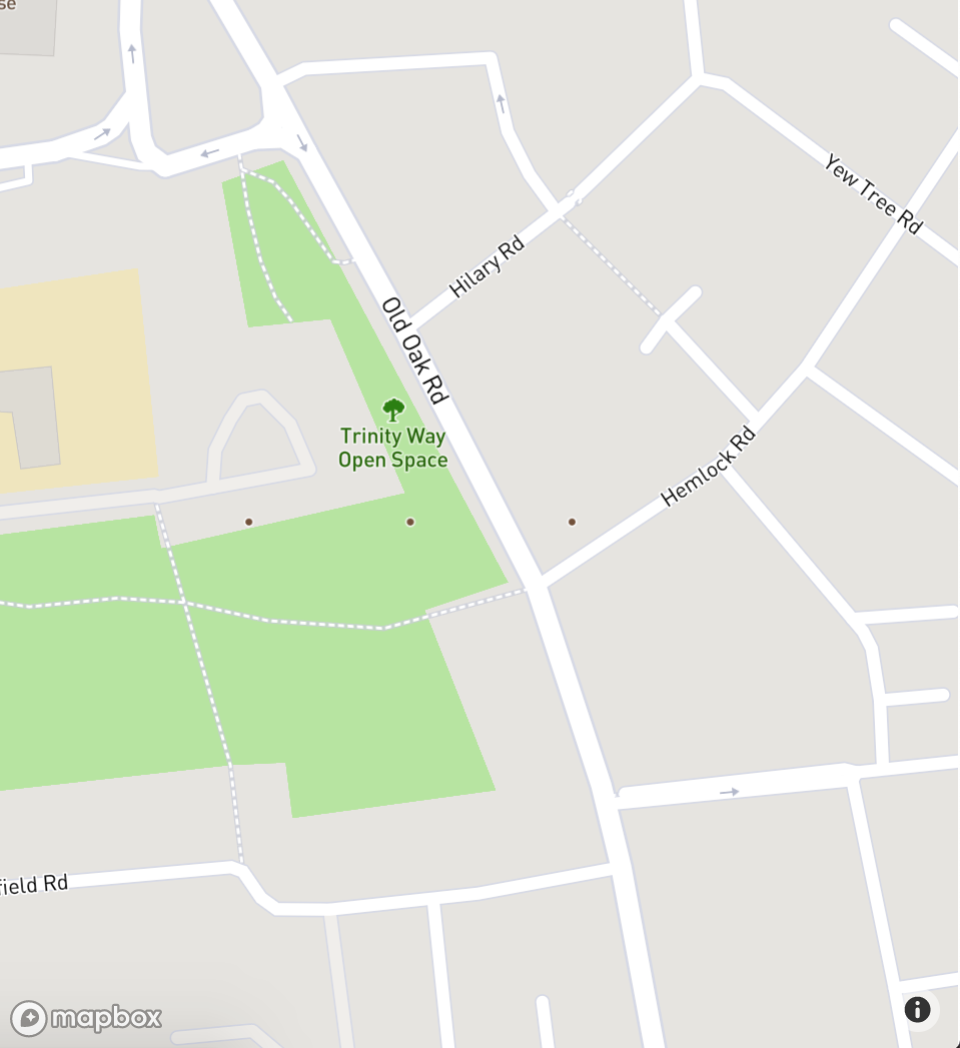
Near-max-zoom
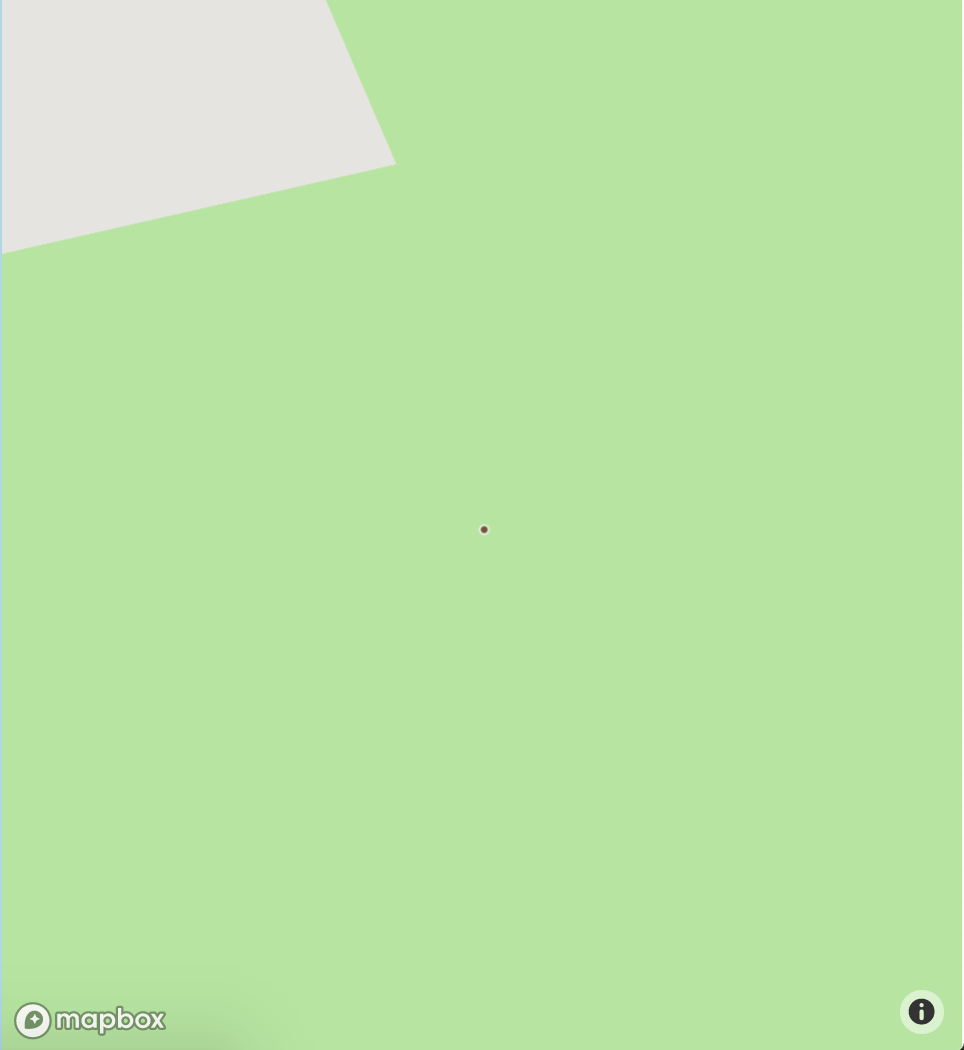
Max zoom
danksky
on 4 Jun 2019
The marker-15 icon doesn't exist in the style you specified. It works with, for example, mapbox://styles/mapbox/light-v9.
 mklopets
on 8 Jul 2019
mklopets
on 8 Jul 2019
So for mapbox://styles/mapbox/streets-v11 for example, what is the correct name of marker-15 ? I'm facing the same issue.
 KOSSOKO
on 8 Dec 2019
KOSSOKO
on 8 Dec 2019
If you're having issues with the dots, try using Marker outside of layer. Marker's don't work inside the layer component.
 martsie
on 25 Feb 2020
martsie
on 25 Feb 2020
Had the same problem and fixed it by creating a custom map style in Mapbox studio (MBS) and uploading a custom image to the style.
I used the Google Maps marker SVG as the custom image.
<Map
style="mapbox://styles/<userId>/<mapStyleUniqueId>" //copy-paste from MBS
containerStyle={{
height: "100vh",
width: "100vw"
}}
center={[144.8926947,-37.871237]}
zoom={[9]}
>
<Layer type="symbol" id="marker" layout={{ "icon-image": "Google_Maps_pin" }}>
{this.getFeats()}
</Layer>
</Map>
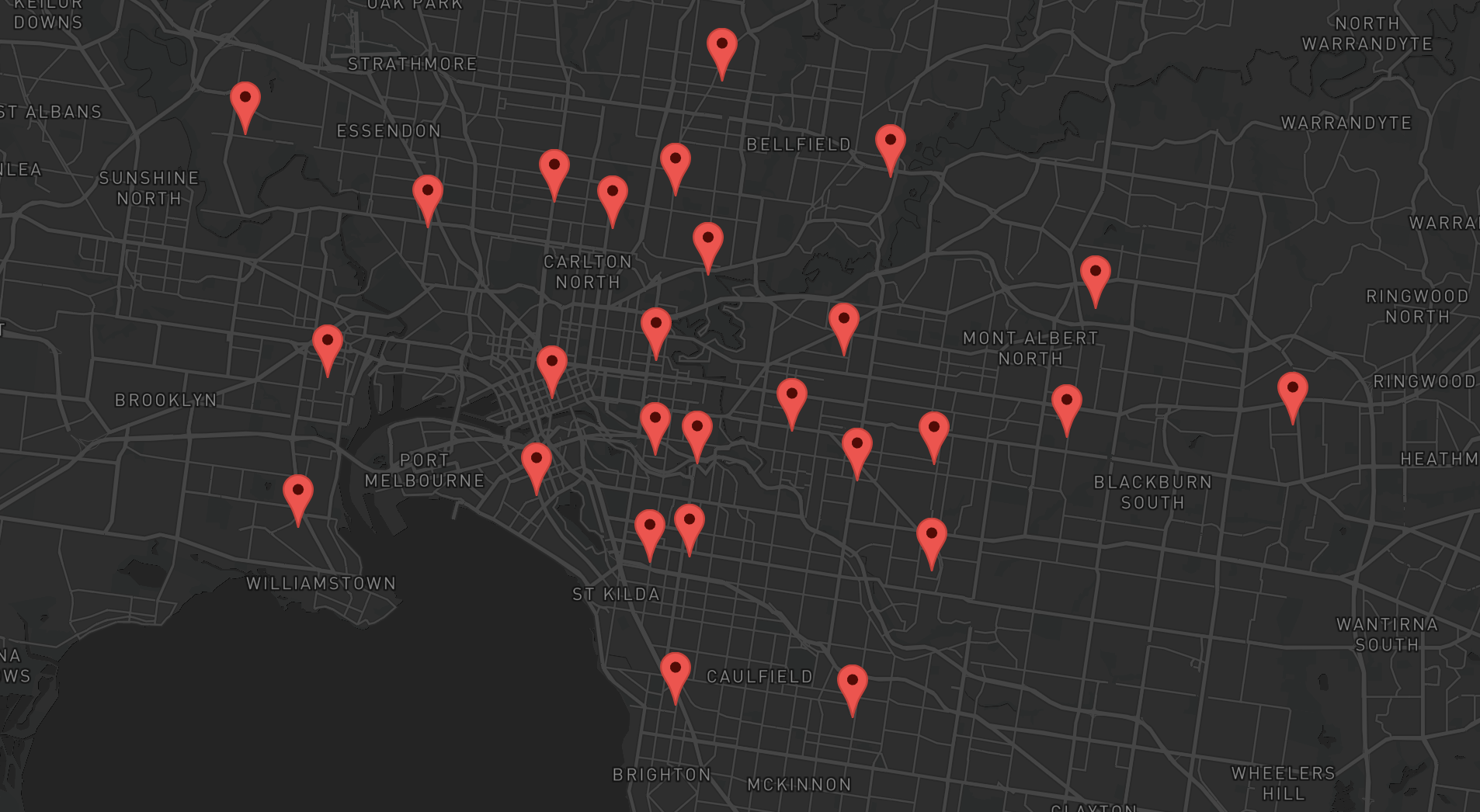
 ejdoh1
on 17 Mar 2020
ejdoh1
on 17 Mar 2020
Im using almost the exact example in the readme and the feature is not showing.
Tried a few styles mentioned to no effect. Any known combination that will work? Or where can I see a reference of compatible styles?
import React from 'react';
import ReactMapboxGl, { Layer, Feature } from 'react-mapbox-gl';
import 'mapbox-gl/dist/mapbox-gl.css';
import * as mapboxgl from 'mapbox-gl'
import { inject, observer } from "mobx-react"
import 'mapbox-gl/dist/mapbox-gl.css';


const MapboxMap = ReactMapboxGl({
    accessToken:
      '.....'
  });

class Map extends React.Component {

    render() {
        return (
            <MapboxMap
                style="mapbox://styles/mapbox/streets-v9"
                containerStyle={{
                    height: '100vh',
                    width: '100vw'
                }}
                >
                <Layer type="symbol" id="marker" layout={{ 'icon-image': 'light-v9' }}>
                    <Feature coordinates={[0, 0]} />
                </Layer>
            </MapboxMap>
        )
    }
}

export default inject('store')(observer(Map));
 ajthinking
on 29 Nov 2020
ajthinking
on 29 Nov 2020
having a similar issue - loading a custom image with images prop, but the feature isn't showing up on the map. confirmed via logs the images prop is being set correctly.
const MapComponent = (props) => {

  const [images, setImages] = React.useState(null)
  React.useEffect(() => {
    const markerImage = new Image(30, 30)
      markerImage.src = marker
      setImages(['custom-marker', markerImage])
  }, [])

  // long, lat
  const center = [-83.0458, 42.3314] as [number, number];

  if (images === null) {
    return null
  }

  console.log(images)

  return (
    <Map
      style="mapbox://styles/mapbox/light-v9"
      center={center}
      zoom={[9]}
      containerStyle={{
        height: '100vh',
        width: '100vw'
      }}
    >
      {images.length > 0 ? (
        <Layer
          type="symbol"
          id="marker"
          images={images}
          layout={{ 'icon-image': 'custom-marker' }}
        >
          <Feature coordinates={[-83.0458, 42.3314]} />
          <Feature coordinates={[42.3314, -83.0458]} />
        </Layer>
      ) : (
        <div></div>
      )
    }
    </Map>
  );
}
 Beeze
on 21 Dec 2020
Beeze
on 21 Dec 2020
Any resolutions?
 FrederickEngelhardt
on 10 Jan 2021
FrederickEngelhardt
on 10 Jan 2021
@alex3165 @daniel-hauser
Beeze
on 14 Jan 2021
opened an issue here too https://github.com/alex3165/react-mapbox-gl/issues/920
Beeze
on 14 Jan 2021
Related issues
 pronebird
·
19Comments
Beeze
·
15Comments
pronebird
·
19Comments
Beeze
·
15Comments
 piaaaac
·
13Comments
piaaaac
·
13Comments
 kaligrafy
·
19Comments
kaligrafy
·
19Comments
 evanfrawley
·
26Comments
evanfrawley
·
26Comments
Most helpful comment
Im using almost the exact example in the readme and the feature is not showing.
Tried a few styles mentioned to no effect. Any known combination that will work? Or where can I see a reference of compatible styles?