React-final-form: allowNull={false} not working?
When a user backspaces until an input is blank, the value of the input inside of the values object becomes null. Unless I'm misunderstanding, this should never be possible due to the allowNull prop?
Demo: https://codesandbox.io/s/z6w7qkky83
For scanning
const initialValues = { lastName: '' };
const App = () => (
    <Form
      debug={console.log}
      onSubmit={onSubmit}
      initialValues={initialValues}
      render={({ handleSubmit, reset, submitting, pristine, values }) => {
        if (values.lastName == null) {
          console.warn('-------lastName is null----------');
        }
        return (
          <form onSubmit={handleSubmit}>
            <div>
              <label>First Name</label>
              <Field
                name="lastName"
                component="input"
                type="text"
              />
            </div>
          </form>
      );
      }}
    />
);
 sarink
All 8 comments
allowNull is a field-level prop. Thus, the conversion happens in a field-level. Check out your example, modified: https://codesandbox.io/s/01qnro5k6w
 maciejmyslinski
on 7 Oct 2018
maciejmyslinski
on 7 Oct 2018
I don't see anything different about your example.
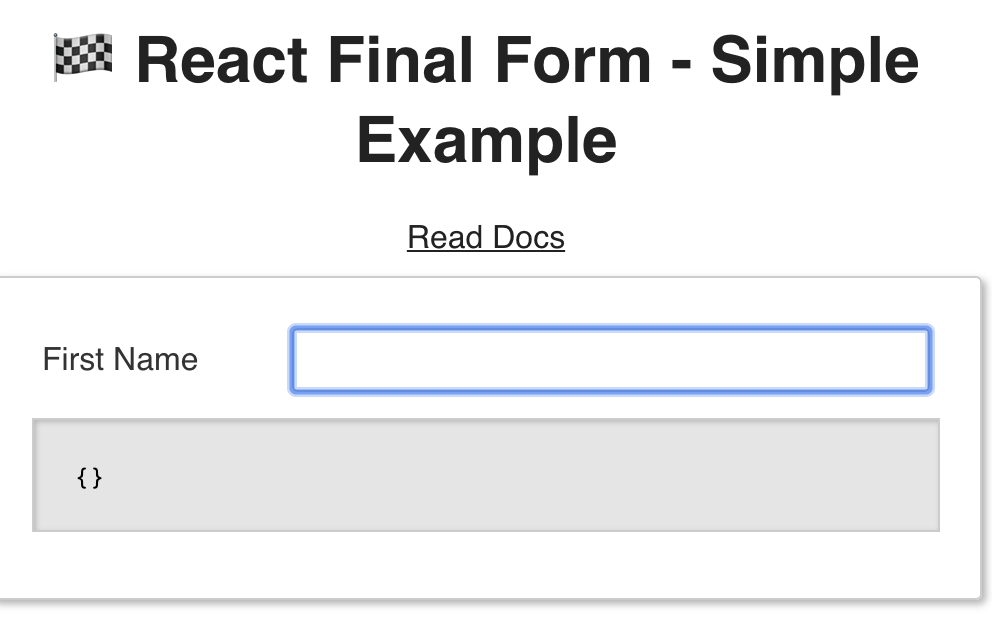
If this situation is possible, then either I'm reading the docs wrong (am I?), or it's a bug:
sarink
on 8 Oct 2018
@sarink check out line 32 and the console.
maciejmyslinski
on 8 Oct 2018
Line 32: console.log(props.input.value) || <input {...props.input} />
To re-reiterate, it's not clear to me how this solves or at all addresses the issue of form.values.firstName being null as outlined in that screenshot above.
What _does_ work, is something like <Field parse={(val) => val == null ? '' : val} {...props.input} />, but according to the documentation, this should be the default behavior and should not be necessary.
By default, if your value is
null,<Field/>will convert it to'', to ensure controlled inputs.
If this is accurate, _why is my Field null?_
sarink
on 9 Oct 2018
@sarink note that Field will convert null to '', not Form. You take values from Form and ask why it's null. It's null because it's supposed to be. Consider this structure:
<Form render={({ values }) => {
  // values.firstName can be null here. It's not converted at this stage.
  renturn (
    <Field name="firstName" render={({ value }) => {
      // value is '' by default here, since Field converts it as stated in the documentation
      return null;
    }} />
  )
}} />
So Field converts this null to '' during rendering, not during storing the value.
maciejmyslinski
on 9 Oct 2018
So... form.values is not always in sync with all of its field's values? That's very confusing.
sarink
on 9 Oct 2018
I agree. @erikras I'd suggest unifying it.
I can prepare the first draft if you make a decision and give me a direction I should take.
maciejmyslinski
on 10 Oct 2018
@maciejmyslinski Thanks for the explanation, though! I had no idea why my form.values were sometimes disappearing 😅. I'll proceed using my parse workaround in the meantime.
sarink
on 10 Oct 2018
Related issues
 niros-welldone
·
3Comments
niros-welldone
·
3Comments
 mewben
·
3Comments
mewben
·
3Comments
 kiliw
·
4Comments
kiliw
·
4Comments
 antoinerousseau
·
3Comments
antoinerousseau
·
3Comments
 3dos
·
3Comments
3dos
·
3Comments
Most helpful comment
I agree. @erikras I'd suggest unifying it.
I can prepare the first draft if you make a decision and give me a direction I should take.