React-datepicker: With 2 months shown and inline calendar, the months shift when range selected spans the 2 months
I have an inline calendar with 2 months shown. Whenever a user selects a date range that spans the 2 months, if the range is not in the same month, the left month slides out of view. As seen in the gif below, In order to view the full range, a user must select the back arrow to see the range again.
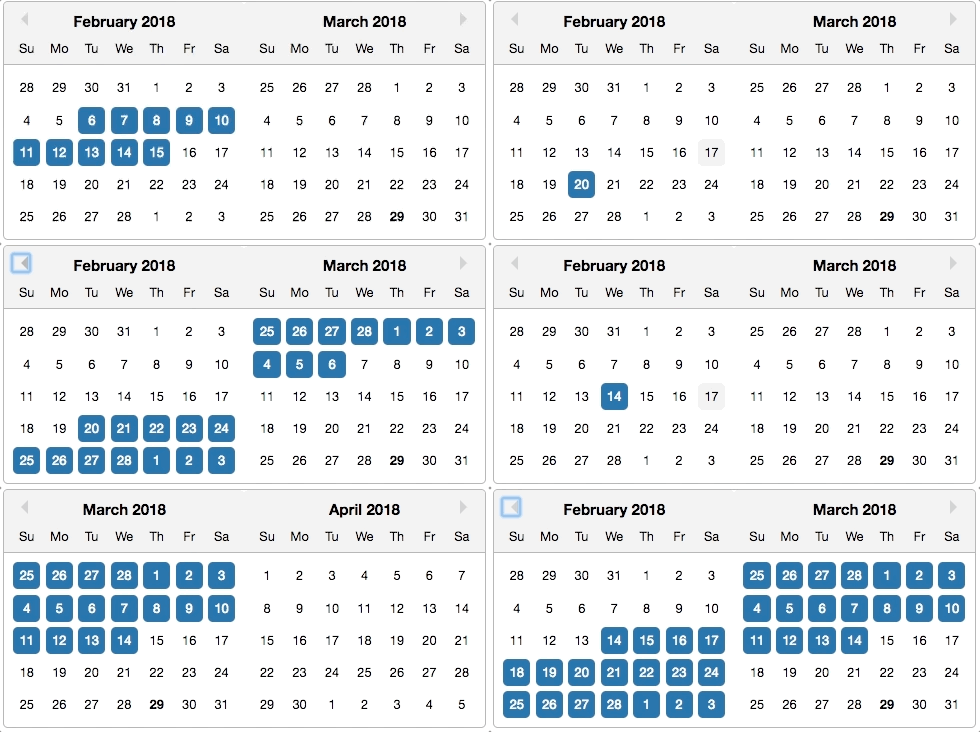
Here is my code
<DatePicker
  inline
  selected={this.state.startDate}
  startDate={this.state.startDate}
  endDate={this.state.endDate}
  onChange={this.handleDateSelect}
  monthsShown={2}
  shouldCloseOnSelect={false}
/>
I feel as if there should be a prop to enable / disable this.
 sshilal1
All 7 comments
I don't think the months were intended to shift when selecting a day. It seems like a buggy interaction between monthsShown and inline. (Normally, the date picker would close after selecting a date, so re-opening to the last selected date is fine/expected, but staying open and shifting is weird.)
 aij
on 2 Apr 2018
aij
on 2 Apr 2018
After testing out different versions, I believe this regression was introduced in 1.1.0. Also for me, I dont even need to click a day to trigger this behavior. Even clicking outside shifts the months, with no days selected.
 omasback
on 19 Apr 2018
omasback
on 19 Apr 2018
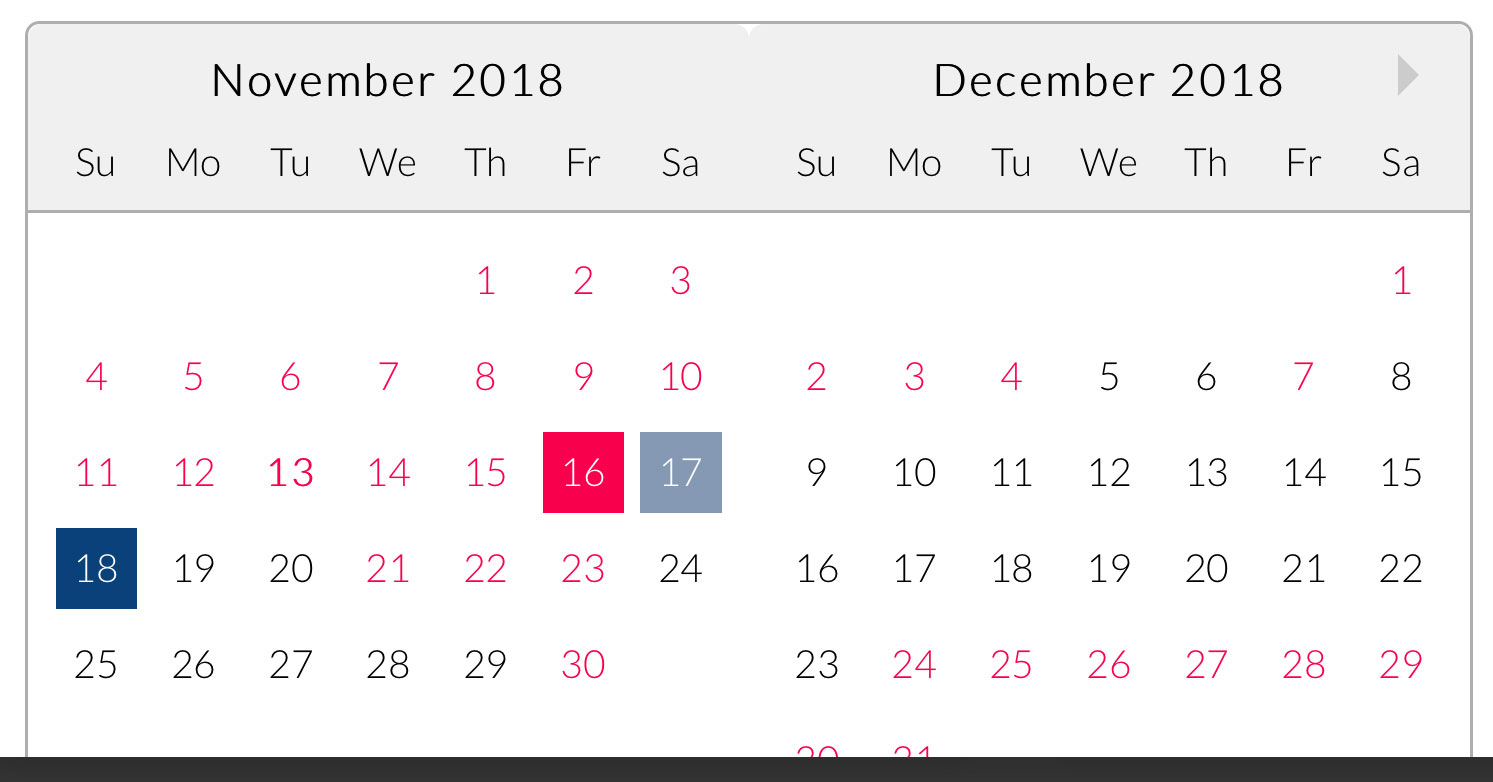
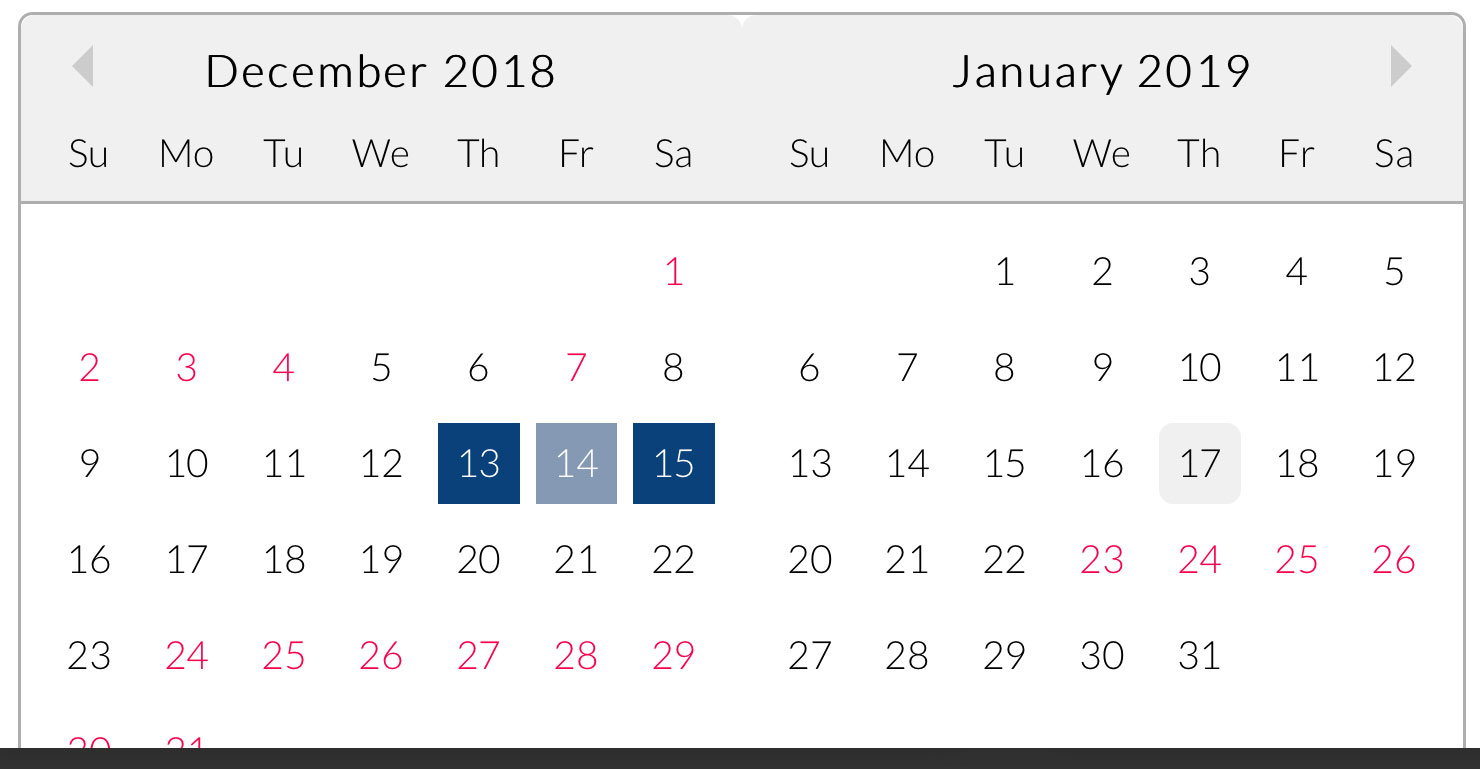
We're running into this issue as well. I don't mind so much that it shifts the calendar as that when you're on a mobile device (I think it may just be iOS) the previous date placeholder on the 2nd month still shows highlighted until you "touch" somewhere else on your screen. Getting this bug fixed would at least also prevent that associated display issue from showing up.
Before:
After (December 13th being my selection):
 fooberichu150
on 14 Nov 2018
fooberichu150
on 14 Nov 2018
Should be fixed now
 martijnrusschen
on 19 Jan 2019
martijnrusschen
on 19 Jan 2019
Please I need to know how this was eventually resolved.
How do you know if it is the startDate that was selected or if the endDate that was selected?
 smithaitufe
on 26 May 2019
smithaitufe
on 26 May 2019
This is not fixed, why is this issue closed?
 smeletis
on 4 Aug 2020
smeletis
on 4 Aug 2020
This is not fixed, why is this issue closed?
I fixed this using shouldCloseOnSelect={false}
 eivindchr
on 17 Aug 2020
eivindchr
on 17 Aug 2020
Related issues
 arturictus
·
3Comments
arturictus
·
3Comments
 lclemence
·
3Comments
lclemence
·
3Comments
 formigone
·
3Comments
formigone
·
3Comments
 evolve2k
·
3Comments
evolve2k
·
3Comments
 tamitutor
·
3Comments
tamitutor
·
3Comments
Most helpful comment
I don't think the months were intended to shift when selecting a day. It seems like a buggy interaction between
monthsShownandinline. (Normally, the date picker would close after selecting a date, so re-opening to the last selected date is fine/expected, but staying open and shifting is weird.)