React-color: Color picker jumps to value after releasing
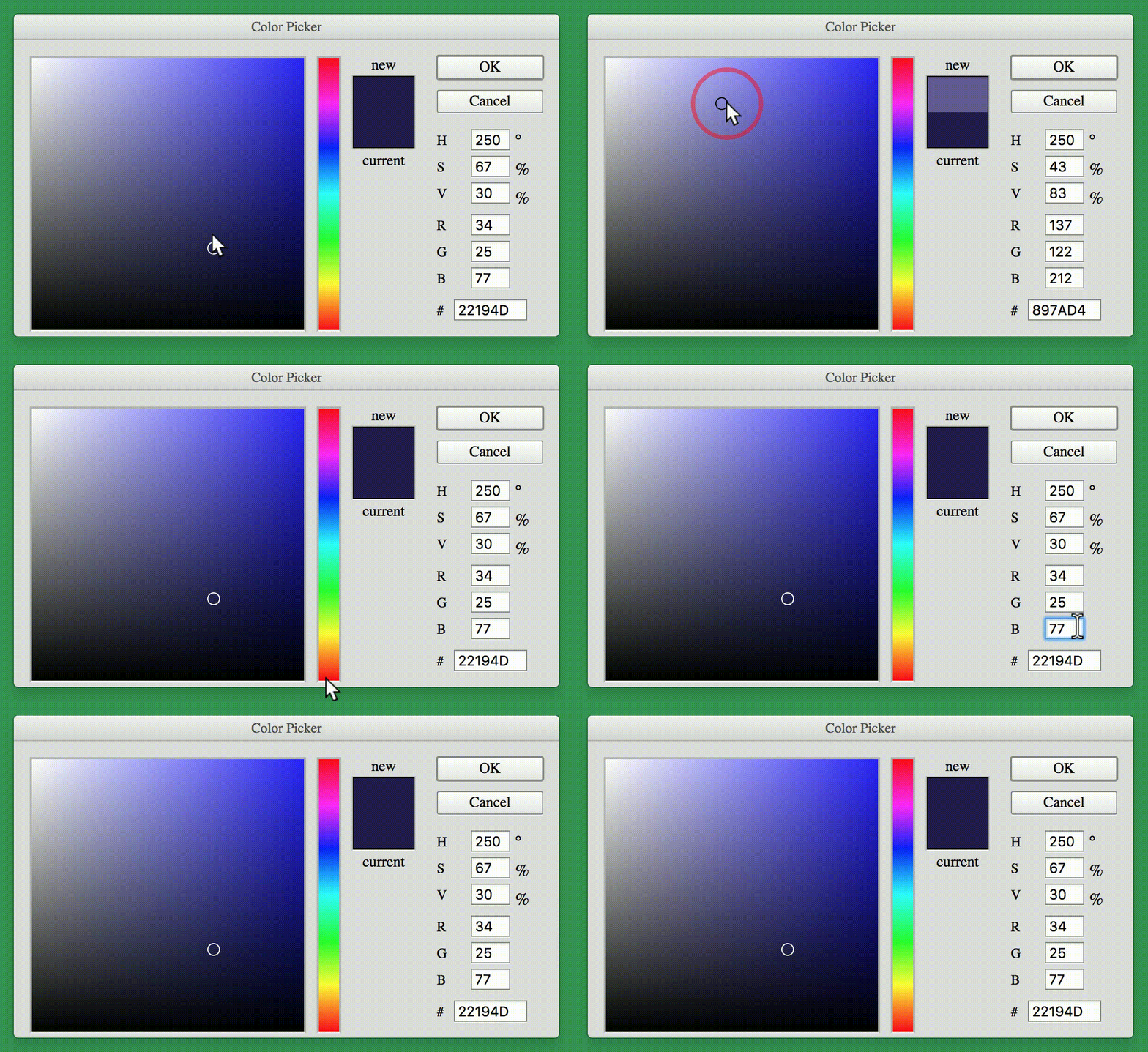
I can't seem to figure out why, but everytime I click and drag for a new color, it jumps to #22194D on release. If I edit any inputs, it just goes right back to the same value.
If I change the default color, it always jumps to the color I defined as the default.
Simplified my file down to only the implementation of the color picker and it's still happening.
It does _not_ happen if I am not updating state. I have tried other pickers too, not just the photoshop one.
Any ideas? Much appreciated
import React, { Component } from 'react';
import ReactDOM from 'react-dom';
import { PhotoshopPicker } from 'react-color';

class App extends Component {
  state = {
    color: '#fff'
  }
  handleChange = (color) => {
    this.setState({ color: color.hex });
  };
  render() {
    return(
      <PhotoshopPicker onChangeComplete={this.handleChange}/>
    )
  }
}

ReactDOM.render(<App />, document.querySelector('.container'));
 b-hildebrand
>All comments
Thanks for boiling your issue down into a small example!
To keep the picker in sync you need to pass back down the color value to the picker:
class App extends Component {
  state = {
    color: '#fff'
  }
  handleChange = (color) => {
    this.setState({ color: color.hex });
  };
  render() {
    return(
      <PhotoshopPicker
        color={ this.state.color } // Add This
        onChangeComplete={this.handleChange}
      />
    )
  }
}
 casesandberg
on 21 Oct 2017
casesandberg
on 21 Oct 2017
👍3
Was this page helpful?
0 / 5 - 0 ratings
Related issues
 Glutnix
·
4Comments
Glutnix
·
4Comments
 foreverpinetree
·
3Comments
foreverpinetree
·
3Comments
 imsheng
·
6Comments
imsheng
·
6Comments
 stevenxxiu
·
6Comments
stevenxxiu
·
6Comments
 jimmylinh
·
4Comments
jimmylinh
·
4Comments
Most helpful comment
Thanks for boiling your issue down into a small example!
To keep the picker in sync you need to pass back down the color value to the picker: