React-beautiful-dnd: Can't drop card on list title ("handle")
Can't drop the card on the title of the list in the 'task board' demo
 TylerL-uxai
All 15 comments
Aye, it is not part of the Droppable area. You will find that the Droppable sits within the list. You could set it up differently, but that is how we did it in the examples
 alexreardon
on 29 Sep 2017
alexreardon
on 29 Sep 2017
Thanks @alexreardon . Here's what I've been doing for my own To-Do/Project Management software (hopefully it inspires Trello/Atlassian)
TylerL-uxai
on 29 Sep 2017
@TylerL-uxai this is an Atlassian repo. If this doesn't weasel it's way into bitbucket I'll be really disappointed
 tim-soft
on 29 Sep 2017
tim-soft
on 29 Sep 2017
I am not sure if this is an issue, suggestion or other. You can change the droppable area by composing the components in a different way. In our examples we have not set it up so you can drop on the column headers
alexreardon
on 30 Sep 2017
I tried doing this too (allowing a column title to be within the droppable region), and I encountered a problem with the animation.

I given the column container element to Droppable's provided.innerRef, and it looks like react-beautiful-dnd assumes that the top of the droppable is where the the first item should be placed?
 bradleyayers
on 2 Nov 2017
bradleyayers
on 2 Nov 2017
That is correct - it assumes the top. So to get around your issue make the droppable area just the part of the list that can contain items. I cannot think of another reasonable way to get around that
alexreardon
on 2 Nov 2017
There's a couple of problems with making the the droppable area just the items region:
- empty lists have a tiny drop zone
- dragging to the drop zone requires more precision than feels natural
In my case it'd be ideal if the position of the placeholder was used to determine the target position for the draggable animation. Can you think of any scenarios where that wouldn't be appropriate?
bradleyayers
on 2 Nov 2017
We add a min height to the inner area to allow a nice empty drop zone
alexreardon
on 2 Nov 2017
Otherwise how we know where the start of the droppable region is (without adding a tonne of complexity)?
alexreardon
on 3 Nov 2017
Is it possible to just use the top of the placeholder in the droppable? The placeholder gets rendered while the draggable is lifted, so there should be time to calculate its position before its needed for the drop animation.
bradleyayers
on 3 Nov 2017
Any updates on this? I have a similar issue. Tried to set min-height on empty droppables
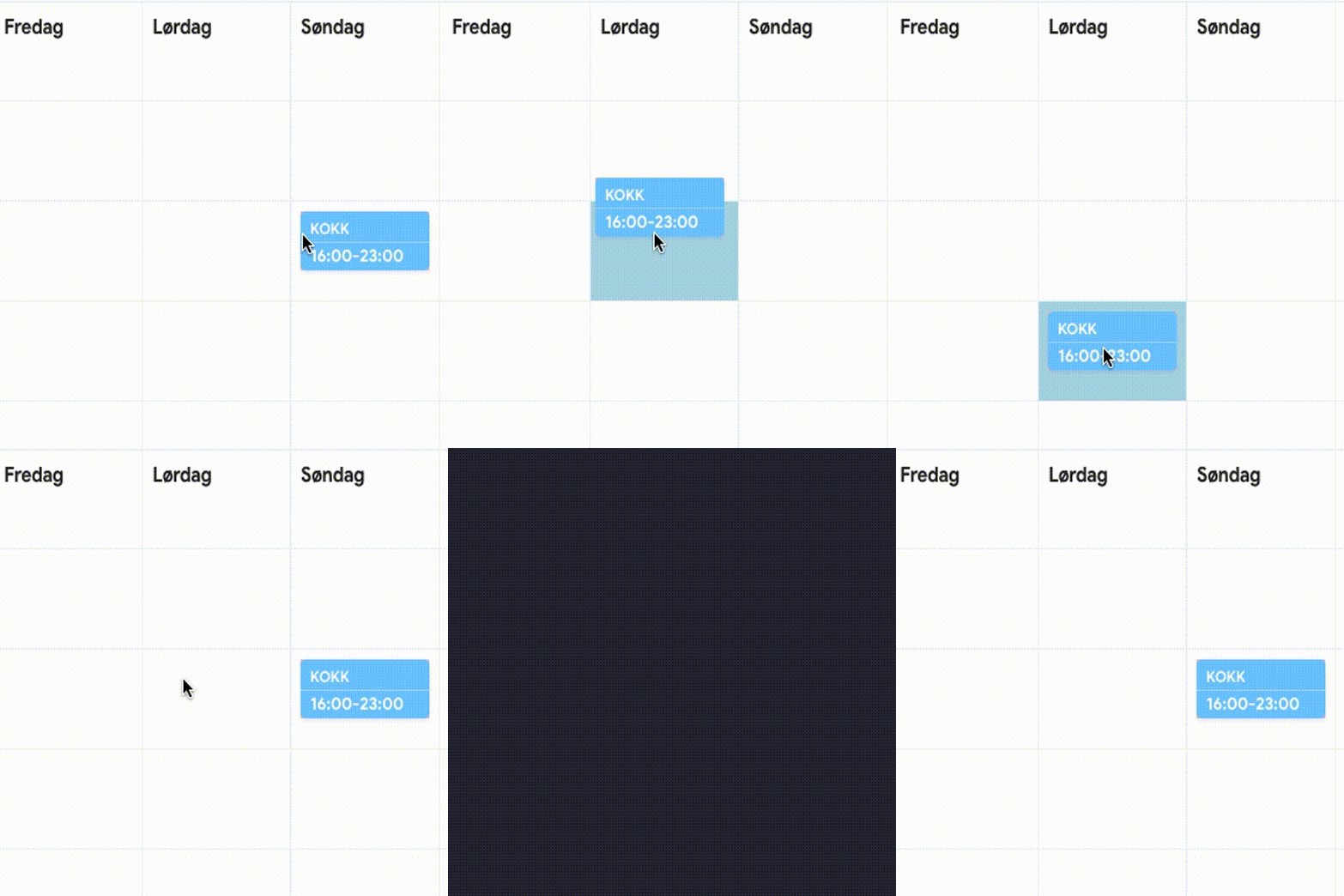
 felixaa
on 8 Nov 2017
felixaa
on 8 Nov 2017
I am not sure what the issue is here. Can somebody please explain to me a little bit more about what the expected behaviour could be?
alexreardon
on 8 Nov 2017
Problem is the glitch when dropping a draggable onto an empty droppable. It doesn’t seem to know where to position itself. This does not happen when the droppable is already populated by another draggable-item. I can provide some code regarding this asap🙌🏽
felixaa
on 9 Nov 2017
@felixaa if you add the inner margin/padding on the droppables themselves and add a min-height you should be good. As you said, it thinks the corner of the droppable is the top left
alexreardon
on 20 Nov 2017
Also, this might be relevant: #158
alexreardon
on 20 Nov 2017
Related issues
 WJKwok
·
3Comments
WJKwok
·
3Comments
 h182032
·
3Comments
h182032
·
3Comments
 khurram-wasim
·
3Comments
khurram-wasim
·
3Comments
 screenmeet
·
3Comments
screenmeet
·
3Comments
 erganmedia
·
3Comments
erganmedia
·
3Comments