React-admin: Rest-admin won't redirect to /login page when {(permissions) => {}} is passed as a child of <Admin /> instead of list of <Resource />
I expect my react-admin app to show me the login page when I'm not logged in yet. And when I have a function as the
In fact I stuck with the Loading page saying “The page is loading, just a moment please.”.
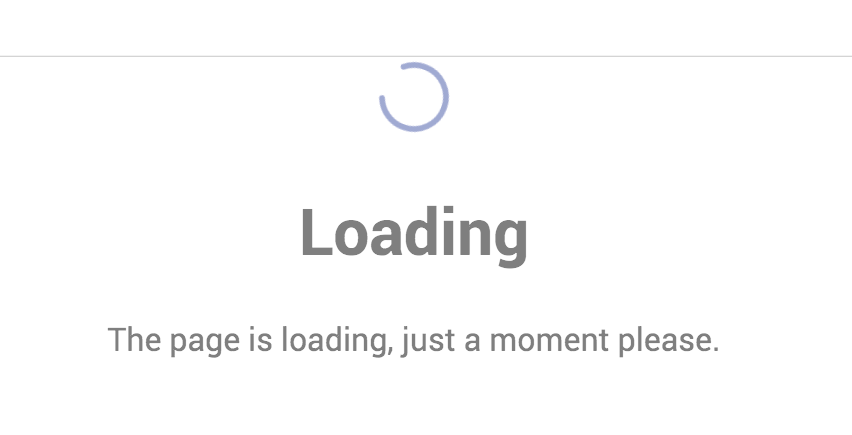
I tried to reproduce it on a clean install taken from the Tutorial and got the same result.
// in src/App.js
import React from 'react';
import { Admin, Resource } from 'react-admin';
import jsonServerProvider from 'ra-data-json-server';
import authProvider from './authProvider';

import { PostList } from './posts';
import Dashboard from './Dashboard';

const App = () => (
    <Admin
      dataProvider={jsonServerProvider('http://jsonplaceholder.typicode.com')}
      dashboard={Dashboard}
      authProvider={authProvider}
    >{(auth)=>
        <Resource name="posts" list={PostList} />
     }
    </Admin>
);

export default App;
Auth provider here is also a provider taken from the tutorial.
Environment
- Admin-on-rest version: react-admin: ^2.0.0-beta2
- React version: 16.2.0
- Browser: Chrome 64.0.3282.186
 qstyler
All 21 comments
I've also experienced this "sometimes". "Sometimes" means that I am not sure when this happens, most likely when the "token" has expired while I am still "logged in"? I only noticed this when I re-opened the page in a Firefox browser (I usually work with Chrome) that had it closed for many days (so that token must have been expired).
Version: "next"
 afilp
on 3 Mar 2018
afilp
on 3 Mar 2018
I've encountered this behavior when filtered all resources to the empty array, i.e. these code snippets could probably result in the same way
// in src/App.js
import React from 'react';
import { Admin, Resource } from 'react-admin';
import jsonServerProvider from 'ra-data-json-server';
import authProvider from './authProvider';

import { PostList } from './posts';
import Dashboard from './Dashboard';

const App = () => (
    <Admin
      dataProvider={jsonServerProvider('http://jsonplaceholder.typicode.com')}
      dashboard={Dashboard}
      authProvider={authProvider}
    >
     {(auth)=>[]}
    </Admin>
);

export default App;
or
// in src/App.js
import React from 'react';
import { Admin, Resource } from 'react-admin';
import jsonServerProvider from 'ra-data-json-server';
import authProvider from './authProvider';

import { PostList } from './posts';
import Dashboard from './Dashboard';

const App = () => (
    <Admin
      dataProvider={jsonServerProvider('http://jsonplaceholder.typicode.com')}
      dashboard={Dashboard}
      authProvider={authProvider}
    >
     {[]}
    </Admin>
);

export default App;
 102
on 5 Mar 2018
102
on 5 Mar 2018
UPDATE: It happens in all browsers (while developing at least) that I tested: Chrome, Firefox, IE, provided that you clear the browsing history (cache).
@djhi This is a serious issue (we cannot develop anymore), have you experienced this? If you could guide us where to look for a fix it would be appreciated. Thank you.
afilp
on 9 Mar 2018
+1 from my side have same issues and have tested it in multiple environments.
Environment
Admin-on-rest version: react-admin: ^2.0.0-beta2
React version: 16.2.0
Browser(s) Mac:
- SafariVersion 11.0.3 (13604.5.6),
- Chrome Version 65.0.3325.146 (Official Build) (64-bit),
- Firefox 58.0.2 (64-bit)
Browser(s) CentOS ( intentionally with old versions ):
- Firefox 45.9.0
- Chromium 61.0.3163.100 Fedora Project
Operating System:
- Backend: CentOS Linux 7 (Core)
- Clients: CentOS Linux 7 (for old browser versions) and Mac OS 10.3.3 (with new browsers)
Backend:
- Node: 9.8.0
- NPM: 5.6.0
 ghost
on 9 Mar 2018
ghost
on 9 Mar 2018
Not sure if this helps, but for some reason the app works on a "non-clean" Chrome, i.e. the one I am using every day without any "Clear Browser Data" on that Chrome for months. Which may have older "AOR-related" files cached? I am afraid to do a "Clear Browser Data" there, as I will not be able to work anymore with react-admin. In Incognito mode the app does not work, which shows that the "default" when using "permissions" (maybe) is to stay at "Loading...".
What may be cached on my main Chrome that makes it work? This is strange.
afilp
on 9 Mar 2018
What may be cached on my main Chrome that makes it work? This is strange.
It's probably something, that distinguishes authenticated and unauthenticated user? I managed to workaround this bug just by avoiding any possibility of <Admin /> without any <Resource />
102
on 9 Mar 2018
@102 Thanks for the info! What should we do to avoid this, I am not sure what you mean.
afilp
on 9 Mar 2018
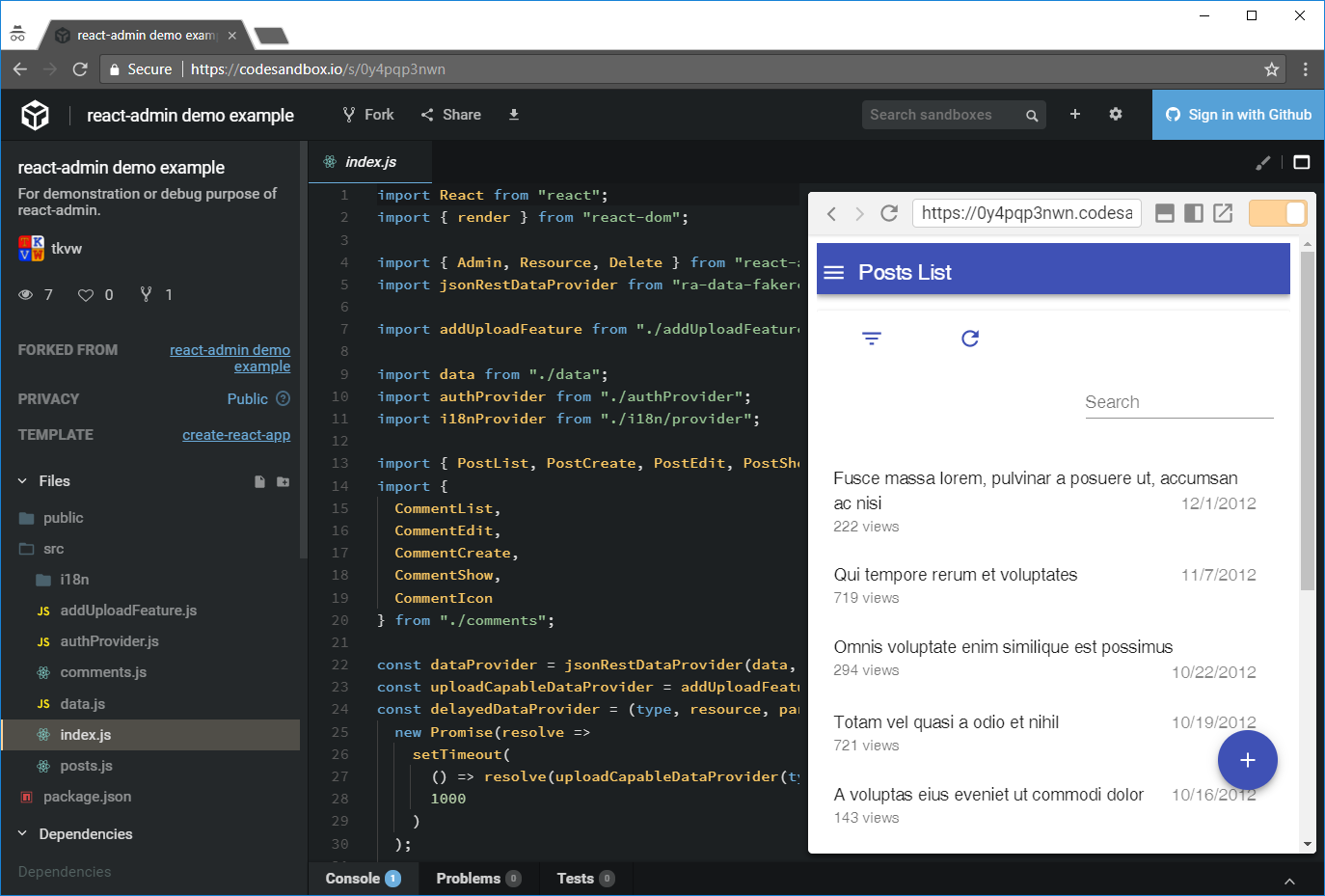
Looks like it works in sandbox: https://codesandbox.io/s/0y4pqp3nwn
 tkvw
on 9 Mar 2018
tkvw
on 9 Mar 2018
@tkvw It still puzzles me, exactly the same URL, one is Google Incongnito (not working), the other one is Firefox (now works):
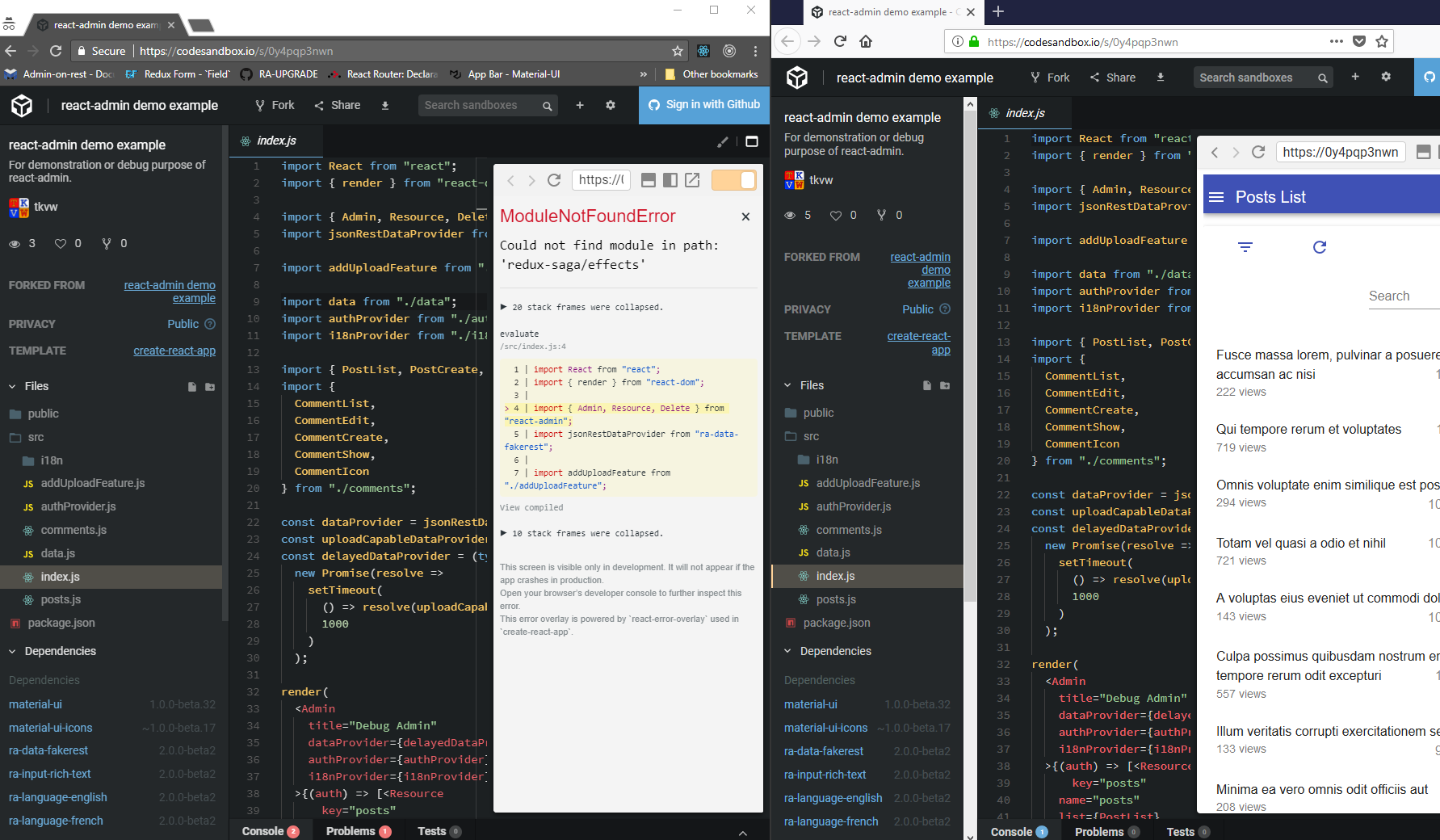
afilp
on 9 Mar 2018
Works here
Are you behind a proxy? Try restarting your computer first.
tkvw
on 9 Mar 2018
I refreshed the dependency and it worked indeed.
In my case, I use BETA-3 which is released. This says BETA-2 though, is there any BETA-3 sandbox available?

afilp
on 9 Mar 2018
So, you can simply fork the sandbox and update the dependencies, nothing special about it. Just click add and enter [email protected]
tkvw
on 9 Mar 2018
Indeed, I did this and the sandbox works. I have to figure out what may the culprit be. FYI, I use 'aor-loopback'.
afilp
on 9 Mar 2018
I think I narrowed down where the problem is:
The problem starts when there is no token in localStorage (I thought of this due to the "clean" vs "non-clean" browser data case):
if (type === AUTH_GET_PERMISSIONS) {
        const token = localStorage.getItem('token');
        if (!token) {
            return Promise.reject();
        }
        const role = localStorage.getItem('role');
        Promise.resolve(role);
    }
With no token, the authClient rejects.
By rejecting, we then go to this line:
https://github.com/marmelab/admin-on-rest/blob/73414972c9b62207ccc64f429d1a96b9b13d8c70/packages/ra-core/src/CoreAdminRouter.js#L51
Which brings us to this "dreaded" "Loading..." deadlock:
https://github.com/marmelab/admin-on-rest/blob/73414972c9b62207ccc64f429d1a96b9b13d8c70/packages/ra-core/src/CoreAdminRouter.js#L99
If this is a simple fix and someone knows what to change, please let us know and we will add it to our code today to test further during the weekend.
Thanks!
afilp
on 9 Mar 2018
Thanks @afilp, @102 good catch , @tkvw gr8 tool and @fzaninotto for upgrading to bug. @qstyler I manage to overcome it temporarily in my setup by commenting from 98 to 100
//if (!childrenToRender || childrenToRender.length === 0) {
//    return <Route path="/" key="loading" component={loading} />;
//}
Ugly hack and not acceptable I agree but I can happily continue :-) .
Perhaps we could use this thread to think about the possible scenarios and propose a better way?
In my opinion showing loading in this case is misleading.
Perhaps we should think what different cases will be and handle accordingly in a more systematic way ( loading, data are empty, wrong token etc ) based on criticality, root cause and what is best for end user to view.
ping @fzaninotto your opinion about this ?
ghost
on 10 Mar 2018
My understanding is that there is no bug: if your authProvider rejects the promise, then there can't be any Resource, and the admin can't do anything. It's your job not to reject the promise at that point.
Or am I missing something?
 fzaninotto
on 10 Mar 2018
fzaninotto
on 10 Mar 2018
I don't know :-) but my 2cents perhaps could popup an error instead of entering on a loop ? If I understand the code correctly one potential reason for this could also happen on this error catch. Correct? @fzaninotto you know better its your baby :-)
ghost
on 10 Mar 2018
I agree: if we catch, we should set the children to another value than [] (which means loading), and it should show an error.
fzaninotto
on 10 Mar 2018
As @fzaninotto mentioned, I changed the authProvider code to...
        if (type === 'AUTH_GET_PERMISSIONS') {
            const role = storage.load('role');
            return Promise.resolve(role);
        }
...and it worked.
Please note that the problem was in the related documentation of next, see here (I was using this code):
https://github.com/marmelab/admin-on-rest/blob/73414972c9b62207ccc64f429d1a96b9b13d8c70/docs/Authorization.md#configuring-the-auth-client
@fzaninotto
- Do we really not need to check for the
token(i.e. if the user is loggedin?). May I assume that you check this immediately after, in order to redirect the user to the login? - If yes, I can update the DOC of
nextwith the above code. Do you want me to do this?
Thanks.
afilp
on 10 Mar 2018
No, the doc is correct, but the react-admin code should behave differently when the authProvider throws. It should log the user out. I'll open a PR for that.
fzaninotto
on 14 Mar 2018
Fixed by #1650
fzaninotto
on 14 Mar 2018
Related issues
 Dragomir-Ivanov
·
3Comments
Dragomir-Ivanov
·
3Comments
 Kmaschta
·
3Comments
Kmaschta
·
3Comments
 yangjiamu
·
3Comments
yangjiamu
·
3Comments
 kopax
·
3Comments
kopax
·
3Comments
 kikill95
·
3Comments
kikill95
·
3Comments
Most helpful comment
No, the doc is correct, but the react-admin code should behave differently when the
authProviderthrows. It should log the user out. I'll open a PR for that.