React-360: Disable vrControls
I am trying to disable vrControls. I have looked at #44 & #166 and seen that you can use vr.player.controls.nonVRControls.disconnect(); to disable nonVRControls but vr.player.controls.vrControls; does not exist.
I want to be able to move the camera around with the mouse/touch screen but disable movement when I move my phone.
I can't see any documentation on any ways to do this, is it currently possible?
 LoganElliott
All 9 comments
VRControls actually refer to when you're in VR. The device movement comes from the DeviceOrientationControls, which are part of the nonVRControls. nonVRControls.disconnect() will do this for phones, but will also disable mouse on desktop. One solution that might work is:
const nonVRControls = vr.player.controls.nonVRControls;
const mobilePanControls = nonVRControls.mobilePanControls;
if (mobilePanControls) {
  vr.player.controls.nonVRControls = mobilePanControls;
}
We are currently in the middle of majorly restructuring the way React VR handles its input collection, to make this much easier and more extensible. It'll be easy to add new controls or turn them off one-by-one, and they will have distinct roles. These new APIs should be available to developers soon.
 andrewimm
on 18 Apr 2018
andrewimm
on 18 Apr 2018
Oh ok that makes sense thanks for the clarification.
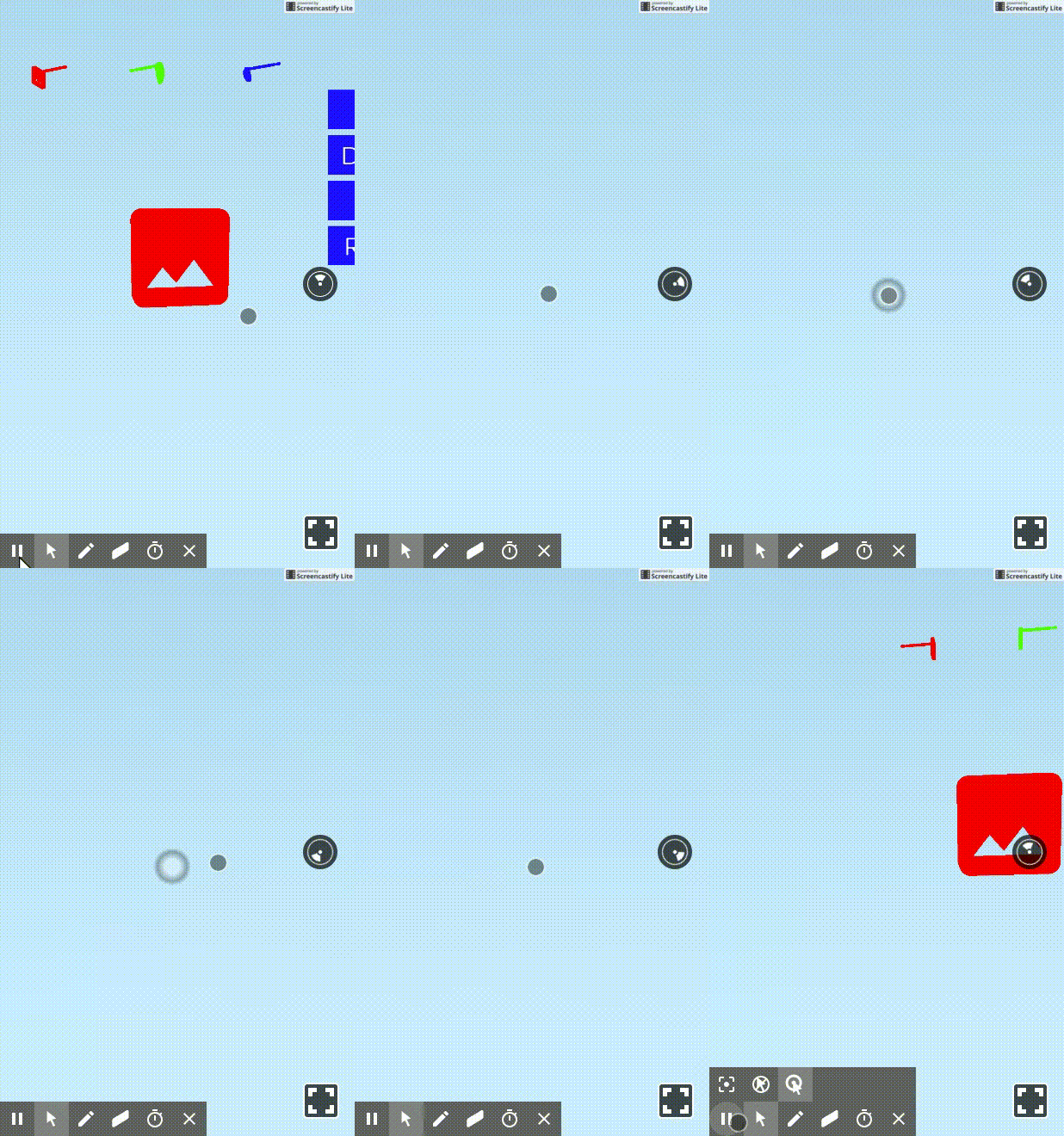
I have tried your suggestion, it does disable physically moving mobile controls but once you try and use touch to move the view it starts spinning uncontrollably, see GIF.
Great to hear you are working on a easier API for this.
LoganElliott
on 18 Apr 2018
Closing since this is now supported in React 360. Controls can be individually enabled and disabled, and panning is separate from device orientation.
andrewimm
on 12 Jun 2018
@andrewimm where can I see examples or documentation on individually enabling and disabling controls? I want to disable all controls. My use case is really just rendering an object and I don't want users to be able to pan or see the rotation controller on the right
 hbeckeri
on 31 Jul 2018
hbeckeri
on 31 Jul 2018
@hbeckeri you can get the list of all controls with
r360.controls.getCameraControllers(). You can loop over that array to .enable() or .disable() each one.
andrewimm
on 31 Jul 2018
@andrewimm Thanks that worked great, however the panning icon is still on the right side. Is there anyway to remove this?

hbeckeri
on 31 Jul 2018
That's completely unrelated to controls. That's the Overlay.
To replace it, you can specify a customOverlay at runtime that must implement the following interface, even if the methods do nothing: https://github.com/facebook/react-360/blob/31076be89c20d612bb001ab800848f3c73d30241/React360/js/Compositor/Overlay.js#L86-L91
andrewimm
on 31 Jul 2018
Alternatively you can just set the overlay to hide. That's actually more likely what you want.
r360.overlay.hide()
@andrewimm I have the question that how to increase the speed of wheel ?
 mthinh
on 15 Nov 2018
mthinh
on 15 Nov 2018
Related issues
 nikgraf
·
3Comments
nikgraf
·
3Comments
 lazerwalker
·
3Comments
lazerwalker
·
3Comments
 jordanpapaleo
·
3Comments
jordanpapaleo
·
3Comments
 borisyankov
·
4Comments
borisyankov
·
4Comments
 copypasteearth
·
3Comments
copypasteearth
·
3Comments