Ray: [rllib] Agent policy graph inaccessible for logging/visualization
Describe the problem
Currently there does not seem to be a way to log the Policy Graph used by the RLlib agents.
This helps with debugging and TensorFlow (TF) provides an easy way to do this but is inaccessible when using TF models with RLlib/Tune.
 praveen-palanisamy
All 7 comments
While tf.summary.FileWriter provides an easy way to do this, and the Logger can be extended to support it, The Agent/Trainable interface, which possess the Logger does not have access to the TF session or the graph.
praveen-palanisamy
on 22 Sep 2018
Can you use agent.local_evaluator.for_policy(lambda p: ...) to access the graph?
 ericl
on 22 Sep 2018
ericl
on 22 Sep 2018
Yes. That should be good enough at the agent level.
praveen-palanisamy
on 23 Sep 2018
If someone else runs into this, the following snippet might be useful to write the policy graph onto the TensorBoard:
policy_graph = agent.local_evaluator.policy_map["default"].sess.graph
writer = tf.summary.FileWriter(agent._result_logger.logdir, policy_graph)
writer.close()
The above will write the graph to a new events.out.tfenvents.* file in the same logdir where the tune.Logger writes the results data. TensorBoard will merge all of them and show up fine.
Update for recent version of Ray (0.8.4) and TensorFlow (2.1.0), as of 4/23/2020):
policy_graph = agent.workers.local_worker.policy_map["default_policy"].get_session().graph().as_graph_def()
writer = tf.summary.FileWriter("log_dir", policy_graph)
writer.close()
See this comment below for a minimal, complete example.
praveen-palanisamy
on 23 Sep 2018
Hi @praveen-palanisamy @ericl , I want to visualize the tensorboard graph in Ray==0.8.4. Do you have any suggestions? I find that there is a export_model function in tf_policy.py, but I have no idea how to use it.
Thanks.
 nanxintin
on 23 Apr 2020
nanxintin
on 23 Apr 2020
Hi @nanxintin , with ray==0.8.4, you can access the agent's policy graph using this call: agent.get_policy().get_session().graph.as_graph_def() which can be written to disk using Tensorflow's summary writer (like in the above snippet) and visualized in Tensorboard.
Here is a minimal yet complete example (ray==0.8.4, TensorFlow2.x):
import ray
from ray.rllib.agents.ppo import PPOTrainer
import tensorflow as tf

ray.init()
trainer = PPOTrainer(env="CartPole-v0")
policy = trainer.get_policy()  # Get the default local policy

writer = tf.compat.v1.summary.FileWriter(
    "log_dir", policy.get_session().graph.as_graph_def())
You can then launch tensorboard to visualize the graph: tensorboard --logdir=log_dir
The above, minimal example will generate the following when visualized using tensorboard:
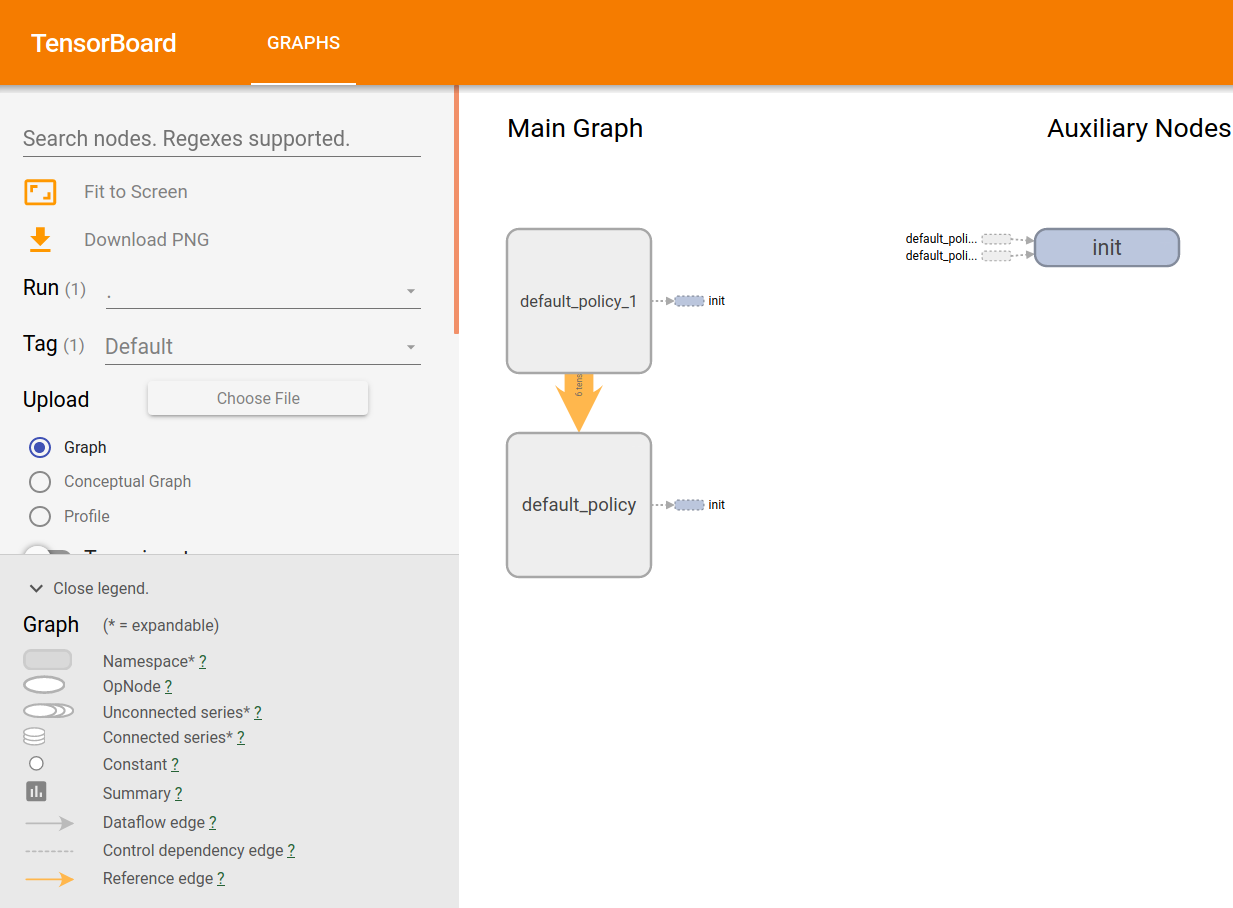
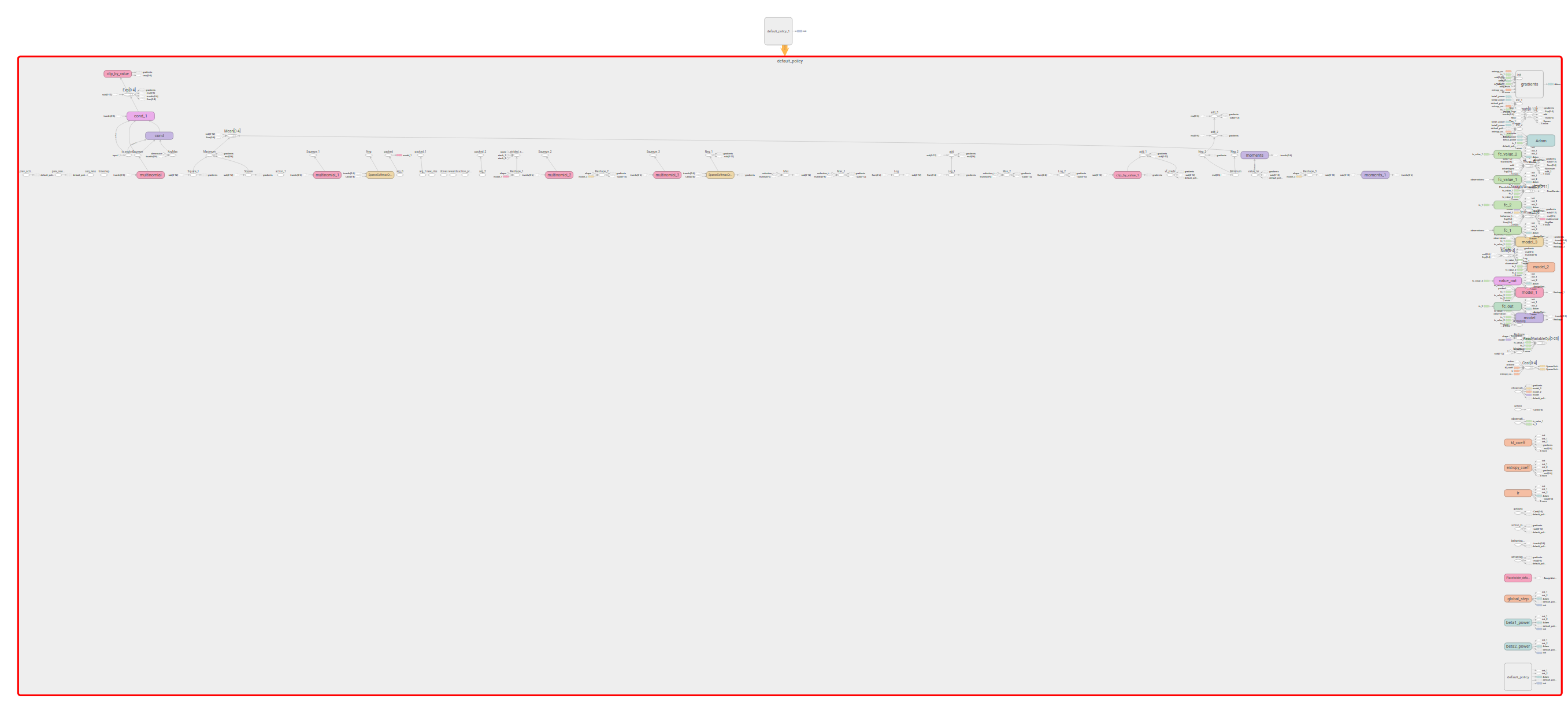
Double clicking on default_policy will yield:
praveen-palanisamy
on 23 Apr 2020
@praveen-palanisamy Thank you very much. It works!
nanxintin
on 24 Apr 2020
Related issues
 WangYiPengPeter
·
3Comments
WangYiPengPeter
·
3Comments
 1beb
·
3Comments
1beb
·
3Comments
 xudongliao
·
3Comments
xudongliao
·
3Comments
 zhaokang1228
·
3Comments
zhaokang1228
·
3Comments
 robertnishihara
·
3Comments
robertnishihara
·
3Comments