Rawtherapee: Full-screen inspector: wrong background when embedded jpeg is too small
When inspecting a file with a small embedded jpeg using the f-key, the background is wrong.
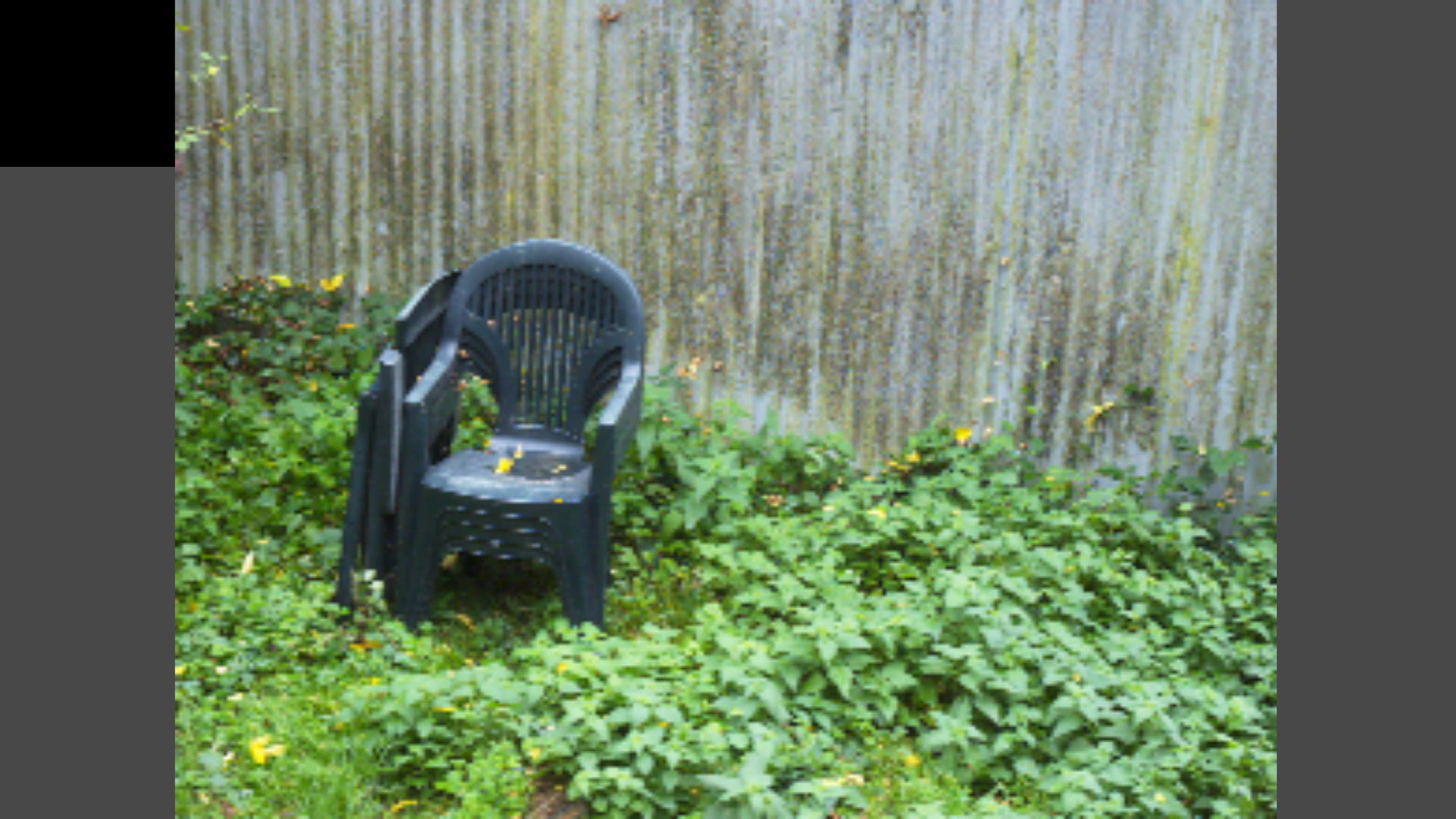
To reproduce, use https://raw.pixls.us/getfile.php/2764/nice/Phase%20One%20-%20P65+%20-%20IIQ%20L%20(4:3).IIQ
 heckflosse
All 10 comments
This fixes the issue for me:
diff --git a/rtgui/inspector.cc b/rtgui/inspector.cc
index 526343fca..745434dea 100644
--- a/rtgui/inspector.cc
+++ b/rtgui/inspector.cc
@@ -374,7 +374,7 @@ bool Inspector::on_draw(const ::Cairo::RefPtr< Cairo::Context> &cr)
         c = style->get_background_color (Gtk::STATE_FLAG_NORMAL);
         cr->set_source_rgb (c.get_red(), c.get_green(), c.get_blue());
         cr->set_line_width (0);
-        cr->rectangle (0, 0, availableSize.x, availableSize.y);
+        cr->rectangle (0, 0, get_width(), get_height());
         cr->fill ();
         //*/
But I don't understand:
the comment above states that "the new method doesn't work".
I played a little and what makes the "new method" work was to create a CSS rule with #Inspector as selector.
I have no idea why get_background_color returns a different color (black) than what render_background does (without css rulse, with css rule, both do the same).
What is the preferred way, @heckflosse @rfranke ?
 ff2000
on 12 Oct 2020
ff2000
on 12 Oct 2020
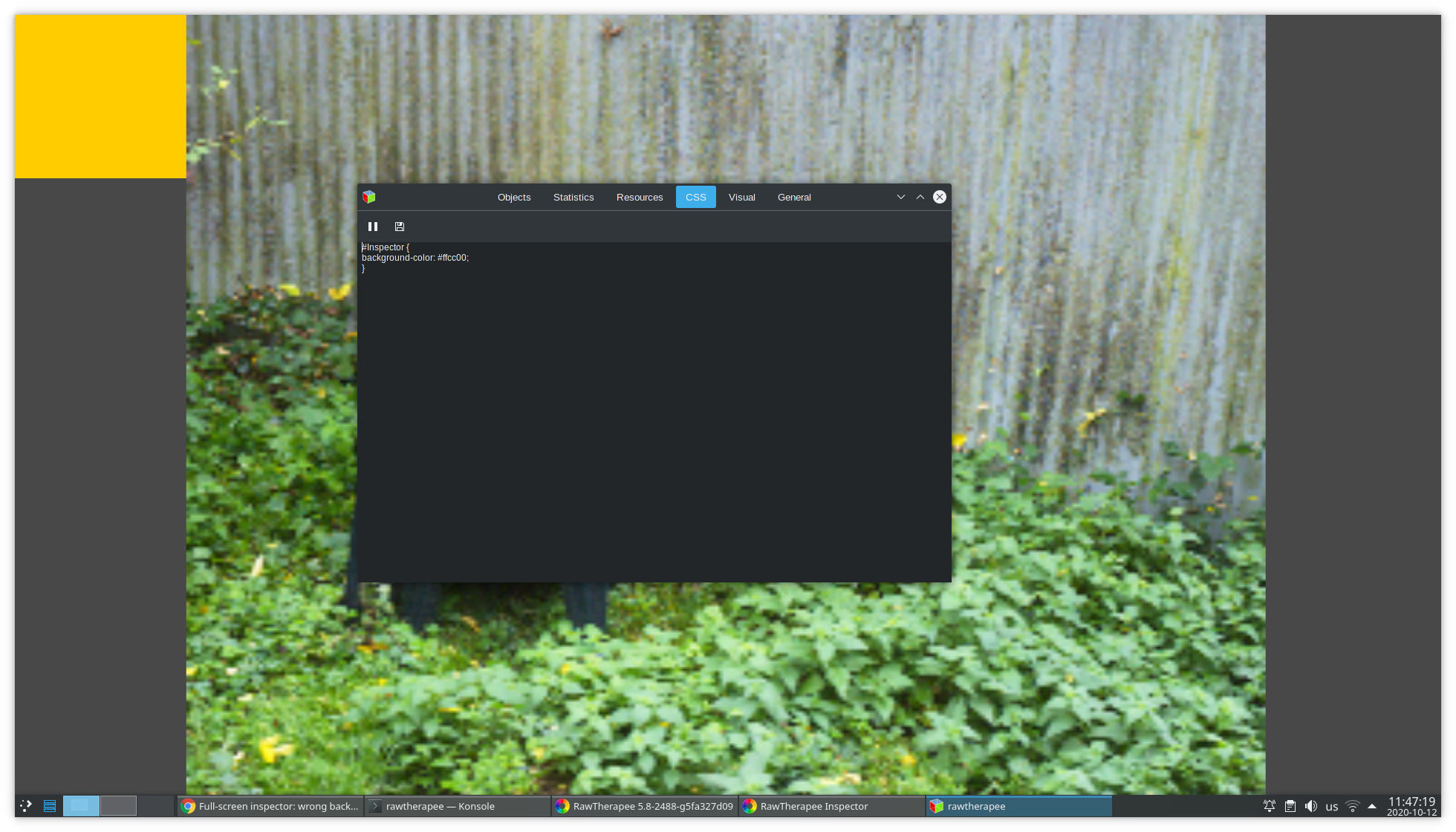
The TIFF thumbnail embedded in the IIQ image has a height is 220px. The area of wrong color is 220px high, so it's size is probably derived from the thumbnail (when it should be derived from... the parent canvas size?). Why is that rectangle drawn at all? Probably to show a black background. Though I wonder whether that's really necessary: since the screen-sized canvas (gray on my screenshot) exists, typically one should be able to set its color (to black) when creating it, instead of adding a second step which draws a black rectangle.
 Beep6581
on 12 Oct 2020
Beep6581
on 12 Oct 2020
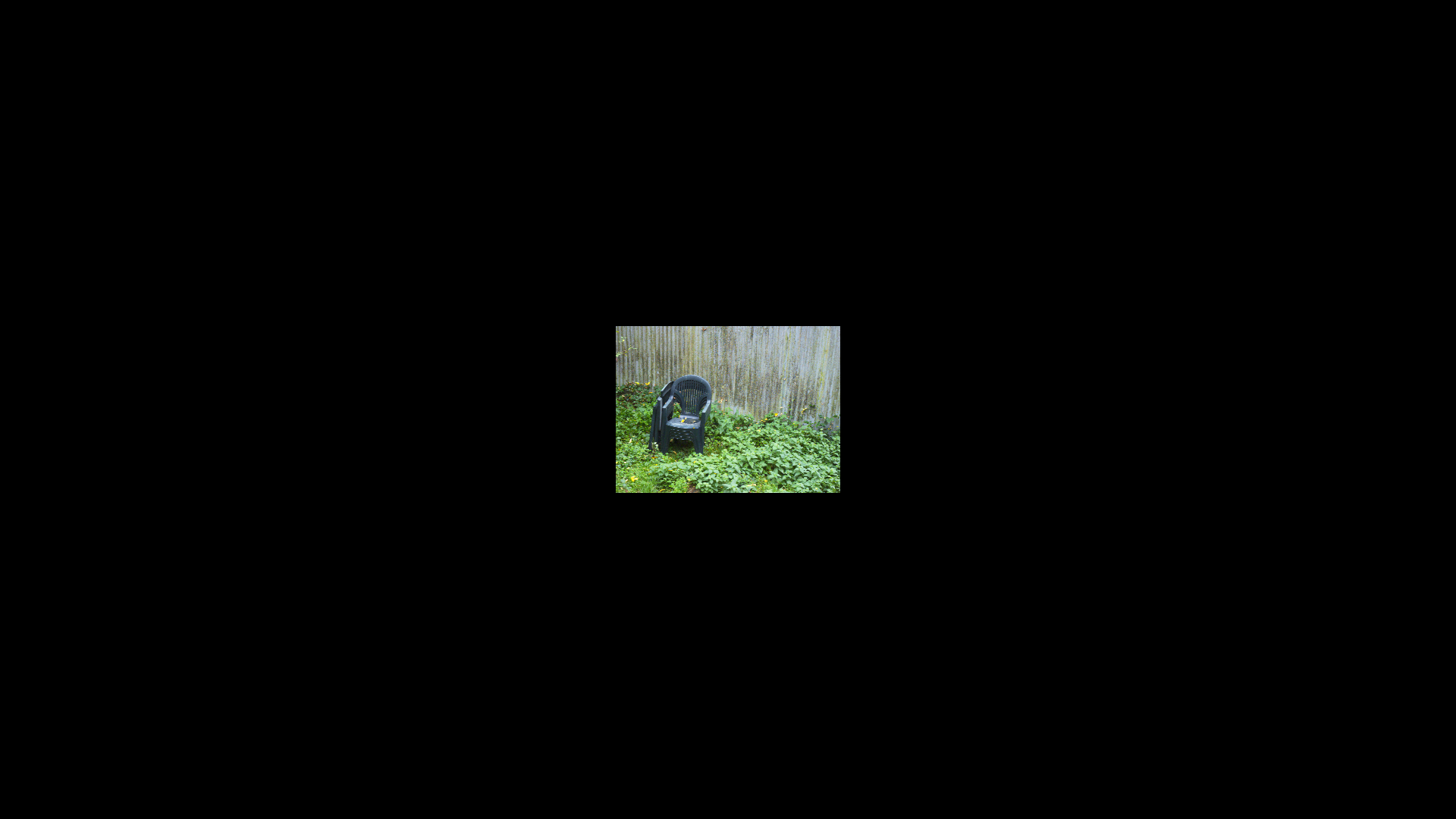
Here's an alternative solution which simply does not upsize small embedded jpegs
diff --git a/rtgui/inspector.cc b/rtgui/inspector.cc
index 526343fca..e494103c7 100644
--- a/rtgui/inspector.cc
+++ b/rtgui/inspector.cc
@@ -314,7 +314,7 @@ bool Inspector::on_draw(const ::Cairo::RefPtr< Cairo::Context> &cr)
         int imW = rtengine::max<int>(currImage->imgBuffer.getWidth(), 1);
         int imH = rtengine::max<int>(currImage->imgBuffer.getHeight(), 1);
         scale = rtengine::min<double>((double)availableSize.x / imW, (double)availableSize.y / imH);
-        if (scaled) {
+        if (scaled && (imW > availableSize.x || imH > availableSize.y)) {
             // reduce size of image to fit into window, no further zoom down
             zoomScale = rtengine::max<double>(zoomScale, 1.0);
             scale *= zoomScale;
heckflosse
on 12 Oct 2020
@heckflosse Yes, if it works it's OK. But I don't completely understand the logic behind filling the widget's background using a rectangle that depends on the scale factor. The window has a specific size, why can't we just use that?
Also I don't understand where the black color comes from. It's not the standard bg and none of the existing css rules with rgb="0,0,0" match. (This is the first time I mess with GTK CSS, would be thankful for some enlightenment here).
ff2000
on 12 Oct 2020
@ff2000
Imho one of the questions we should discuss is, whether we want an upscaled ugly blurred preview for this case of very small embedded jpeg thumbs or just a small, but sharp, preview. I prefer the latter.
About the black background: I'm a gui and css noob :-(
heckflosse
on 12 Oct 2020
Since I dived into the CSS/GUI part recently, I will take a look at this (not today though).
 Thanatomanic
on 12 Oct 2020
Thanatomanic
on 12 Oct 2020
Imho one of the questions we should discuss is, whether we want an ugly blurred preview for this case of very small embedded jpeg thumbs or just a small, but sharp, preview. I prefer the latter.
I think showing an unscaled version in that case is better.
But I offer a third option: Load unscaled embedded preview and show an info message to the user with a button "Render the RAW file using default profile". Makes the file actually previewable and won't hurt general performance as preview RAW rendering is done only on request.
ff2000
on 12 Oct 2020
But I offer a third option
But given that there are only a few cameras with small embedded jpegs, is it worth the effort? Users of this cameras can already set this behaviour (though only global) in preferences.
heckflosse
on 12 Oct 2020
Especially for the very small embedded jpegs of iiq files, it is very likely that the filebrowser thumb in RT is at least as large.
heckflosse
on 12 Oct 2020
But I offer a third option
But given that there are only a few cameras with small embedded jpegs, is it worth the effort? Users of this cameras can already set this behaviour (though only global) in preferences.
Small in this context is relative to monitor resolution, so the preview doesn't need to be extremely small if monitor resolution is high. Review halfsize previews of 10MP RAWs (e.g. GH5S) on a 4K monitor (that you own because you use the GH5S for 4K recording ;)) and you constantly bump into too small previews.
But of course this still isn't the common case.
I just wanted to paste this idea here, can be implemented in an extended Inspector Window (after #5872 got merged).
ff2000
on 12 Oct 2020
Related issues
Beep6581
·
123Comments
 Desmis
·
167Comments
heckflosse
·
76Comments
Desmis
·
167Comments
heckflosse
·
76Comments
 agriggio
·
74Comments
Desmis
·
133Comments
agriggio
·
74Comments
Desmis
·
133Comments
Most helpful comment
Since I dived into the CSS/GUI part recently, I will take a look at this (not today though).