Rawtherapee: Demosicing method: simple(reduction)
I want to simple demosaicing method for bayer sensor that one unit of color pattern to one pixel.
If the method process BGGR pattern data, Green channel is average of two green data and Blue channel is blue, Red Channel is red data.
image pixels -> pixels
B1  G1a B2  G2a    1 2
G1b R1  G2b R2  -> 3 4
B3  G3a B4  G4a
G3b R3  G4b R4
1 = RGB(R1, (G1a + G1b) / 2, B1)
2 = RGB(R2, (G2a + G2b) / 2, B2)
3 = RGB(R3, (G3a + G3b) / 2, B3)
4 = RGB(R4, (G4a + G4b) / 2, B4)
The output image is 1/4 size. But it has no interpolated pixel.
 coponhub
All 15 comments
What (photographic) purpose do you have for this? If it is speed, then RT already has a pretty decent and pretty fast "Fast" demosaic method.
 Thanatomanic
on 23 Nov 2019
Thanatomanic
on 23 Nov 2019
@Thanatomanic My purpose is reduce interpolated pixels by demosaicing process. I want to development raw photo data without finding or worrying artifact.
coponhub
on 23 Nov 2019
I think you misunderstand the purpose of the available demosaicing algorithms. They try to _reduce_ various artifacts by all kinds of smart interpolation methods. There is no clear argument why your method would be artifact free.
I'll let @Beep6581 be the final judge here, but unfortunately, I don't think your idea has any merit to be implemented in RT.
Thanatomanic
on 23 Nov 2019
@Thanatomanic I just want to image by simple processing. I doing this method by manual operation (using dcraw raw output). The output image is better then normal demosicing + reducing to 1/4.
coponhub
on 23 Nov 2019
@Thanatomanic A Bayer pattern sensor has just half of the resolution if you want to get full RGB information for every pixel without any interpolation. dcraw supports this with -h ("Half-size color image (twice as fast as "-q 0")")
 akidee
on 25 Nov 2019
akidee
on 25 Nov 2019
@akidee The fact that dcraw supports a certain processing mode, doesn't mean it should be available in RT 😉
A Bayer pattern sensor has just half of the resolution if you want to get full RGB information for every pixel without any interpolation
This is incorrect. Your sensor is quantized in a very particular way, and therefore you capture the scene you expose your sensor to in a quantized way. By the very nature of the Bayer-sensor, you do not capture all RGB information from a certain scence location on the same position on your sensor. Therefore any method you use to determine (r,g,b) pixel values is some form of interpolation.
If a simple reduction to half-resolution would have been the best interpolation method, countless people would probably have spent their valuable time differently finding better ways to interpolate Bayered data.
Bottom line: I see very little value in implementing the proposed method in RT.
Thanatomanic
on 25 Nov 2019
The output image is better then normal demosicing + reducing to 1/4
@coponhub can you demonstrate?
 Beep6581
on 25 Nov 2019
Beep6581
on 25 Nov 2019
Because the actual physical locations of the sensels are not the same (but are then mapped directly to a single RGB pixel), this will potentially cause artifacts.
It's basically a variation nearest-neighbor with subpixel offsets.
I don't remember what method dcraw uses for -h mode - I had assumed it was slightly more sophisticated than what was proposed (such as lanczos downsampling, taking into account the half-pixel offset).
I could have sworn that I had already seen a demosaic mode in RT that was suitable for a downscaling scenario such as this, probably won't be able to look again for a while - I'm sick AND I have family visiting later this week. :(
 Entropy512
on 26 Nov 2019
Entropy512
on 26 Nov 2019
One of the "fast export" pipelines does early downsampling, though it's not documented how (or at all)...
Beep6581
on 26 Nov 2019
@Beep6581
Demonstration
- raw output by dcraw
dcraw -D -6 - open by image editor
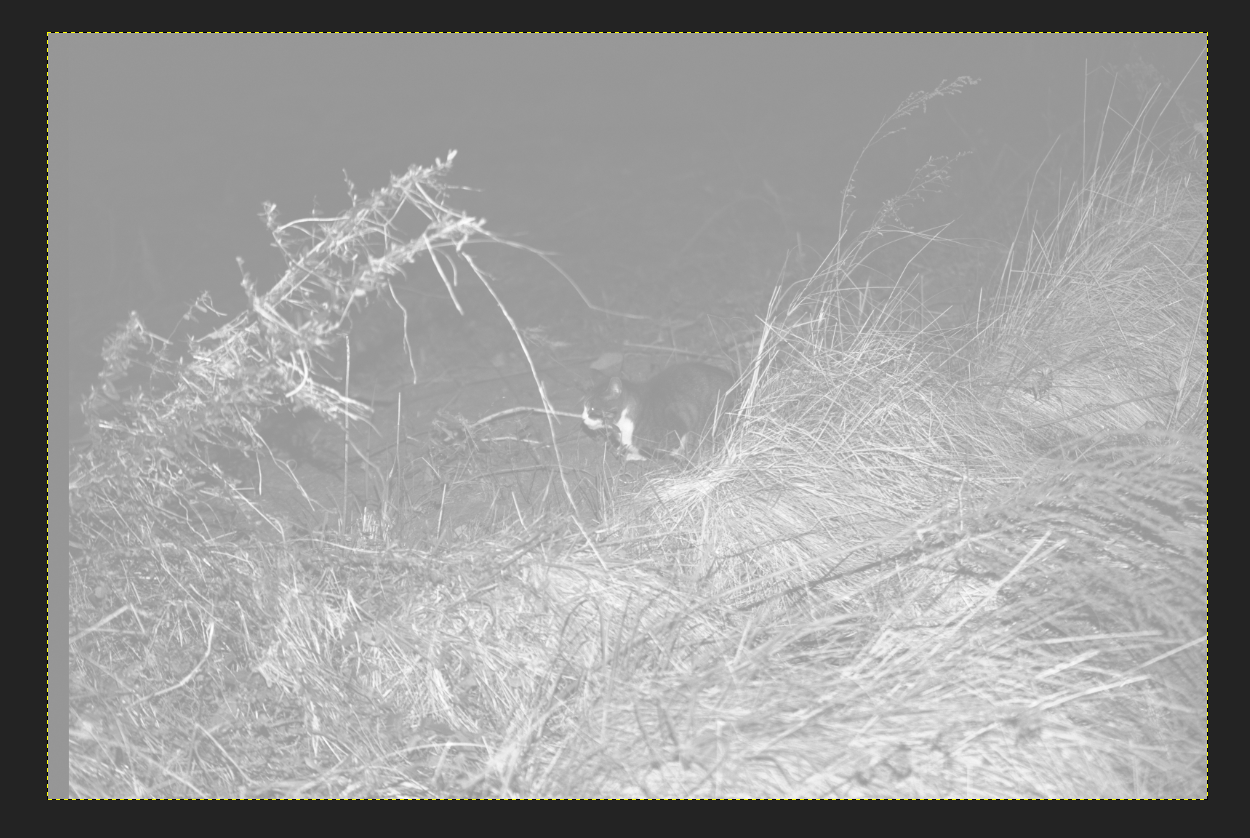
- add bayer patten filter
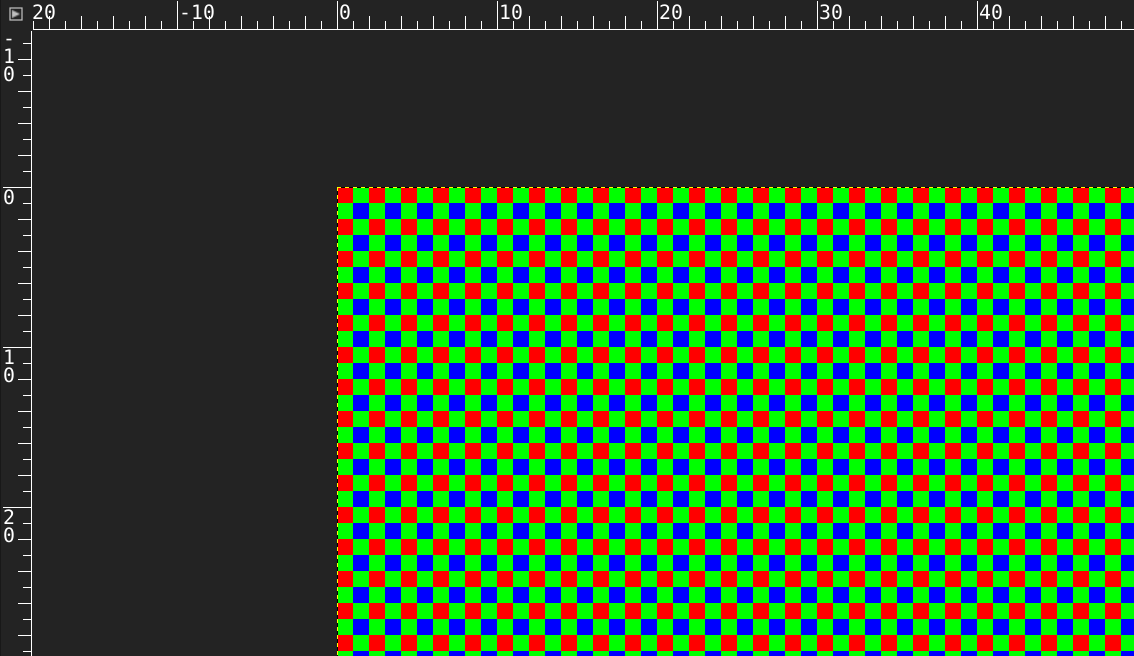
- down green value and apply filter (using layer mode "HSV Value" to image)
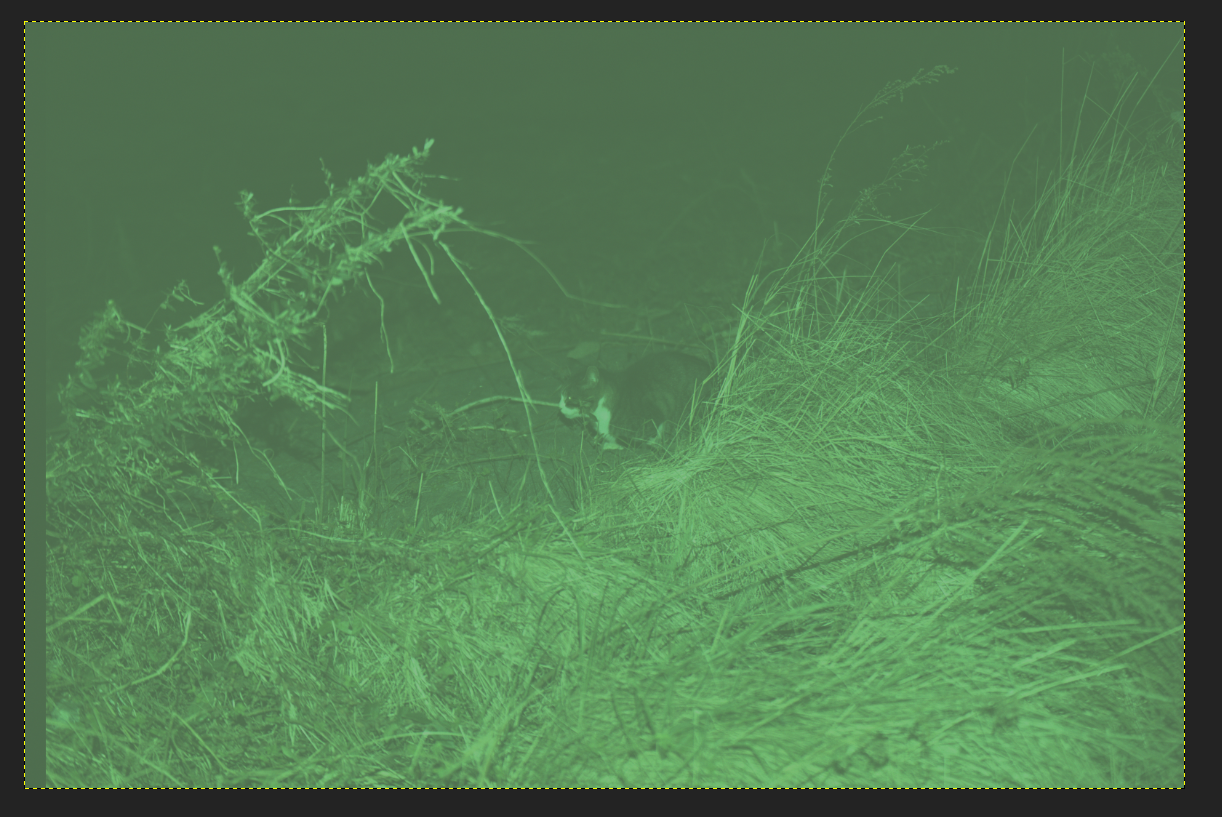
reduce size to half h/w by liner resize mode and fix color
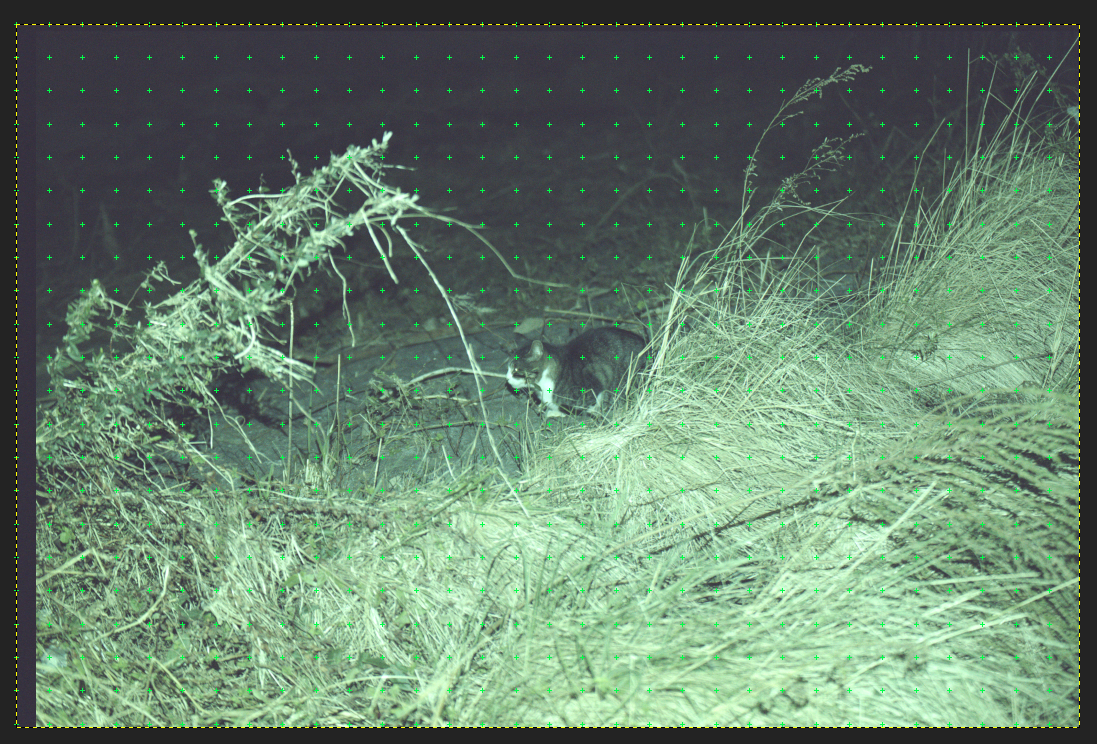
compare to normal(amaze) demosic & reduce
result
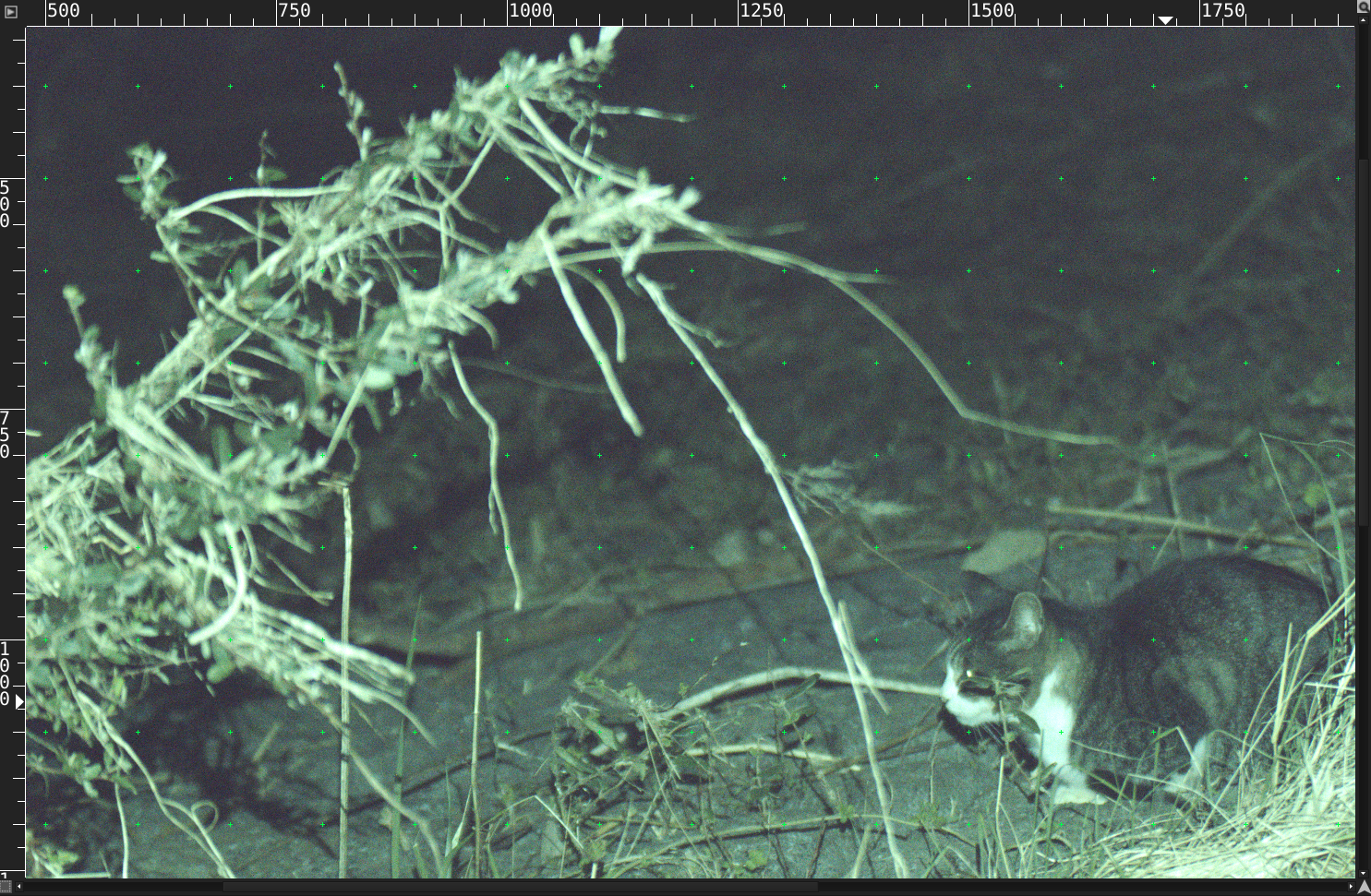
normal demosicing(amaze) + reducing
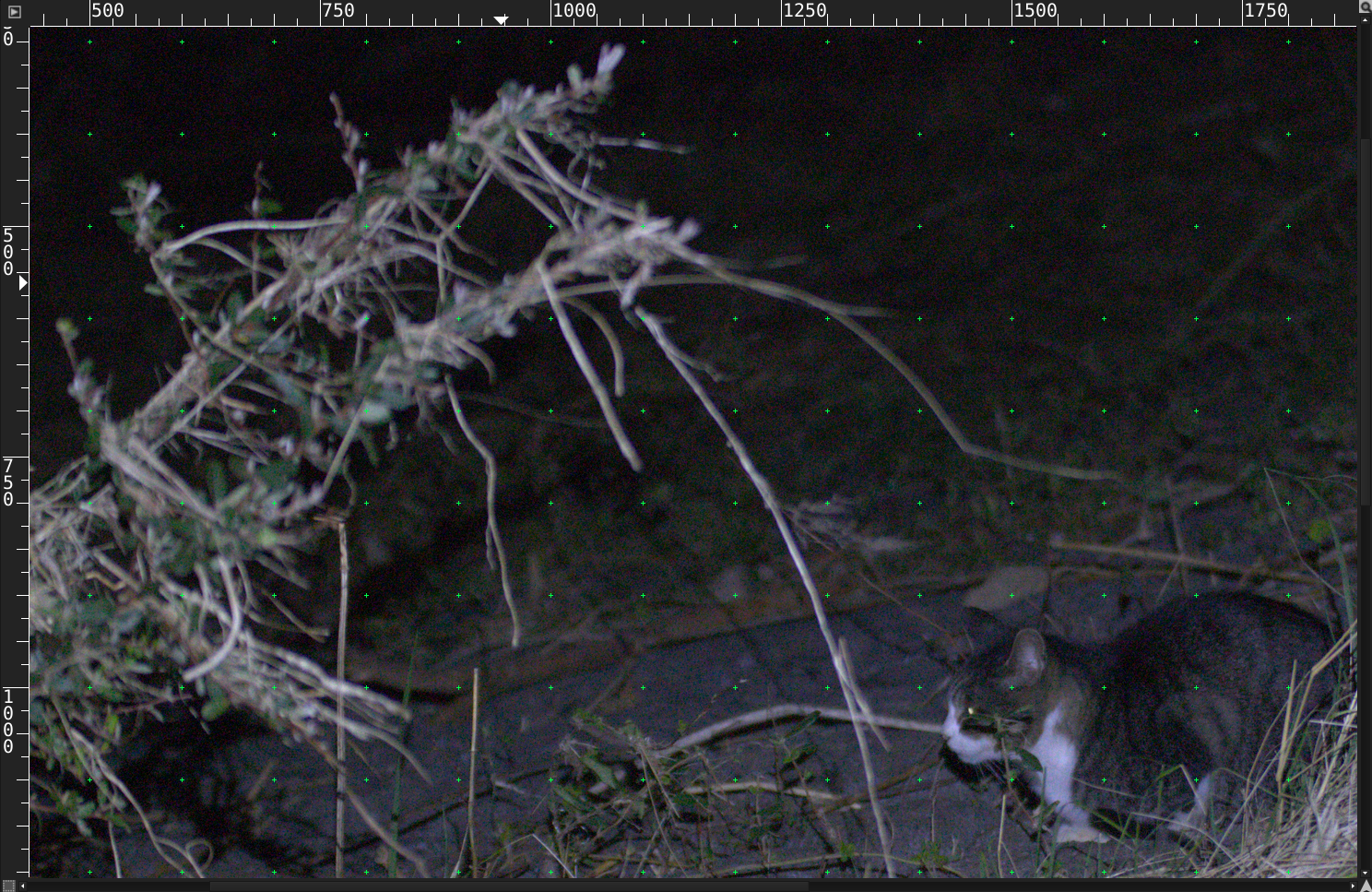
Please compare color noise of image. This output has not good green color. It has bad process(This is not green average. It just green color value down)
coponhub
on 27 Nov 2019
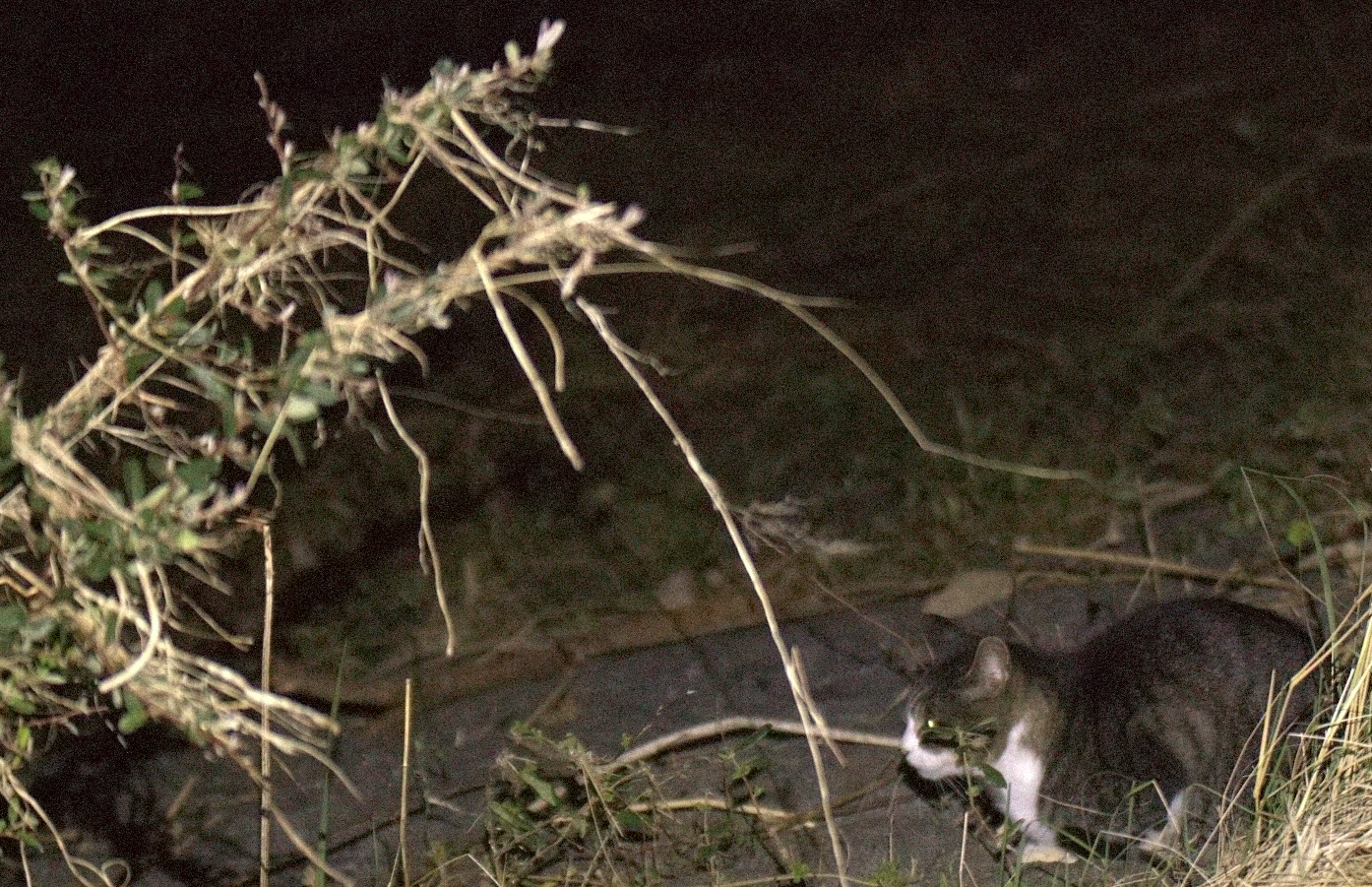
I tried dcraw -h -6 (in last version of dcraw). I didn't know "-h" option.
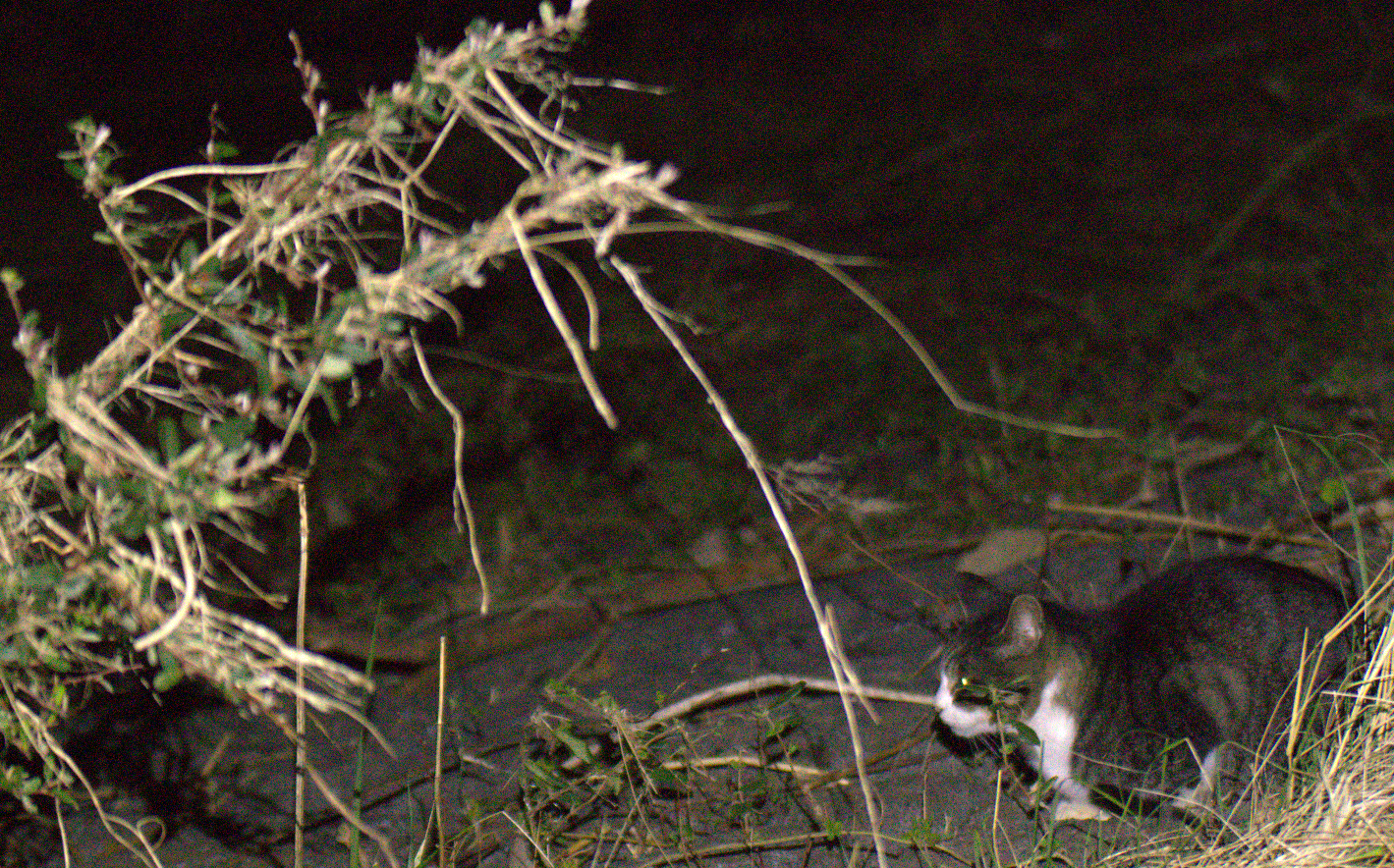
dcraw -h -6 + Rawtherapee color noise reduction(median 9x9)
coponhub
on 27 Nov 2019
If a simple reduction to half-resolution would have been the best interpolation method ...
I did't claim that. Of course the -h method looses important information, because each sensel contains brightness information, too. But you could use it as a way to compress your RAW data as a TIFF without a curve. But I guess a similar optimization is already implemented in RAW formats with compression.
akidee
on 28 Nov 2019
@coponhub I am very confused by your demonstration. You seem to extract the green values from the Bayer array, then do a linear resize (which I hope is not doing any interpolation of its own) and then "fix color" (whatever that may mean). You end up with a picture that only contains green and somehow you try to compare color noise? I don't follow...
Thanatomanic
on 28 Nov 2019
@coponhub I've put together a demonstration of my own. The challenge for you: match the processing method to the correct image.
I took a photo of my own (Nikon D750, f/4.0, 1/250s and ISO2500) and processed it in three ways:
dcraw -w -W -h -T -g 2.4 12.92 _DSC7045.NEF(these settings allow direct comparison with the output I got from RT)- Use RT, apply Neutral profile, set Demosaicing method to 'Fast' and set Border to 0, in Color Management select 'Camera standard', enable Resize module, set to 2016x3016 and choose Bilinear instead of Lanczos.
- Same as (2) but using the default AMaZE demosaicing.
The resulting TIF files are located here:
https://www.dropbox.com/s/utq942xk36zqegv/Option1.png?dl=0
https://www.dropbox.com/s/xs8ayjpkb6eoibr/Option2.png?dl=0
https://www.dropbox.com/s/bhpeqm98ejlf0iw/Option3.png?dl=0
If you can determine which is which, we can continue our discussion. Otherwise I think it will prove there is no benefit of having a half-size mode instead of regular processing and resizing afterwards.
Thanatomanic
on 28 Nov 2019
@coponhub Is this still relevant to you?
Thanatomanic
on 6 Jan 2020
Related issues
 daicehawk
·
76Comments
daicehawk
·
76Comments
 agriggio
·
74Comments
agriggio
·
74Comments
 heckflosse
·
110Comments
Beep6581
·
77Comments
heckflosse
·
76Comments
heckflosse
·
110Comments
Beep6581
·
77Comments
heckflosse
·
76Comments