Quill: Upload image first show preview, then show upload percentage% (insert complex structure into editor)
What I am trying to do
(From User Perspective)
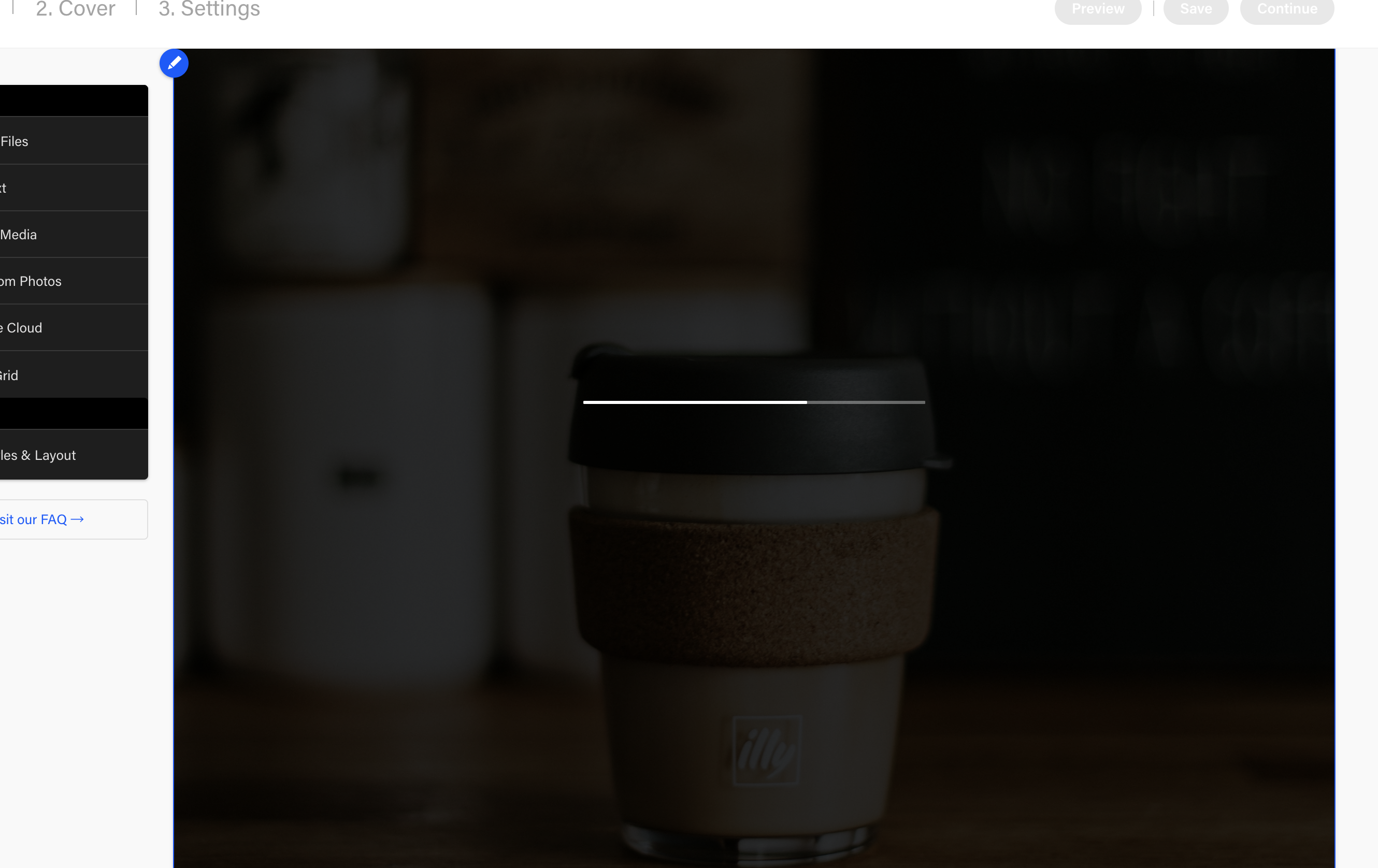
When upload image, image first insert into editor. a black transparent layer cover the entire image.
on that black layer, show upload progress like "10%.. 20% 30%"
after image 100% upload, the black layer go away.
(This is a pretty standard experience when uploading image these day(2018) )
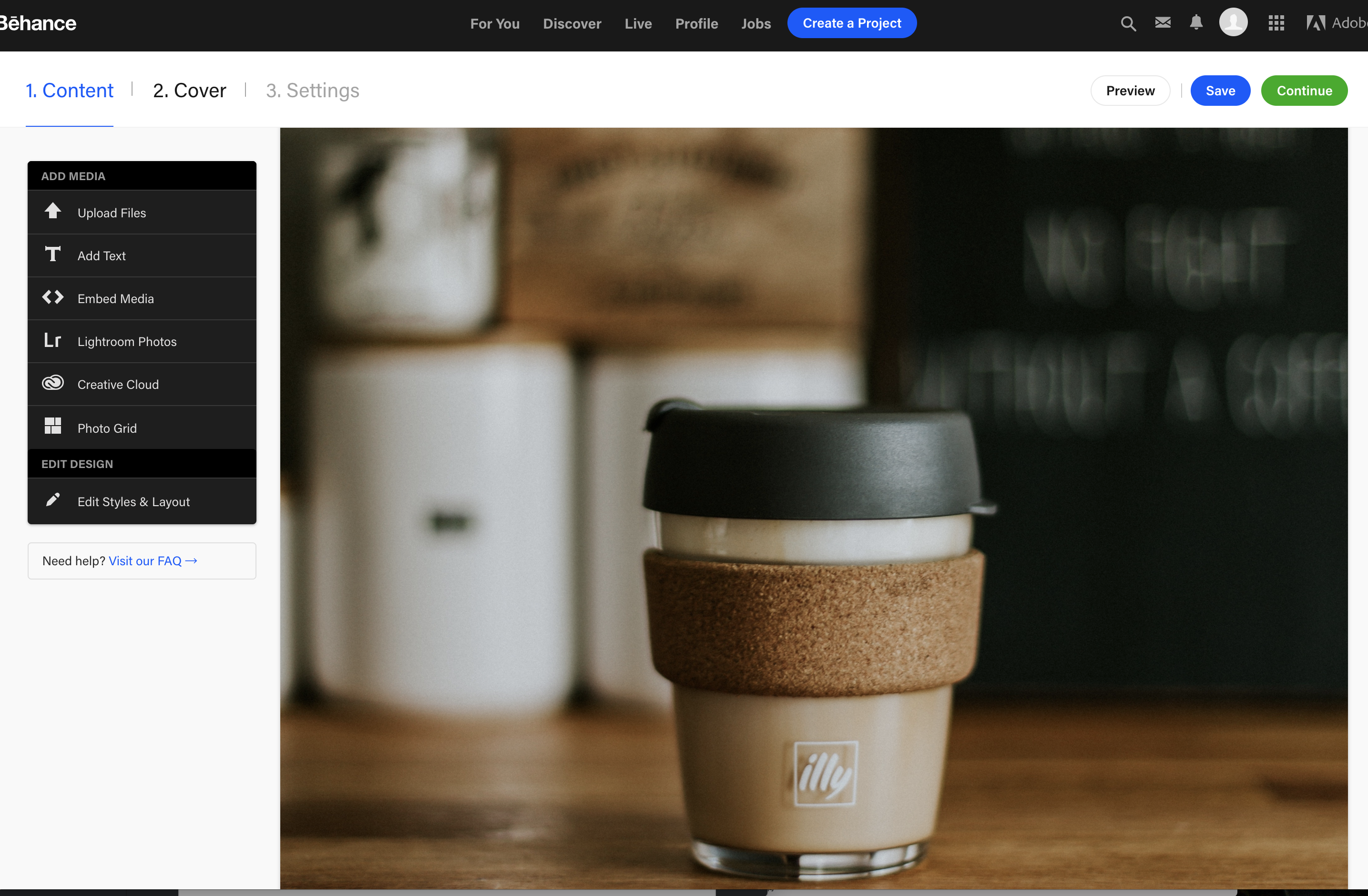
ALSO I want the image take entire row. text is either on top or on bottom or image. not on same row.
Example: behance
- Show upload progress during upload (image under black layer)
- Display image when upload done
How I plan implement it
First insert base64 like \https://example.com/a.jpg
The HTML structure I think gonna work
<div class='image-container'>
    <div class='overlay'><!-- show upload progress text here--></div>
    <img src=''>
</div>
CSS part essentially just to make that black transparent (rgba(0,0,0,0.5)) overlay work
it would go something like this:
.image-container{
   position: relative
}
.overlay{
   position: absolute:
   top: 0;
   left: 0;
   width: 100%;
   height: 100%;
}
etc..etc..
Question: how to make complex structure like these insert into Quill editor?
just use Bolt and Parchment?
any example? thank you
PS: I already done my research
I spend about 1+ hour on Google and Quill issue & Quill Doc.
can't find answer. that's why I am asking.
Relate issue
https://github.com/quilljs/parchment/issues/30 this Github issue relate to my question. but no answer in there
https://github.com/quilljs/quill/issues/173
https://github.com/quilljs/quill/issues/1695
https://github.com/quilljs/quill/issues/1163
Thank you very much!
 1c7
1c7
All 8 comments
I wrote a plugin that does something very similar to what you are describing.
When an image is added, it inserts the Base64 version with a loading overlay.
Then the image is saved to the server and then replaces the Base64 version with the saved image link.
You can view it here
https://github.com/NoelOConnell/quill-image-uploader
 NoelOConnell
on 28 Aug 2018
NoelOConnell
on 28 Aug 2018
@NoelOConnell Thank you! I would check it out!
1c7
on 28 Aug 2018
let me close this issue for now.
1c7
on 29 Aug 2018
@NoelOConnell Does it work for drop and past ways of image adding also? Doesn't it conflict with Content Security Policy header?
 Gladskih
on 22 Jul 2019
Gladskih
on 22 Jul 2019
@NoelOConnell I think for the react quill Editor it doesn't show loader. Any guesses why?
 DvzH
on 26 Apr 2020
DvzH
on 26 Apr 2020
@NoelOConnell Does it work for drop and past ways of image adding also? Doesn't it conflict with Content Security Policy header?
Only saw this comment now.
Yes, it supports dropped and pasted images. It use base64 to show the preview of the image and then the base64 image is removed and replaced with an img tag with the link to the image you provide.
Should be okay for CSP rules
NoelOConnell
on 26 Apr 2020
@DvzH I replied under your other issue posted.
NoelOConnell
on 26 Apr 2020
@NoelOConnell thanks for the update
DvzH
on 26 Apr 2020
Related issues
 lustoykov
·
3Comments
lustoykov
·
3Comments
 Yves-K
·
3Comments
Yves-K
·
3Comments
 GildedHonour
·
3Comments
GildedHonour
·
3Comments
 sferoze
·
3Comments
sferoze
·
3Comments
 rsdrsd
·
3Comments
rsdrsd
·
3Comments
Most helpful comment
I wrote a plugin that does something very similar to what you are describing.
When an image is added, it inserts the Base64 version with a loading overlay.
Then the image is saved to the server and then replaces the Base64 version with the saved image link.
You can view it here
https://github.com/NoelOConnell/quill-image-uploader