Hi guys,
I really like the tool you are contributing to. We have an Angular 5 application and found the issue with the editor.
Steps for Reproduction
- Visit quilljs.com from IE 11
- Copy any text with line breaks from Outlook (tested on 2010 and 2013 versions)

- Paste the text from clipboard to any editor on the editor's home page
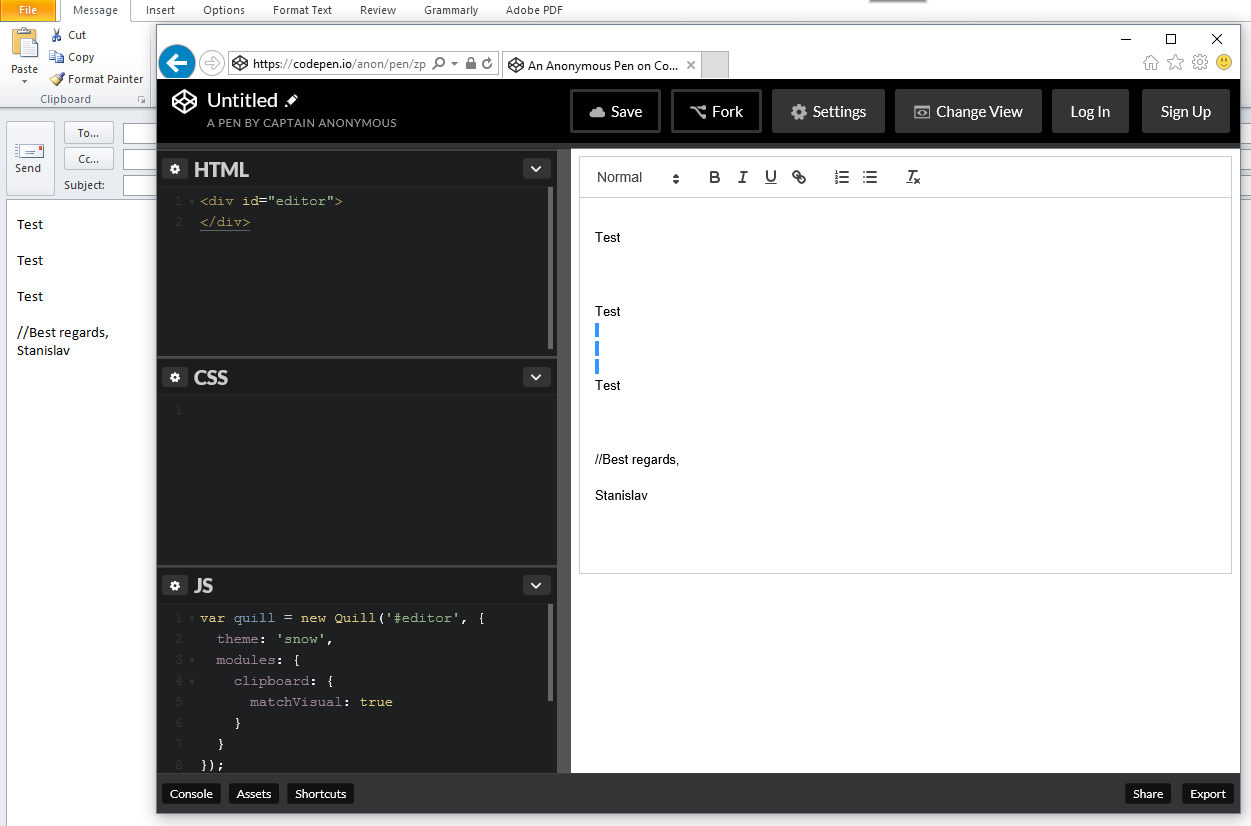
- See that it contains 3 times more extra lines than in Outlook
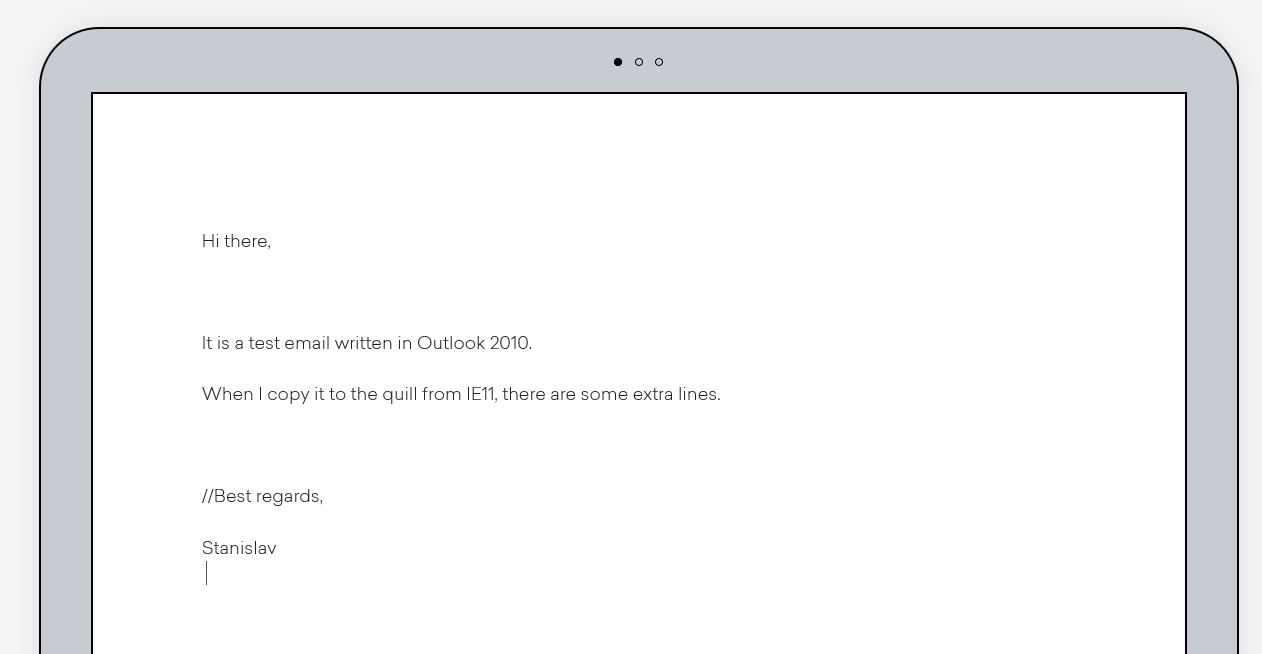
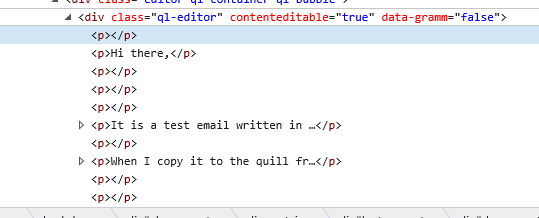
- Perform steps 1-4 in Chrome and see the results
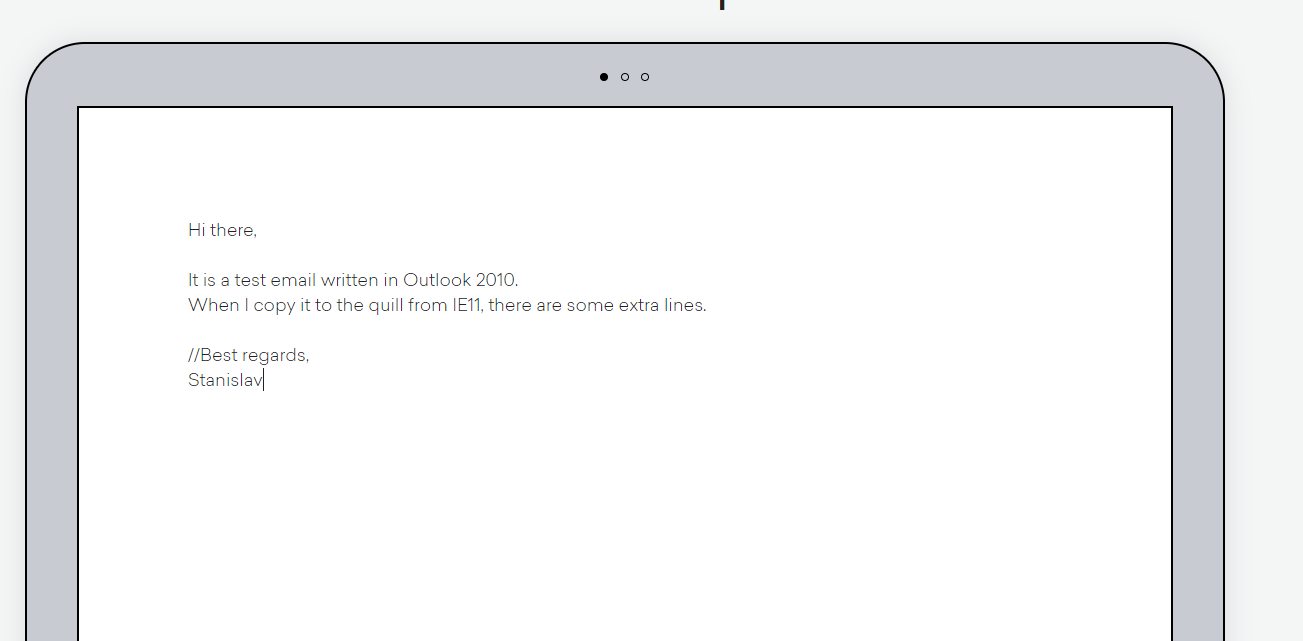
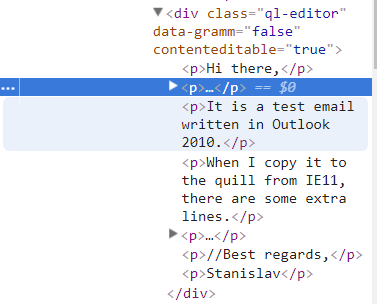
Expected behavior:
The result is expected to be the same in all browsers
Actual behavior:
Displayed on the screenshots
Platforms:
IE11 only, Edge works fine
Quill:
"ngx-quill": "^2.0.4"
Guys, I would appreciate any workaround that you could propose.
 stas-kh
All 3 comments
Have you tried the matchVisual configuration option?
 jhchen
on 18 Jan 2018
jhchen
on 18 Jan 2018
👎1
Yes, I've tried.
The result is the same:
stas-kh
on 18 Jan 2018
We've switched to another editor because of this problem and lack of tables support in the editor.
stas-kh
on 5 May 2018
👍2
Was this page helpful?
0 / 5 - 0 ratings
Related issues
 DaniilVeriga
·
3Comments
DaniilVeriga
·
3Comments
 Yves-K
·
3Comments
Yves-K
·
3Comments
 aletorrado
·
3Comments
aletorrado
·
3Comments
 scottfr
·
3Comments
scottfr
·
3Comments
 visore
·
3Comments
visore
·
3Comments
Most helpful comment
We've switched to another editor because of this problem and lack of tables support in the editor.