Quasar: icongenies new trim feature removes part of the icon
Describe the bug
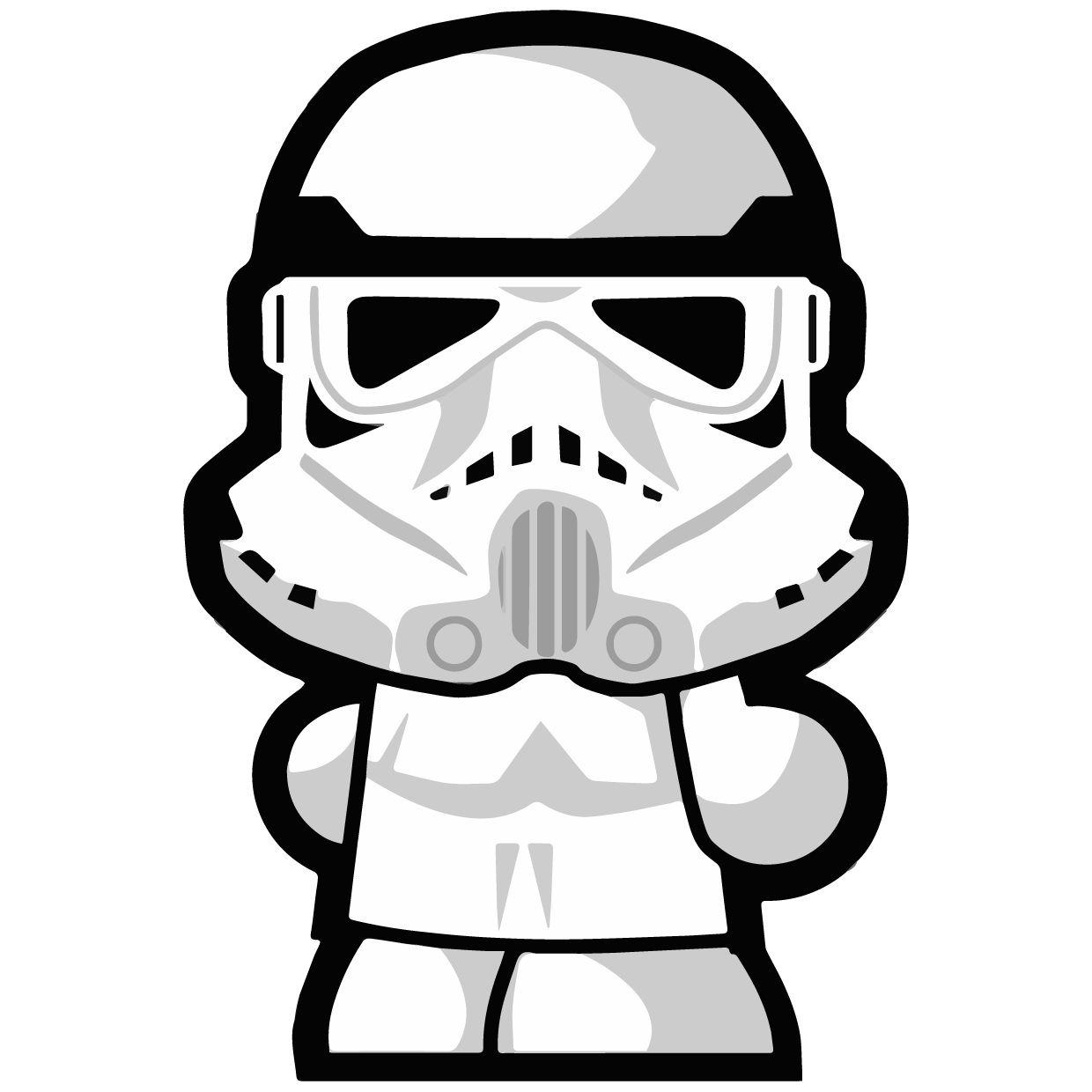
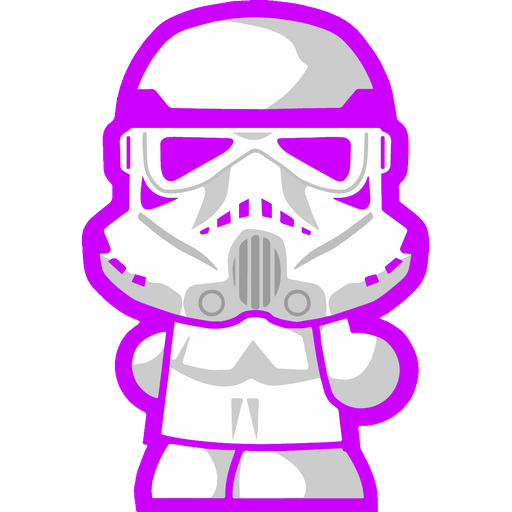
When using the Icon Genie v2.1.0 CLI with default values, the black outline of the input file gets cut off from all sides.
Codepen/jsFiddle/Codesandbox (required)
Not applicable.
To Reproduce
Steps to reproduce the behavior:
icongenie g -i ./app-icon.png
Expected behavior
Remove the transparent part of the image and leave the blackish outline untouched.
You also might want to add an option for disabling trimming altogether.
Screenshots
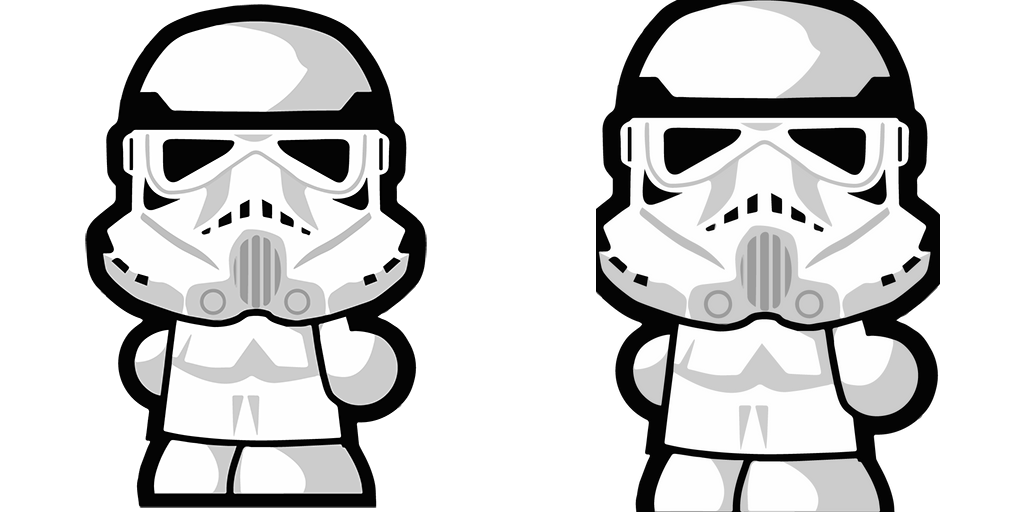
Left side: input
Right side: generated output
Platform (please complete the following information):
OS: macOS v10.14.6
Node: v12.16.2
NPM: v6.14.4
Yarn: v1.22.4
Browsers: n/a
iOS: n/a
Android: n/a
Electron: v5.0.13
Additional context
Note: the outline isn't even pure black. And padding just adds padding after the trimming. So it didn't help.
Other than that, awesome stuff, you guys! ❤️
Original input file:
 NicolasReibnitz
All 5 comments
P.S. Changing the outline color does help. At least for testing purposes. 😉
Output:
NicolasReibnitz
on 3 May 2020
I have the same issue. Can't really use this tool if trims my icon!
 dariosalvi78
on 4 May 2020
dariosalvi78
on 4 May 2020
There will be a "--skip-trim" param in "@quasar/icongenie" v2.2.0
 rstoenescu
on 4 May 2020
rstoenescu
on 4 May 2020
IconGenie v2.2 released.
rstoenescu
on 4 May 2020
Just to confirm, "--skip-trim" works perfectly. Thank you very much for that great support!
NicolasReibnitz
on 8 May 2020
Related issues
 jigarzon
·
3Comments
jigarzon
·
3Comments
 fnicollier
·
3Comments
fnicollier
·
3Comments
 alexeigs
·
3Comments
alexeigs
·
3Comments
 florensiuslaylim
·
3Comments
florensiuslaylim
·
3Comments
 danikane
·
3Comments
danikane
·
3Comments
Most helpful comment
IconGenie v2.2 released.