Pyvista: Enable Depth Peeling to avoid opacity issues
Should we enable depth peeling to correctly render translucent opacities? See this example for details as it is not supported on all machines.
Example
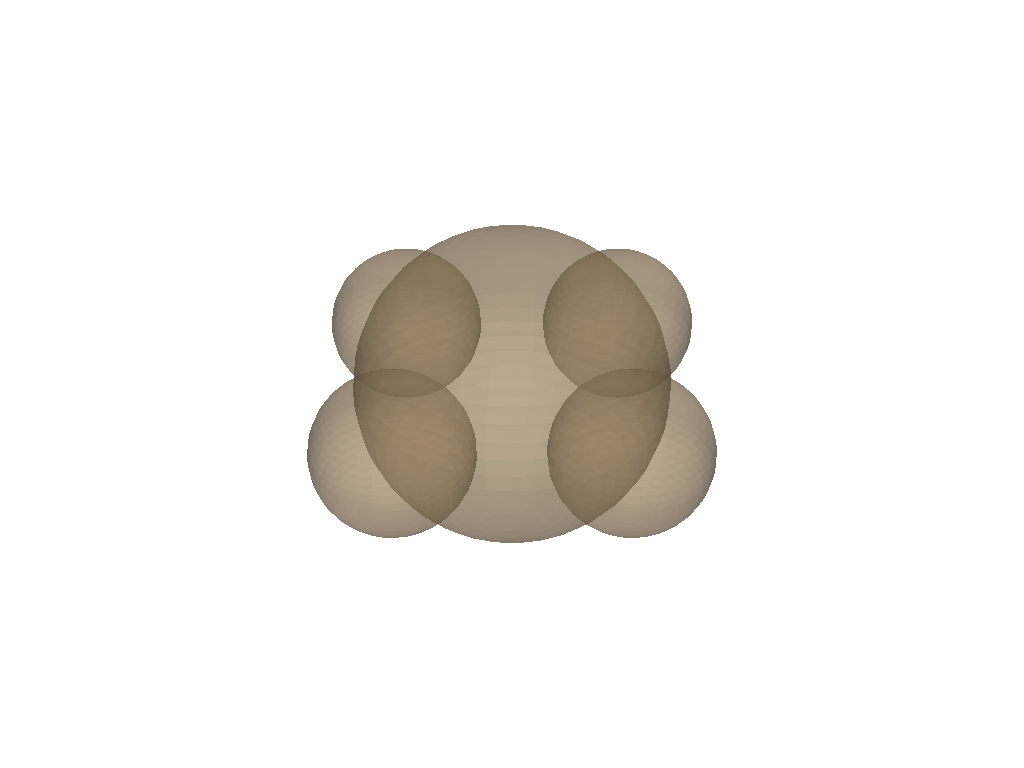
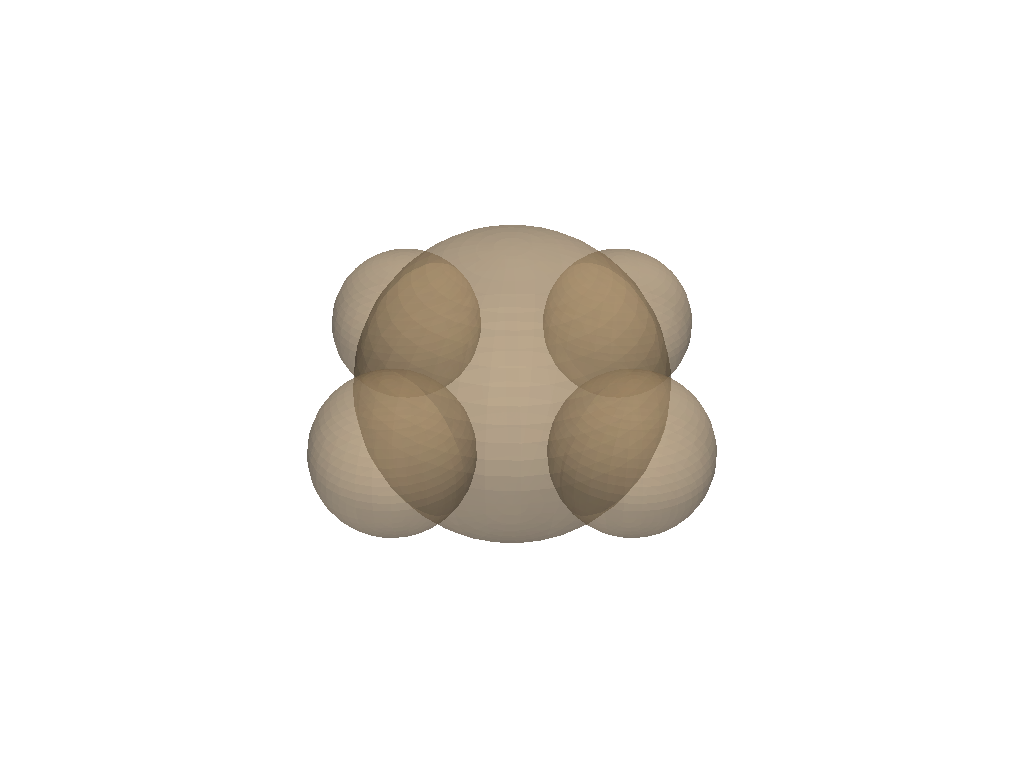
Here I show a quick difference using PyVista.
No depth peeling
import pyvista as pv

centers = [(0, 0, 0), (1, 0, 0), (-1, 0, 0),
           (0, 1, 0), (0, -1, 0)]
radii = [1, 0.5, 0.5, 0.5, 0.5]

spheres = pv.MultiBlock()
for i, c in enumerate(centers):
    spheres.append(pv.Sphere(center=c, radius=radii[i]))

pv.plot(spheres, opacity=0.5)
Some depth peeling
p = pv.Plotter()
p.add_mesh(spheres, opacity=0.5)

# 1. Use a render window with alpha bits (as initial value is 0 (false)):
p.ren_win.SetAlphaBitPlanes(True)

# 2. Force to not pick a framebuffer with a multisample buffer
# (as initial value is 4):
p.ren_win.SetMultiSamples(0)

# 3. Choose to use depth peeling (if supported) (initial value is 0 (false)):
p.renderer.SetUseDepthPeeling(True)

# 4. Set depth peeling parameters
#  - Set the maximum number of rendering passes (initial value is 4):
p.renderer.SetMaximumNumberOfPeels(4)
#  - Set the occlusion ratio (initial value is 0.0, exact image):
p.renderer.SetOcclusionRatio(0.0)

p.show()
 banesullivan
All 6 comments
Absolutely, or at least add it as an option. I’ve had issues with this opacity issue on Linux.
 akaszynski
on 1 Nov 2019
akaszynski
on 1 Nov 2019
VTK 8.2 might fix your opacity issues
Sent with GitHawk
banesullivan
on 1 Nov 2019
The problem is I'm not using conda, and many of the organizations I work with don't use anaconda either. Would be great if I could get the wheel on PyPi for automatic deployment.
akaszynski
on 1 Nov 2019
Shouldn’t be long before PyPI is updated!
Sent with GitHawk
banesullivan
on 1 Nov 2019
I'm in favor of this opacity change - looks more intuitive, cleaner, and may also be responsible for some of the weirdness in my own issue I opened.
Edit: perhaps something I can assist with while digging into #430?
 keltonhalbert
on 4 Nov 2019
keltonhalbert
on 4 Nov 2019
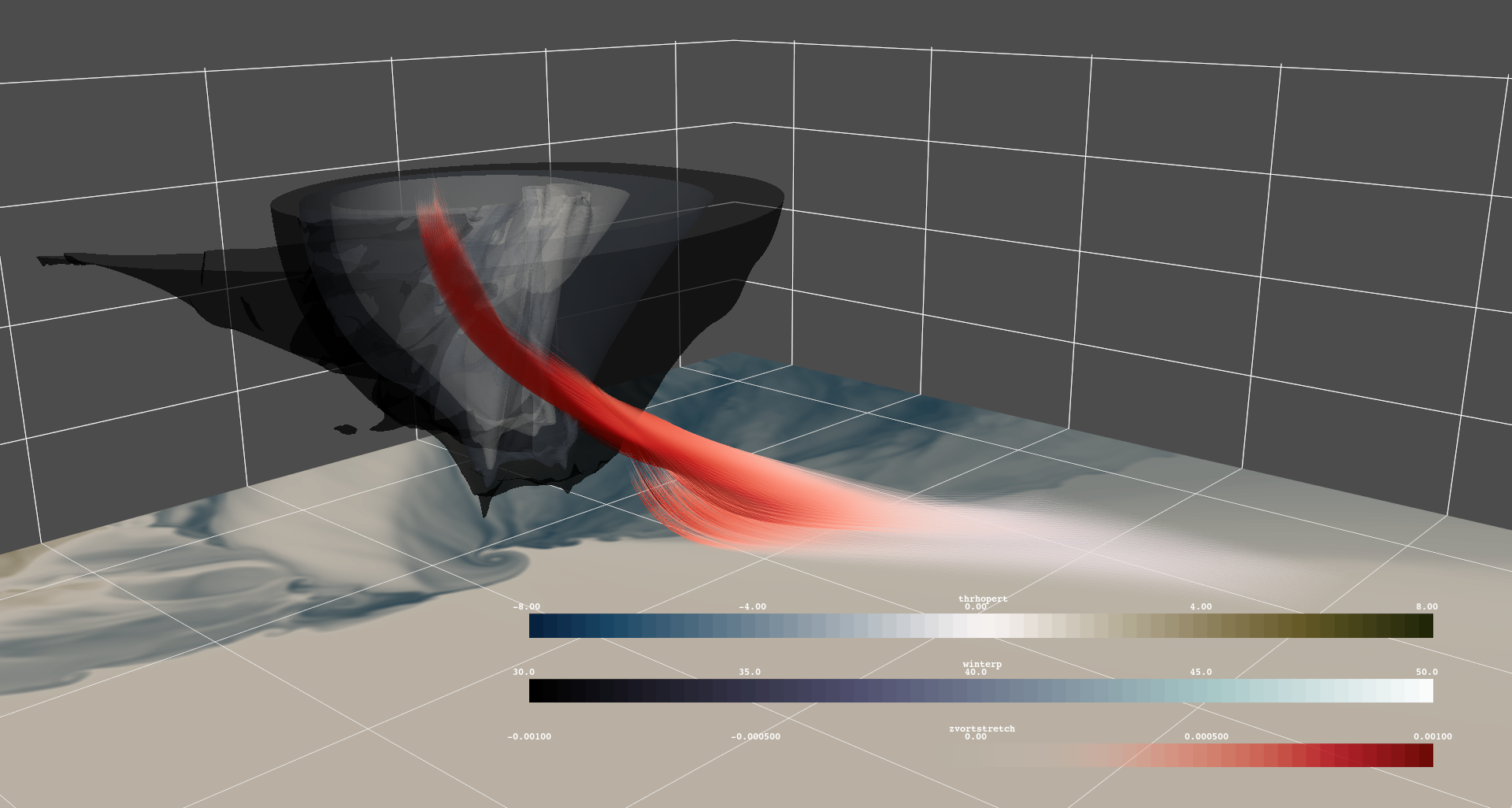
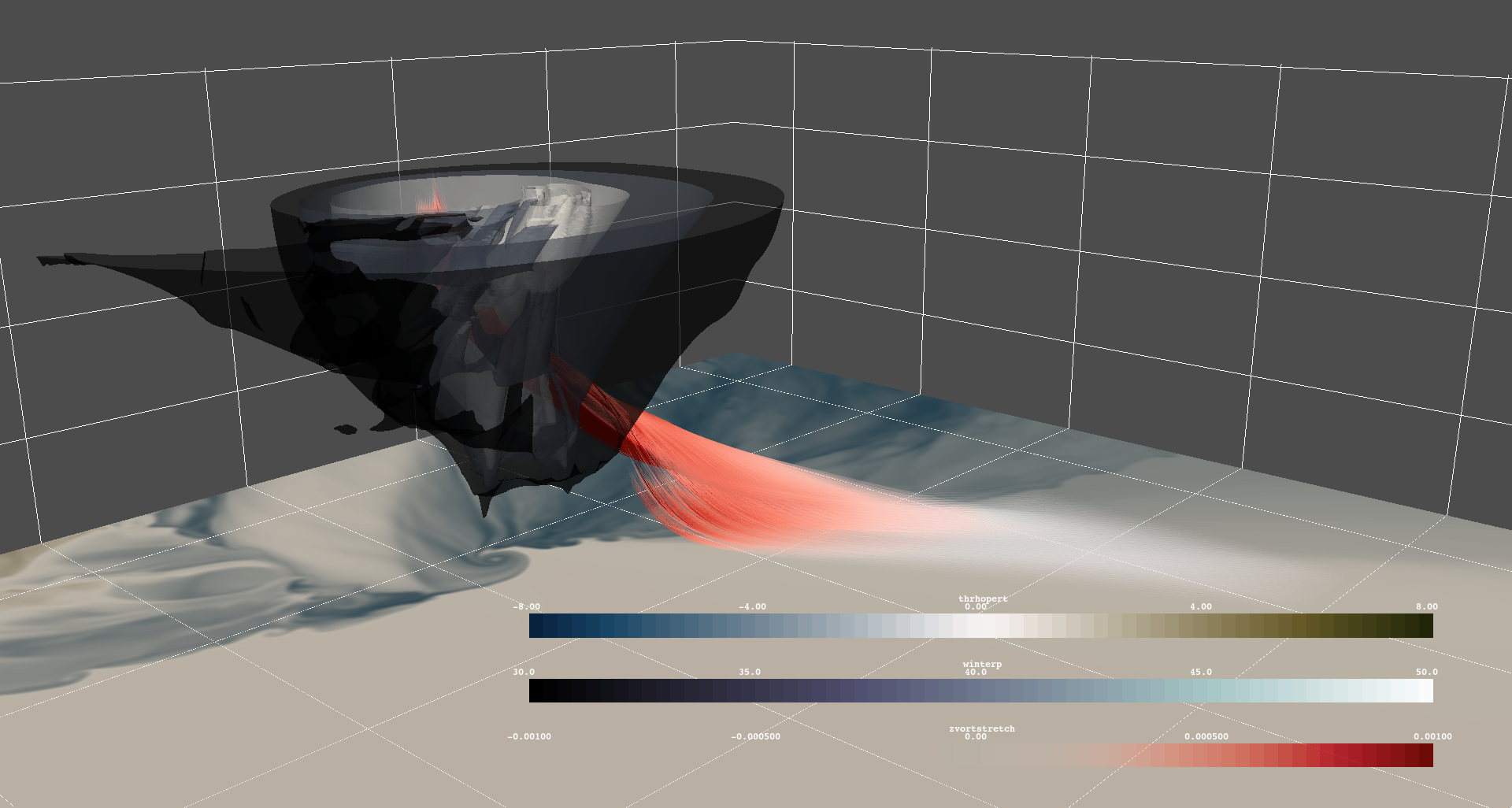
As an aside, I ran my isosurface code using your settings to show a real-world rendering and I have to say, this behavior is highly preferred in terms of showing depth. The first image is without depth peeling, and the second is with depth peeling. I think the results speak for themselves - you can really tell which geometry belongs where. Also looks way better while interactively rendering.
From reading the docs, it sounds like that while it'll be slower to render, it wont affect CPU rendering either. I think the question is, how would this be best implemented? As a function in the plotter class, or as a keyword argument somewhere?
keltonhalbert
on 4 Nov 2019
Related issues
 dennissergeev
·
5Comments
banesullivan
·
3Comments
dennissergeev
·
5Comments
banesullivan
·
3Comments
 ljc19800331
·
3Comments
ljc19800331
·
3Comments
 JiaweiZhuang
·
6Comments
banesullivan
·
4Comments
JiaweiZhuang
·
6Comments
banesullivan
·
4Comments
Most helpful comment
As an aside, I ran my isosurface code using your settings to show a real-world rendering and I have to say, this behavior is highly preferred in terms of showing depth. The first image is without depth peeling, and the second is with depth peeling. I think the results speak for themselves - you can really tell which geometry belongs where. Also looks way better while interactively rendering.
From reading the docs, it sounds like that while it'll be slower to render, it wont affect CPU rendering either. I think the question is, how would this be best implemented? As a function in the plotter class, or as a keyword argument somewhere?

