Pytorch3d: Visible mesh structure
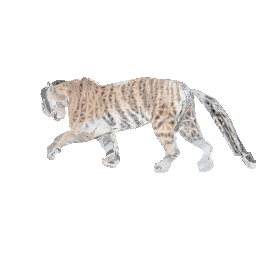
When rendering a mesh the resulting image shows highlighted edges as in the attached picture. How can this be fixed?
 runa91
All 4 comments
@runa91 what shader/blending function are you using? The images output from the shaders are RGBA, and that edge pattern is probably due to how the alpha channel is blended in the softmax blending function - to fix the image above, you can try viewing only the RGB component i.e. images[..., :3].
 nikhilaravi
on 9 Mar 2020
nikhilaravi
on 9 Mar 2020
It was indeed a visualization issue. Thanks for your response.
runa91
on 9 Mar 2020
It is the same case when rendering silhouete image(using default SoftSilhouetteShader) especially with _cull_backfaces=True_ and low _faces_per_pixel._
Any advice how I can remove these artifacts?
faces_per_pixel=100
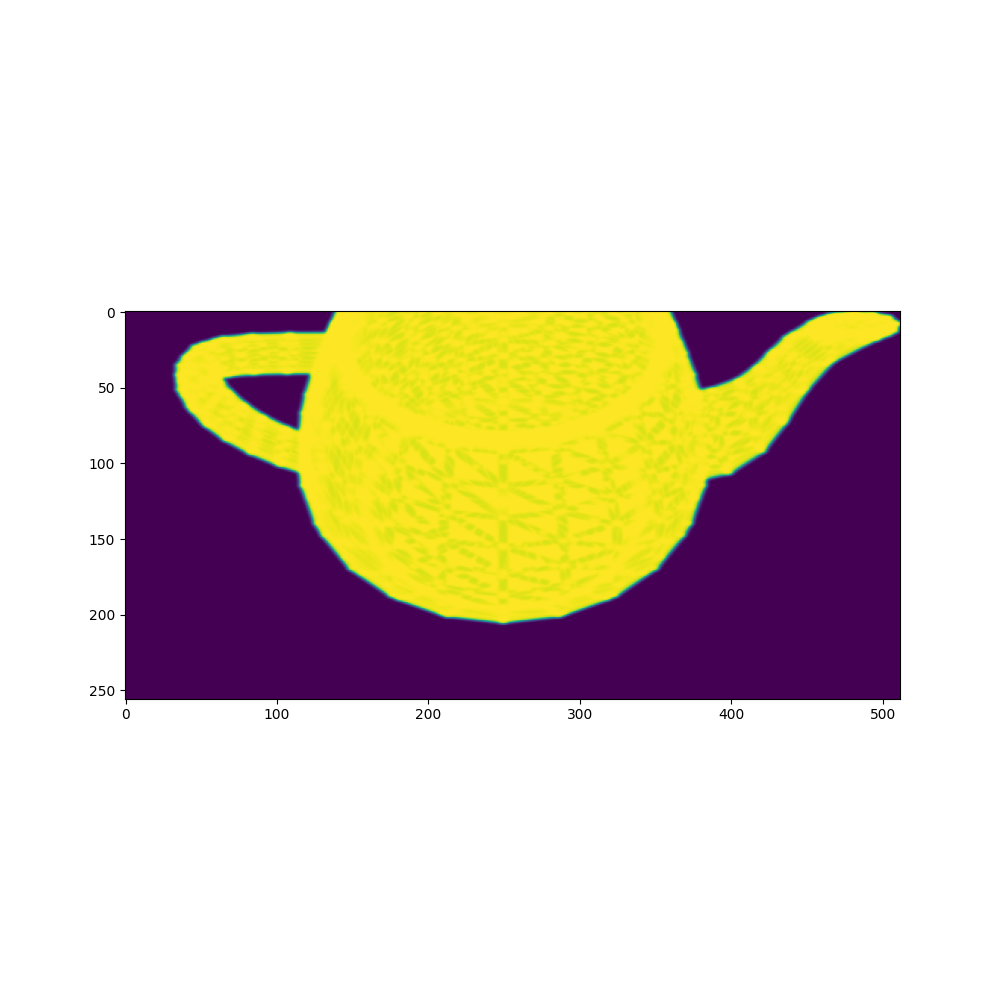
faces_per_pixel=10
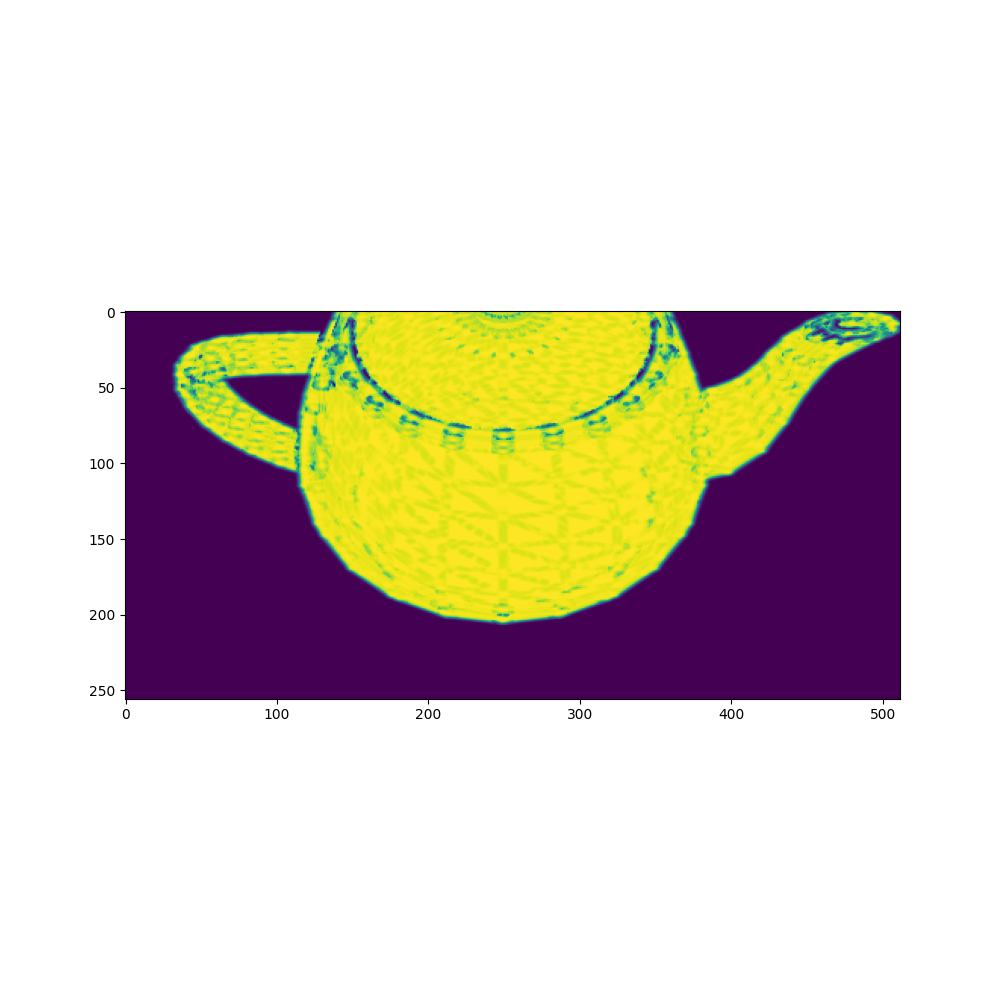
cull_backfaces=True

 Bob-Yeah
on 9 May 2020
Bob-Yeah
on 9 May 2020
@Bob-Yeah I have similar issue here. Have you managed to solve it? Thanks.
 pableeto
on 23 Sep 2020
pableeto
on 23 Sep 2020
Related issues
 elcronos
·
3Comments
elcronos
·
3Comments
 udemegane
·
3Comments
udemegane
·
3Comments
 NotAnyMike
·
3Comments
NotAnyMike
·
3Comments
 aluo-x
·
3Comments
aluo-x
·
3Comments
 unlugi
·
3Comments
unlugi
·
3Comments
Most helpful comment
It is the same case when rendering silhouete image(using default SoftSilhouetteShader) especially with _cull_backfaces=True_ and low _faces_per_pixel._



Any advice how I can remove these artifacts?
faces_per_pixel=100
faces_per_pixel=10
cull_backfaces=True