Pytorch-lightning: Not able to train lightning with tpu
All 17 comments
Hi! thanks for your contribution!, great first issue!
![github-actions[bot] picture](https://avatars2.githubusercontent.com/in/15368?v=4&s=40) github-actions[bot]
on 10 Sep 2020
github-actions[bot]
on 10 Sep 2020
@lezwon mind have look? 🐰
 Borda
on 10 Sep 2020
Borda
on 10 Sep 2020
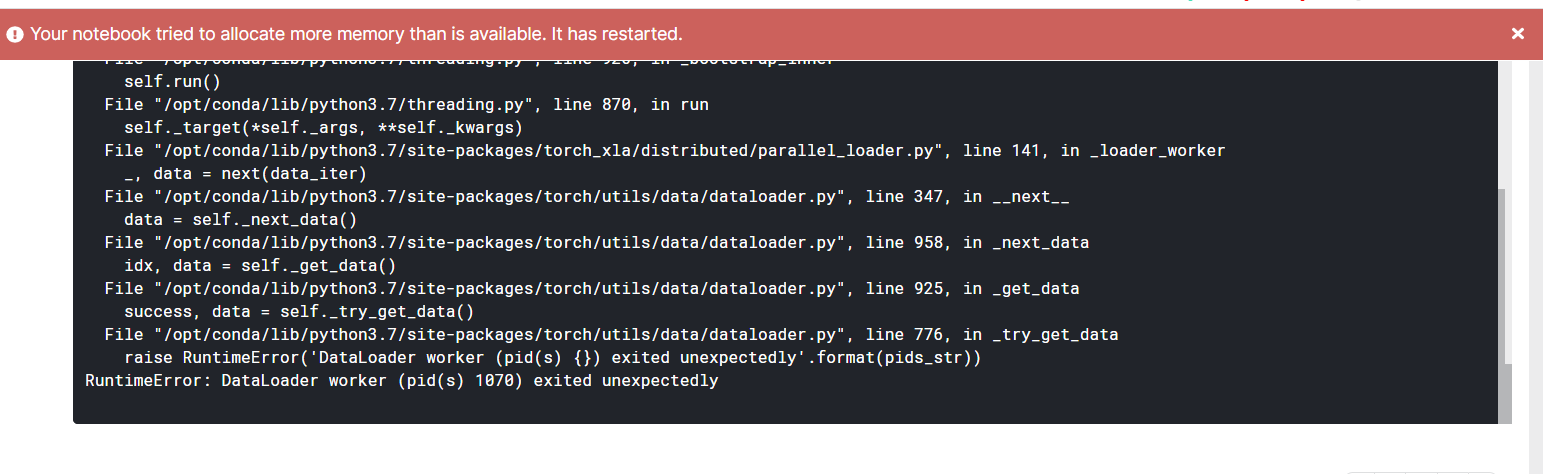
This looks to be more like a kaggle memory issue. Maybe try reducing the batch size? Also, to make the notebook public :)
 lezwon
on 10 Sep 2020
lezwon
on 10 Sep 2020
@lezwon are u asking me ?
 soumochatterjee
on 10 Sep 2020
soumochatterjee
on 10 Sep 2020
oh shoot :D. Accidently tagged someone else. Yep, I was referring to you :]
lezwon
on 10 Sep 2020
Tried batch_size of 512 but still its same ... i also tried to train this 98 GB dataset on Kaggle Gpu but getting cuda device-side assert error . Made the notebook public Have a look and please let me know where I am doing mistake
soumochatterjee
on 10 Sep 2020
The batch size of 1024 or 512 should be the problem. I tried with a batch size of 32. Seemed to work fine.
lezwon
on 10 Sep 2020
I cann't see any changes after changes.. only this thing is appearing
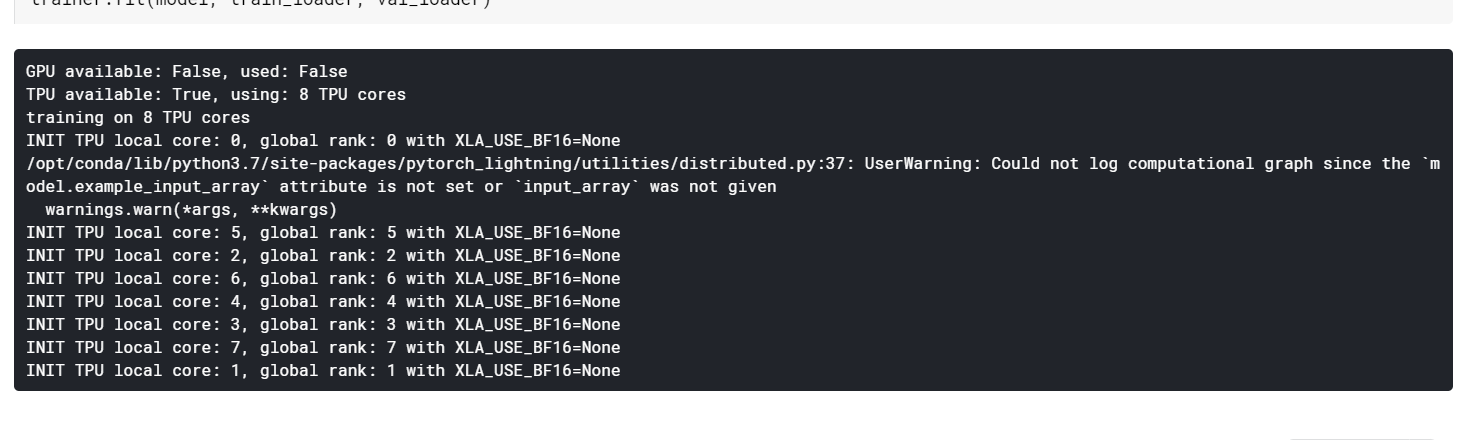
@lezwon Can u please post ur changes with the progress bar ...
soumochatterjee
on 10 Sep 2020
Try this one: https://www.kaggle.com/lezwon/landmark-detection
lezwon
on 10 Sep 2020
Thanks @lezwon Seems like it is training n
I saw you added these lines
!pip uninstall typing -y
!pip install -qU git+https://github.com/PyTorchLightning/pytorch-lightning.git
and changed the batchsize to 16 for the model to start training on tpu ????????
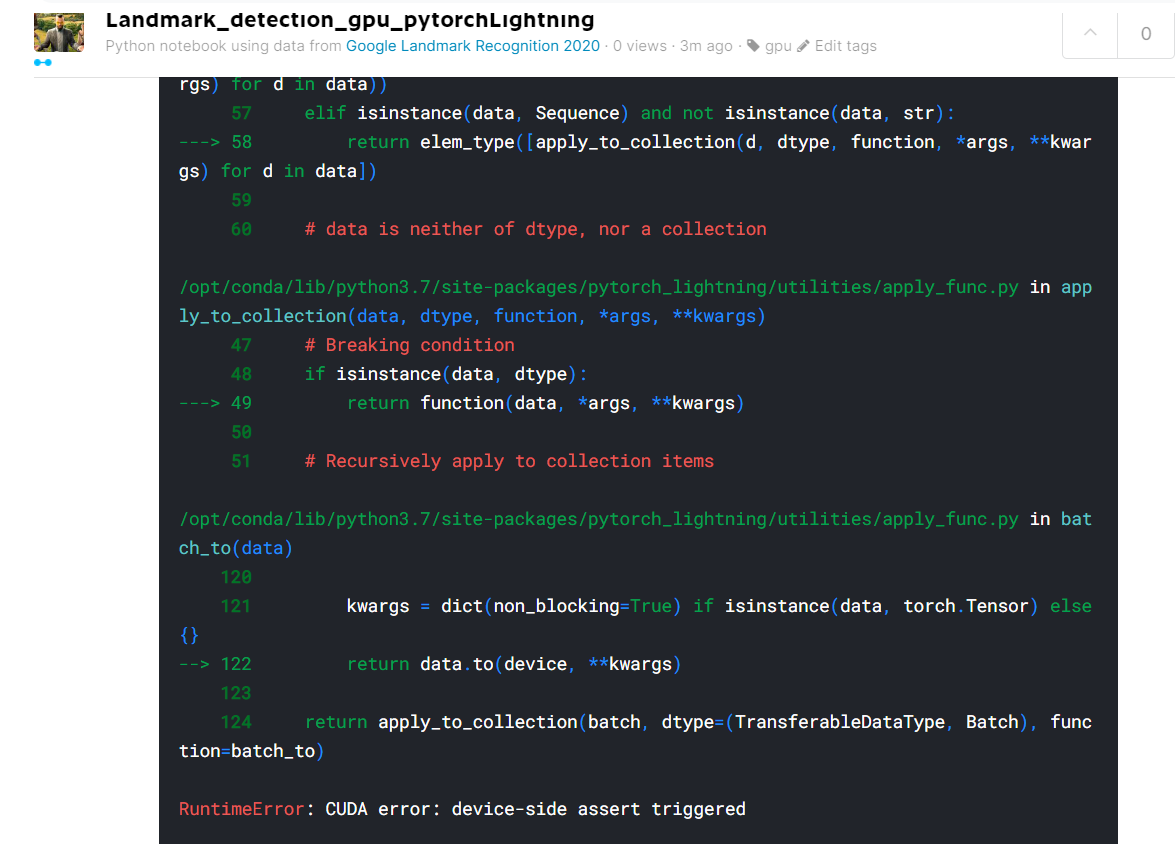
Also getting the RuntimeError: CUDA error: device-side assert triggered while running
this notebook on gpu
soumochatterjee
on 10 Sep 2020
I installed PyTorch lightning from master itself as the TPU support is more stable there. As for batch size, I faced an out of memory issue after a while when choosing 32. Hence 16.
lezwon
on 11 Sep 2020
@rohitgr7 any idea about the cuda error?
lezwon
on 11 Sep 2020
there shall not be anything about CUDA in TPU ran... mind trace it to the source?
Borda
on 11 Sep 2020
I think it occurs when he runs it on gpu.
lezwon
on 12 Sep 2020
@soumochatterjee just LabelEncode landmark_id, it will work.
Also, you need to fix this:
self.aug = albumentations.Compose([
                albumentations.Resize(img_height , img_width, always_apply = True) ,
                albumentations.Normalize(mean , std , always_apply = True),
                Cutout(),
                albumentations.ShiftScaleRotate(shift_limit = 0.0625,
                                                scale_limit = 0.1 ,
                                                rotate_limit = 5,
                                                p = 0.9)
            ])
since Cutout is not from albumentations here, you will get an error later on. You can use albumetations.Cutout().
 rohitgr7
on 12 Sep 2020
rohitgr7
on 12 Sep 2020
@soumochatterjee is your issue resolved?
lezwon
on 10 Oct 2020
Yes @lezwon thanks for all the help .
soumochatterjee
on 10 Oct 2020
Related issues
 maxime-louis
·
3Comments
maxime-louis
·
3Comments
 polars05
·
3Comments
polars05
·
3Comments
 edenlightning
·
3Comments
edenlightning
·
3Comments
 justusschock
·
3Comments
justusschock
·
3Comments
 monney
·
3Comments
monney
·
3Comments