Pyright: Unable to delete generated src/typestubs from VS Code
Describe the bug
Unable to delete generated src/typestubs from VS Code
To Reproduce
- Set up Pyright to generate stubs
- Generate stub for numpy
- in VS Code explorer right click on
typestubsfolder and clickDelete. - VS Code window hangs. Eventually you get
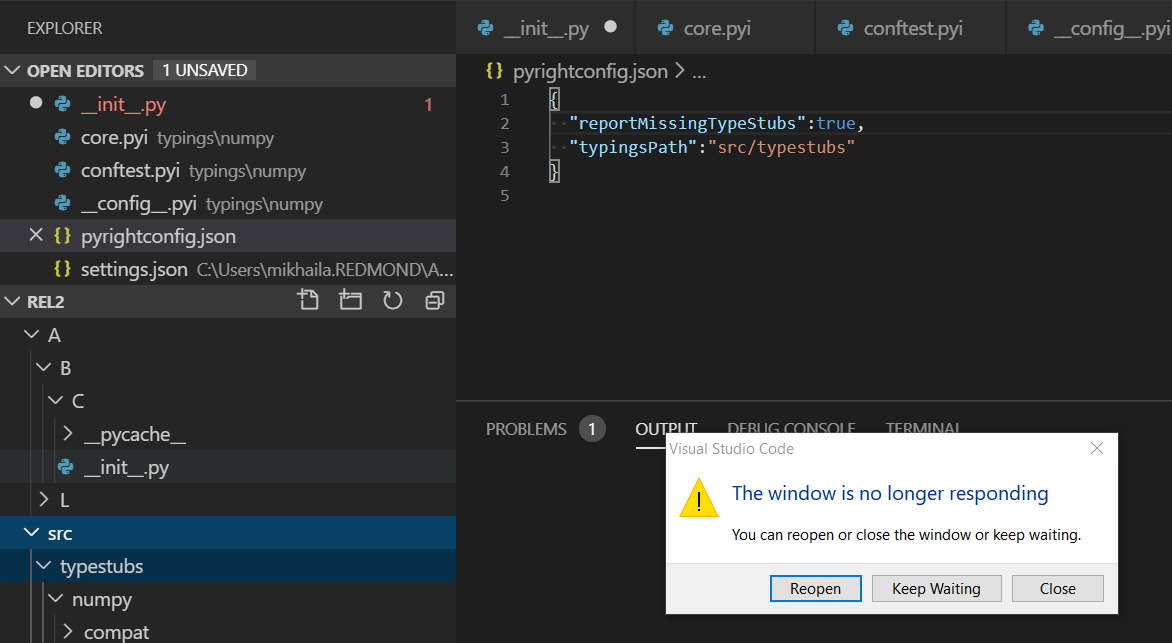
This is b/c deleting folder requires admin privileges and Windows popup appears UNDER VS Code

However, directory is still there
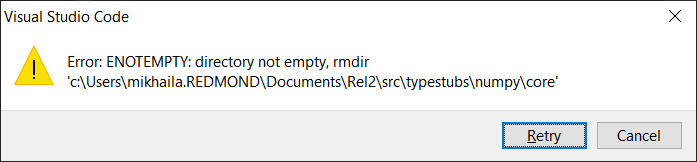
Expected behavior
Being able to delete the directory. It is part of the project tree and shouldn't require admin rights.
 MikhailArkhipov
All 11 comments
I doubt if this has to do with needing admin privileges. This is probably because a file is open, and the Windows file system won't allow a file to be deleted or moved to the recycling bin while it's open. (Note: MacOS behavior is different in this regard.) So the question here is why is a file being left open. I can't think of any place in pyright where this could happen. All type stubs are written synchronously using the "fs.writeFileSync" call in node. (See the _writeFile method in typeStubWriter.ts.)
Was this a one-time problem, or are you able to repro it? I do my dev work on a Mac. Sounds like you're using Windows, so it would be helpful if you're able to debug this and get additional clues.
 erictraut
on 14 Dec 2019
erictraut
on 14 Dec 2019
I was able to get it twice. The folder was partially deleted, but repeating operation just produced another 'not empty' message. Usually Windows yields proper 'file is in use' rather than request for elevation (which it did when I clicked 'Continue'). I'll check permission set on the folder next week.
MikhailArkhipov
on 14 Dec 2019
I get this all the time on Windows. To reproduce, I created a folder with:
pyrightconfig.json
{
    "include": [
        "."
    ]
}
test.py (this file probably does not matter)
from typing import Callable


def perform_request(build_req: Callable[[], str]) -> str:
    return "purr"


def make_api_request(auth: str) -> str:
    return "meow"


def testfunc() -> None:
    resp = open("test")
    auth = resp.read()

    def build_req():
        # switching out this line makes the error go away
        # def build_req() -> str:
        return make_api_request(auth=auth)

    resp = perform_request(build_req)
I then copied the extracted contents of https://github.com/glfw/glfw/releases/download/3.3/glfw-3.3.zip into that folder, waited a few seconds, and then tried to delete the glfw folder:
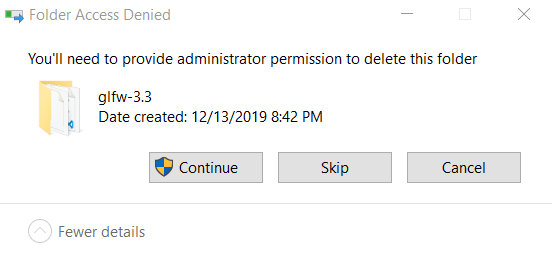
Hitting continue results in:
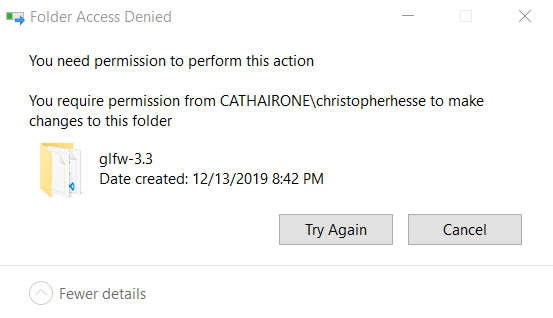
For as long as I've been willing to hit "Try Again"
The only solution I have found is to exit VSCode before deleting the folder, which fixes it instantly.
Looking at process explorer shows that one particular VSCode process has a bunch of file handles open within that directory:
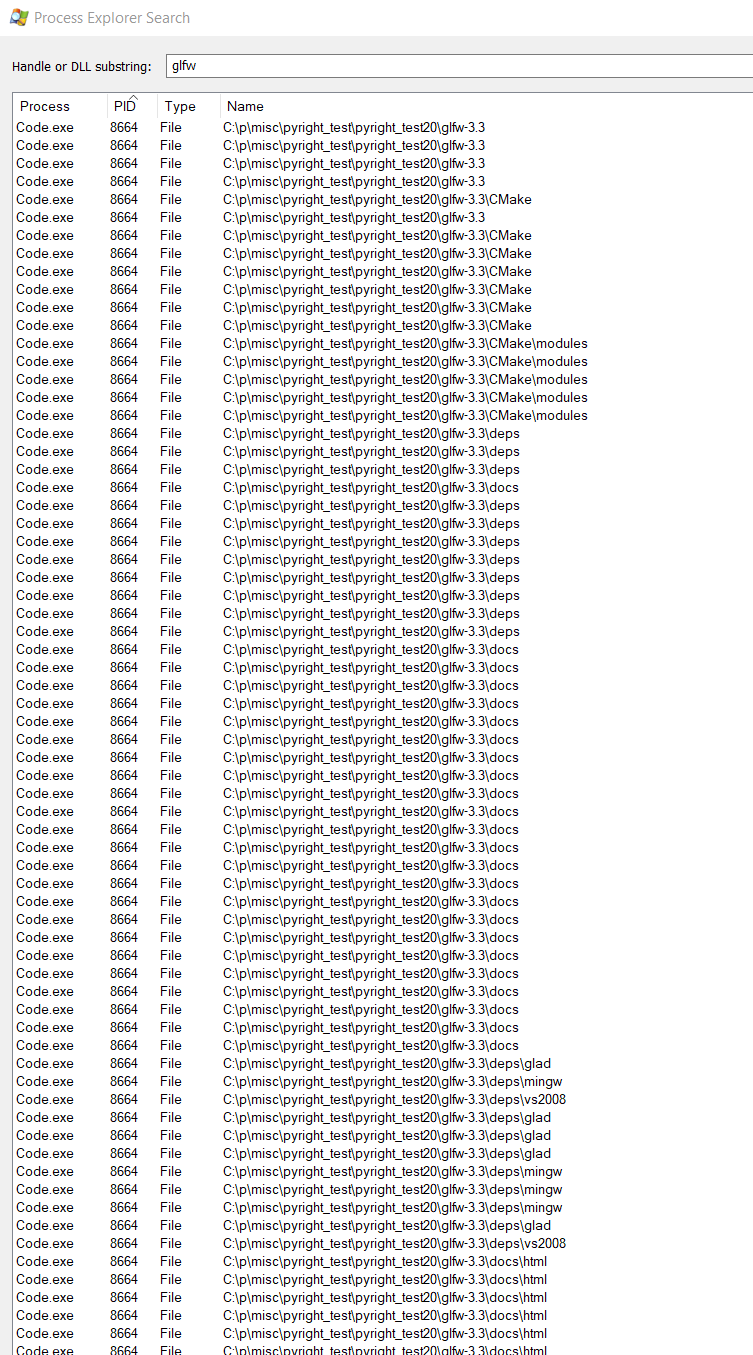
Disabling pyright also fixes the issue.
 christopher-hesse
on 14 Dec 2019
christopher-hesse
on 14 Dec 2019
I confirmed this has nothing to do with type stub generation. It's because of the file system watchers that pyright installs.
I'm seriously considering abandoning the use of file system watchers completely within the VS Code extension. (I'd still want to use them for the command-line version of pyright when "--watch" is specified.) These file system watchers are causing lots of problems on different platforms.
erictraut
on 14 Dec 2019
I've disabled the file system watchers for source files in the VS Code extension.
erictraut
on 14 Dec 2019
We have been having issues with them in MPLS as well. I am planning to turn off FS watch by default.
MikhailArkhipov
on 14 Dec 2019
IIRC the LSP provides file watching functionality, so it'd be better to shove this off to the client where possible. VS Code already does file watching (hence why changing a file on disk will update the explorer, editor, etc) without breaking when you modify/delete stuff.
 jakebailey
on 14 Dec 2019
jakebailey
on 14 Dec 2019
The most important usage of file watchers in pyright is to support "--watch" mode in the command-line version. This can't depend on VS Code infrastructure or libraries.
erictraut
on 14 Dec 2019
Sure, but I think a scheme of "I'm in the editor, use LSP; I'm in the terminal, use [builtin watcher]" isn't incompatible. The fact that VS Code can watch files without negatively affecting them with handles is significant as well (for trying to solve the watcher issues overall).
jakebailey
on 14 Dec 2019
Yeah, that's a reasonable approach. Incidentally, VS Code struggles with file watching as well. It uses the same library that I use in pyright ("chokidar"). I've been in contact with the VS Code team to get their advice, and they said that they continue to run into problems on certain platforms with certain conditions (most notably with large directory and file counts). Presumably, they've spent more time on workarounds and bug fixes, so it's better to leverage their implementation when it's available.
erictraut
on 14 Dec 2019
This should be fixed in 1.1.11 if you are using the default "onlyOpenFiles" option. If you've manually set this setting to "false", the file system watcher is still in place, and you'll still see this behavior.
erictraut
on 19 Dec 2019
Related issues
 giyyapan
·
3Comments
giyyapan
·
3Comments
 nupanick
·
3Comments
nupanick
·
3Comments
 tg137
·
3Comments
tg137
·
3Comments
 dbrattli
·
3Comments
dbrattli
·
3Comments
 tamuhey
·
3Comments
tamuhey
·
3Comments