Pwndbg: Fail to run setup.sh in Ubuntu 20.04
Description
I can't execute setup.sh.
I think it would be because python2 is deprecated.

Steps to reproduce
Run setup.sh in Ubuntu 20.04.(Maybe WSL)
My setup
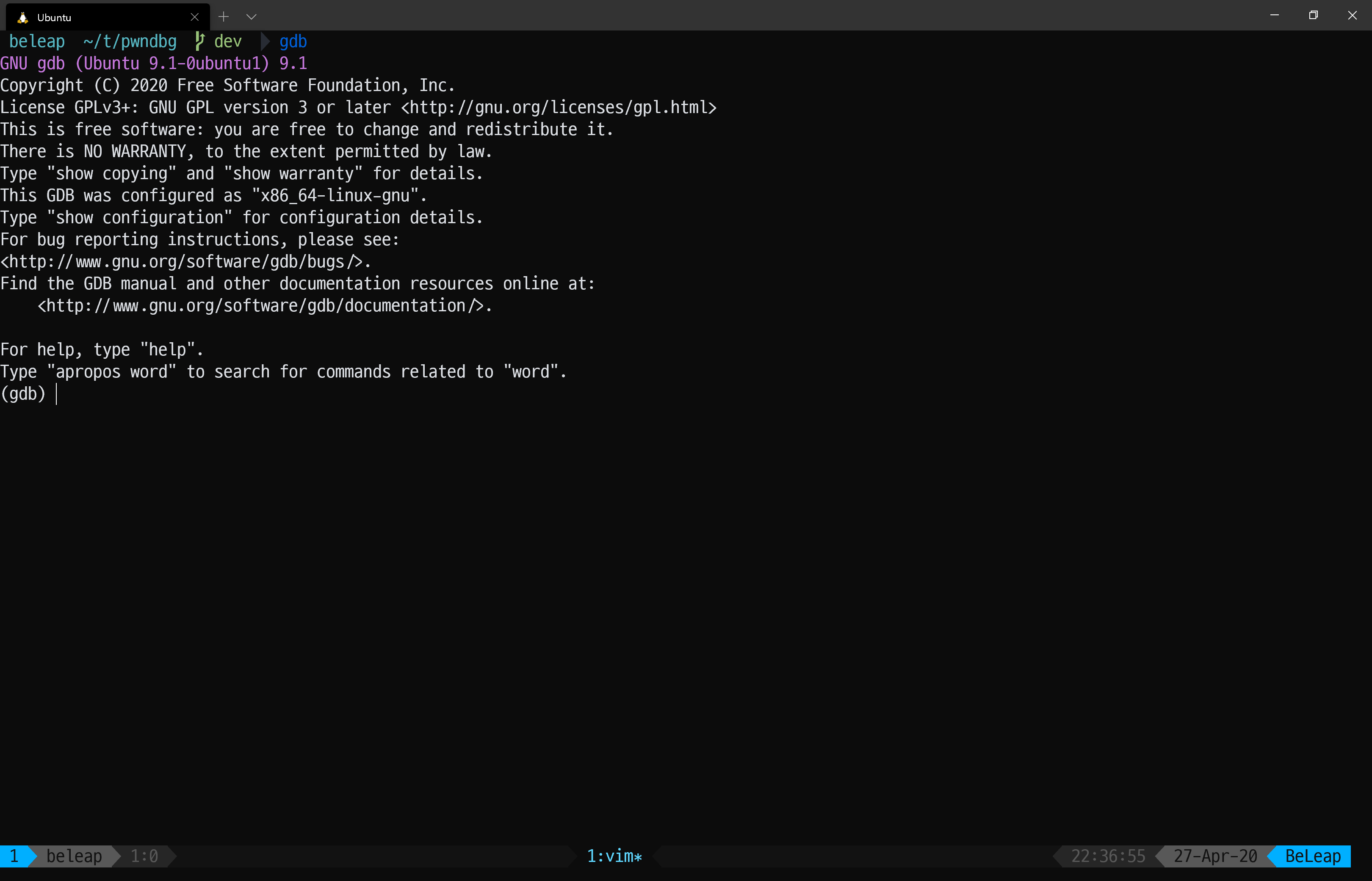

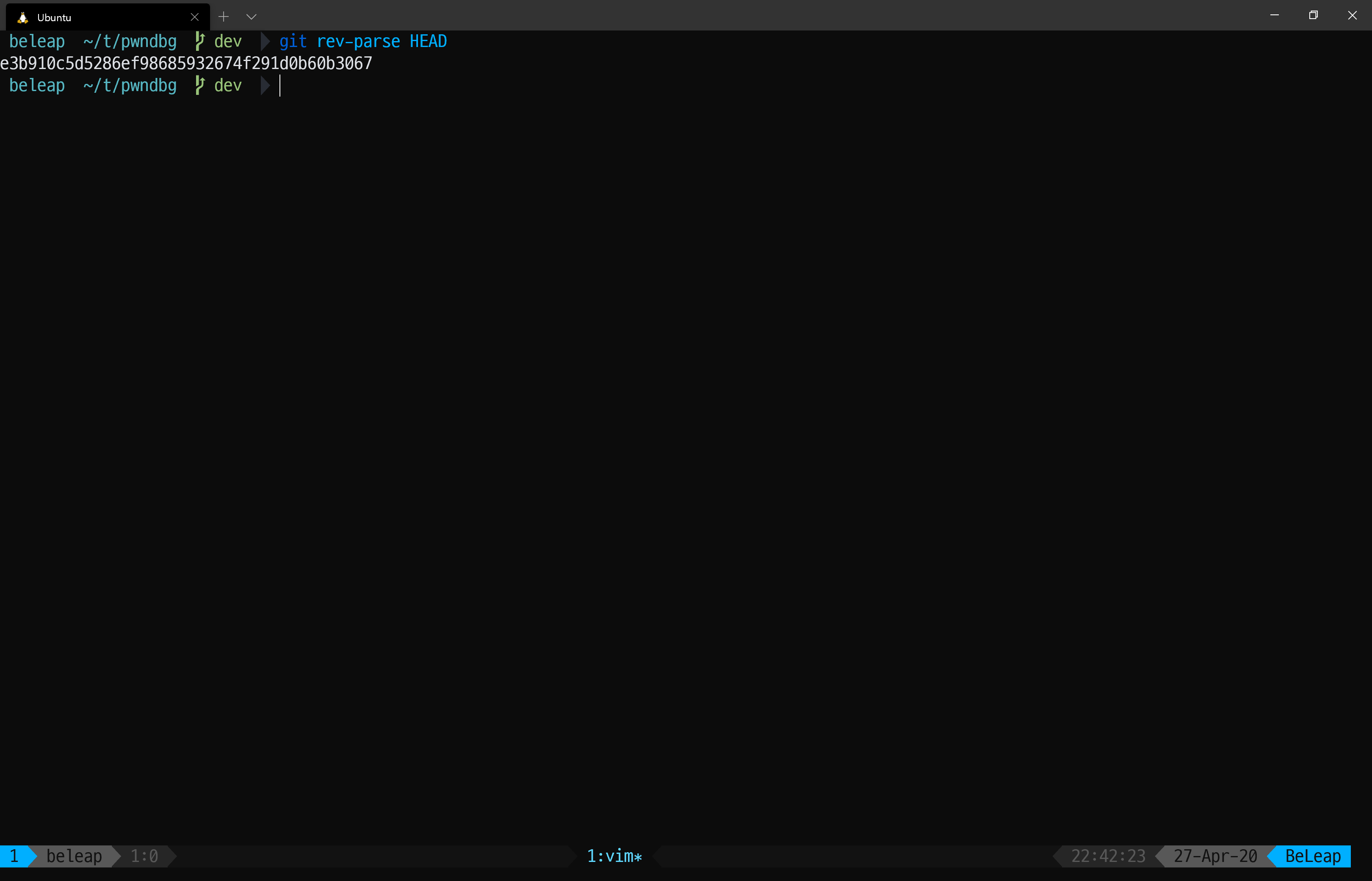
bug
 BeLeap
👍2
All 4 comments
I see the same on my end:
Step 85/93 : RUN bash -ex ./setup.sh
 ---> Running in 47f3658b4268
+ set -ex
+ '[' -f /.dockerenv ']'
+ hash sudo
+ PYTHON=
+ INSTALLFLAGS=
+ osx
+ uname
+ grep -i Darwin
+ '[' '' == --user ']'
+ PYTHON='sudo '
+ linux
+ uname
+ grep -i Linux
++ grep '^ID=' /etc/os-release
++ cut -d= -f2
++ sed -e 's/"//g'
+ distro=ubuntu
+ case $distro in
+ install_apt
+ sudo apt-get update
sudo: setrlimit(RLIMIT_CORE): Operation not permitted
Hit:1 http://archive.ubuntu.com/ubuntu focal InRelease
...
Get:28 http://archive.ubuntu.com/ubuntu focal-backports/multiverse amd64 c-n-f Metadata [116 B]
Traceback (most recent call last):
  File "/usr/lib/cnf-update-db", line 26, in <module>
    col.create(db)
  File "/usr/lib/python3/dist-packages/CommandNotFound/db/creator.py", line 93, in create
    self._fill_commands(con)
  File "/usr/lib/python3/dist-packages/CommandNotFound/db/creator.py", line 127, in _fill_commands
    self._parse_single_commands_file(con, fp)
  File "/usr/lib/python3/dist-packages/CommandNotFound/db/creator.py", line 165, in _parse_single_commands_file
    suite=tagf.section["suite"]
KeyError: 'suite'
 zachriggle
on 27 Apr 2020
zachriggle
on 27 Apr 2020
After removing the python-pip install from setup.sh and adding testresources to requirements.txt it seems to be working fine for me on Ubuntu 20.04 LTS.
https://github.com/blurbdust/pwndbg/commit/1c89b462b8d2d84de629617bdcb1182d098efd33
 blurbdust
on 29 Apr 2020
blurbdust
on 29 Apr 2020
👍3
This should work now.
 disconnect3d
on 4 May 2020
disconnect3d
on 4 May 2020
FYI. This worked for me (using Ubuntu for Arm):
sudo apt purge command-not-found
sudo apt --purge autoremove
sudo bash -c 'apt update && apt full-upgrade && apt autoremove && apt clean'
It's not ideal.
 danger89
on 13 Jan 2021
danger89
on 13 Jan 2021
Was this page helpful?
0 / 5 - 0 ratings
Related issues
 carstein
·
9Comments
carstein
·
9Comments
 danielnehrig
·
4Comments
zachriggle
·
6Comments
danielnehrig
·
4Comments
zachriggle
·
6Comments
 GrosQuildu
·
8Comments
GrosQuildu
·
8Comments
 kiror0
·
4Comments
kiror0
·
4Comments
Most helpful comment
After removing the
python-pipinstall fromsetup.shand addingtestresourcestorequirements.txtit seems to be working fine for me on Ubuntu 20.04 LTS.https://github.com/blurbdust/pwndbg/commit/1c89b462b8d2d84de629617bdcb1182d098efd33