Pwa-studio: [feature]: "price" attribute to "price_range"
Is your feature request related to a problem? Please describe.
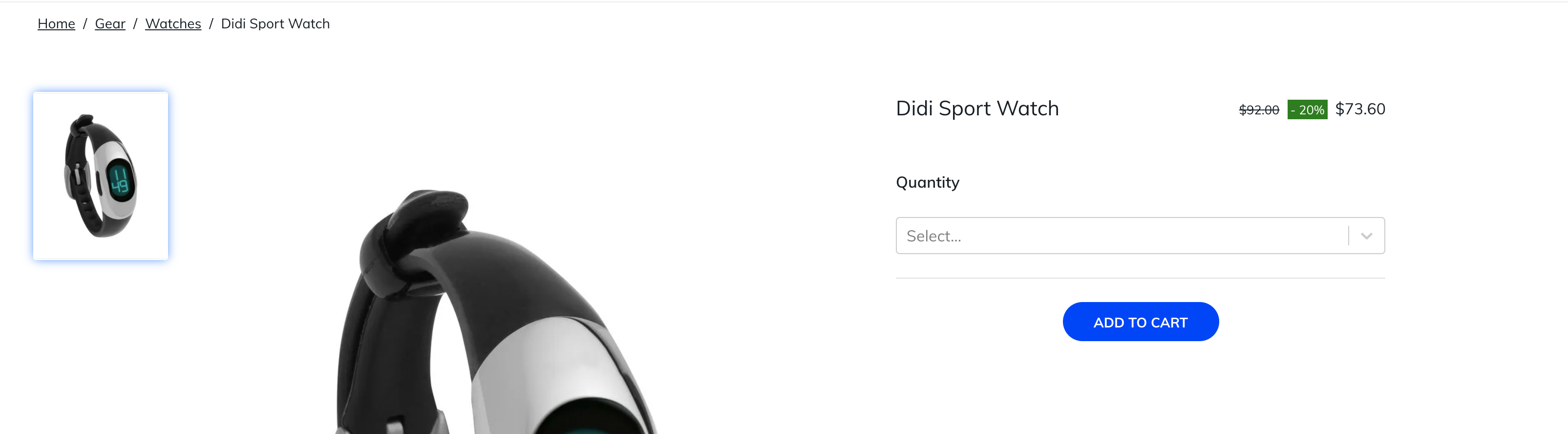
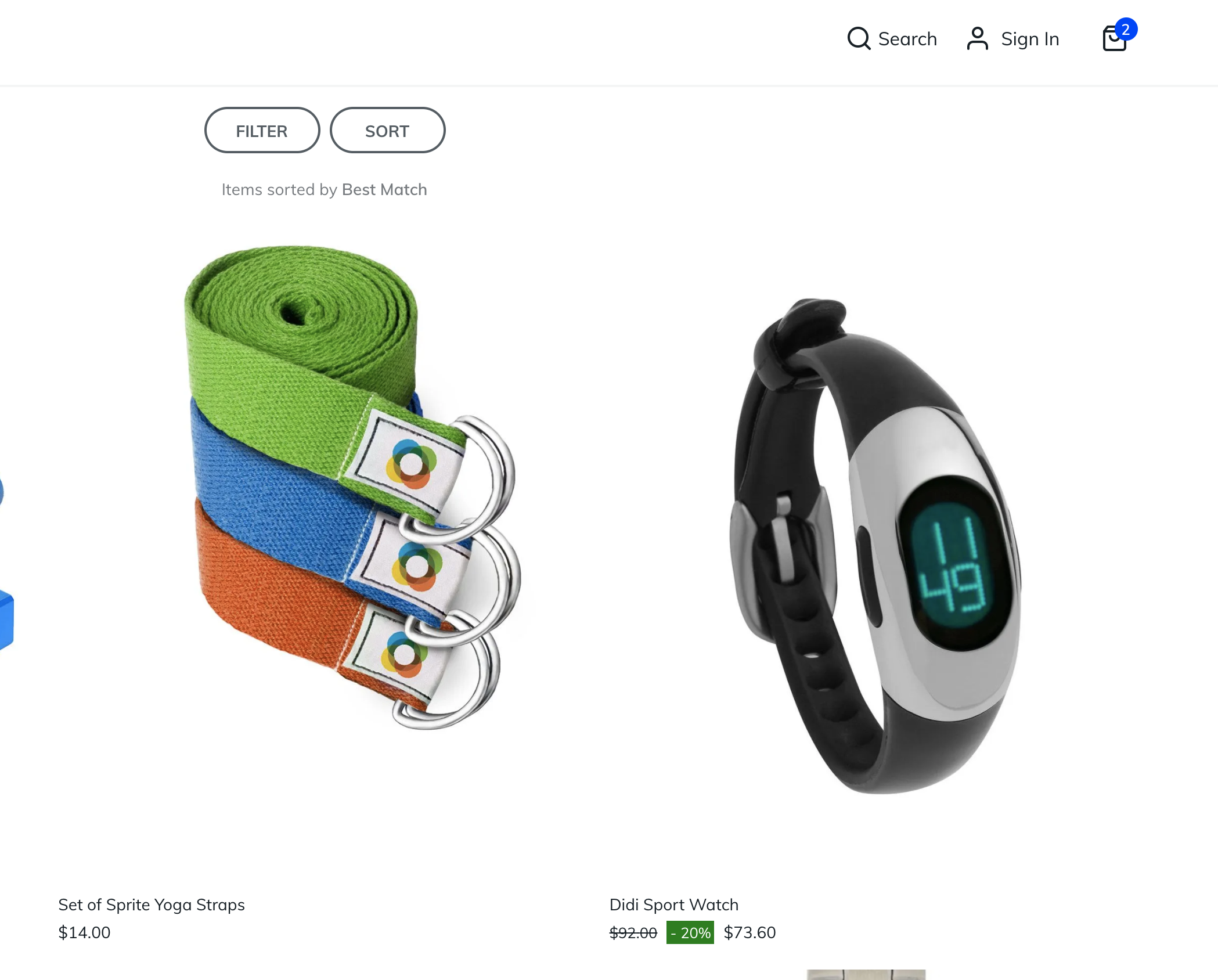
I would like to use features like discounts, special prices, minimum and maximum prices. Therefore I suggest we need to create a new
Describe the solution you'd like
When there is a discount or special price, I would like to see this on the category-, product-page and in the search.
Also when the product contains a different minimum or maximum price, show this on the category-, product-page and the lowest price in the search
Describe alternatives you've considered
none
Additional context
Please let us know what packages this feature is in regards to:
- [x]
venia-concept - [x]
venia-ui - [ ]
pwa-buildpack - [ ]
peregrine - [x]
pwa-devdocs - [ ]
upward-js - [ ]
upward-spec - [ ]
create-pwa
 KevinGorjan
All 7 comments
Hi @KevinGorjan. Thank you for your report.
To help us process this issue please make sure that you provided sufficient information.
Please, add a comment to assign the issue: @magento I am working on this
- Join Magento Community Engineering Slack and ask your questions in #github channel.
![m2-assistant[bot] picture](https://avatars0.githubusercontent.com/in/27048?v=4&s=40) m2-assistant[bot]
on 17 Nov 2020
m2-assistant[bot]
on 17 Nov 2020
@schensley can you take a look? We should add this to our special pricing/promos work. Thanks! 👍
 ericerway
on 17 Nov 2020
ericerway
on 17 Nov 2020
To add, we may want to have this scope encompass _all_ areas of venia that use price:
- cart
- mini cart
- product page
- order page
- search page
- search box (autocomplete results)
- category page.
- wishlist
 sirugh
on 17 Nov 2020
sirugh
on 17 Nov 2020
as I checked price_rage documentation, so :
- Should we use maximum_price or minimum_price or both?
- Which mockup or design UX for situations display price(discount, promotion rule, ...) ?
 huykon
on 20 Nov 2020
huykon
on 20 Nov 2020
@jcalcaben can you take a look at the docs question? Thanks!
ericerway
on 20 Nov 2020
as I checked price_rage documentation, so :
- Should we use maximum_price or minimum_price or both?
- Which mockup or design UX for situations display price(discount, promotion rule, ...) ?
Hi @huykon
I think we should use the minimum_price for simple products.
When it comes to configurable products, we add the maximum_price
For example this GraphQL query.
query productDetailBySku($sku: String) {
  products(filter: { sku: { eq: $sku } }) {
    items {
      __typename
      name
      sku
      price_range {
        minimum_price {
          final_price {
            value
            currency
          }
        }
      }
      ... on ConfigurableProduct {
        price_range {
          maximum_price {
            final_price {
              value
              currency
            }
          }
        }
      }
    }
  }
}
the response is like
{
  "data": {
    "products": {
      "items": [
        {
          "__typename": "ConfigurableProduct",
          "name": "Teton Pullover Hoodie",
          "sku": "MH02",
          "price_range": {
            "minimum_price": {
              "final_price": {
                "value": 50,
                "currency": "USD"
              }
            },
            "maximum_price": {
              "final_price": {
                "value": 70,
                "currency": "USD"
              }
            }
          }
        }
      ]
    }
  }
}
Based on this, you need to some comparing on the frontend 😉
Is this some sort correct @jcalcaben ?
KevinGorjan
on 20 Nov 2020
@jcalcaben @ericerway can you give me an exactly answer?
huykon
on 24 Nov 2020
Related issues
 senthil134
·
7Comments
senthil134
·
7Comments
 revanth0212
·
6Comments
revanth0212
·
6Comments
 henktheunissen
·
7Comments
henktheunissen
·
7Comments
 supernova-at
·
3Comments
supernova-at
·
3Comments
 subhajyotiint
·
3Comments
subhajyotiint
·
3Comments
Most helpful comment
as I checked price_rage documentation, so :