Pulseeffects: [Theme] Dark mode "Adwaita-dark" bad contrast and visualizer bars
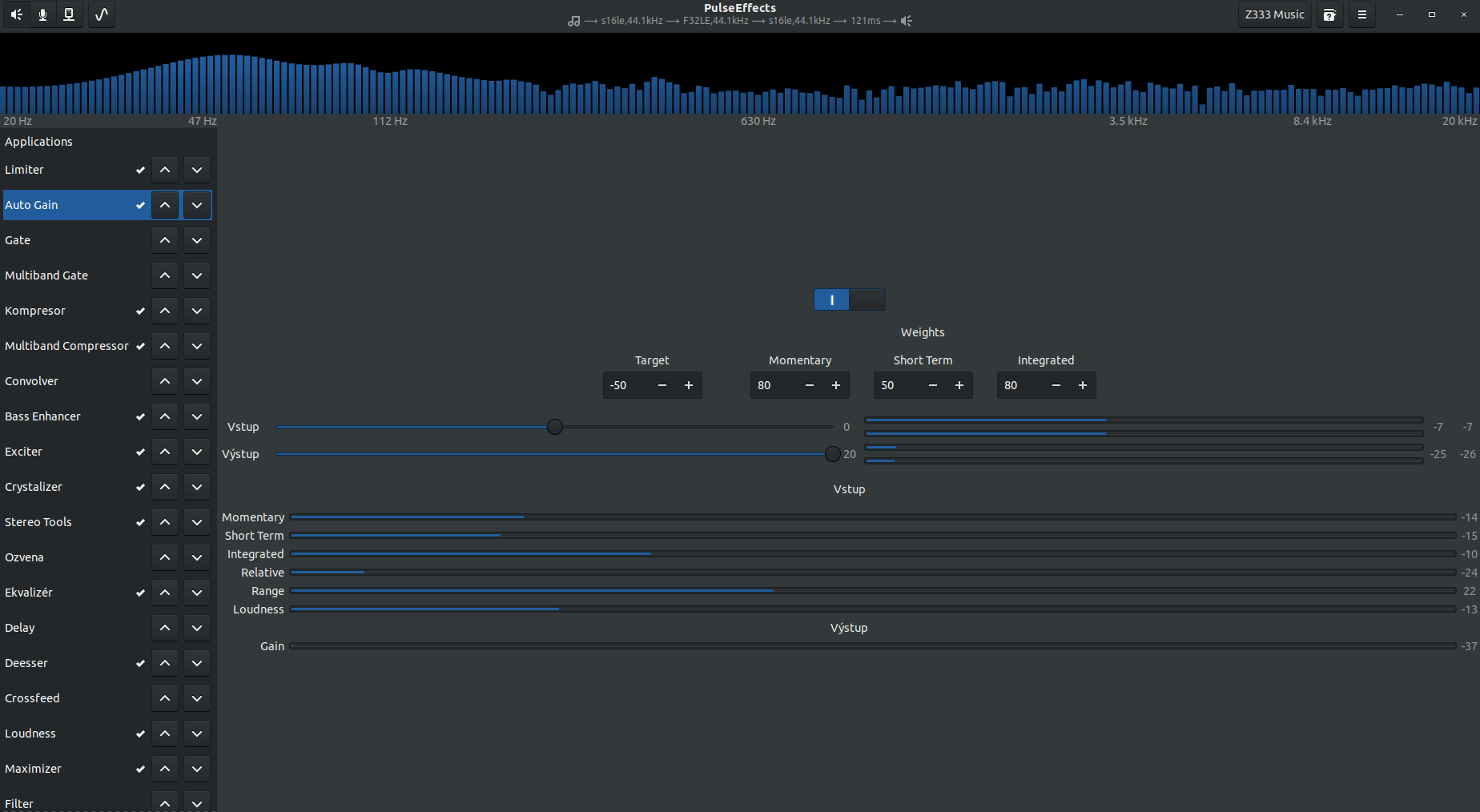
can't change back,... in white (Adwaita) mode, I have now dark blue bars instead orange/green/red (based on value).
 Mlocik97-issues
All 4 comments
I am not sure I understand. Do you mean you can not go back to the white theme? Did you disable Use Dark theme in the menu?
I have no control over the contrast or anything else in any theme. There is no theme customization in PE. This has to be reported to Adwaita developers. Only them can improve this.
 wwmm
on 13 Aug 2019
wwmm
on 13 Aug 2019
I can switch to white theme. But bars still have only blue color instead orange/green/red like I had before. And everything looks little different. I will try to create screenshots.
Dark mode automaticaly used that theme.
Mlocik97-issues
on 13 Aug 2019
When Use Dark Theme is changed in the menu all we do is tell GTK to switch between dark and non dark themes
settings->bind("use-dark-theme", Gtk::Settings::get_default().get(), "gtk_application_prefer_dark_theme", flag);
everything else is done by GTK. Including deciding which dark theme is going to be used.
wwmm
on 13 Aug 2019
I see, but how I can change it back?
Oh I found it...
~$ rm -rf .gnome .gnome2 .gconf .gconfd .metacity
~$ gsettings set org.gnome.desktop.wm.preferences theme "Ambiance"
~$ gsettings set org.gnome.desktop.interface gtk-theme "Ambiance"
So solved.
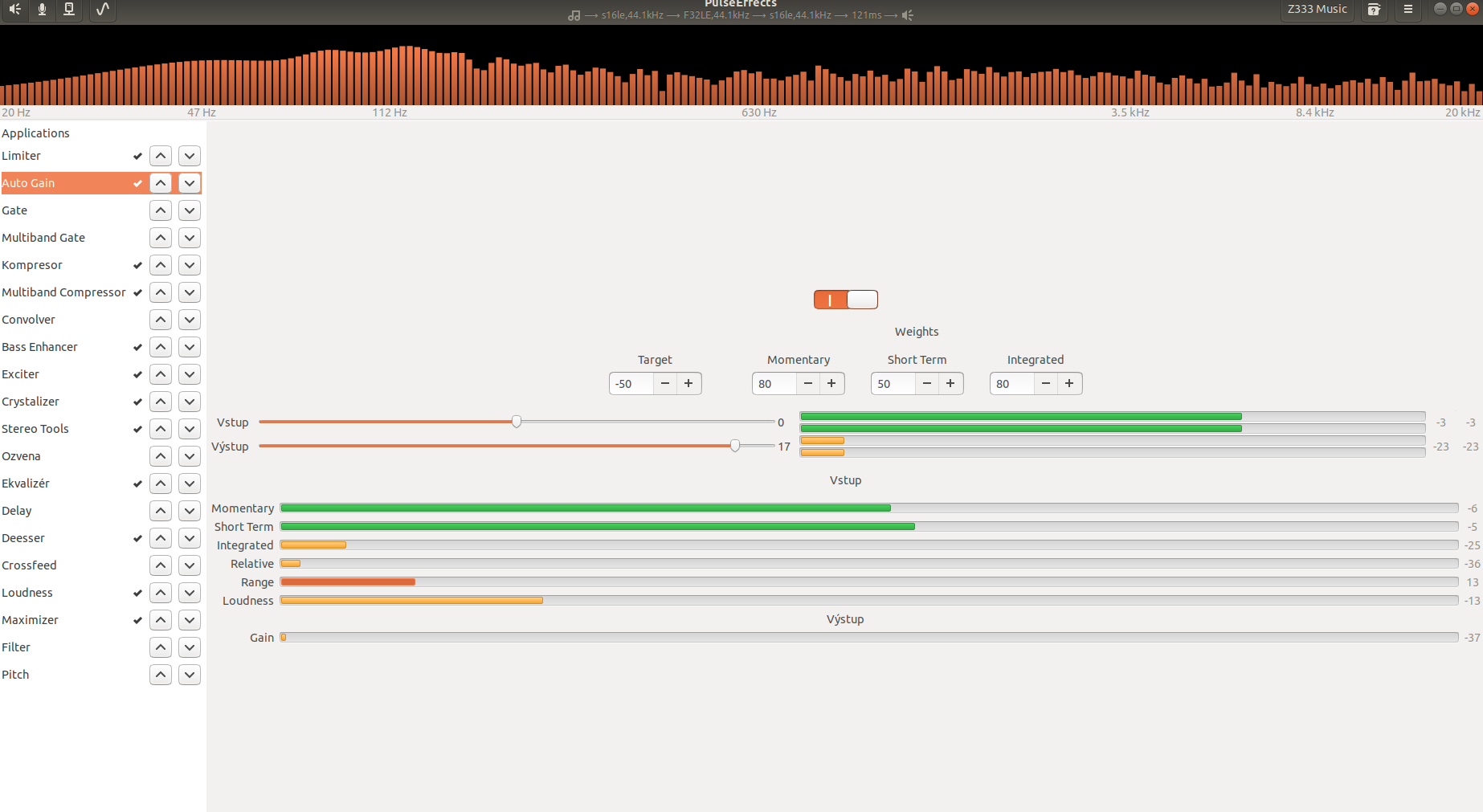
Mlocik97-issues
on 14 Aug 2019
Related issues
 Thinkaboutmin
·
4Comments
Thinkaboutmin
·
4Comments
 Ygarr
·
6Comments
Ygarr
·
6Comments
 Dodjob
·
5Comments
Dodjob
·
5Comments
 mbb78
·
3Comments
mbb78
·
3Comments
 marioortizmanero
·
5Comments
marioortizmanero
·
5Comments