Protractor: How to do Canvas Testing with Protractor
Hi,
I'm new to protractor, I need to test drawing on canvas. With Java in Selenium, I can able to simulate click and hold mouse button with clickAndHold() and as well as I can move mouse with moveMouseOffsetTo(). But how can we achieve this with Protractor ?
 KamalakannanPE
All 5 comments
You're looking for the browser.actions() api: http://angular.github.io/protractor/#/api?view=webdriver.WebDriver.prototype.actions and https://code.google.com/p/selenium/source/browse/javascript/webdriver/actionsequence.js should get you started.
 juliemr
on 25 Sep 2014
juliemr
on 25 Sep 2014
Hi Julie,
Thanks for reply, but don't Protractor have option for testing on Canvas ? Like moveMouseToOffset(x,y), because mouseMove() in protractor won't work for this case.
KamalakannanPE
on 28 Sep 2014
Sorry Julie, I forgot to see the actual code page to see its params, after seeing
http://stackoverflow.com/a/25166881/3764306 this link, I saw the param... and its worked for me..
KamalakannanPE
on 28 Sep 2014
Hi @juliemr ,
I have a similar issue right now, I have this code to move the mouse:
let _el = element(by.css('.signature-pad'));
browser.actions().mouseDown(_el).perform();
return browser.actions().mouseMove(_el, {
x: 500,
y: 50
}).perform();
browser.actions().mouseUp().perform();
But in the signature pad, I didn't get any move of the mouse or any error, so I had to use a plugin to see the cursor position and I get this image in the report:
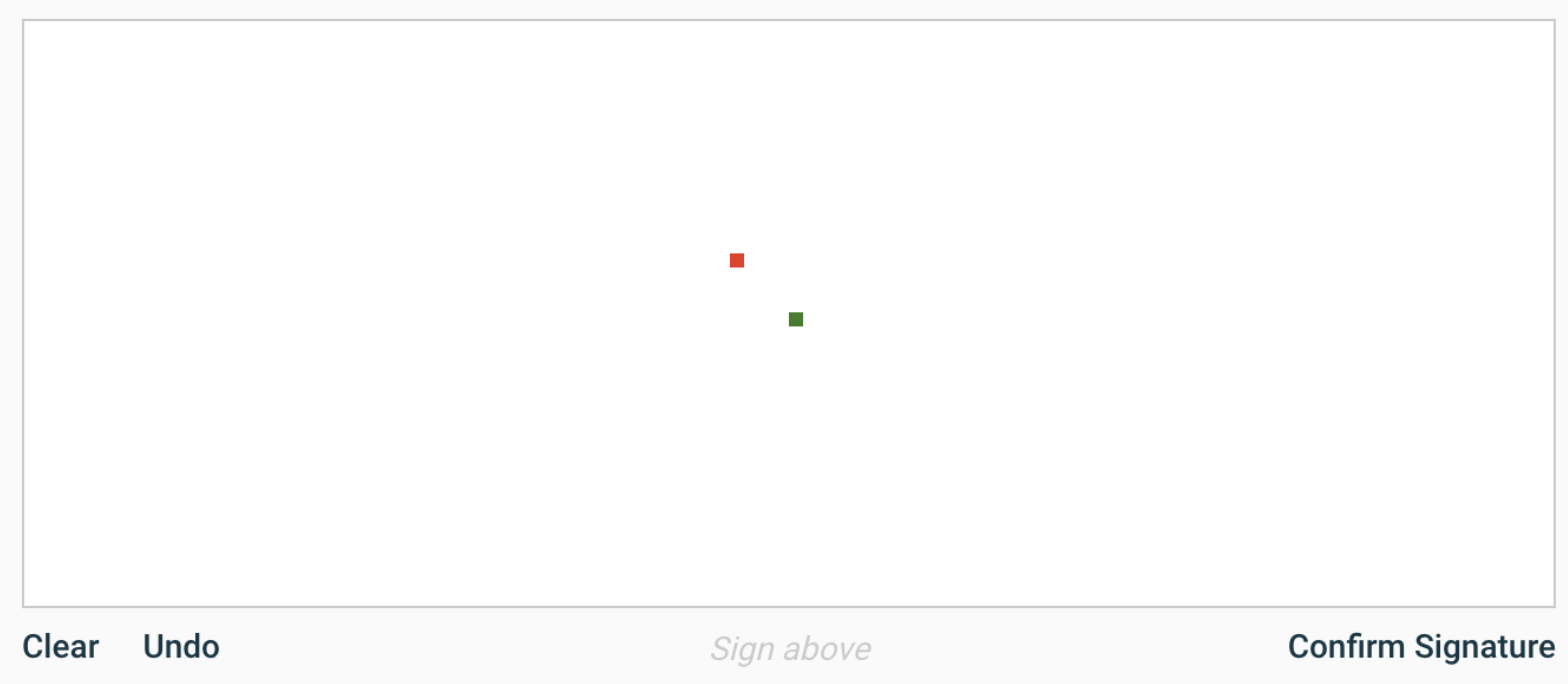
Could you suggest me any solution for this situation?. It would be great if you could help me with this, Thanks.
 djom202
on 18 Sep 2018
djom202
on 18 Sep 2018
Hey, @djom20
If your question is still relevant, this worked for me
private drawLine(canvasElement) {
    const actions = browser.actions();

    return actions
      .mouseMove(canvasElement, { x: 50, y: 50 })
      .perform()
      .then(() => actions.mouseDown(canvasElement).perform())
      .then(() => actions.mouseMove(canvasElement, { x: 250, y: 250 }).perform())
      .then(() => actions.mouseUp(canvasElement).perform());
  }
 why-not-andrew
on 25 Mar 2019
why-not-andrew
on 25 Mar 2019
Related issues
 gamecheck80
·
3Comments
gamecheck80
·
3Comments
 vdrulerz
·
3Comments
vdrulerz
·
3Comments
 vishalshivnath
·
3Comments
vishalshivnath
·
3Comments
 mvolkmann
·
3Comments
juliemr
·
3Comments
mvolkmann
·
3Comments
juliemr
·
3Comments
Most helpful comment
Hey, @djom20
If your question is still relevant, this worked for me