Compatibility Report
Name of the game with compatibility issues: Unravel Two
Steam AppID of the game: 1225570
System Information
GPU: RTX 2080
Driver/LLVM version: nvidia-vulkan-440.66.15
Kernel version: 5.6.15-arch1-1
Proton version: 5.0-8
I confirm:
[] that I haven't found an existing compatibility report for this game.
[] that I have checked whether there are updates for my system available.
Symptoms:
The game fails to start. this has multiple reasons:
origin fails to start correctly and crashes: #3937 ( current workaround is to remove kernel32.dll in the games wineprefix in either system32 or syswow64 - depends on the game - here system32)
the game fails to start anyway. it opens a white fullscreen, which turns black after a while. audio is working though (music). you have to kill the process here
 frostworx
All 20 comments
From the log:
14855.942:0a00:0bcc:err:gstreamer:unknown_type Could not find a filter for caps: "video/x-divx, divxversion=(int)4, framerate=(fraction)30/1, width=(int)1920, height=(int)1080"
14855.943:0a00:0bd0:err:gstreamer:unknown_type Could not find a filter for caps: "audio/mpeg, mpegversion=(int)4, rate=(int)48000, channels=(int)2, codec_data=(buffer)1190, framed=(boolean)true, level=(string)2, base-profile=(string)lc, profile=(string)lc, stream-format=(string)raw"
14855.943:0a00:0bc0:err:gstreamer:gstdecoder_init_gst Failed to play stream.
14855.943:0a00:0bcc:err:gstreamer:watch_bus decodebin0: Your GStreamer installation is missing a plug-in.
14855.943:0a00:0bcc:err:gstreamer:watch_bus ../../proton/gst-plugins-base/gst/playback/gstdecodebin2.c(4679): gst_decode_bin_expose (): /GstBin:bin0/GstDecodeBin:decodebin0:
no suitable plugins found:
Missing decoder: MPEG-4 AAC (audio/mpeg, mpegversion=(int)4, rate=(int)48000, channels=(int)2, codec_data=(buffer)1190, framed=(boolean)true, level=(string)2, base-profile=(string)lc, profile=(string)lc, stream-format=(string)raw)
Missing decoder: DivX MPEG-4 Version 4 (video/x-divx, divxversion=(int)4, framerate=(fraction)30/1, width=(int)1920, height=(int)1080)
[...]
14855.961:0a00:0bd0:err:gstreamer:watch_bus avidemux5: Internal data stream error.
14855.961:0a00:0bd0:err:gstreamer:watch_bus ../../proton/gst-plugins-good/gst/avi/gstavidemux.c(5780): gst_avi_demux_loop (): /GstBin:bin5/GstAviDemux:avidemux5:
streaming stopped, reason not-negotiated (-4)
 kisak-valve
on 9 Jun 2020
kisak-valve
on 9 Jun 2020
what is really strange is that gstreamer seems to escape its wineprefix here somehow.
at least there is a gstreamer-1.0 directory
in ..../steamapps/compatdata/1225570/
containing a 122157 byte registry.x86_64.bin
edit: for the records: gst-plugins-good-1.16.2-3 lib32-gst-plugins-good-1.16.2-1 are already installed.
frostworx
on 9 Jun 2020
 # strings registry.x86_64.bin  | head -n12
1.3.0
audioparsers
Parsers for various audio formats
/media/ssdeam/SteamLibrary/steamapps/common/Proton 5.0/dist/lib64/gstreamer-1.0/libgstaudioparsers.so
1.16.2
LGPL
gst-plugins-good
GStreamer Good Plug-ins source release
Unknown package origin
GstElementFactory
wavpackparse
metadata, long-name=(string)"Wavpack\ audio\ stream\ parser", klass=(string)Codec/Parser/Audio, description=(string)"Wavpack\ parser", author=(string)"Mark\ Nauwelaerts\ \<mark.nauwelaerts\@collabora.co.uk\>";

via https://bugzilla.redhat.com/show_bug.cgi?id=1472160#c16
the full registry.x86_64.bin blob as zip:
registry.x86_64.bin.zip
edit:
- neither removing V directory (with the videos)
- nor clearing Video/video_info.txt
- nor converting the videos quick&dirty with ffmpeg to some avis and overwriting the video files
didn't workaround this
(ffmpeg (and mpv) accept the input files though)
edit2: hope is low as UnravelTwo.exe is x86-64, but just compiling lib32-gst-libav (gst-libav already installed)
frostworx
on 9 Jun 2020
installing quartz and disabling winegestreamer fixes the issue! the game works :)
edit: Unravel 1 https://github.com/ValveSoftware/Proton/issues/3961 can't get to work with this workaround
frostworx
on 9 Jun 2020
I only observe the black screen after launch.
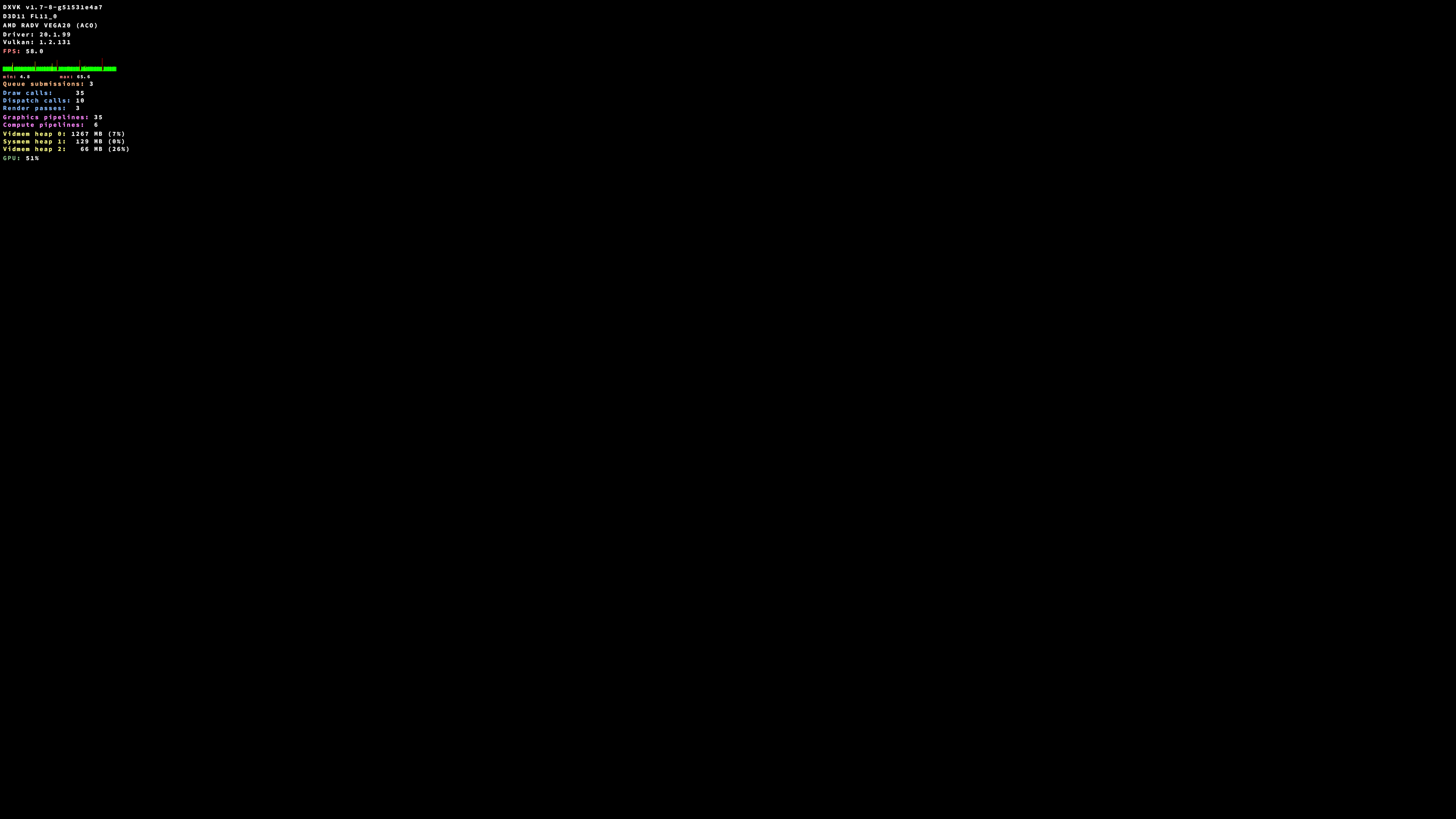
steam-1225570.log
 NTMan
on 12 Jun 2020
NTMan
on 12 Jun 2020
With proton 5.0-10-rc1 I still see only a black screen and hear the background music.

NTMan
on 25 Jun 2020
did you try "installing quartz and disabling winegestreamer" @NTMan ?
frostworx
on 25 Jun 2020
@frostworx I've tried it but it doesn't help. Did you do anything else except installing quartz and disabling gstreamer?
 avrilfanomar
on 30 Jul 2020
avrilfanomar
on 30 Jul 2020
Funny enough, I've got the game working by removing videos from "steamapps/common/UnravelTwo/D3D11/V". You can just watch them manually :)
Nothing else I've tried helped and I still saw gstreamer errors in log.
avrilfanomar
on 1 Aug 2020
@avrilfanomar no I haven't done anything else, but I haven't touched the game since I opened this issue, so maybe things changed since then.
frostworx
on 2 Aug 2020
@avrilfanomar just tried it again from scratch with a clean WINEPREFIX.
The game still works when quartz is installed, but only if
winegstreamer is disabled directly in winecfg or via regedit
looks like
WINEDLLOVERRIDES="winegestreamer=d"
alone doesn't work.
I'll add a "tweak config" in steamtinkerlaunch :)
frostworx
on 3 Aug 2020
I've tried disabling it with winecfg, but apparently that didn't work for me. Anyways thanks for help!
Also game is working for me way better with OpenGL (PROTON_USE_WINED3D=1 option).
avrilfanomar
on 3 Aug 2020
oh that is strange. which gfx card and drivers do you use, @avrilfanomar?
I'm running Radeon VII with mesa aco here
frostworx
on 3 Aug 2020
avrilfanomar
on 3 Aug 2020
so nvidia might be the problem indeed
frostworx
on 3 Aug 2020
@avrilfanomar just tried it again from scratch with a clean WINEPREFIX.
The game still works when quartz is installed, but only if
winegstreamer is disabled directly in winecfg or via regedit
looks like
WINEDLLOVERRIDES="winegestreamer=d"
alone doesn't work.
I'll add a "tweak config" in steamtinkerlaunch :)
function added in https://github.com/frostworx/steamtinkerlaunch/releases/tag/v1.0.0
and tweak config in https://github.com/frostworx/steamtinkerlaunch/commit/cb2ac7226c38f970acf33526cd7dde82414c2cf8
frostworx
on 3 Aug 2020
Unravel works with Proton 5.13-1, but Unravel Two still requires above tweak. Without thequartz override it draws a screen as shown here
frostworx
on 16 Oct 2020
Would be really nice if we can nail this entirely. I did the following.
- set Proton 5.0.10 as launcher
- click 'play' which leads me through the origin installer
- can't get further than a black screen so closed game.
- opened terminal and did WINEPREFIX=..... winetricks quartz
- WINEPREFIX=..... winetricks winecfg -- added winegstreamer as new override library and disabled
- WINEPREFIX=...... wine64 regedit -- imported the .reg file suggested by @frostworx .
To no avail. Still a black screen. Removing the videos helps!
Any chance anyone knows what I did wrong? If I get the solution I'll post it on protondb. Thanks!
 hcwinsemius
on 8 Nov 2020
hcwinsemius
on 8 Nov 2020
Just tested with a clean wineprefix and it doesn't work for me anymore as well.
Here already the horrible annoying Origin launcher fails though.
frostworx
on 9 Nov 2020
@frostworx thanks for testing! Ugh...yeah origin is still a pain I guess....I'll try again in case either proton or origin is updated. Will post here if I learn something new.
hcwinsemius
on 10 Nov 2020
Related issues
 ArekPiekarz
·
3Comments
ArekPiekarz
·
3Comments
 matou68
·
3Comments
matou68
·
3Comments
 raikirii
·
3Comments
raikirii
·
3Comments
 shaphanpena1
·
3Comments
shaphanpena1
·
3Comments
 ghost
·
3Comments
ghost
·
3Comments
Most helpful comment
function added in https://github.com/frostworx/steamtinkerlaunch/releases/tag/v1.0.0
and tweak config in https://github.com/frostworx/steamtinkerlaunch/commit/cb2ac7226c38f970acf33526cd7dde82414c2cf8