Print.js: Bootstrap class issue in latest chrome version
When using bootstrap 3.3.7 and any of the column utility classes (col-XX-XX) these tags will not be displayed in a print view.
Demo'd here: http://plnkr.co/edit/ggovSeSLm7RVpA7iAkNL
Issue just started occurring with the latest version of chrome (59.0.3071.86)
Local investigation reveals this to be an issue with the float style on these classes. If I change my bootstrap column utility classes to instead use (float: none;) then they appear in the print view.
 joster-dev
All 8 comments
Hey @joster422 , I tried the demo, and the print view shows exactly what it is no the demo. What browser and OS version are you using?
 crabbly
on 6 Jun 2017
crabbly
on 6 Jun 2017
Chrome - Version 59.0.3071.86 (Official Build) (64-bit)
Windows 10 - Professional 64bit
joster-dev
on 6 Jun 2017
Cool. I will try to test it Windows 10. I'm using Chrome in MacOS and it works as expected. Thx for pointing the float class scenario. The problem may be how the library selects with styles to use when printing the html.
crabbly
on 7 Jun 2017
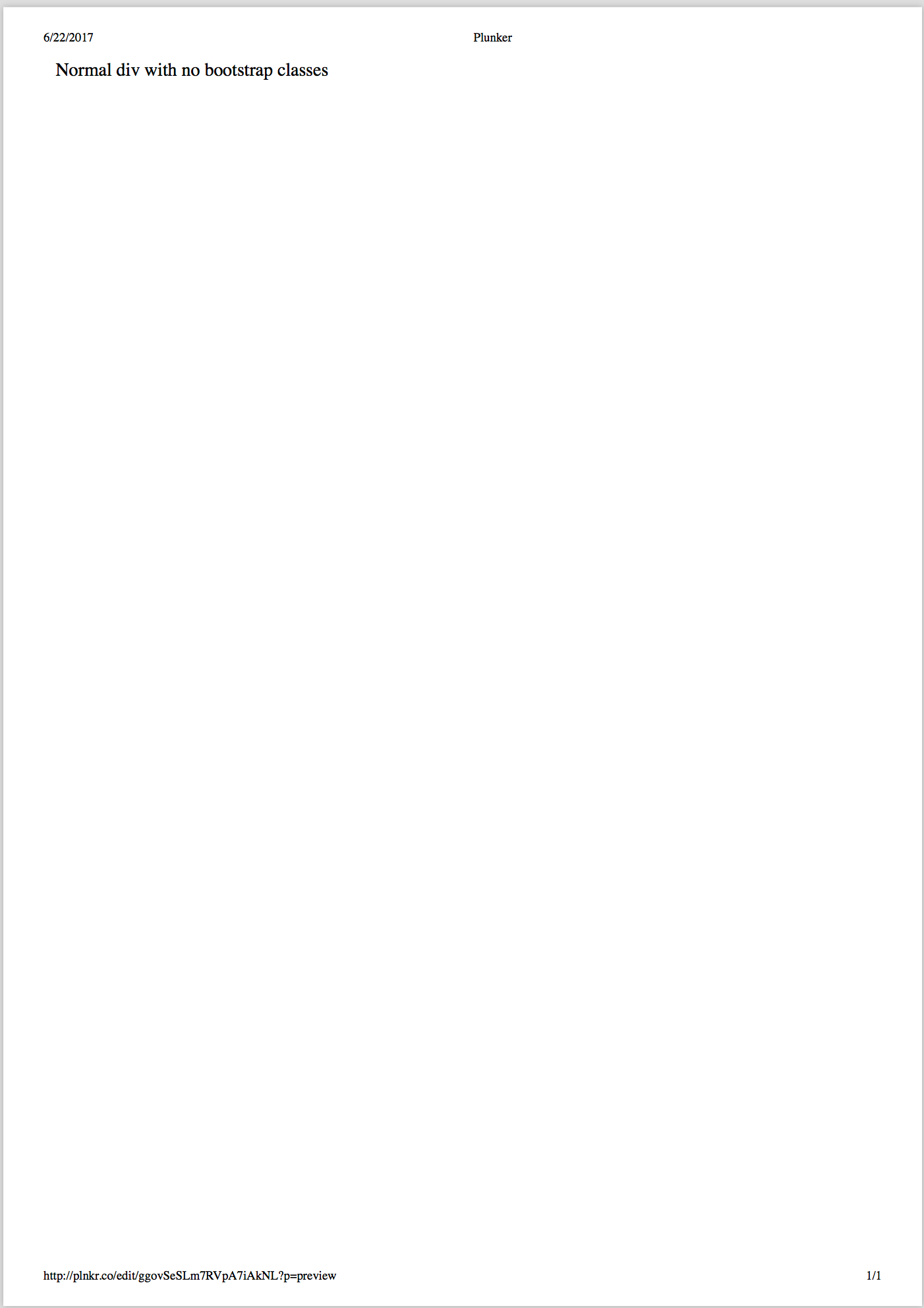
I can reproduce the issue on chrome 60 & mac os x 10.12. here's a screenshot of the the pdf I saved from the print dialog:
 jskrzypek
on 22 Jun 2017
jskrzypek
on 22 Jun 2017
I can able print in latest Chrome version by using a temporary fix.
In my Local investigation, I found the problem is with iframe. So Instead of printing using printJS, I directly printed whatever content with id "printJS-html" added to DOM by printJS using window.print() method
Here is code snippet used in ::
$('#btn_print').click(function(){
printJS('print_holder', 'html');
if(!!window.chrome && !!window.chrome.webstore){
const prtContent = document.getElementById("printJS-html");
document.getElementById('print_holder').parentNode.removeChild(prtContent);
const WinPrint = window.open('', '', 'left=0,top=0,width=800,height=900,toolbar=0,scrollbars=0,status=0');
WinPrint.document.write(prtContent.innerHTML);
WinPrint.document.close();
WinPrint.focus();
WinPrint.print();
WinPrint.close();
}
});
And I did a change in source code file html.js::
if (!Browser.isChrome()) {
  // Remove DOM printableElement
  printableElement.parentNode.removeChild(printableElement)

  // Store html data
  params.htmlData = addWrapper(printableElement.innerHTML, params)

  // Print html element contents
  Print.send(params, printFrame)
}
Demo Here:: http://plnkr.co/edit/GQmHob5BcRhEdz7KYw2b
 swamy526
on 30 Jun 2017
swamy526
on 30 Jun 2017
@swamy526 resolved using the method provided by @yuanwowo over in #59 because it involved less change. Thanks for the support!
joster-dev
on 7 Jul 2017
I found this issue to be related to the use of floats. Since bootstrap v3 grid columns use float, the layout was breaking with Chrome.
For now I just removed the support for float when printing html, untill a better solution is found.
Either way, I recommend the use of flexbox instead of floats.
crabbly
on 10 Oct 2017
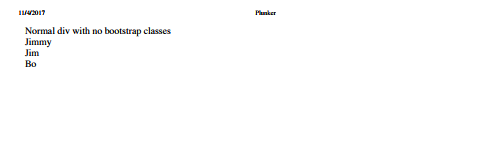
I'm closing this since this issue is not directly related to the library and / or Bootstrap, but instead, related to Chrome and float support. Since the latest release no long support floats, the data will be printed in Chrome, however, without the layout setup with floats. In the example above, this is the print result.
I'll keep issue #59 opened untill we can find a work around to support floats and Chrome.
crabbly
on 4 Nov 2017
Related issues
 Kreativschnittstelle
·
8Comments
Kreativschnittstelle
·
8Comments
 johnknoop
·
5Comments
johnknoop
·
5Comments
 PabloSzx
·
5Comments
PabloSzx
·
5Comments
 optone
·
8Comments
optone
·
8Comments
 galcott
·
7Comments
galcott
·
7Comments