Primeng: Prevent calendar to go out of viewport bounds
I'm submitting a ... (check one with "x")
[X] bug report => Search github for a similar issue or PR before submitting
[ ] feature request => Please check if request is not on the roadmap already https://github.com/primefaces/primeng/wiki/Roadmap
[ ] support request => Please do not submit support request here, instead see http://forum.primefaces.org/viewforum.php?f=35
Plunkr Case (Bug Reports)
http://plnkr.co/edit/ta6s9L
Current behavior
Initial calculation of Calendar overlay height is wrong, so overlay is positioned incorrectly. I believe this also applies to other overlays (DropDown, etc.).
Expected behavior
Overlay should be positioned correctly.
Minimal reproduction of the problem with instructions
Load the above Plunkr and focus the Calendar input. Note how it extends off the bottom of the screen. Now leave the Calendar focused and minimize the browser, then maximize it again. When the layout (and/or change detection?) runs again, this time the overlay height is calculated correctly and the overlay appears on top of the form field.
Debugging indicates the issue is likely here: https://github.com/primefaces/primeng/blob/master/components/calendar/calendar.ts#L821
When DomHandler runs absolutePosition(), it initially calculates the elementOuterHeight as something incorrect, like 78 pixels. During the second render, it correctly calculates it as 278 pixels. This is why the second render positions it correctly.
I'm not sure if this is a timing issue, or an issue with calculating the height before the overlay has been fully created.
I haven't had time to confirm, but it looks like the same issue appears with things like DropDown overlays. It may actually be affecting anything using an overlay.
What is the motivation / use case for changing the behavior?
The current behavior is incorrect.
Please tell us about your environment:
Win 10 x64, Chrome
Angular version: latest
PrimeNG version: 2.0
Browser: All
Language: TS 2.0.3
 brian428
All 19 comments
I can't seem to replicate the issue, can you post a video or similar.
 cagataycivici
on 2 Mar 2017
cagataycivici
on 2 Mar 2017
Hmm it happens every time I run the above Plunkr. Here are two screenshots. The first is the initial layout of the calendar field. The second is what happens when I click into the calendar field, and the calendar is rendered below (and off the screen) of the field, instead of being positioned above the field.


brian428
on 3 Mar 2017
Just to add, I'm testing it in both the latest Chrome and Firefox, with the same result in both browsers.
brian428
on 3 Mar 2017
I've got the same problem. Do you have any solution @brian428 ?
Thank you!
 VictorDeBlas
on 4 Apr 2017
VictorDeBlas
on 4 Apr 2017
No solution yet, other than I can stick some logging statements into the PrimeNG code and see the incorrect initial elementOuterHeight being used. I was going to try using CSS to force a minimum height on the overlay to see if that helped but haven't had a chance to try that yet.
brian428
on 4 Apr 2017
Just to confirm: if you run my Plunkr from above, do you see the same behavior? If so, I'm baffled as to why @cagataycivici is apparently not seeing the same behavior if he runs the Plunkr.
brian428
on 4 Apr 2017
The datepicker doesn't appear, but an error appears in console.
VictorDeBlas
on 4 Apr 2017
Looks like it is breaking with Angular 4...I'll try to update it so it works again (and demonstrates the issue).
brian428
on 4 Apr 2017
Ok, should be updated to use Angular 4 and PrimeNG 4-rc.2. Still showing the same sizing issue. http://plnkr.co/edit/ta6s9L?p=preview
brian428
on 4 Apr 2017
Now works for me.
VictorDeBlas
on 4 Apr 2017
And by "works", you mean you can see the calendar going off the bottom of the screen, right? Just making sure.
brian428
on 4 Apr 2017
Yes, works the plunkr, the error persists, but if you, for exemple, press the keyboard to change the tab, and then return, the calendar repositionates automatically.
VictorDeBlas
on 4 Apr 2017
@cagataycivici any progress on this? I've updated my Plunkr to RC4 but this initial bad size calculation continues to be a problem. Just run this Plunkr, click on the calendar input, and watch the calendar appear below the input (causing scrollbar to appear) instead of appearing above the input: http://plnkr.co/edit/ta6s9L?p=preview
brian428
on 27 Apr 2017
I'll review before monday's 4.0-Final release.
cagataycivici
on 28 Apr 2017
I can fix this but decided to do it for 4.0.1 due to amount of changes since we'll release 4.0 on 1st of may. 4.0.1 is due week after and this issue is not critical.
cagataycivici
on 30 Apr 2017
Sounds good, thanks!
brian428
on 30 Apr 2017
We are using 2.0.6 calendar in our project and also faced with the issue of calendar's popup placement.
After some code investigations we found that it can be fixed (mb naive proposal) by calling this.cd.detectChanges(); right after the following code this.overlayVisible = true; this.overlay.style.zIndex = String(++DomHandler.zindex);
Because content of #datepicker is depends of visibility.
https://github.com/primefaces/primeng/blob/2.0.6/components/calendar/calendar.ts#L42
https://github.com/primefaces/primeng/blob/2.0.6/components/calendar/calendar.ts#L61
Then when users trys to open picker in function showOverlay:
https://github.com/primefaces/primeng/blob/2.0.6/components/calendar/calendar.ts#L821
Size of overlay is calculated (line 823) before field overlayVisisble is set.
As a workaround you also could add height directly for calendar in-place (class ui-datepicker).
 dbVaspo
on 12 May 2017
dbVaspo
on 12 May 2017
Thanks, @cagataycivici !
brian428
on 15 May 2017
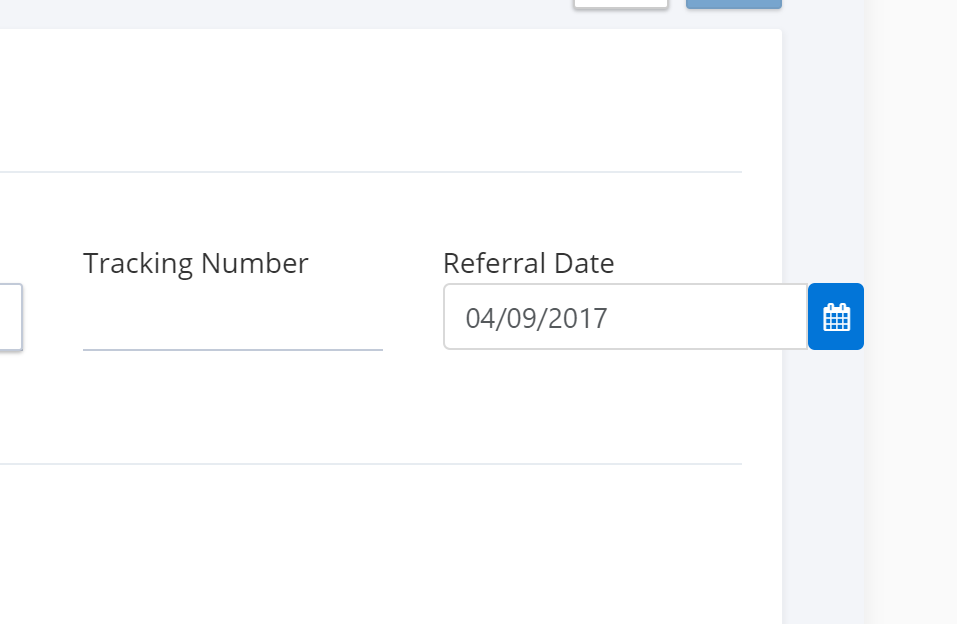
@brian428 @cagataycivici
I am not sure if this is the same issue I am facing:
Notice the Calendar would just stretch outside the container. I am using PrimeNG 4.1.1
Any idea? Thanks
 bhaidar
on 4 Sep 2017
bhaidar
on 4 Sep 2017
Related issues
 lilling
·
3Comments
lilling
·
3Comments
 jisqaqov
·
3Comments
jisqaqov
·
3Comments
 Faigjaz
·
3Comments
Faigjaz
·
3Comments
 philly-vanilly
·
3Comments
philly-vanilly
·
3Comments
 Helayxa
·
3Comments
Helayxa
·
3Comments
Most helpful comment
And by "works", you mean you can see the calendar going off the bottom of the screen, right? Just making sure.