Prestashop: Exception when adding a new discount with invalid amount - invalid discount
Describe the bug
In the BO => Orders => new migrated Order details page or legacy page when we add a new discount with an invalid amount for example -10 => an exception is displayed
To Reproduce
Steps to reproduce the behavior:
- Go to BO => Orders => new migrated Order details page
admin-dev/index.php/sell/orders/orders/5/viewor the legacy page - Click on "Add a new discount" button
2.1. Type = Amount
2.2. Value = -10 - Click Add
- See error
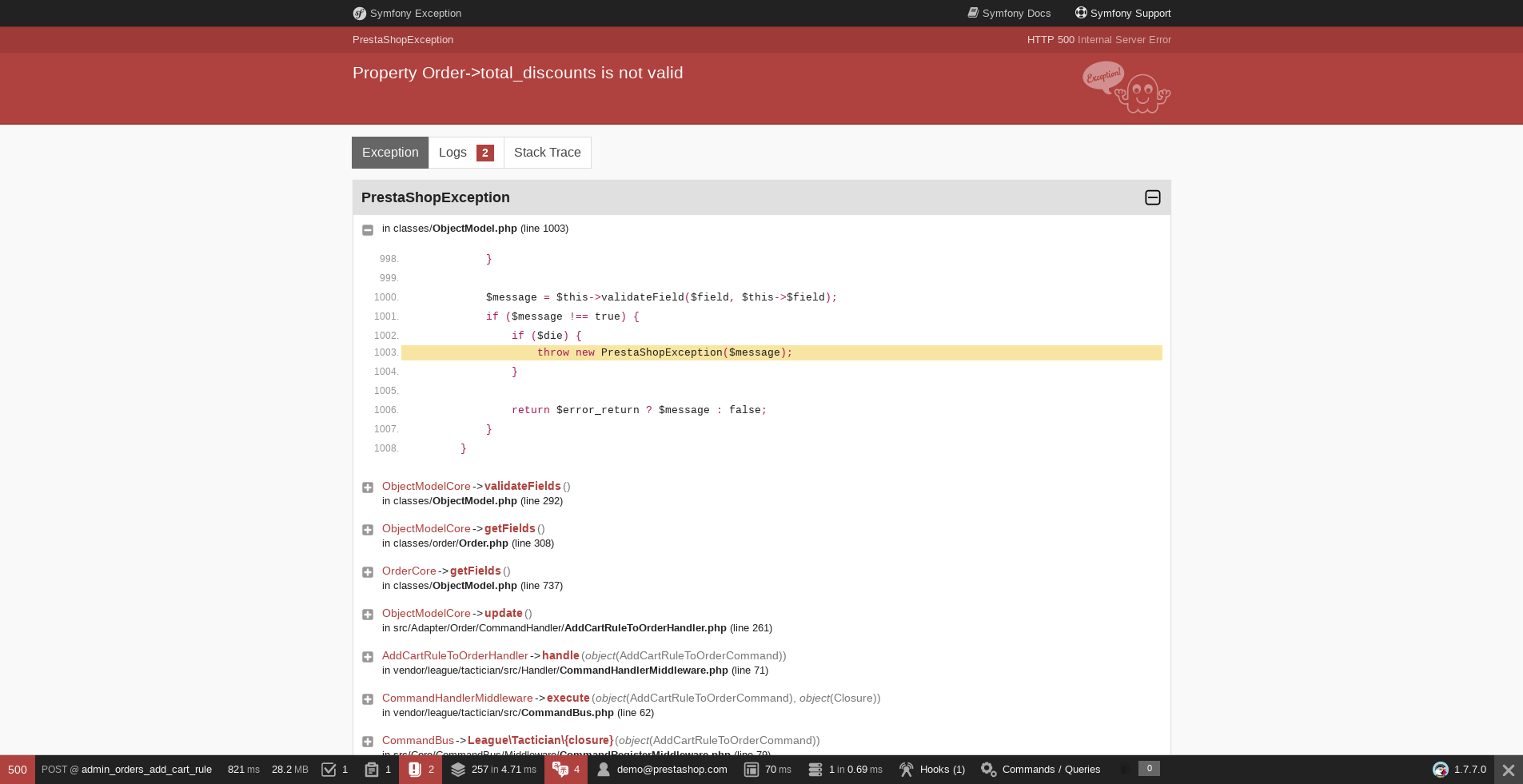
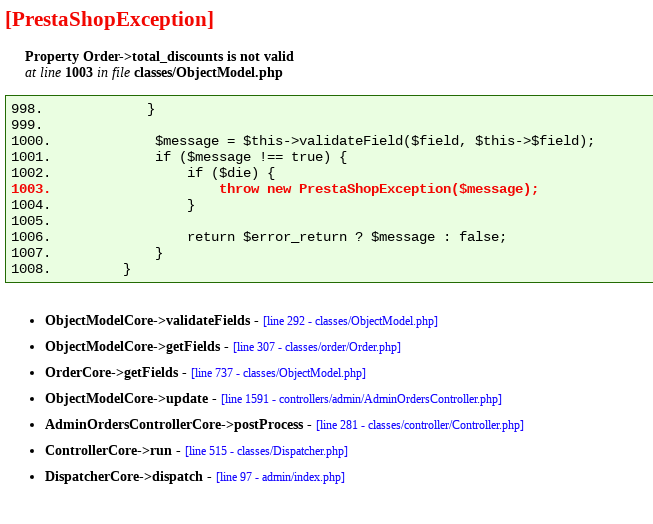
Additional information
PrestaShop version: 1.7.7.x, 1.7.6.3, 1.7.5.2
PHP version: 7.1
 khouloudbelguith
All 9 comments
Ping @colinegin new issue in the Order page
khouloudbelguith
on 19 Feb 2020
Hi,
Same issue with an invalid percent value
An exception detected when we add a new discount = -10%
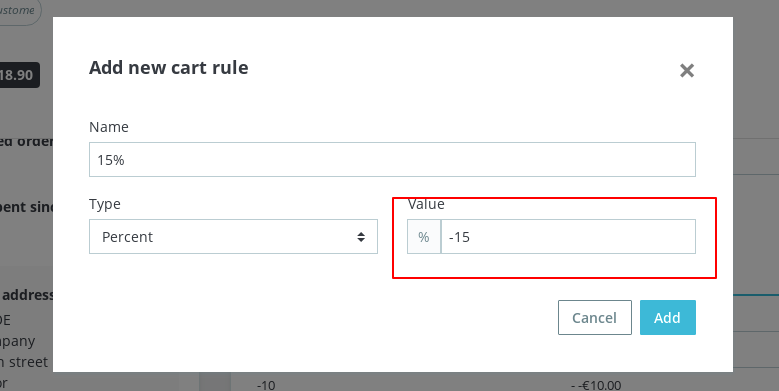

Reproduced with 177x branch, PS1.7.6.3 and PS1.7.5.2
Thanks!
khouloudbelguith
on 19 Feb 2020
Isn't this the same as this? https://github.com/PrestaShop/PrestaShop/issues/13809
 Hlavtox
on 20 Feb 2020
Hlavtox
on 20 Feb 2020
Hi @Hlavtox,
We have different exceptions:
13809: Property Order->total_paid is not valid
17747: Property CartRule->reduction_prcent is not valid / Property Order->total_discounts is not valid
They are not similar but they are just related.
Thanks!
khouloudbelguith
on 20 Feb 2020
The behaviour should be the same as in the cart rule page. When adding a discount value (in %) containing a "-", this error message is displayed :

And when adding a discount value (in amount) containing a "-", this error message is displayed :

So IMO we should be consistent and do the same in the order page.
After discussing with @TristanLDD and @LouiseBonnard the wording for error messages should be the same as in the cart rule page and the error message should be located on top of the order page. When a error occurs, the pop-up is closed and the user has to re-open it to add a cart rule.
 colinegin
on 26 Feb 2020
colinegin
on 26 Feb 2020
@colinegin, as long as we stay consistent and display the same error message when the same mistake is done, it suits me fine! :-)
 LouiseBonnard
on 26 Feb 2020
LouiseBonnard
on 26 Feb 2020
@atomiix, as @colinegin said, and especially if the error notification is displayed on the top of the page and not in the modal, I prefer to keep the wording consistent and use the same error notifications as in the cart rule page.
LouiseBonnard
on 26 Feb 2020
@LouiseBonnard @colinegin
Wouldn't it be better to go upfront the employee and just remove the minus from the input, so he can enter the discount with minus or not? Maybe it would be even easier to do and more comfortable for employees.
Because, when you look on it from the other side, the discount is really -15%, why should he be forced to enter positive value?
Hlavtox
on 26 Feb 2020
Fixed by #17852
 Progi1984
on 10 Apr 2020
Progi1984
on 10 Apr 2020
Related issues
 Prestaworks
·
3Comments
Prestaworks
·
3Comments
 vincent-dp
·
3Comments
vincent-dp
·
3Comments
 esistgut
·
3Comments
esistgut
·
3Comments
 marionf
·
3Comments
marionf
·
3Comments
 prestonBot
·
3Comments
prestonBot
·
3Comments